Since its first release, Faithful 64x has had a simple goal: to provide players around the world with a higher-resolution version of Minecraft. In this article, we will delve into the intricacies of the Faithful 64x texture pack, which quadruples all blocks and items in their resolution. One of the primary reasons why players download these textures is to expand beyond the features of the vanilla game. While Minecraft’s default textures are only 16x, some players crave higher resolution and more detailed 64x textures. If you like the style, also try Stevens Traditional texture pack. The creator Steven used the same resolution.
Faithful 64x texture pack is a project that was originally created by the user Vattic and has been maintained by numerous fans over the years. The pack is completely free and open-source, allowing players to enjoy it on various platforms, including Minecraft Java, Bedrock, MCPE, and Dungeons. One of the unique aspects of the project is its origin story. After further discussions with the original creator Vattic, the team behind Compliance 64x received permission to officially continue the pack under the Faithful 64x name. This rebranding reflects the team’s commitment to upholding the original vision of the project and continuing its legacy.
You can also download a wide range of add-ons and mod patches made by loyal fans. These Faithful 64x add-ons allow players to further customize their Minecraft world, adding new textures, animations, and features. The best ones are low fire, colored bow charging, and emissive ores. In addition to its extensive customization options, the Faithful 64x resource pack also boasts a supportive community of players and developers. The community is constantly engaged in providing feedback and suggestions to ensure that everything remains up-to-date. This collaborative spirit makes it a dynamic and evolving project.
All Faithful Versions
- Faithful 1×1
- Faithful 4×4
- Faithful 8×8
- Faithful 32×32
- Faithful 128×128
- Faithful 256×256
- Faithful 512×512
Faithful 64x was released on August 3, 2012 and is compatible with these Minecraft versions: 26.1.2 - 26.1.1 - 26.1 - 1.21.11 - 1.21.10 - 1.21.9 - 1.21.8 - 1.21.7 - 1.21.6 - 1.21.5 - 1.21.4 - 1.21.3 - 1.21.2 - 1.21.1 - 1.21 - 1.20.6 - 1.20.5 - 1.20.4 - 1.20.3 - 1.20.2 - 1.20.1 - 1.20 - 1.19.4 - 1.19.3 - 1.19.2 - 1.19.1 - 1.19 - 1.18.2 - 1.18.1 - 1.18 - 1.17.1 - 1.17 - 1.16.5 - 1.16.4 - 1.16.3 - 1.16 - 1.15.2 - 1.15 - 1.14.4 - 1.14 - 1.13.2 - 1.13 - 1.12.2 - 1.12 - 1.11.2 - 1.11 - 1.10.2 - 1.10 - 1.9.4 - 1.9 - 1.8.9 - 1.8 - 1.7.10 - 1.7.2 - 1.6.4 - 1.5.2 - 1.4.7 - 1.3.2 - 1.2.5
Video & Screenshots
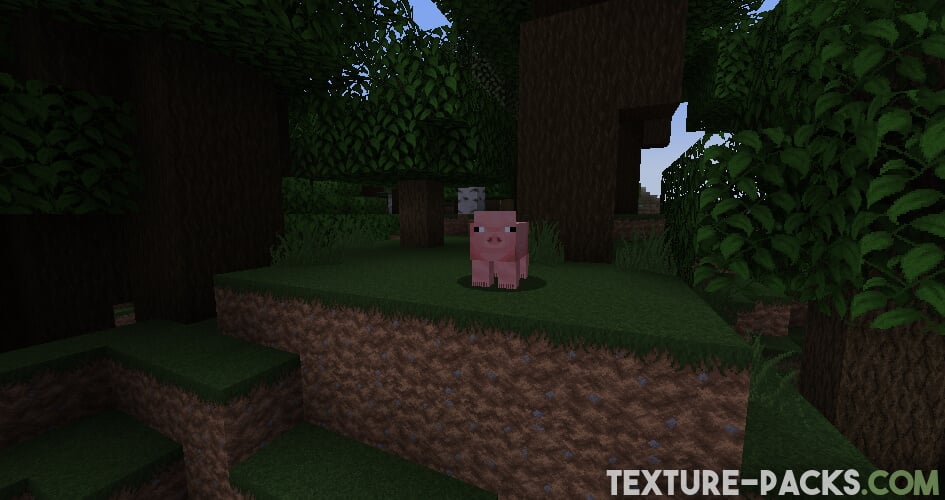
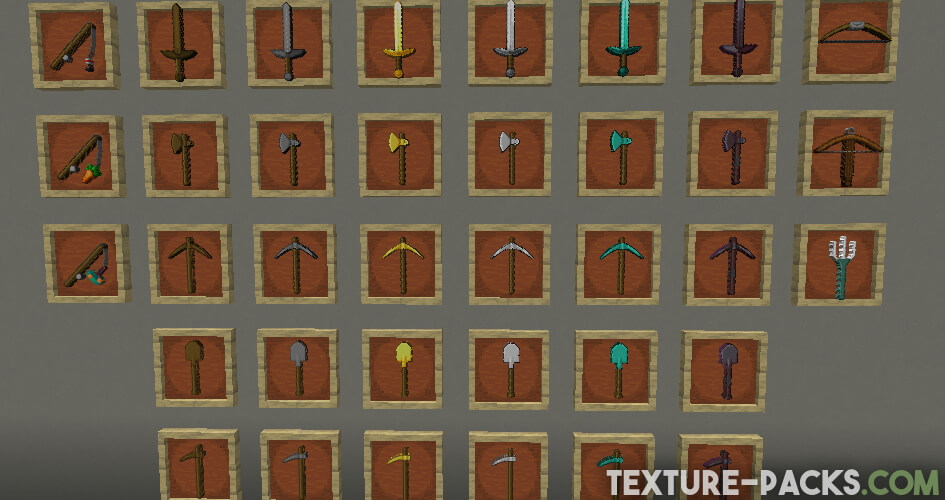
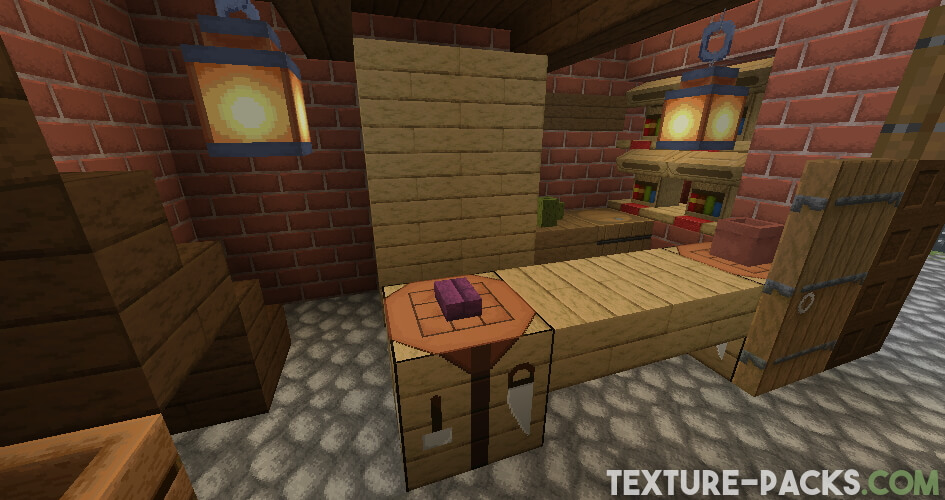
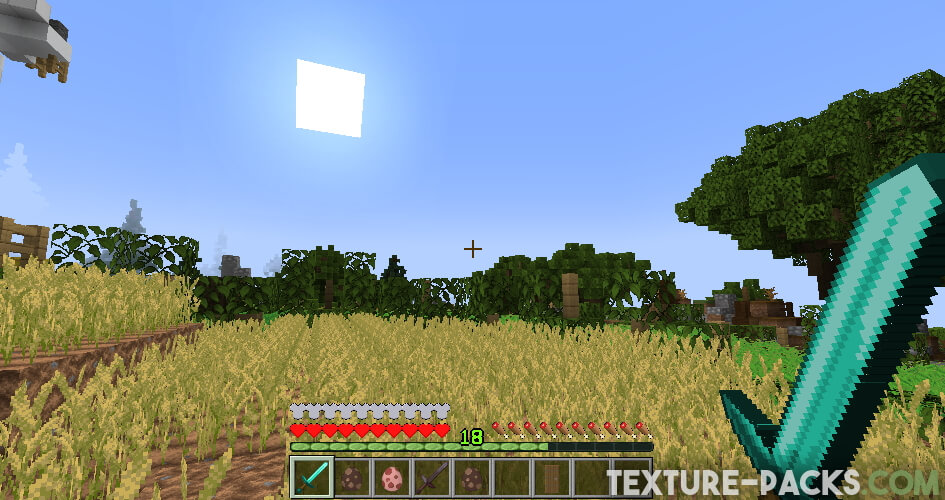
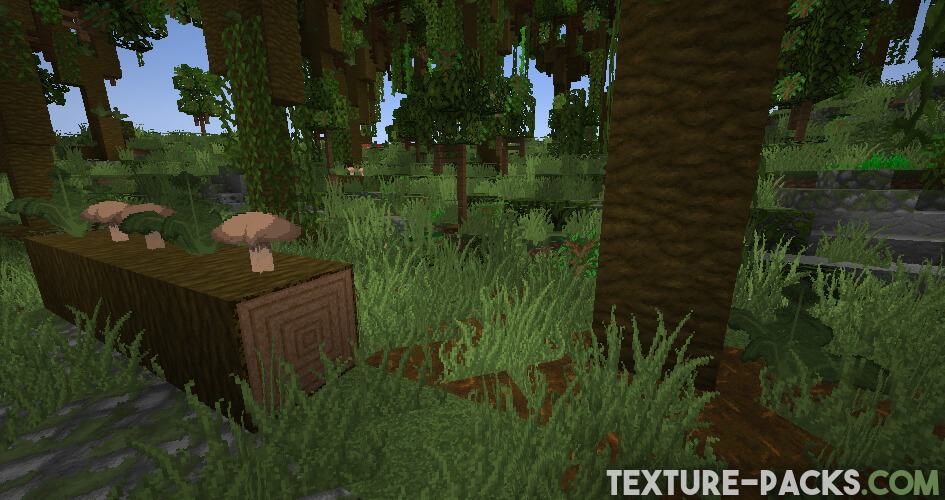
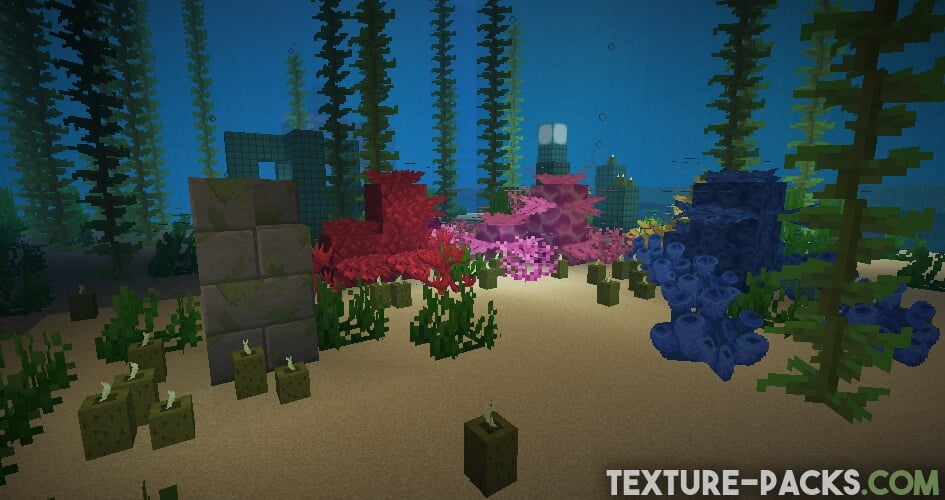
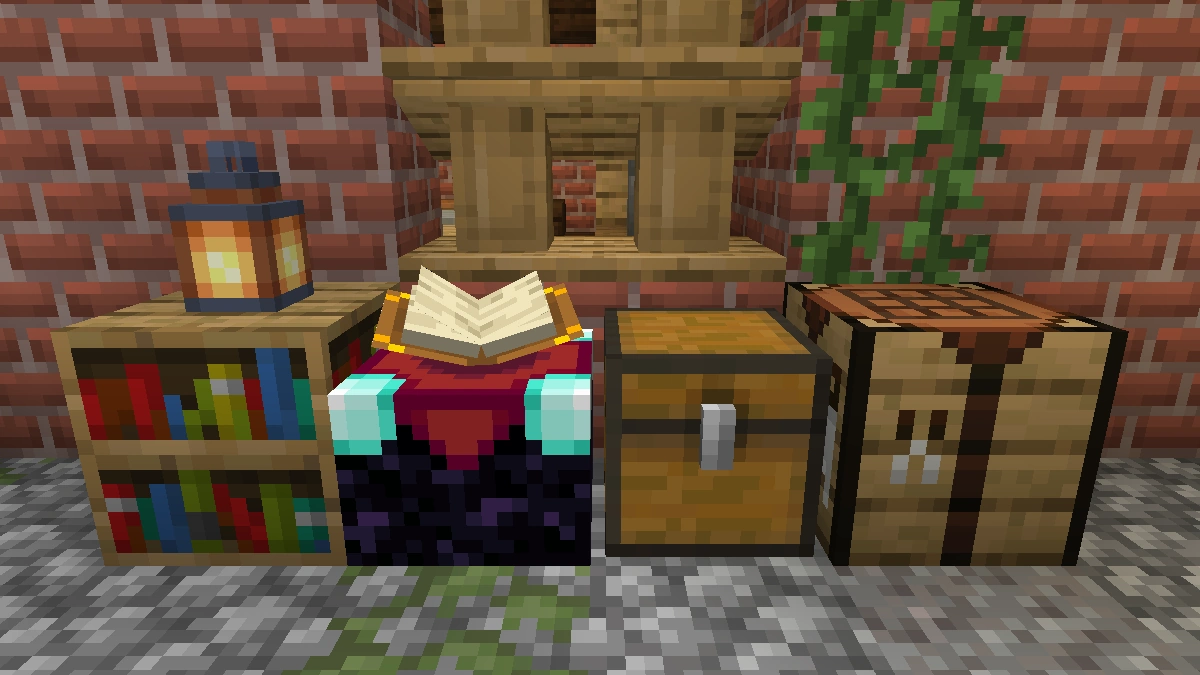
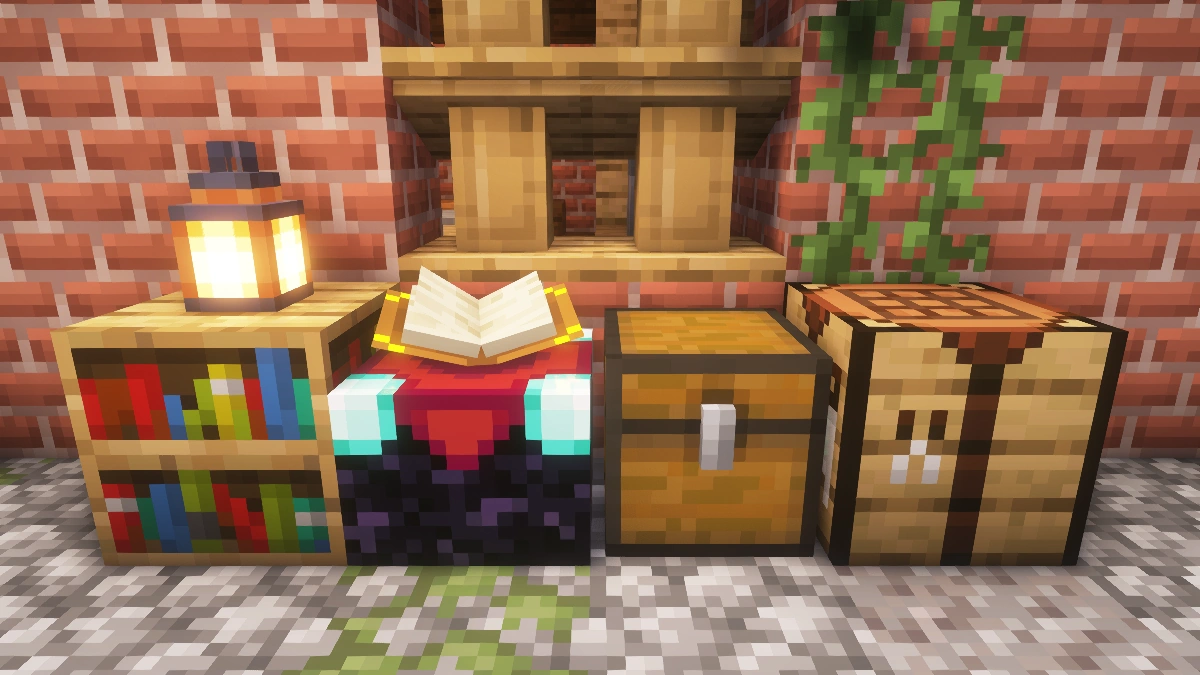
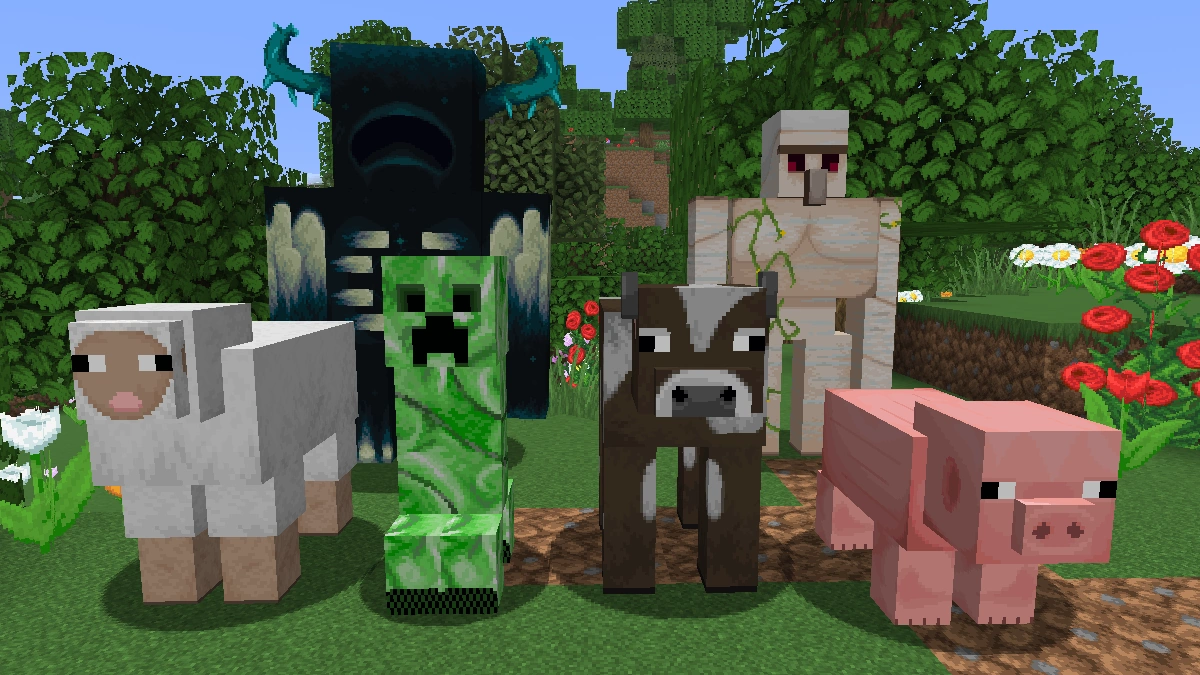
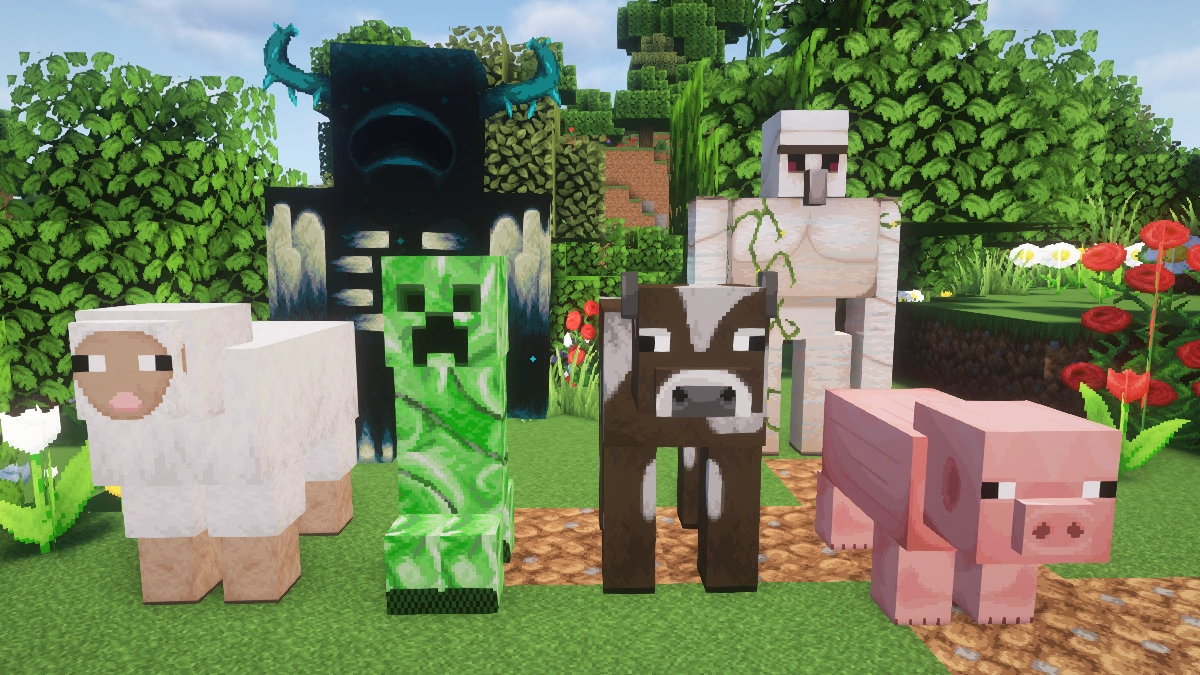
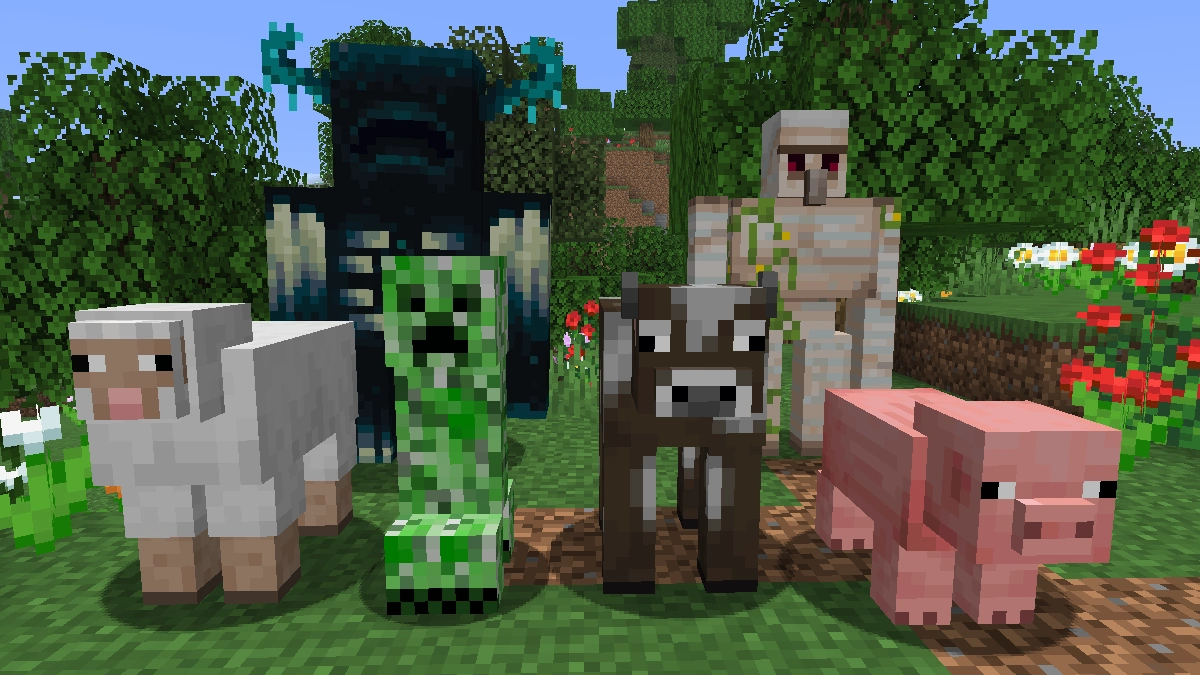
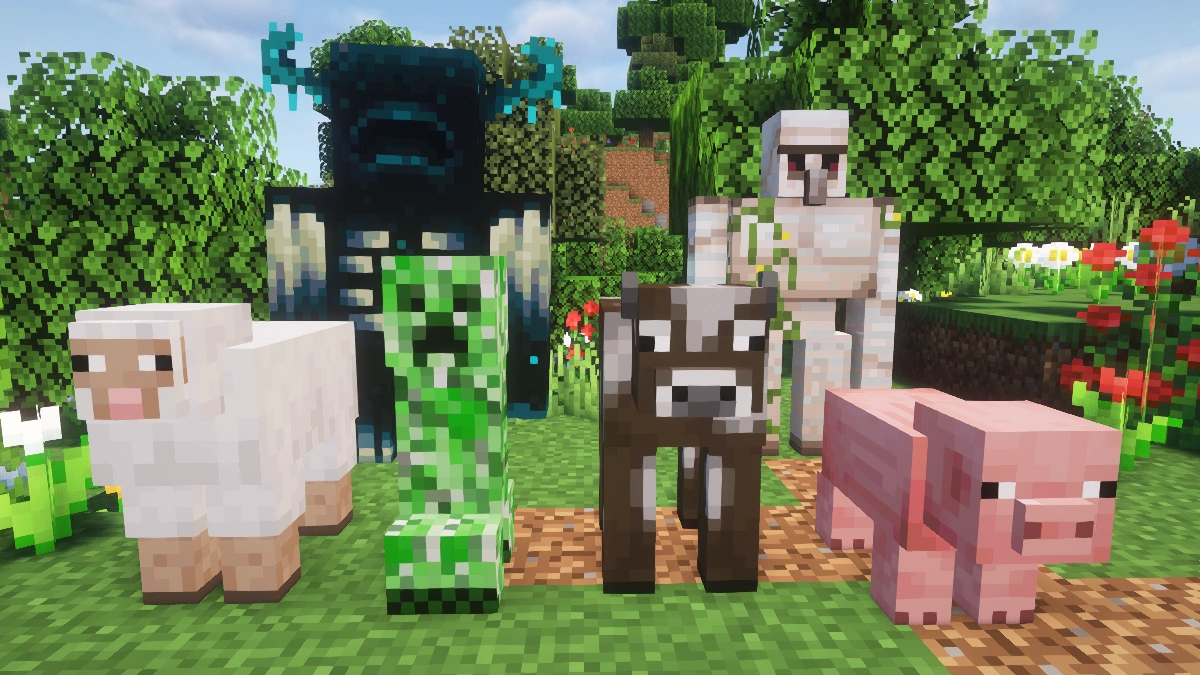
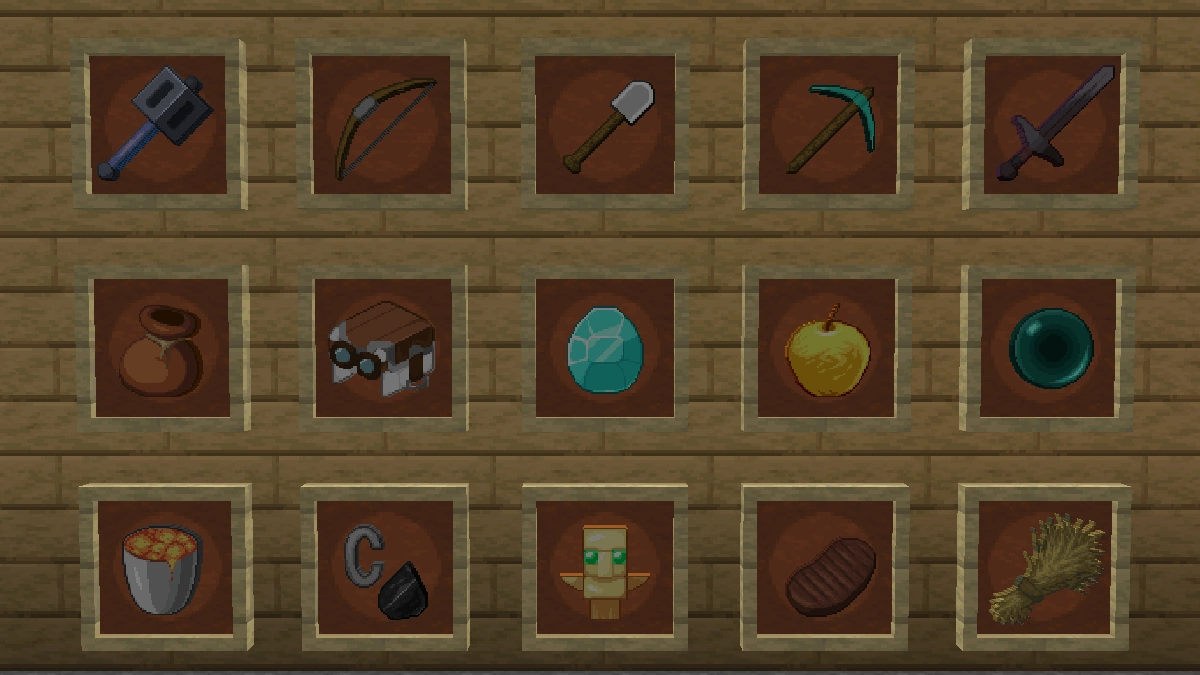
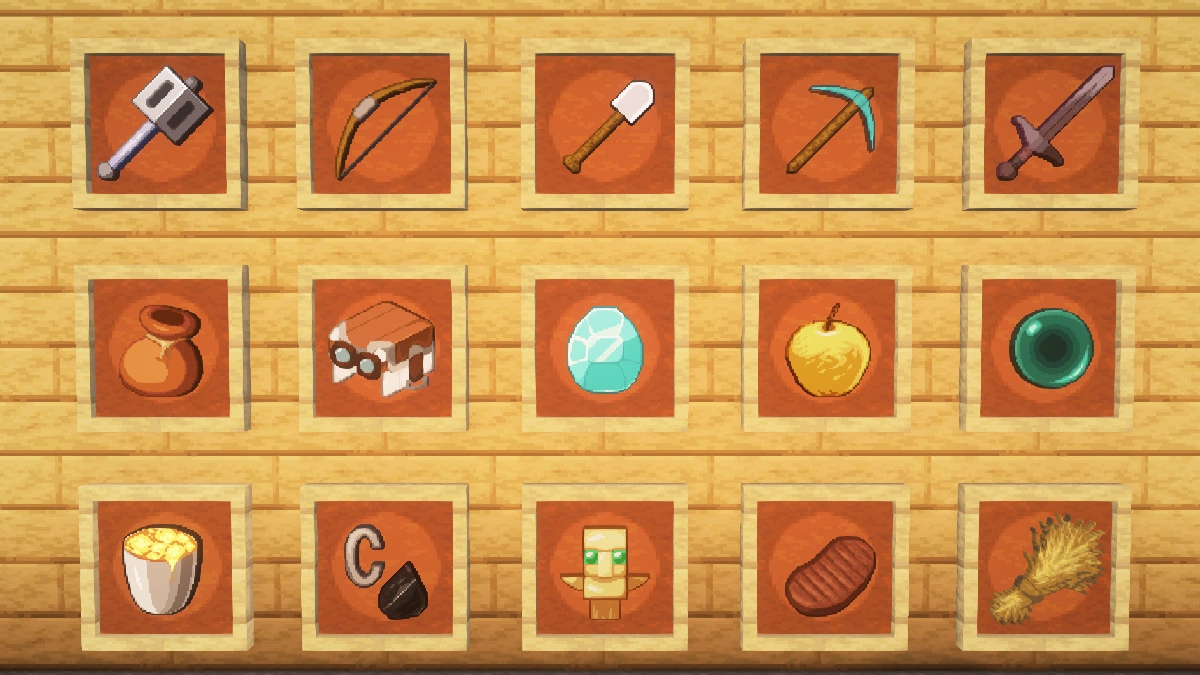
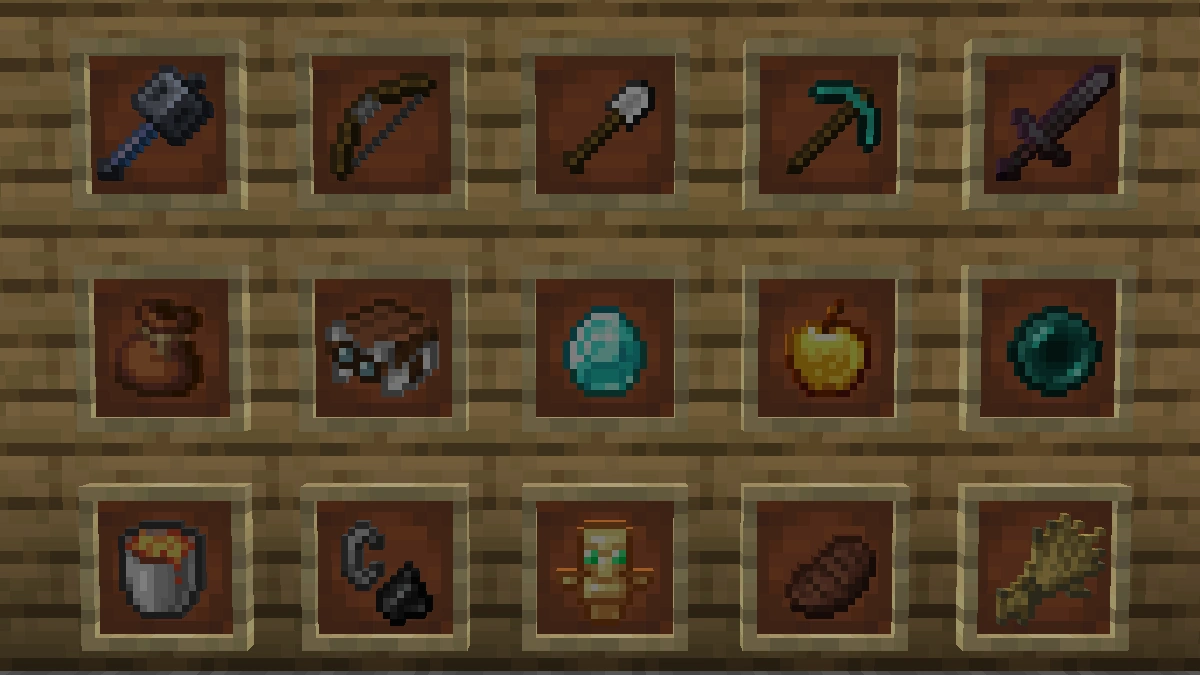
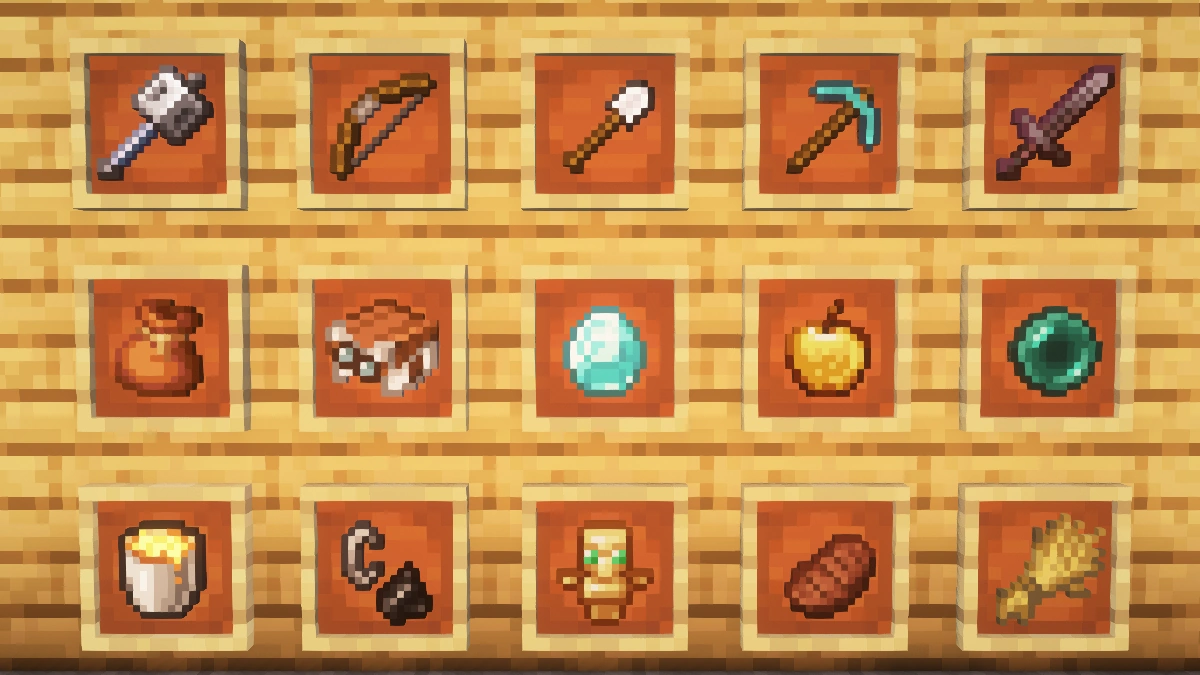
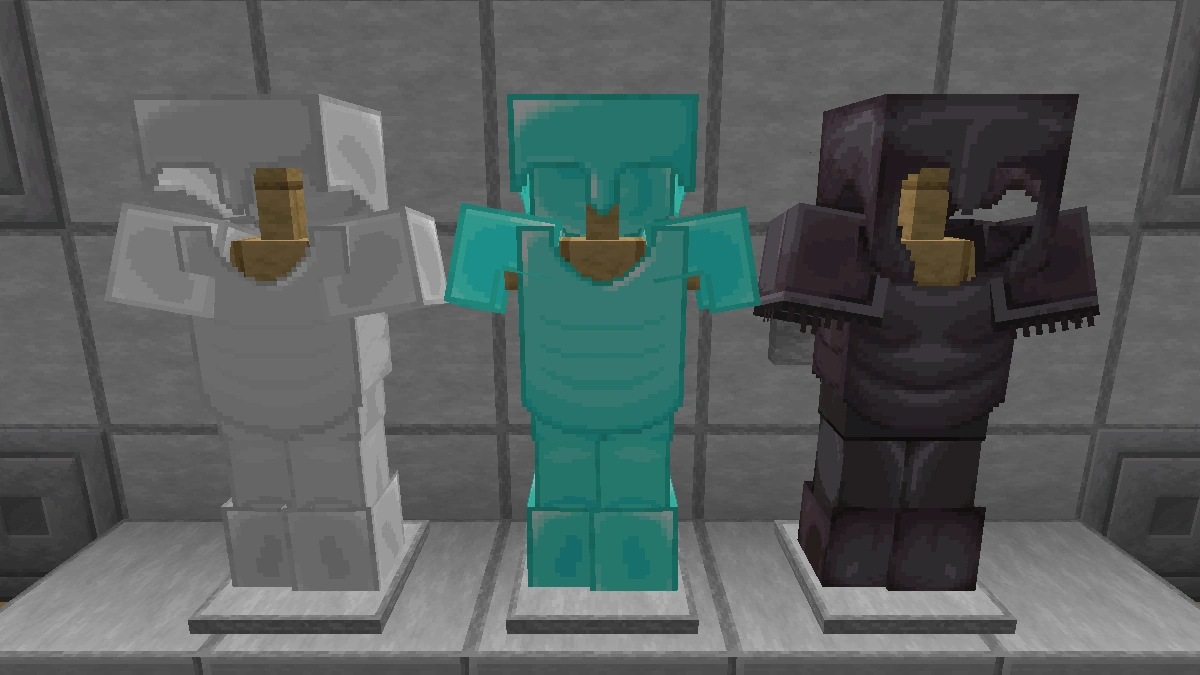
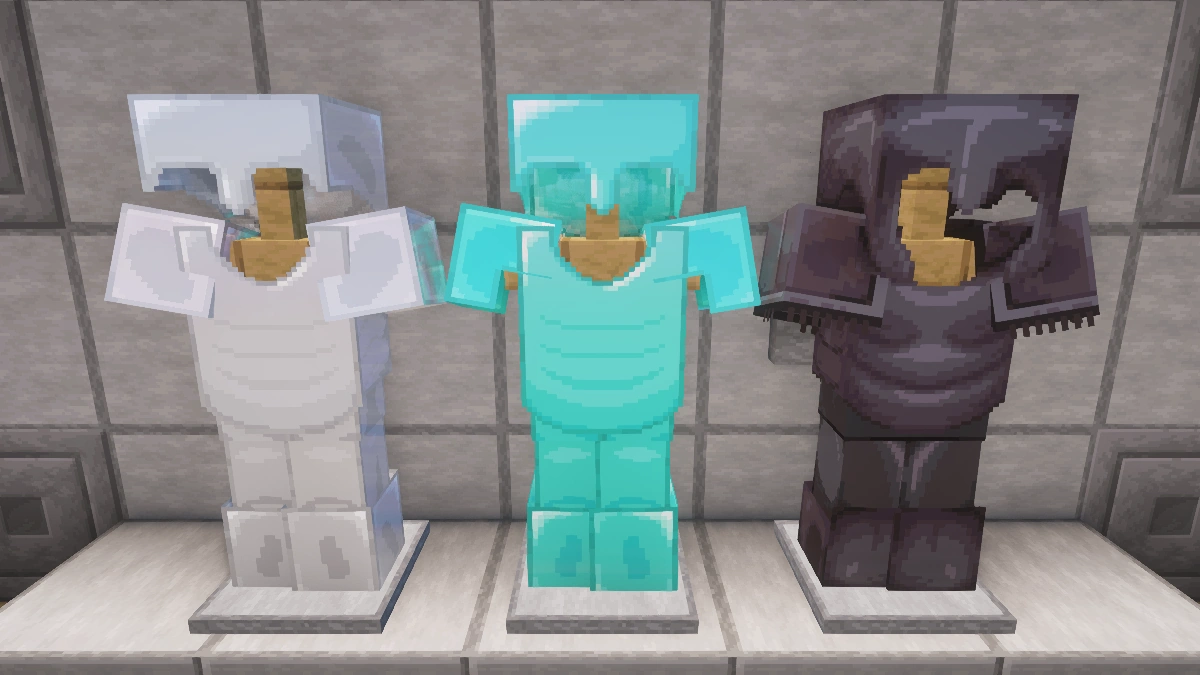
Comparison: Vanilla vs. Faithful 64x
Use the before/after slider to see how Faithful 64x changes Minecraft compared to vanilla. Use the buttons below to compare different biomes and situations.
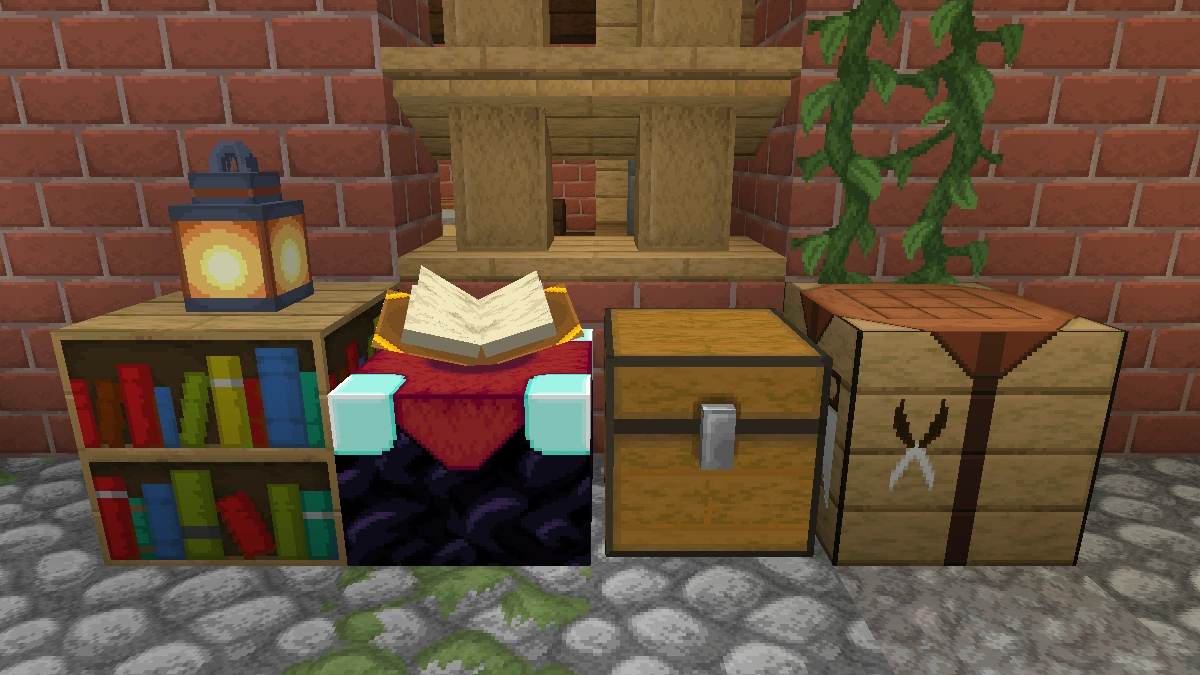
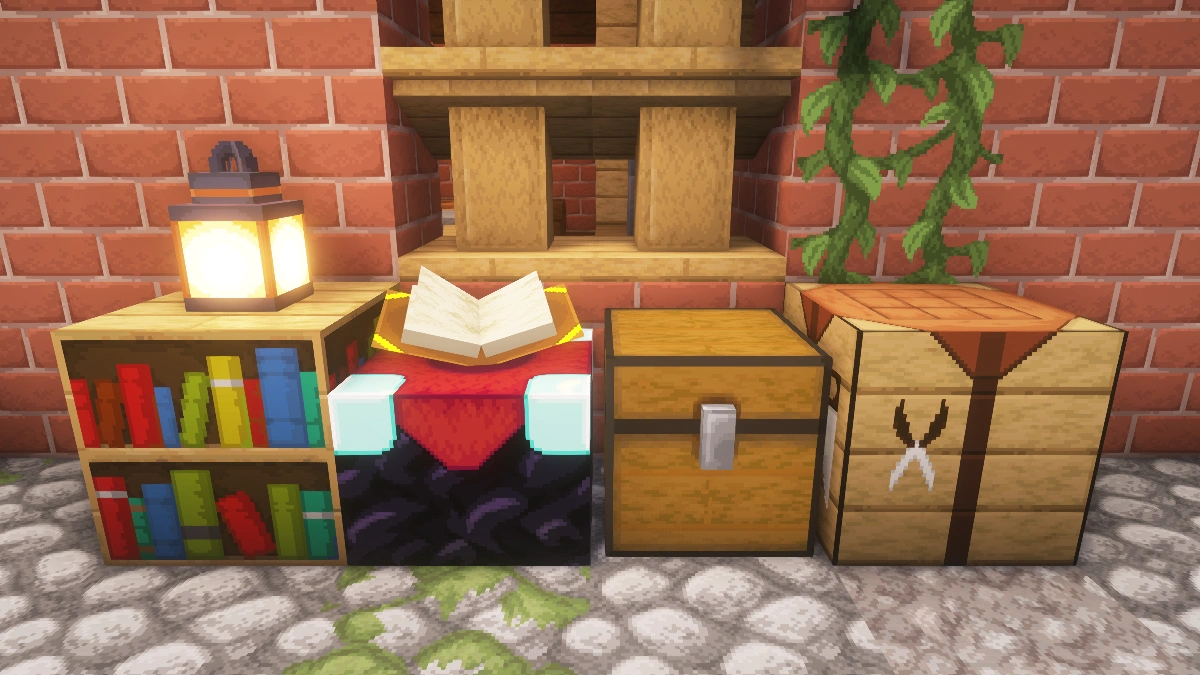
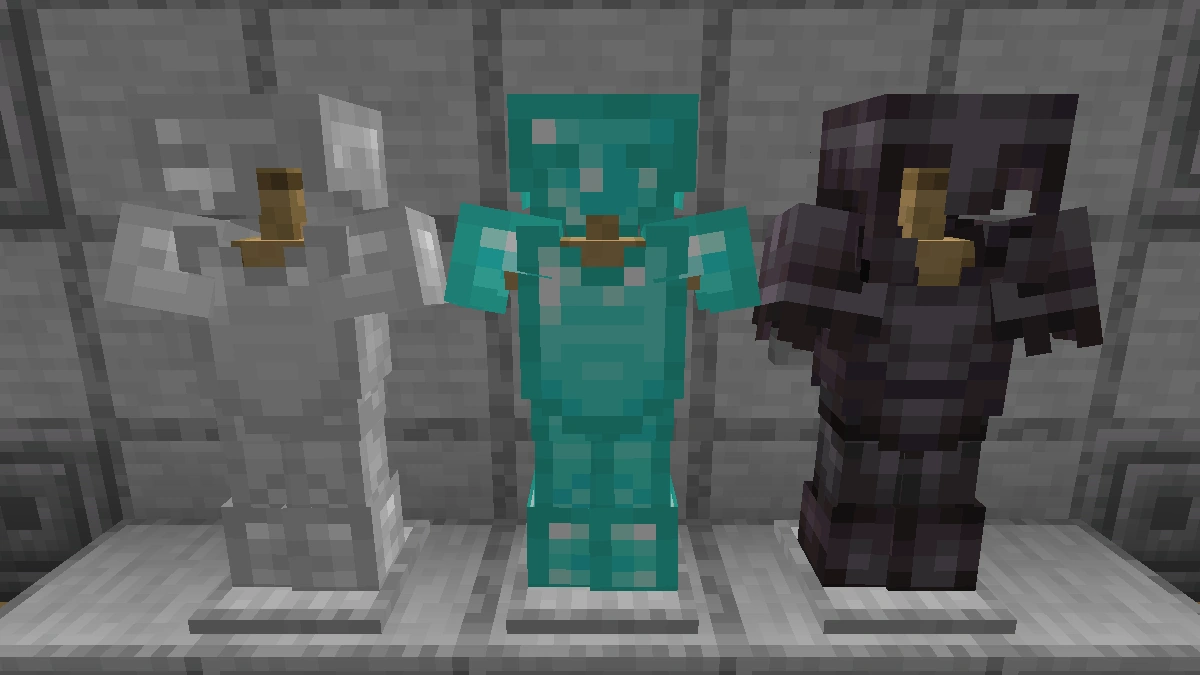
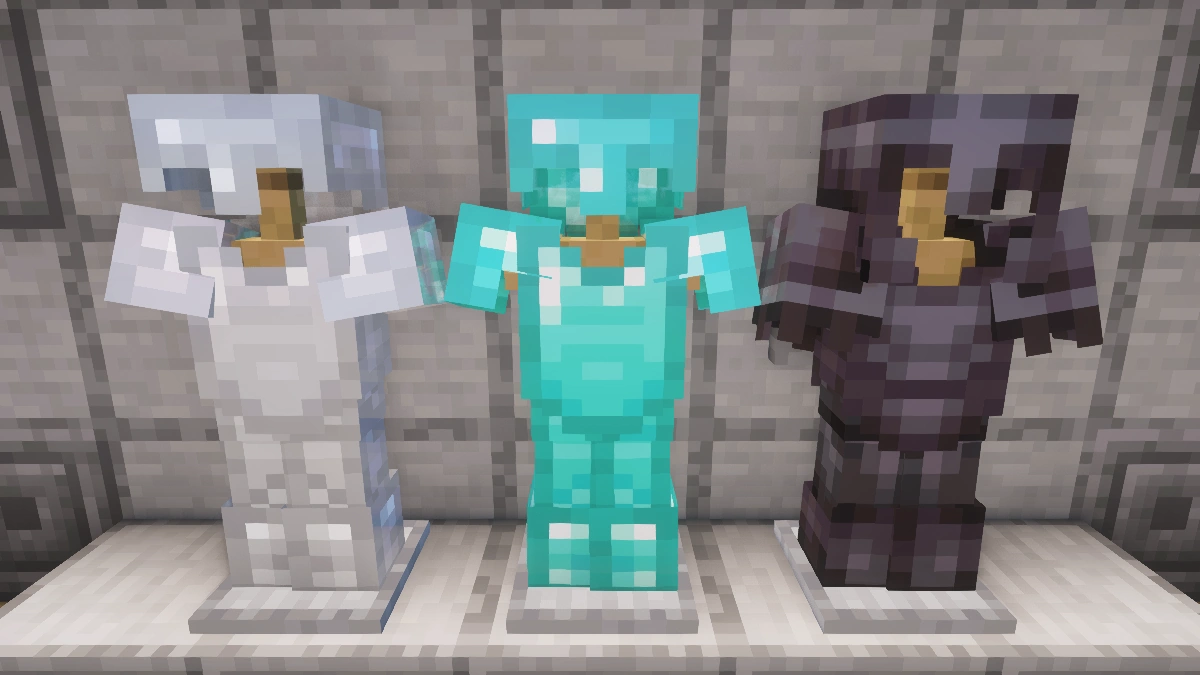
How To Install Faithful 64x Texture Pack
Here’s a tutorial on installing Faithful 64x in Minecraft Java Edition. If you’re using Minecraft Bedrock Edition and the pack is available for Bedrock/MCPE, you can simply click on the downloaded file to install it.
- Download and install OptiFine, as it is required by most texture packs.
- Download the Faithful 64x texture pack for Minecraft from the file section below. Pick the file that matches your Minecraft edition and version.
- Launch Minecraft.
- Click "Options" on the main menu.
- In the options, go to the submenu “Resource Packs”.
- Click "Open Pack Folder" at the bottom left to see a folder titled "resourcepacks".
- Put the downloaded ZIP file into your "resourcepacks" folder. Or, just drag and drop it into the Minecraft window to add the pack.
- You will see the pack on the left side of the resource pack selection menu. Unzip the file if you can't see the pack.
- Hover over the pack thumbnail and click the arrow pointing right. If the game notifies you that the pack is made for a newer or older Minecraft version, simply click “Yes” to proceed. Most textures will still work.
- Click "Done" and all assets have been loaded.
Faithful 64x Texture Pack Download
For the latest download: Extract the ZIP file first, then install to see the texture pack in-game.
[MCPACK] [Stable] Download Faithful 64x Texture Pack
Java Edition:
For the latest download: Extract the ZIP file first, then install to see the texture pack in-game.
[64x] [26.2.x] Download Faithful 64x Texture Pack
[64x] [26.1.x] Download Faithful 64x Texture Pack
[64x] [1.21.11] Download Faithful 64x Texture Pack
[64x] [1.21.10 – 1.21.9] Download Faithful 64x Texture Pack
[64x] [1.21.8 – 1.21.6] Download Faithful 64x Texture Pack
[64x] [1.21.5] Download Faithful 64x Texture Pack
[64x] [1.21.4] Download Faithful 64x Texture Pack
[64x] [1.21.3 – 1.21.2] Download Faithful 64x Texture Pack
[64x] [1.21.1 – 1.21] Download Faithful 64x Texture Pack
[64x] [1.20.6 – 1.20.5] Download Faithful 64x Texture Pack
[64x] [1.20.2] Download Faithful 64x Texture Pack
[64x] [1.20.1 – 1.20.X] Download Faithful 64x Texture Pack
[64x] [1.19.X] Download Faithful 64x Texture Pack
[64x] [1.18.X] Download Faithful 64x Texture Pack
[64x] [1.17.X] Download Faithful 64x Texture Pack
[64x] [1.16.X] Download Faithful 64x Texture Pack
[64x] [1.15.X] Download Faithful 64x Texture Pack
[64x] [1.14.X] Download Faithful 64x Texture Pack
[64x] [1.13.X] Download Faithful 64x Texture Pack
[64x] [1.12.X] Download Faithful 64x Texture Pack
[64x] [1.11.X] Download Faithful 64x Texture Pack
[64x] [1.10.X] Download Faithful 64x Texture Pack
[64x] [1.9.X] Download Faithful 64x Texture Pack
[64x] [1.8.X] Download Faithful 64x Texture Pack
Faithful 64x & Fresh Animations Add-on:
Place this above Fresh Animations and the Faithful 64x pack.
[16x] [1.19.x] Faithful 64x & Fresh Animations Add-on

👍🏻 good 💯
nice
wow
Just updated my world to 1.20.1 and used the corresponding texture pack (Faithful 64x Beta 9) and there’s a lot of the new stuff missing e.g. hanging signs and camels are 16*16. I tried some newer versions despite the compatibility warnings, the new textures where right there, but had other graphical issues with them that are more disturbing, like no grids in the recipes.
I love the pack, it’s just like original Minecraft in a better resolution, but I hope for an update of the 1.20.1 Version.
For people who encountered the same issues: I just found some kind of workaround for that, I copied the missing folders like camel, sniffer and hanging signs from a newer version into the Beta 9 version and it works. Now my camels look beautiful and I love the pack even more. Have to find a sniffer egg now…
will there be an updated pack for 1.21.3
I can’t make any changes when I try to add a different texture on my phone, like for the diamond sword. The new texture pack isn’t showing up, only Faithful 64x. I don’t want to upload it anywhere; I just want to use a 64×64 texture with some changes that I like.
i need 1.20.4 version
add please!!
Please use the download for 1.20.6 – 1.20.5. You can safely ignore any compatibility warnings, as everything will also work with version 1.20.4.
Can You Fix The Arrow Size its go bigggerrr
The coal is bigger than my head💀
Nice work!
nice texture 👍
this need to b updated for bedrock
will there be a version for 1.20.2? soon
the tinted glass even with connected textures still have ugly lines and some of the painting textures are 16×16 and the brush, armor trims, sniffer, camel, calibrated skulk sensor, suspicious sand, gravel, hanging signs, pots are 16×16
some of the painting textures arent 64×64
it’s good xd I like it when I build a house in MC.
Armour trims remain in the 16×16 texture. Is this an issue on my end or has it not been updated to armour trims yet?
I’m having some issues with minecraft bedrock 1.20, For some reason some items ate really large. Ex: Hopper is 10x the right size on my character hand
It’s also happening with sugar cane
im having the same issue
nice Texture Pack
Good job
Keep the iconic look of Minecraft while enhancing it in every way. More pixels, and softer edges, but it’s easy to recognize all textures. The blocks don’t make it feel like a different game. I absolutely LOVE the Faithful packs. Hands down 10/10
Good