Since its first release, Faithful 64x has had a simple goal: to provide players around the world with a higher-resolution version of Minecraft. In this article, we will delve into the intricacies of the Faithful 64x texture pack, which quadruples all blocks and items in their resolution. One of the primary reasons why players download these textures is to expand beyond the features of the vanilla game. While Minecraft’s default textures are only 16x, some players crave higher resolution and more detailed 64x textures. If you like the style, also try Stevens Traditional texture pack. The creator Steven used the same resolution.
Faithful 64x texture pack is a project that was originally created by the user Vattic and has been maintained by numerous fans over the years. The pack is completely free and open-source, allowing players to enjoy it on various platforms, including Minecraft Java, Bedrock, MCPE, and Dungeons. One of the unique aspects of the project is its origin story. After further discussions with the original creator Vattic, the team behind Compliance 64x received permission to officially continue the pack under the Faithful 64x name. This rebranding reflects the team’s commitment to upholding the original vision of the project and continuing its legacy.
You can also download a wide range of add-ons and mod patches made by loyal fans. These Faithful 64x add-ons allow players to further customize their Minecraft world, adding new textures, animations, and features. The best ones are low fire, colored bow charging, and emissive ores. In addition to its extensive customization options, the Faithful 64x resource pack also boasts a supportive community of players and developers. The community is constantly engaged in providing feedback and suggestions to ensure that everything remains up-to-date. This collaborative spirit makes it a dynamic and evolving project.
All Faithful Versions
- Faithful 1×1
- Faithful 4×4
- Faithful 8×8
- Faithful 32×32
- Faithful 128×128
- Faithful 256×256
- Faithful 512×512
Faithful 64x was released on August 3, 2012 and is compatible with these Minecraft versions: 26.1.2 - 26.1.1 - 26.1 - 1.21.11 - 1.21.10 - 1.21.9 - 1.21.8 - 1.21.7 - 1.21.6 - 1.21.5 - 1.21.4 - 1.21.3 - 1.21.2 - 1.21.1 - 1.21 - 1.20.6 - 1.20.5 - 1.20.4 - 1.20.3 - 1.20.2 - 1.20.1 - 1.20 - 1.19.4 - 1.19.3 - 1.19.2 - 1.19.1 - 1.19 - 1.18.2 - 1.18.1 - 1.18 - 1.17.1 - 1.17 - 1.16.5 - 1.16.4 - 1.16.3 - 1.16 - 1.15.2 - 1.15 - 1.14.4 - 1.14 - 1.13.2 - 1.13 - 1.12.2 - 1.12 - 1.11.2 - 1.11 - 1.10.2 - 1.10 - 1.9.4 - 1.9 - 1.8.9 - 1.8 - 1.7.10 - 1.7.2 - 1.6.4 - 1.5.2 - 1.4.7 - 1.3.2 - 1.2.5
Video & Screenshots
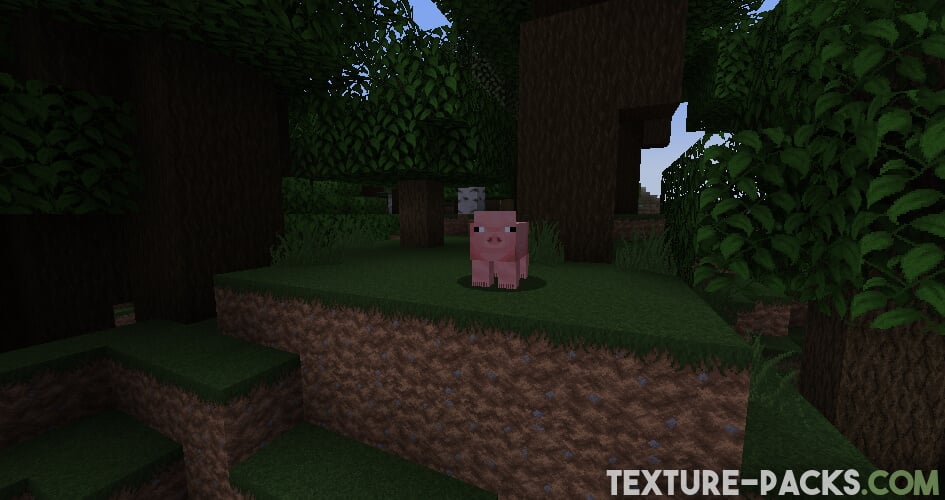
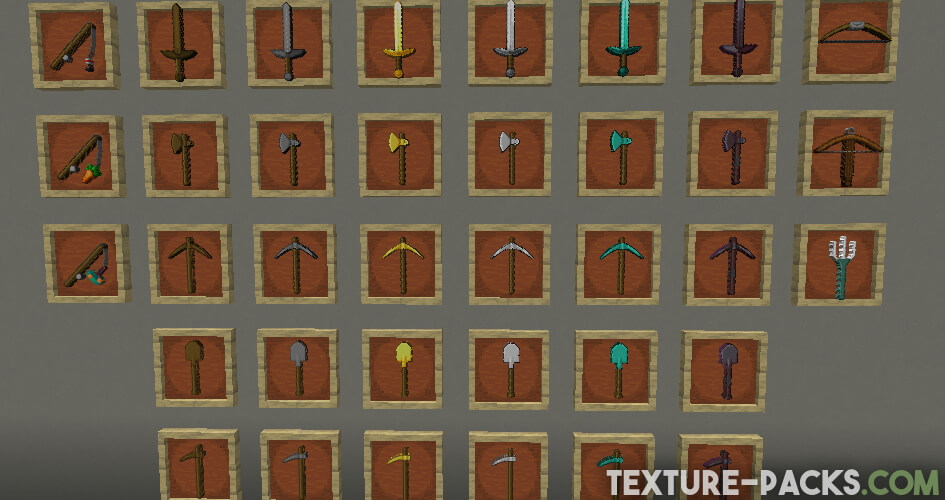
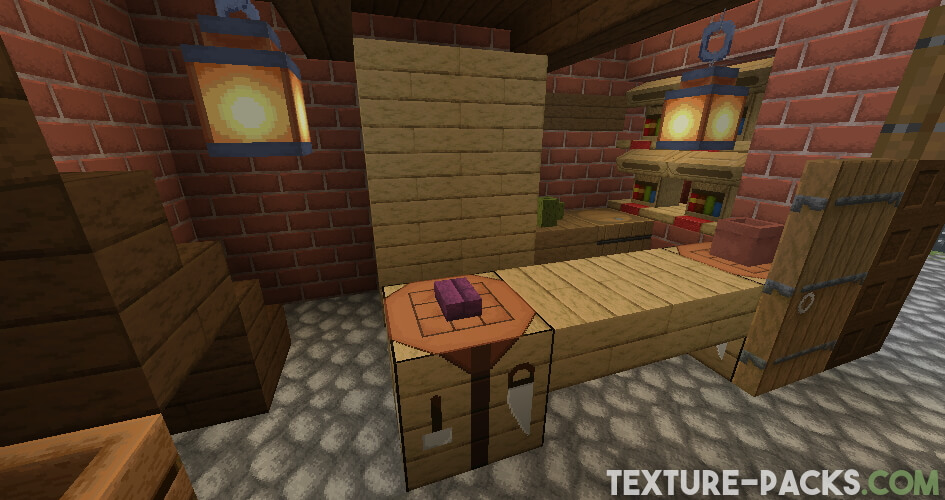
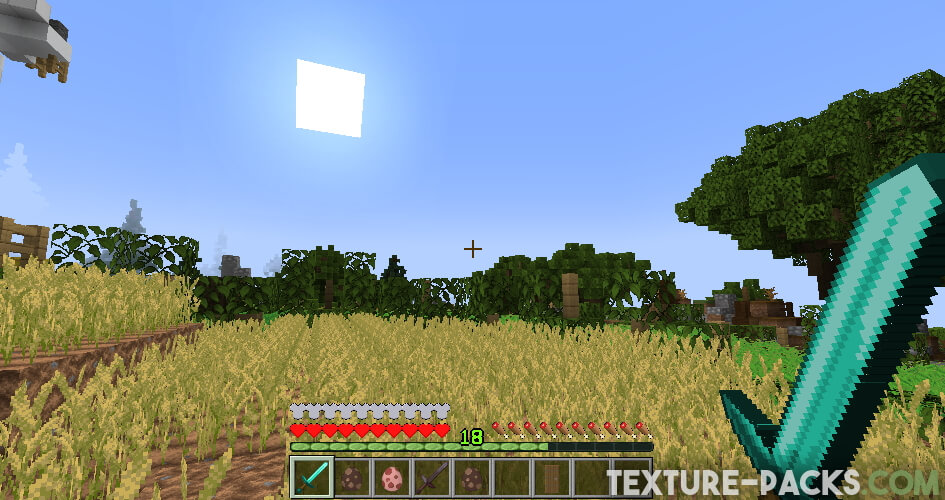
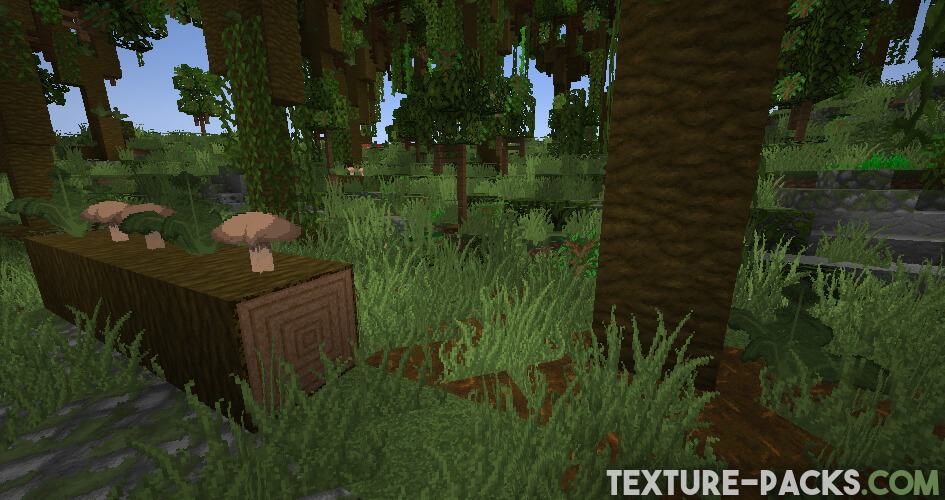
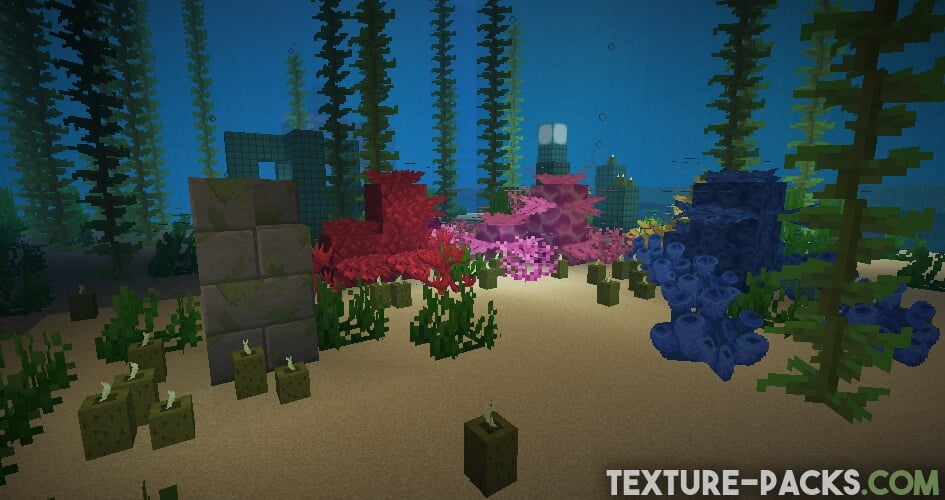
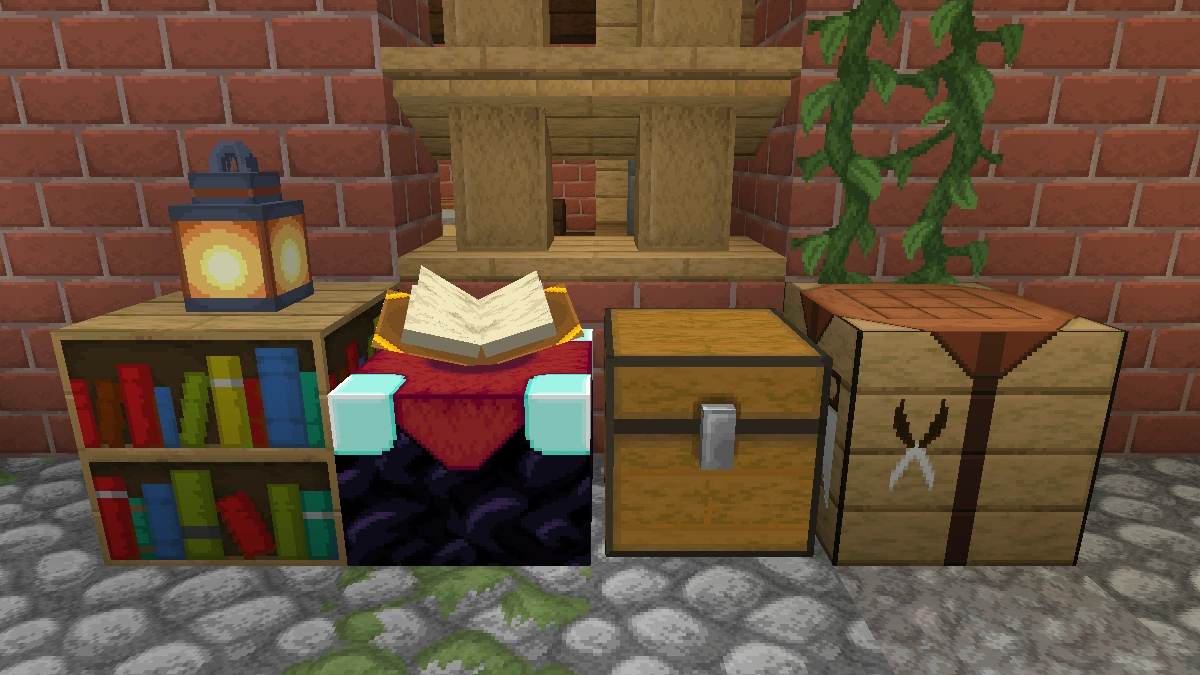
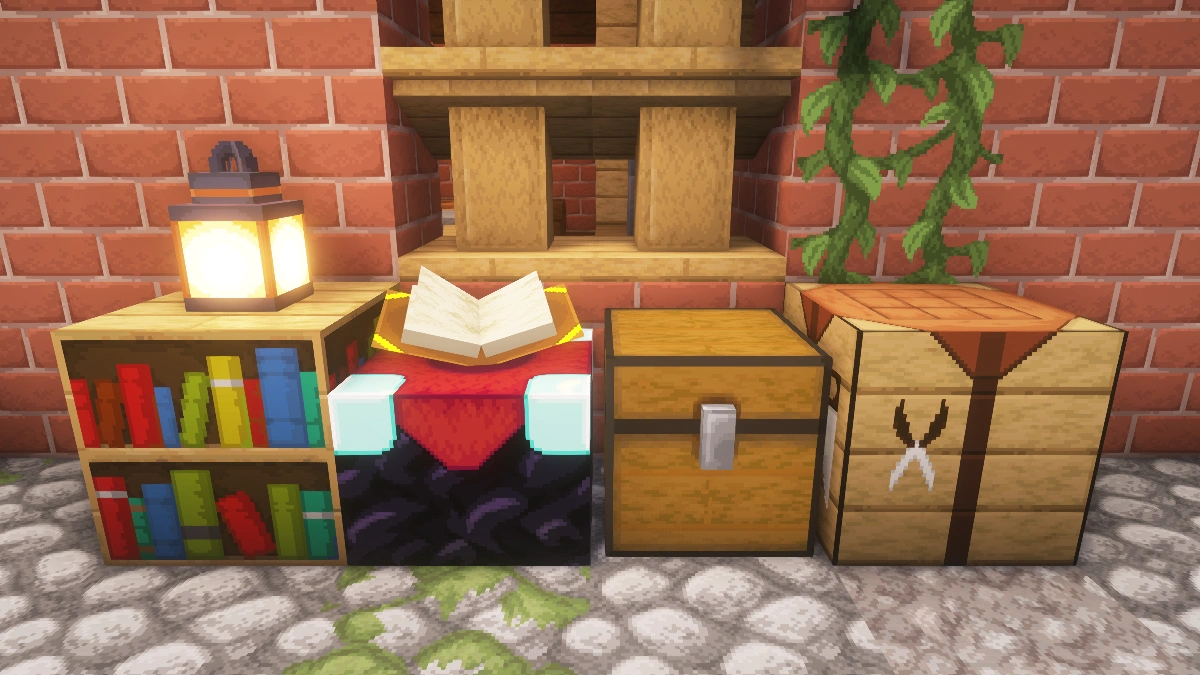
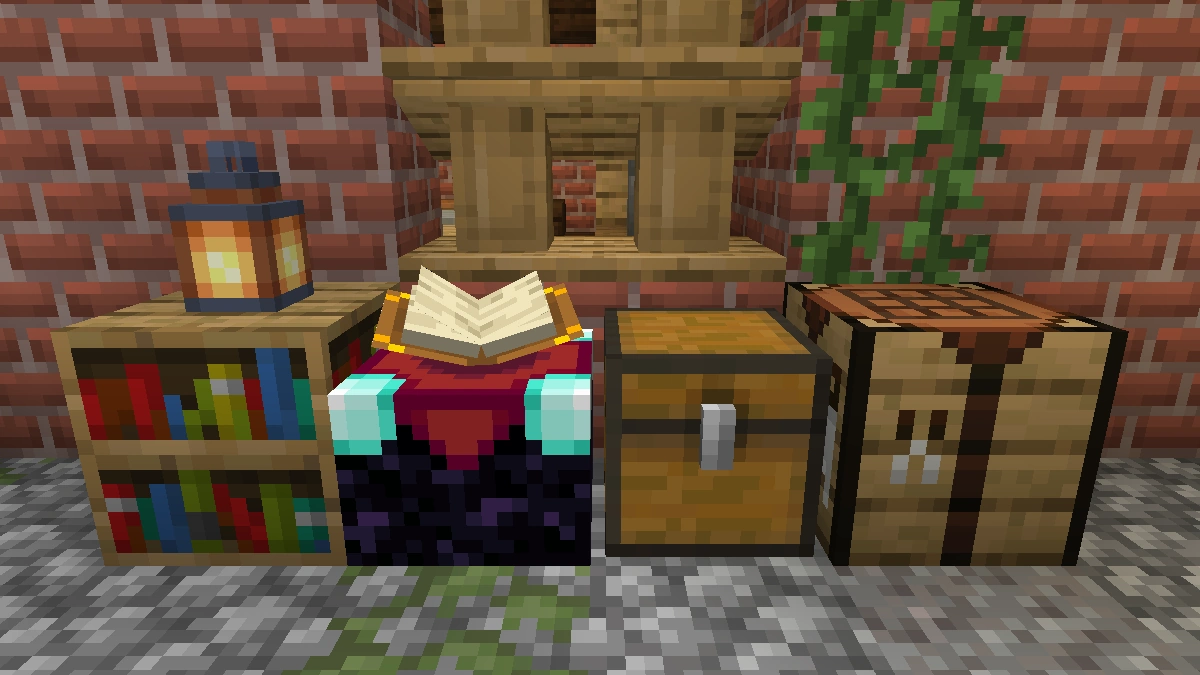
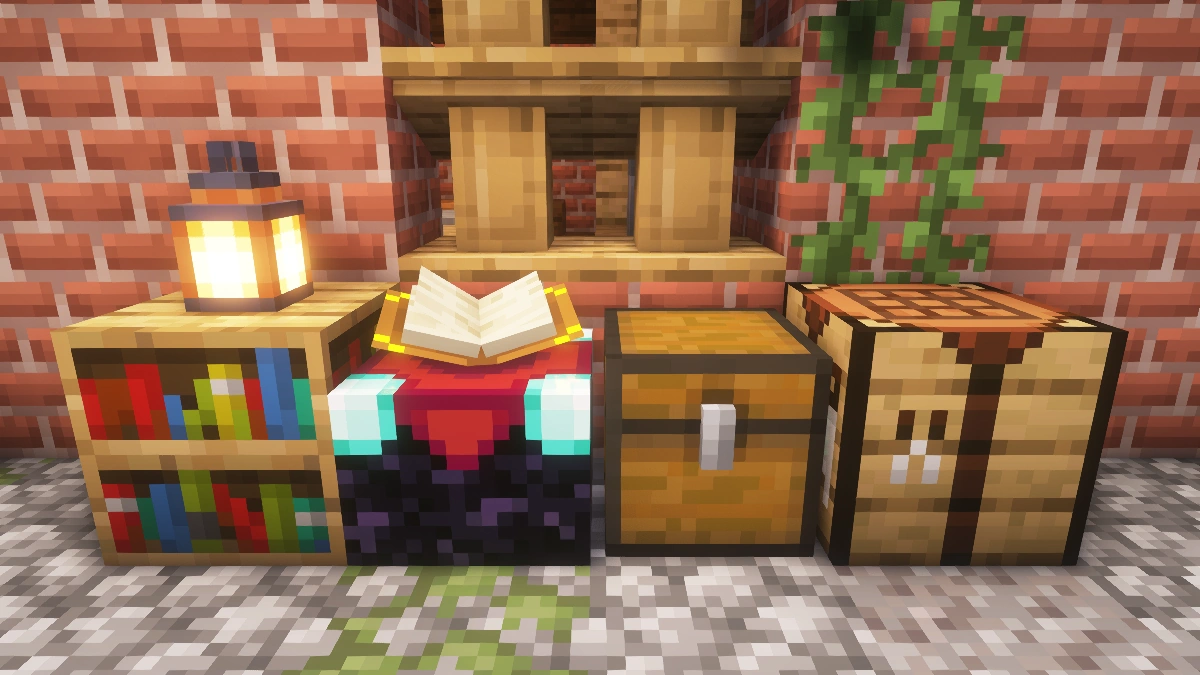
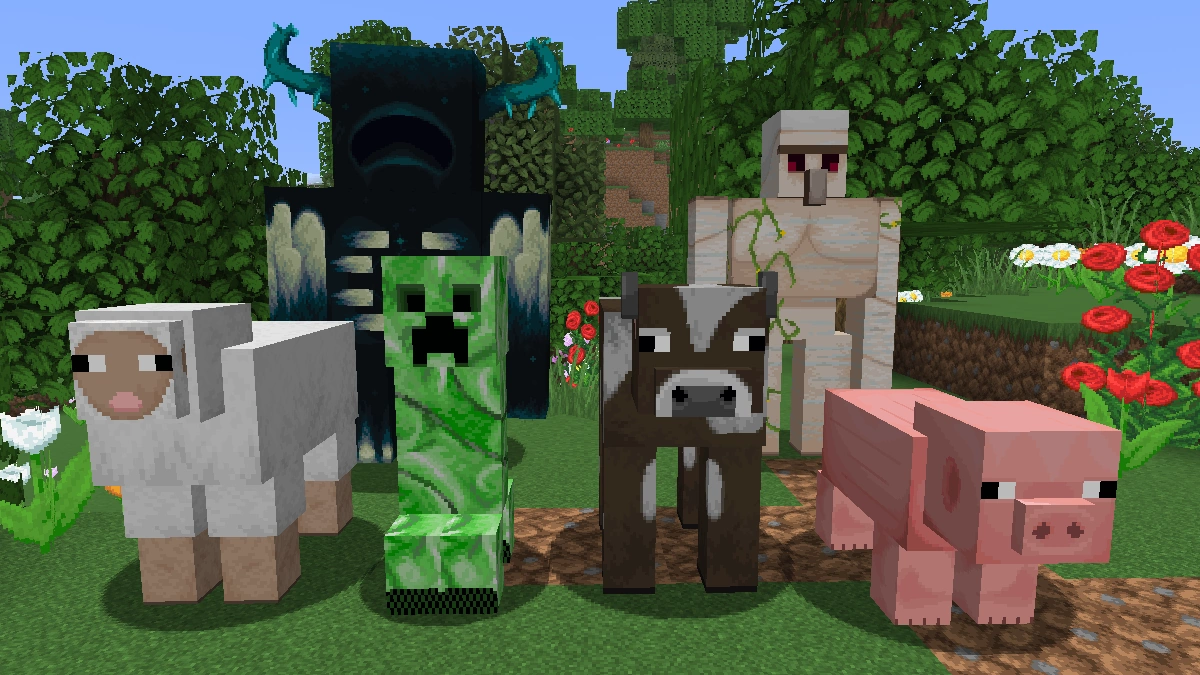
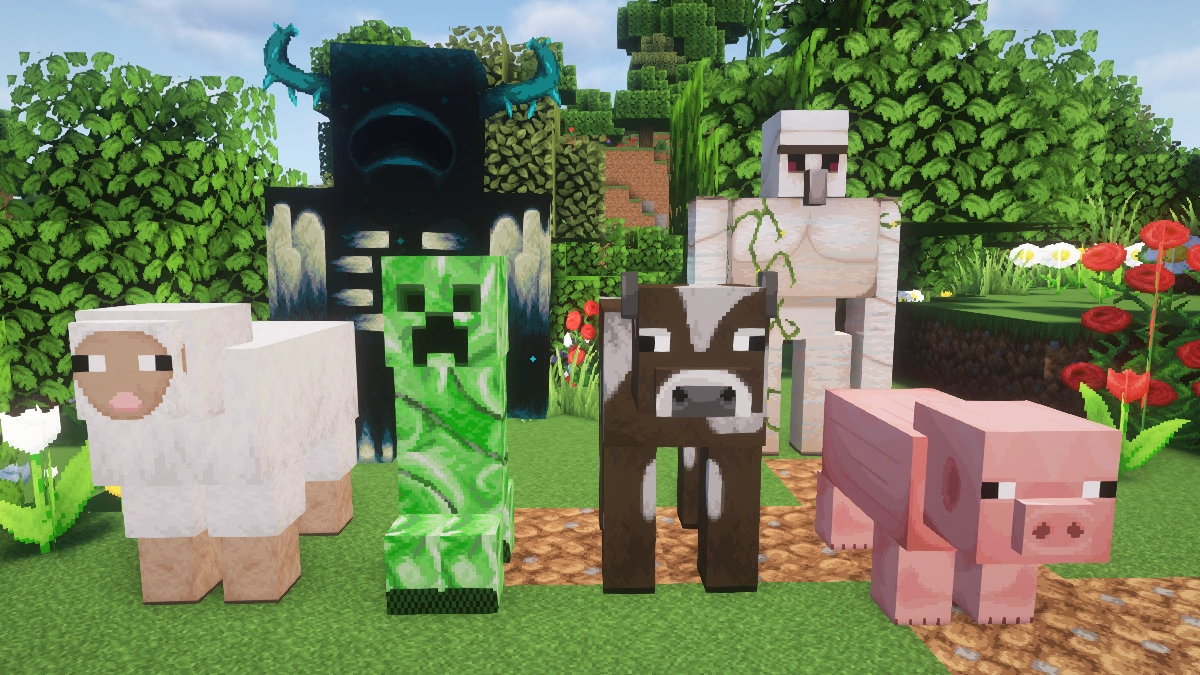
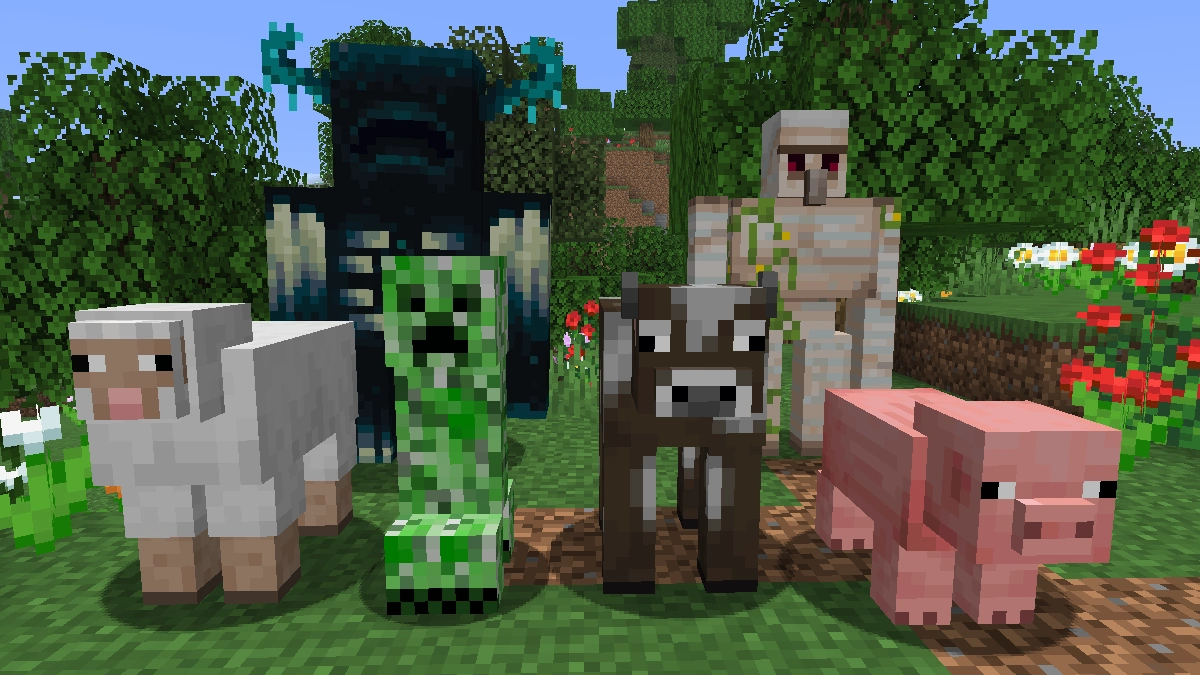
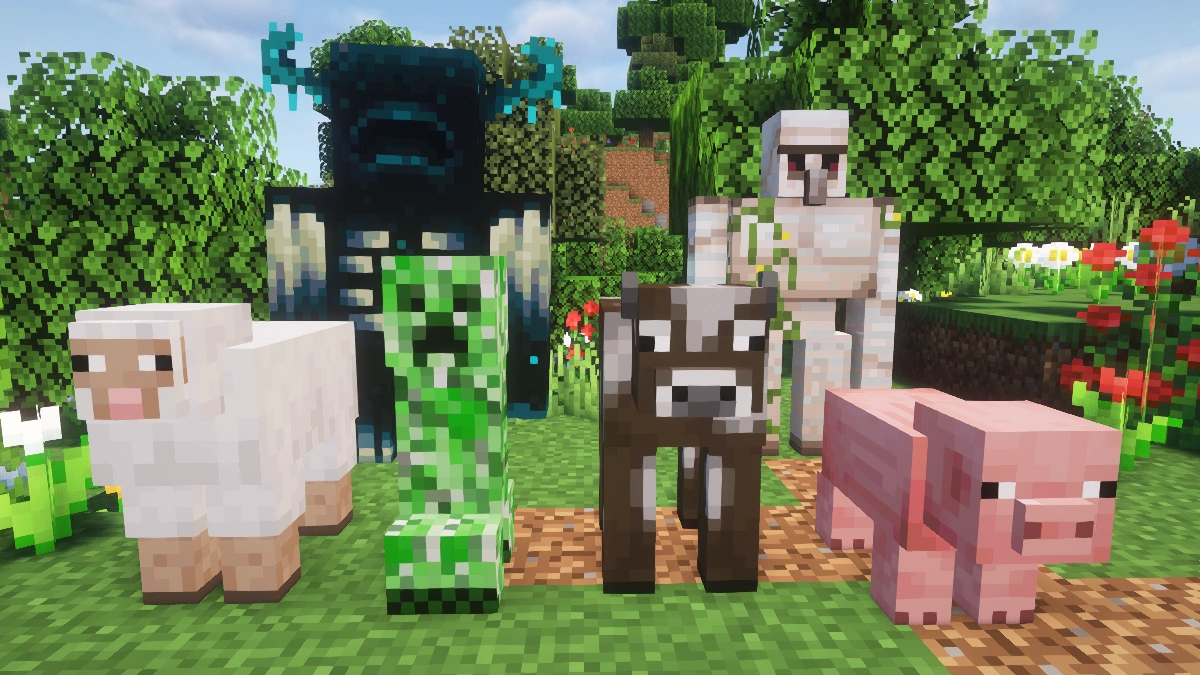
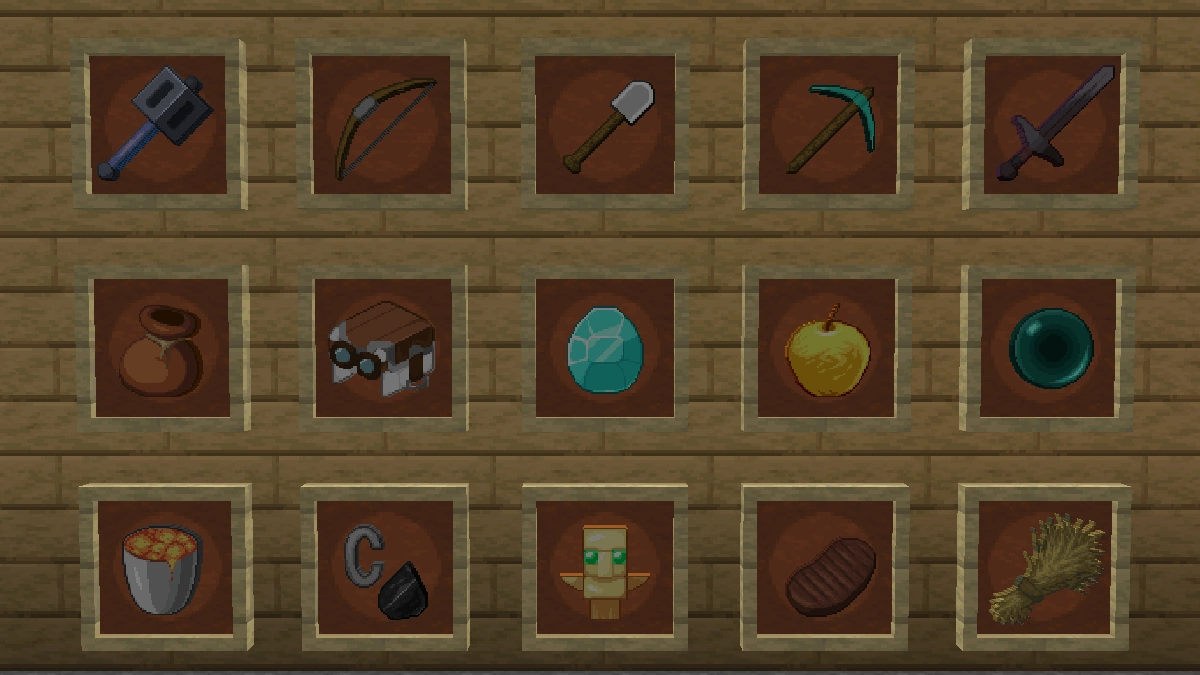
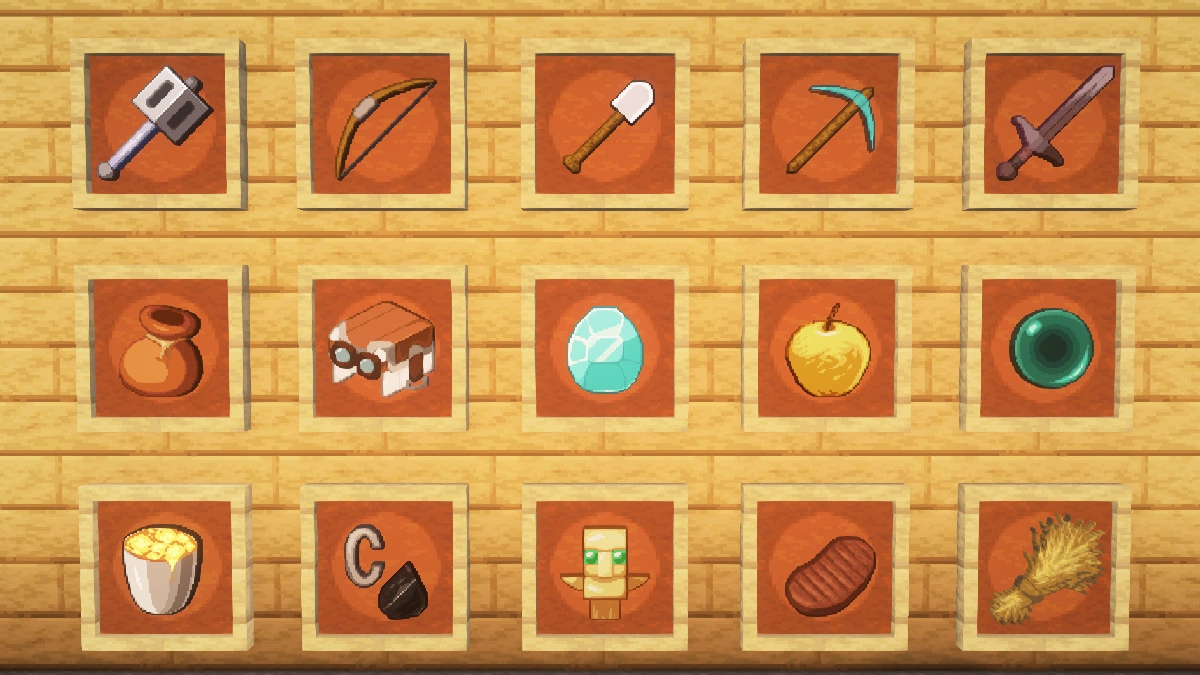
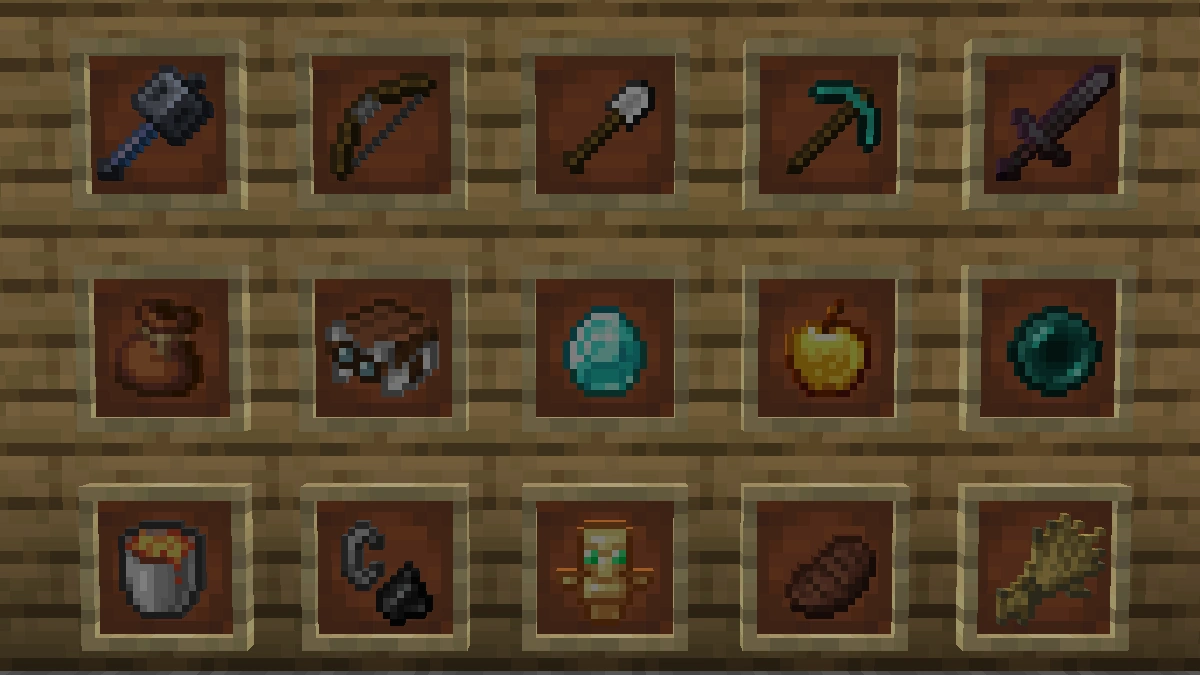
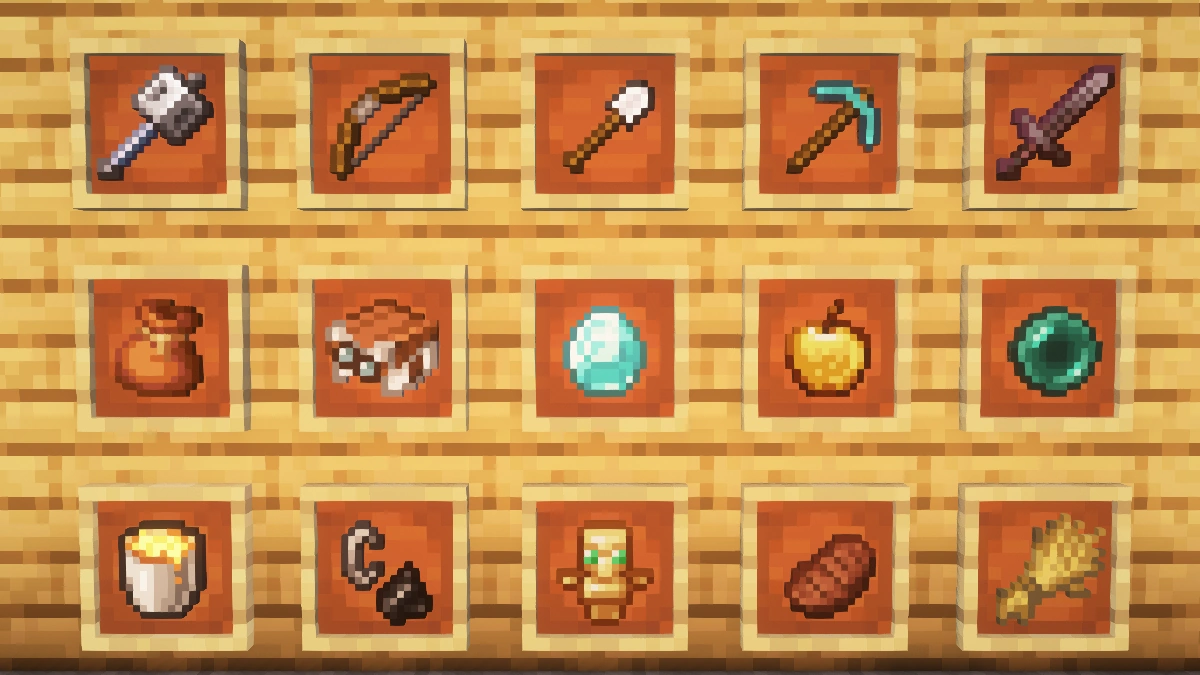
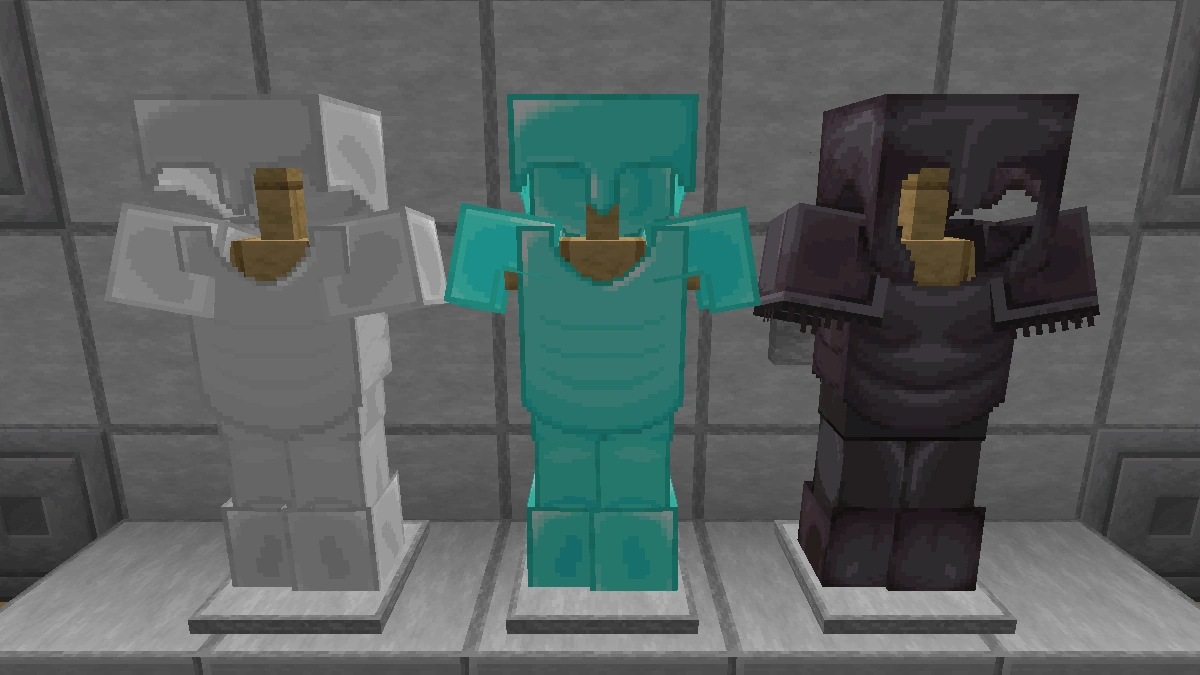
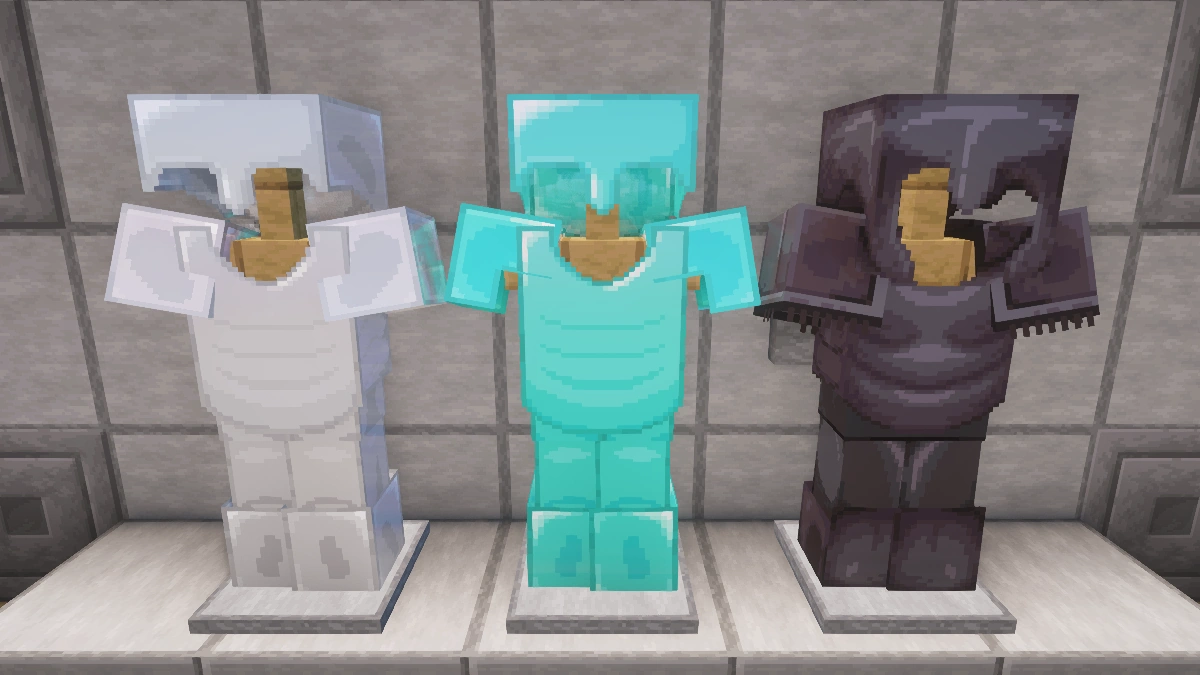
Comparison: Vanilla vs. Faithful 64x
Use the before/after slider to see how Faithful 64x changes Minecraft compared to vanilla. Use the buttons below to compare different biomes and situations.
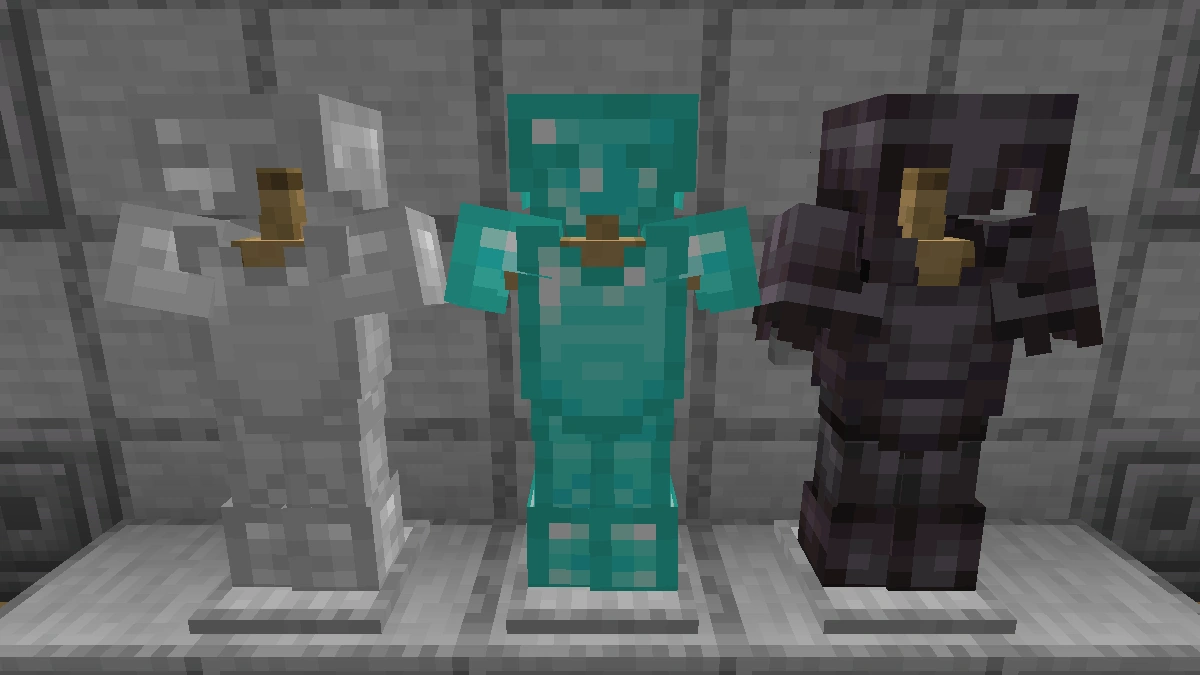
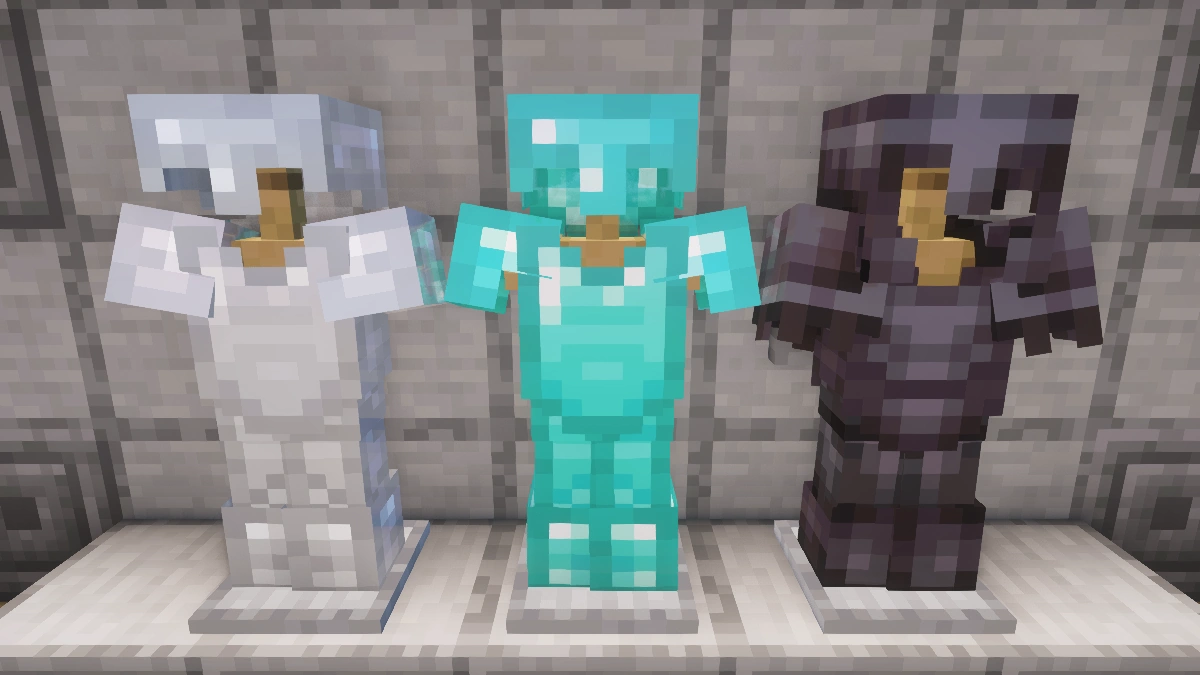
How To Install Faithful 64x Texture Pack
Here’s a tutorial on installing Faithful 64x in Minecraft Java Edition. If you’re using Minecraft Bedrock Edition and the pack is available for Bedrock/MCPE, you can simply click on the downloaded file to install it.
- Download and install OptiFine, as it is required by most texture packs.
- Download the Faithful 64x texture pack for Minecraft from the file section below. Pick the file that matches your Minecraft edition and version.
- Launch Minecraft.
- Click "Options" on the main menu.
- In the options, go to the submenu “Resource Packs”.
- Click "Open Pack Folder" at the bottom left to see a folder titled "resourcepacks".
- Put the downloaded ZIP file into your "resourcepacks" folder. Or, just drag and drop it into the Minecraft window to add the pack.
- You will see the pack on the left side of the resource pack selection menu. Unzip the file if you can't see the pack.
- Hover over the pack thumbnail and click the arrow pointing right. If the game notifies you that the pack is made for a newer or older Minecraft version, simply click “Yes” to proceed. Most textures will still work.
- Click "Done" and all assets have been loaded.
Faithful 64x Texture Pack Download
For the latest download: Extract the ZIP file first, then install to see the texture pack in-game.
[MCPACK] [Stable] Download Faithful 64x Texture Pack
Java Edition:
For the latest download: Extract the ZIP file first, then install to see the texture pack in-game.
[64x] [26.2.x] Download Faithful 64x Texture Pack
[64x] [26.1.x] Download Faithful 64x Texture Pack
[64x] [1.21.11] Download Faithful 64x Texture Pack
[64x] [1.21.10 – 1.21.9] Download Faithful 64x Texture Pack
[64x] [1.21.8 – 1.21.6] Download Faithful 64x Texture Pack
[64x] [1.21.5] Download Faithful 64x Texture Pack
[64x] [1.21.4] Download Faithful 64x Texture Pack
[64x] [1.21.3 – 1.21.2] Download Faithful 64x Texture Pack
[64x] [1.21.1 – 1.21] Download Faithful 64x Texture Pack
[64x] [1.20.6 – 1.20.5] Download Faithful 64x Texture Pack
[64x] [1.20.2] Download Faithful 64x Texture Pack
[64x] [1.20.1 – 1.20.X] Download Faithful 64x Texture Pack
[64x] [1.19.X] Download Faithful 64x Texture Pack
[64x] [1.18.X] Download Faithful 64x Texture Pack
[64x] [1.17.X] Download Faithful 64x Texture Pack
[64x] [1.16.X] Download Faithful 64x Texture Pack
[64x] [1.15.X] Download Faithful 64x Texture Pack
[64x] [1.14.X] Download Faithful 64x Texture Pack
[64x] [1.13.X] Download Faithful 64x Texture Pack
[64x] [1.12.X] Download Faithful 64x Texture Pack
[64x] [1.11.X] Download Faithful 64x Texture Pack
[64x] [1.10.X] Download Faithful 64x Texture Pack
[64x] [1.9.X] Download Faithful 64x Texture Pack
[64x] [1.8.X] Download Faithful 64x Texture Pack
Faithful 64x & Fresh Animations Add-on:
Place this above Fresh Animations and the Faithful 64x pack.
[16x] [1.19.x] Faithful 64x & Fresh Animations Add-on

plss work
do not look here for a work, its a minecraft page, here you have texture pack, not job offers, you cannot send CV here
They weren’t asking for a job, they were probably saying that the texture pack doesn’t work. So maybe don’t misunderstand them next time.
i love it
I want the textures for Minecraft
These new graphics are the best
Can it not be a zip file can it just be an mc pack
Just delete the .zip
Good
The texture pack is really good
Good
Good. I will showcase it on YouTube.
This blocks are satisfying
Good
Nice texture bro
It’s very good but how do you download it xd
You can find a detailed installation guide in the article. You can also find all XRay Ultimate download links above.
I think I made it too roughly. Armors have basic textures and some items have not been changed.
So very amazing
are these links safe
do the disc 5 textured? i always find faithful without disc 5 textured
The block of raw gold in 1.18 isn’t retextured. But it’s the only though.
core i7 :)) >450 fps
he so good shader
I zip up the resource pack, but even if I download it to mcpe and change it to mcpack, Minecraft doesn’t appear in the application window. Please help me.