The Pain PvP Texture Pack has been one of the most popular packs in the Minecraft community for years, and today I want to give you a proper rundown of what it brings to the table. Below you will find all the download links for both Java Edition and Bedrock Edition/MCPE. If you have been into PvP packs for a while, you have probably come across the name before. I tested this pack extensively and also talked to other members of our review team who have been using it for years. Their verdict was clear: this is one of the best PvP packs out there, period. It even runs with smooth FPS.
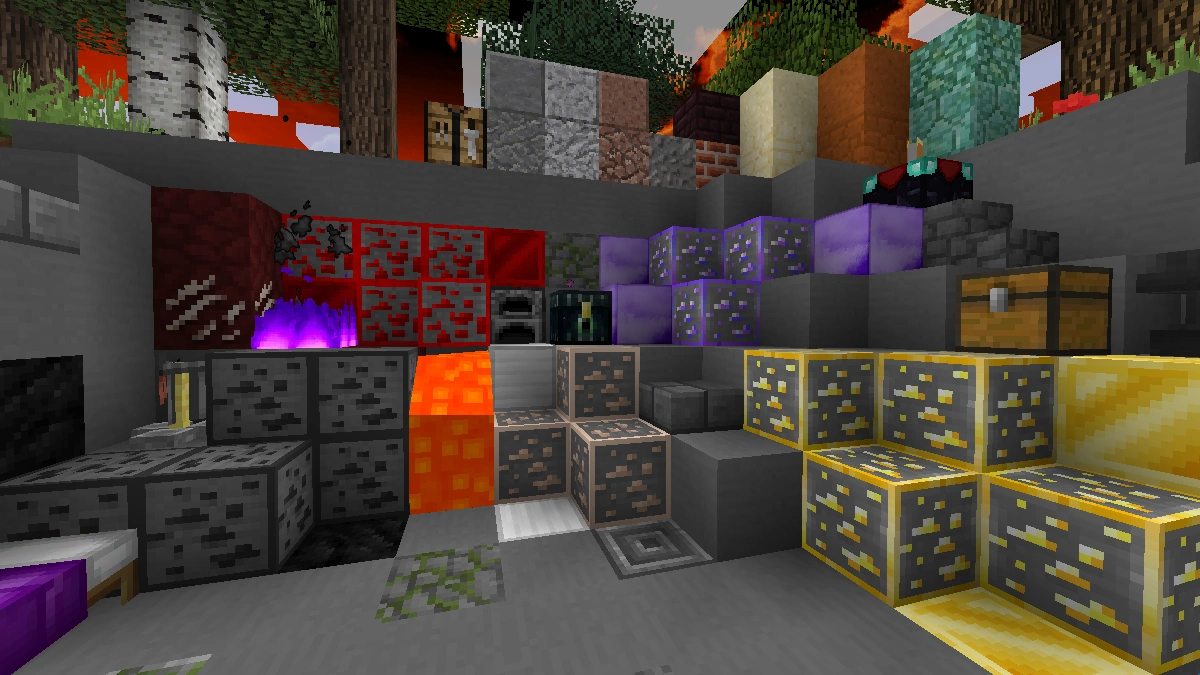
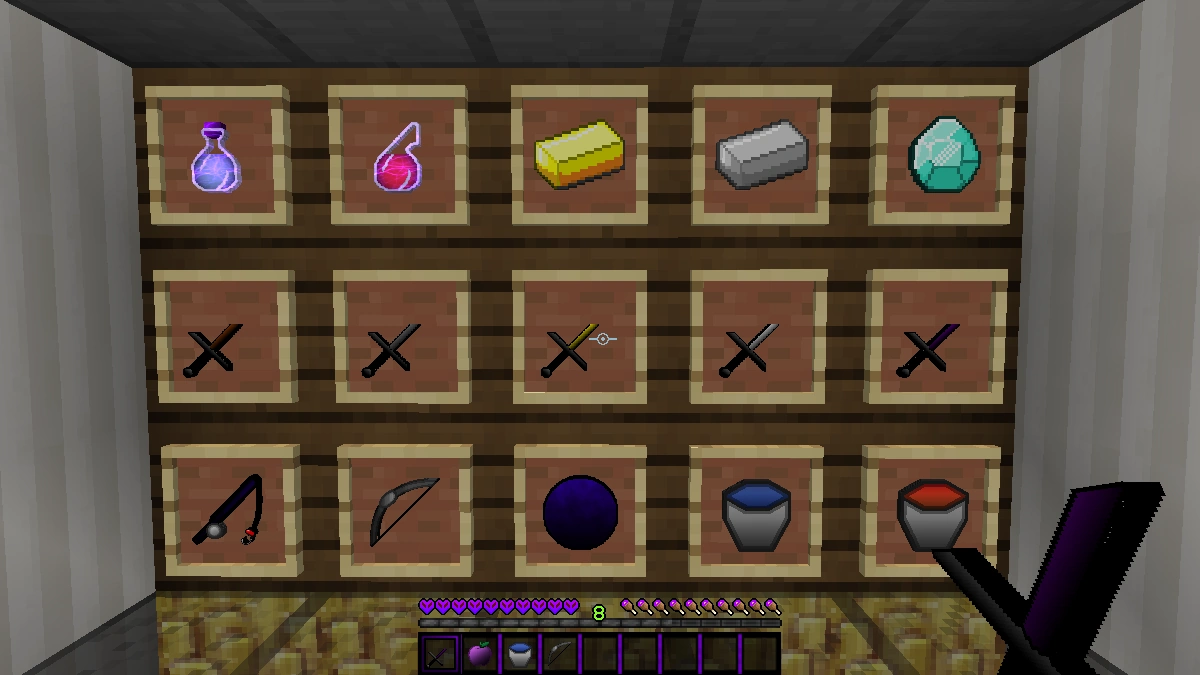
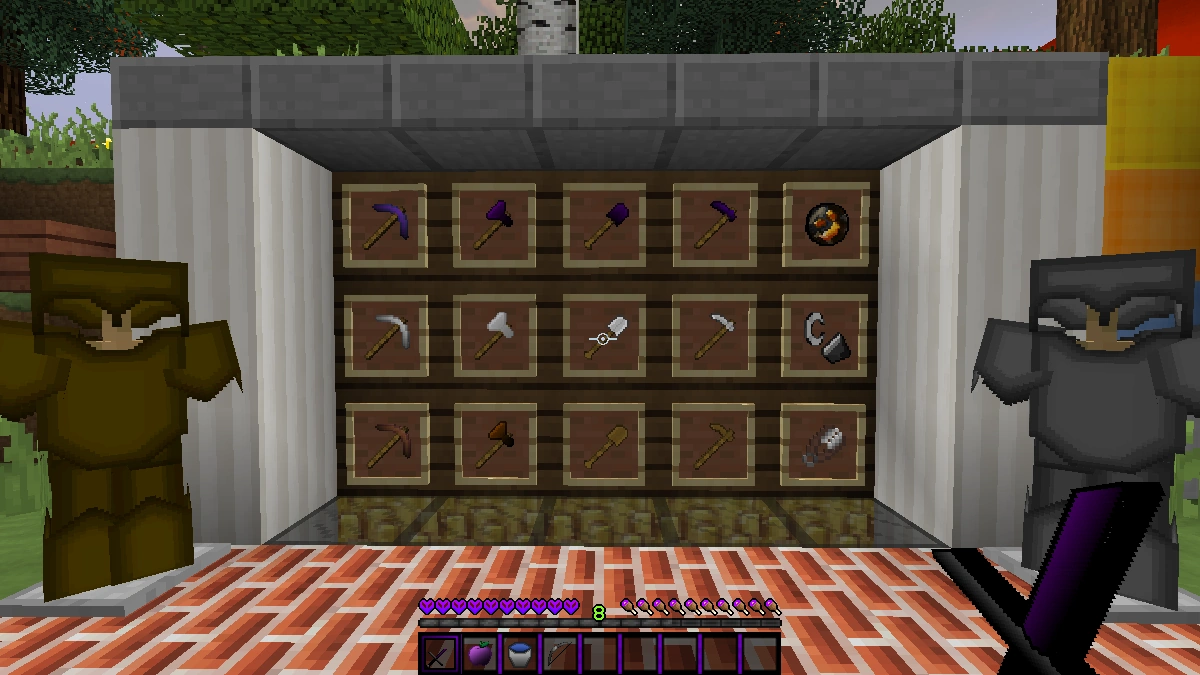
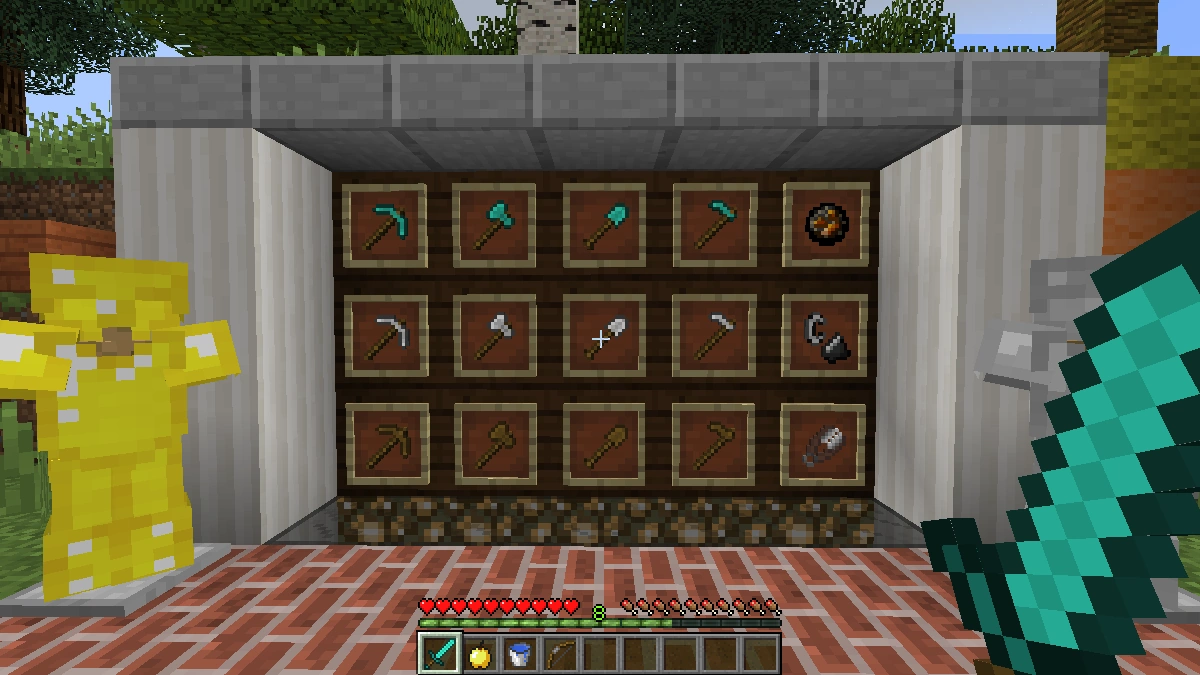
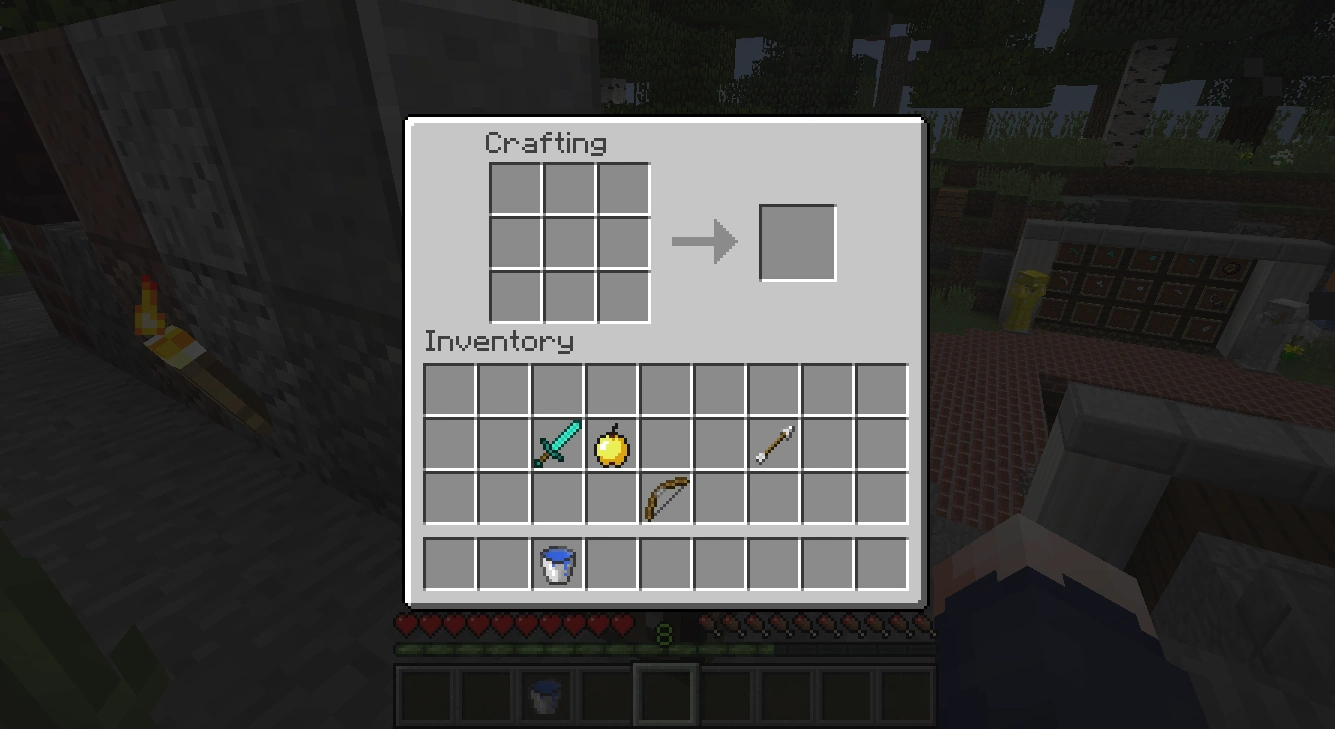
The moment you load into the game, the hotbar immediately catches your eye. In case you are not familiar, the hotbar is the row of slots at the bottom of your screen that shows your currently held items. Everything is styled in a dark purple combined with black. That sets the tone for the entire pack because this color scheme runs consistently through almost every single element. Ores are purple, the golden apple is purple, diamond tools are purple. So if you are dropping into a Skywars game and scanning the ground for that familiar teal diamond ore, you will not find it here. That is not a bug, because it’s just the design of the Pain PvP Pack.
When it comes to weapons, the pack shows exactly how much thought creator GeneralSmogyYT put into this. The swords are noticeably shorter than default, have a slightly trimmed blade, and look significantly cleaner than the standard Minecraft sword despite staying at a 16×16 resolution. The bow has a draw indicator, but not one of those oversized, distracting ones. It sits subtly right where the nock of a real bow would be, toward the back. The bow itself is black and white with minimal color accents. Honestly, it looks great. Armor pieces are nearly 90 percent solid colored, which gives everything a very clean look with just a subtle gradient along the edges.
What separates the Pain PvP resource pack from most other PvP packs is the attention paid to regular blocks. Most packs in this category only retexture weapons and tools and leave everything else untouched. Here, grass blocks, cobblestone, bookshelves, and many other standard blocks have all been reworked. The dirt underneath grass blocks looks less pixelated, the books in bookshelves pop with brighter colors, and everything feels just a notch cleaner overall, even though the resolution stays locked at 16×16 throughout. For a PvP pack, that kind of polish is not standard. All ores also feature an outline border that makes them noticeably easier to spot while playing. In other packs, like the Outlined Ores texture pack, that feature is often the main selling point, but here it just comes included.
The particles have not been overlooked either. When you land a hit, you get star particles instead of the default Minecraft hit particles, which fits the overall aesthetic really well. Fire is also purple, which is not realistic by any stretch, but it fits the pack’s visual identity perfectly.
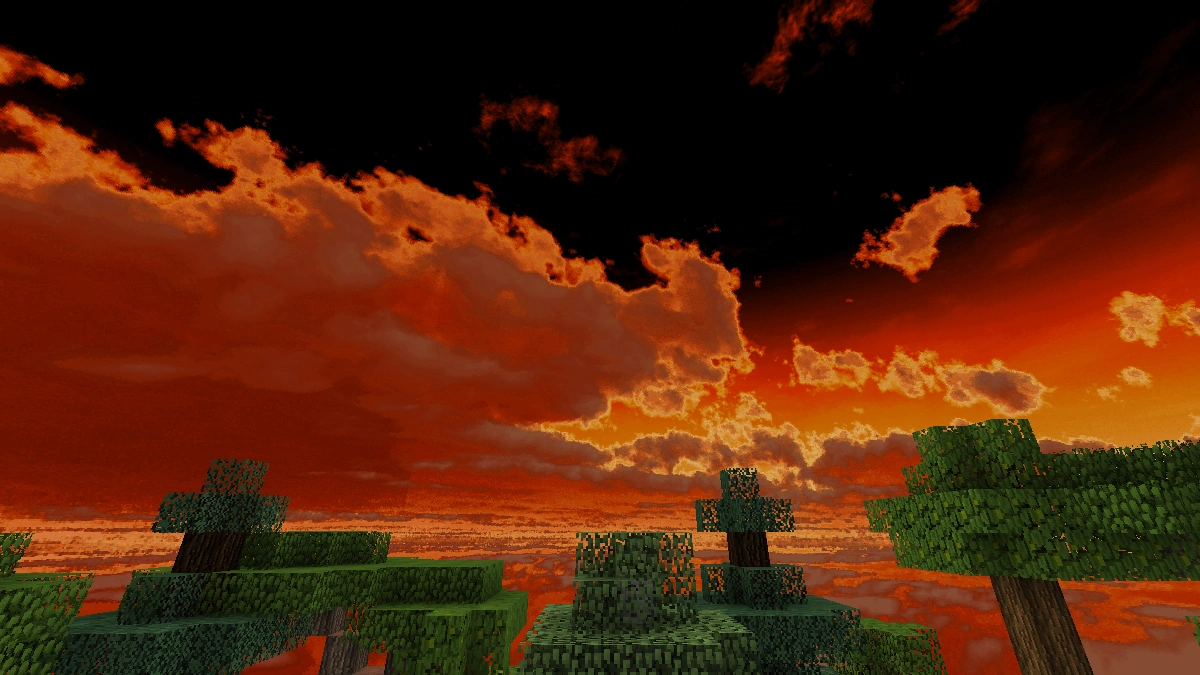
A Minecraft shader does not make sense with this pack and is not recommended. In PvP situations you need clear visibility and stable frames. Shaders hurt both of those things because while they make the game look more realistic, they also add visual noise and tank framerates on weaker systems. The pack itself is so lightweight that it runs smoothly even on older hardware. There is no reason to throw that advantage away with a shader on top.
If you want to round out the setup, you can optionally add a Low Fire Pack on top, which makes fire smaller and less in your face, though it will no longer be purple. A Clear Water Pack also pairs well with it, making water more transparent. That comes in handy in game modes where opponents try to escape or hide underwater.
The one real downside: this pack is only compatible with Minecraft 1.8.9. If you are playing on a newer version like 1.21, you are out of luck. For competitive PvP players that is usually a non-issue since a large portion of the community still runs on 1.8.9. For everyone else though, that is a genuine dealbreaker.
Screenshots
Comparison: Vanilla vs. Pain PvP
Use the before/after slider to see how Pain PvP changes Minecraft compared to vanilla. Use the buttons below to compare different biomes and situations.

How To Install Pain PvP Texture Pack
Here’s a tutorial on installing Pain PvP in Minecraft Java Edition. If you’re using Minecraft Bedrock Edition and the pack is available for Bedrock/MCPE, you can simply click on the downloaded file to install it.
- Download and install OptiFine, as it is required by most texture packs.
- Download the Pain PvP texture pack for Minecraft from the file section below. Pick the file that matches your Minecraft edition and version.
- Launch Minecraft.
- Click "Options" on the main menu.
- In the options, go to the submenu “Resource Packs”.
- Click "Open Pack Folder" at the bottom left to see a folder titled "resourcepacks".
- Put the downloaded ZIP file into your "resourcepacks" folder. Or, just drag and drop it into the Minecraft window to add the pack.
- You will see the pack on the left side of the resource pack selection menu. Unzip the file if you can't see the pack.
- Hover over the pack thumbnail and click the arrow pointing right. If the game notifies you that the pack is made for a newer or older Minecraft version, simply click “Yes” to proceed. Most textures will still work.
- Click "Done" and all assets have been loaded.
Pain PvP Texture Pack Download
[MCPACK] Download Pain PvP Texture Pack
Java Edition:
[16x] [1.8.x] Download Pain PvP Texture Pack

good
the swords are so tiny haha