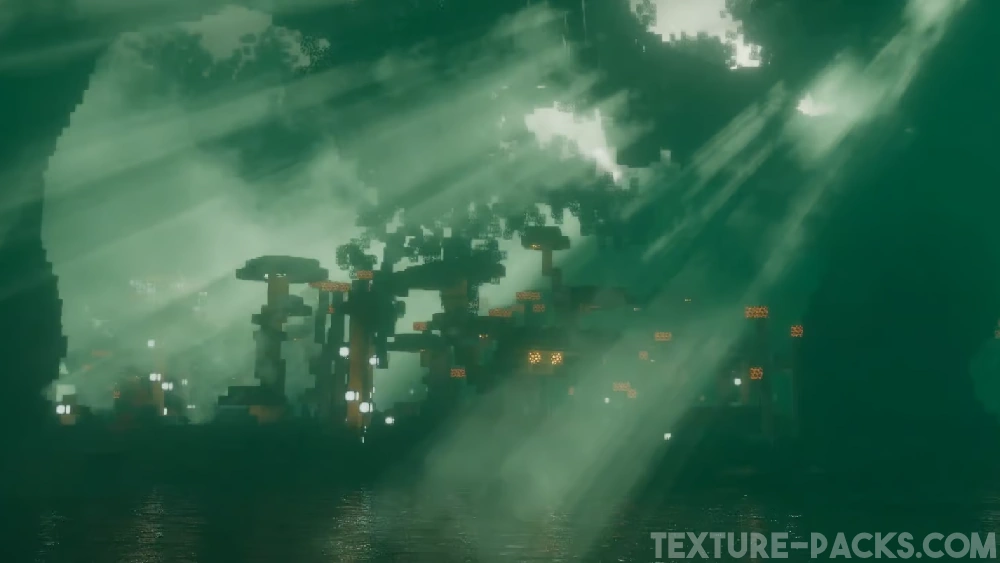
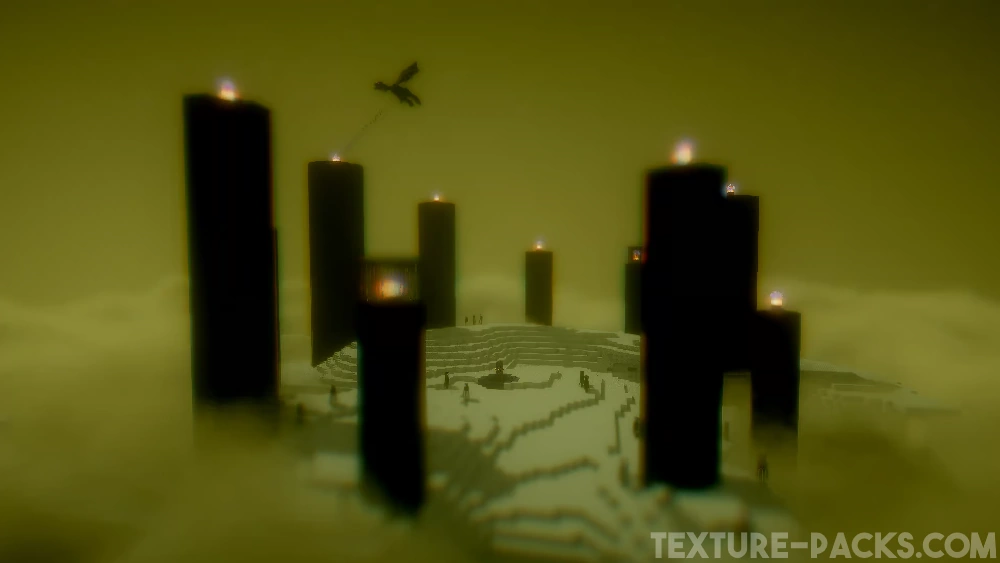
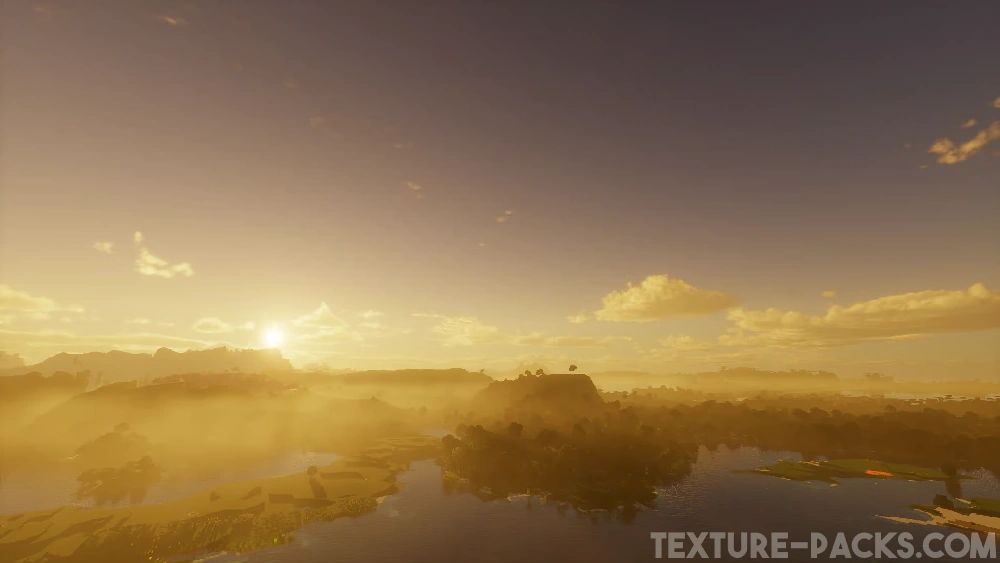
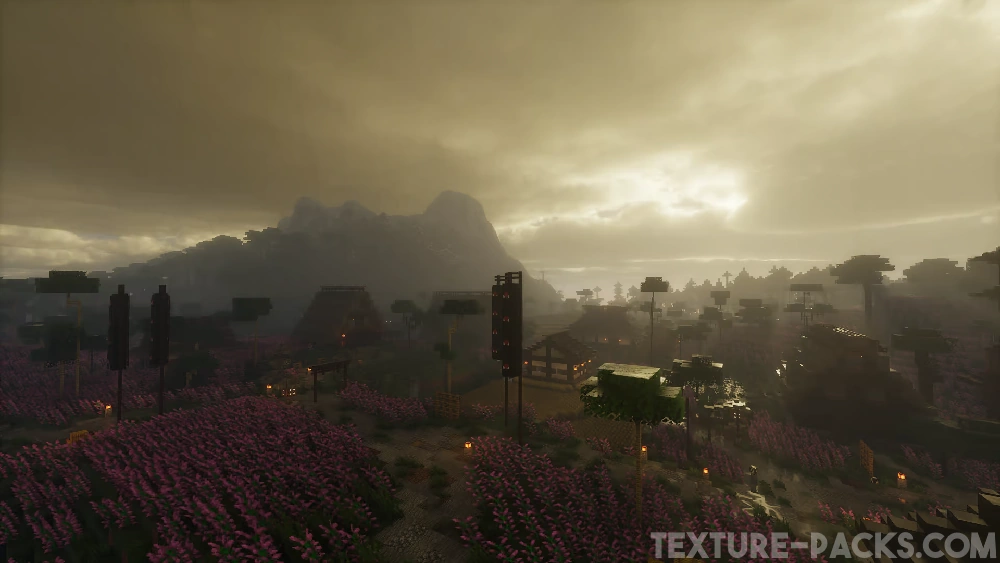
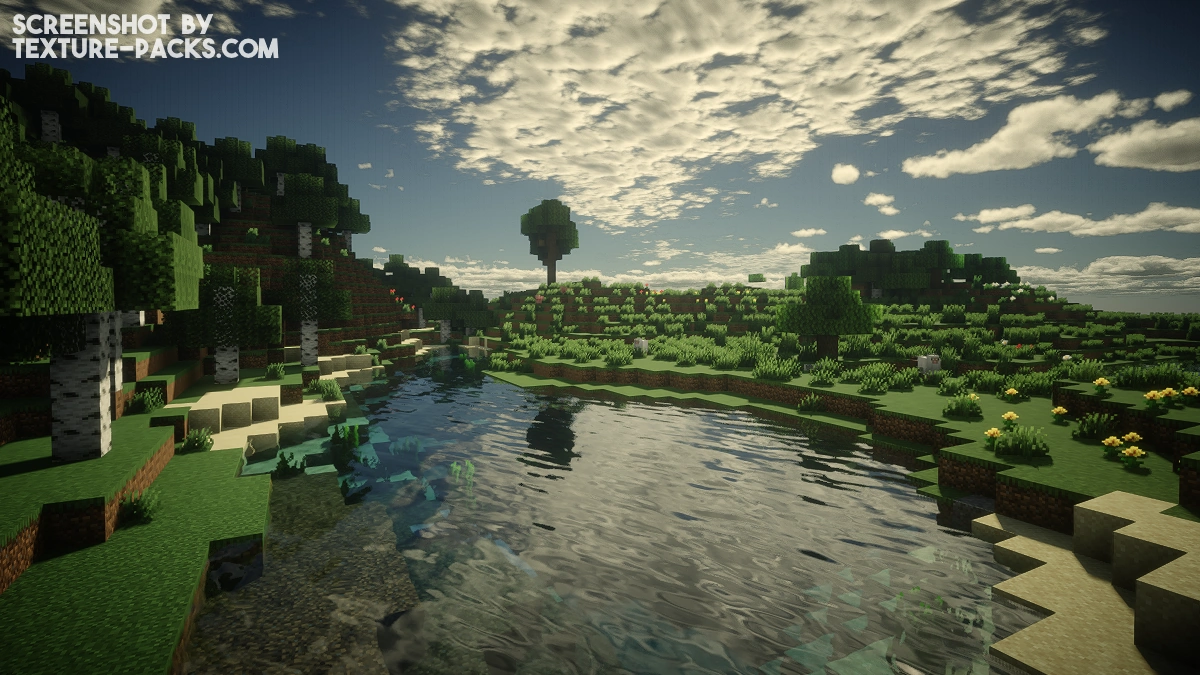
Most new shader packs aren’t that great at first and usually get better over time. That’s because most hobby developers improve their coding skills while working on their projects and immediately apply what they learn. But that’s not the case with Derivative shaders. These shaders were already amazing from the very first release. The gameplay looks like it came straight out of a Minecraft movie. Everything feels ultra realistic. No matter which biome you explore, the world looks completely transformed. Snowy biomes feel more mysterious, The End is covered in a strange fog, and the Nether glows from every angle. In the Overworld, the sky and water really steal the show, because both look incredibly lifelike. Older players probably never imagined back in the Minecraft Alpha days that the game would one day have graphics mods this advanced. Compared to big names like Kappa shaders or Bliss shaders, Derivative also performs noticeably better.
The developer put some serious thought into usability too. There are three built-in presets in the settings. By default, you’ll start with “Default”. But you can switch to “Survival” for better visibility or “Film” for a more cinematic look. That one adds black bars at the top and bottom of the screen, just like in the movies, and cranks up the motion blur to the max. Derivative looks fantastic in screenshots and videos, which is why it regularly goes viral on Reddit and TikTok. In our opinion though, the first two modes are the best for regular gameplay since they don’t have the black bars.
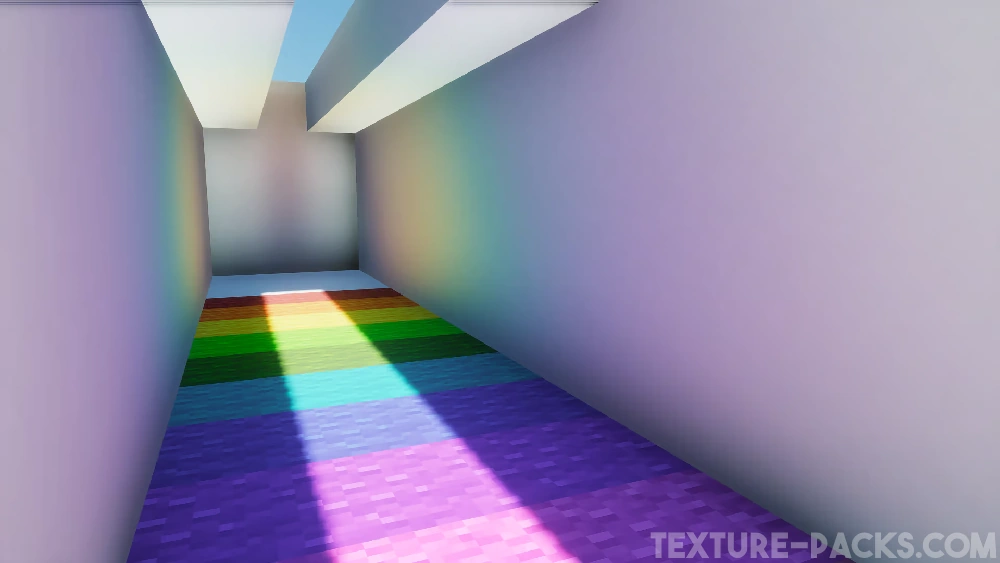
On top of that, Derivative supports both POM and PBR, which is a huge win for realistic texture packs that rely on those features. Packs like ToonCraft, RealisCraft, Luna HD, and Chibli all need labPBR shaders like this one to make blocks pop with extra 3D detail.
Fun fact: just like the IterationT shaders, Derivative was made by a developer from the Chinese Minecraft community. However, both shader packs have a bit of a controversy behind them. That’s because they used code from other developers—like SEUS Renewed—without permission. In the shader community, using parts of other shaders is sometimes okay depending on the software license. For example, Complementary was based on BSL, and Rethinking Voxels was inspired by Complementary. So it’s not unheard of for code to be shared. But in this case, the Chinese developers didn’t get permission and ended up violating several copyright rules. That’s why you won’t find Derivative shaders on CurseForge, Modrinth, or PlanetMinecraft anymore. We’ll still show you how to download and install them, but it’s up to you whether you want to use them or stick with the original shaders instead.
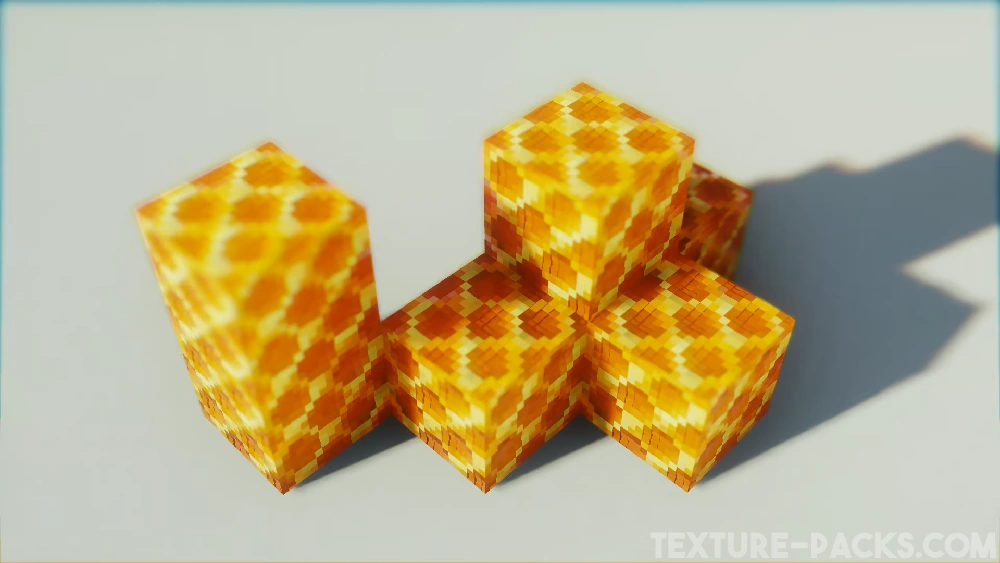
Video & Screenshots
Comparison
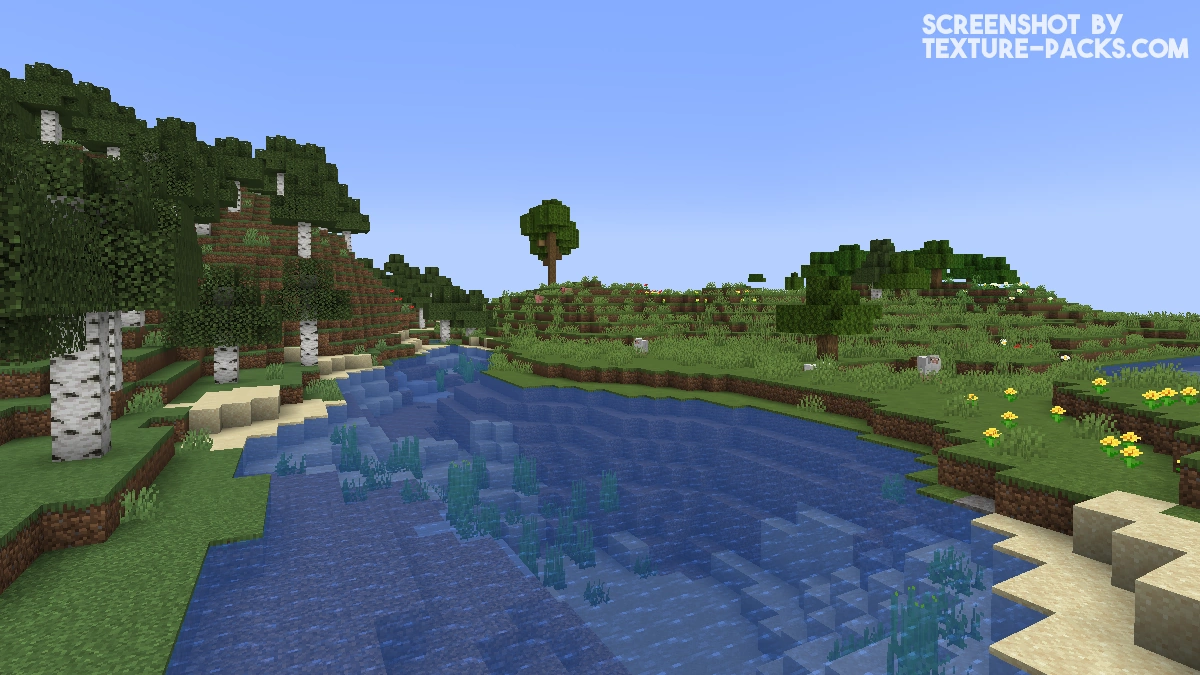
Use our comparison tool to compare the Minecraft default pack with Derivative.
How To Install Derivative Shaders
Here’s a tutorial on installing Derivative in Minecraft Java Edition.
- Download the Derivative shaders for Minecraft from the file section below. Pick the file that matches your Minecraft edition and version.
- Install Iris or OptiFine. The Iris mod is recommended for better performance with higher FPS.
- Open the Minecraft launcher, and choose the Iris or OptiFine profile you just made.
- Launch Minecraft.
- For Iris: Go to "Options", then "Video Settings", and select "Shader Packs". Next, click on "Open Shader Pack Folder" to access the shaderpacks folder. For OptiFine: Navigate to "Options", then "Video Settings", and click on "Shaders." Afterward, click on "Shaders Folder" to open the shaderpacks folder.
- Move the downloaded ZIP file into this folder (.minecraft\shaderpacks).
- In the game, choose the newly installed pack from the shaders list. If you select a shader pack using Iris, its filename will turn yellow.
- Click "Done" or "Apply" and all new features have been loaded.
Important:
- The creator recommends OptiFine over Iris.
- Compatible with Distant Horizons and the Physics Mod.
Derivative Shaders Download
Download Derivative Shaders

This shader is great. It’s the best in terms of atmosphere I’ve ever used.
The only issue is that when I press F5 to switch to third-person perspective, my character appears transparent.
Has anyone found a solution to this problem?
This issue is likely caused by an incompatibility, so please double-check that you’re using a compatible Minecraft version, shader loader (Iris/OptiFine), and that your GPU drivers are up to date.
it isnt working for me when I tried it. it gives me this error: deferred.vsh: deferred.vsh: ERROR: 0:1: ” : version ‘450’ is not supported
ERROR: 0:1: ” : syntax error: #version
ERROR: 0:2: ” : #version required and missing.
This error means your GPU or drivers don’t support OpenGL 4.5 (GLSL 450), which is required for this shader. Please try updating your graphics drivers to the latest version and make sure you’re using the latest version of Iris or OptiFine. If the issue persists after that, your GPU is most likely not compatible with Derivative.
gg
Is there a mcpe version?? and when?
There’s no MCPE (Bedrock Edition) version of Derivative available, and there are currently no plans for one. Derivative is a shader pack for Java Edition only. Shader development for Bedrock Edition works completely differently than for Java Edition, so it would essentially require creating an entirely new shader from scratch.
If you want to use this type of shader on the Bedrock Edition, I recommend using render dragon shader.
Hello there, I’m having a problem. I’m using the shader with Distant Horizons. The problem is that the shader doesn’t load the chunks after the default render distance. Basically Distant Horizons doesn’t work in other dimensions other than the overworld.
Unfortunately, Distant Horizons doesn’t support Derivative. The only solution is to switch to a different shader pack that has full Distant Horizons compatibility across all dimensions. Good alternatives would be BSL, Complementary, or Sildur’s Shaders.
perfect
It has a bug when running on my XE laptop with integrated graphics.
Unfortunately this pack doesn’t work with integrated graphics cards. Please check the compatible GPU list to see what’s supported.
thx for the download
I am playing Minecraft Java in my OnePlus Nord 3, using MOJO LAUNCHER and it works great, thank you
Can OpenGL 3.2 use this shader? How many loaders does this shader support?
Derivative supports only OpenGL 4.5 or newer and works with Iris and OptiFine.
gg
thanks you
I’ve tried for a while to get the shader pack working. but it seems it dosen’t work on under openGL 4.5. which is a shame cuz its a really nice looking shader
Unfortunately that’s a hardware limitation and your GPU doesn’t support OpenGL 4.5 which this shader requires. Only option would be upgrading your graphics card.
its crazy but when im in the caves sunlight come through blocks. its annoying
That’s a known bug with Derivative Shaders. Try tweaking the shadow settings.
I will make my Minecraft realistic with that shader so that it doesn’t look bad
perfect
I installed the Derivative app for Minecraft and I never thought it would look so clean
its very nice
good
true!
That’s great
nice