Want to make Minecraft even more beautiful than with texture packs alone? OPAL Shaders delivers exactly that. This shaderpack for Minecraft Java Edition is a rework of the well-known BSL Shaders by CaptTatsu, built with one goal in mind: make Minecraft look better without throwing out that classic vanilla feel. With over 500,000 downloads on CurseForge, this one has clearly caught on, and one look at the screenshots tells you why.
What sets OPAL Shaders apart from most other shaderpacks is how differently it looks depending on where you are in the game. A lot of shaders look great in the overworld and basically stop there. OPAL actually puts in the work everywhere. In the overworld, lighting feels softer and more natural than vanilla. Sunbeams breaking through trees look really good, and they pair perfectly with the falling cherry blossom petals in those biomes. In snowy biomes, the sky and snow have different shades of white which adds some depth to the scene, though visibility can take a slight hit. At sunset everything turns orange and reflects off the water, which is honestly one of the best moments to grab a screenshot. In desert biomes there is even a sandstorm effect where sand kicks up through the air and cuts your visibility way down, something you just don’t see in most other shaderpacks.
Underwater is another spot where OPAL Shaders genuinely shine. The water is clear with a blue-green tint, and light refracts at the surface creating those classic god rays beneath the water. The water color even shifts slightly depending on the biome you’re in. That said, the wave animations aren’t quite as realistic as what you’d get from something like the Derivative Shader, so keep that in mind if that matters to you.
Caves are dark, but not that flat pitch-black you get without shaders. OPAL adds a subtle fog that makes caves feel bigger and deeper, though the tradeoff is that zombies can sneak up on you easier than usual. The Nether looks genuinely intimidating with OPAL Shaders. Everything is dark, lava lights up the surroundings and casts shadows, and thick haze hangs in the air. If you’re geared up in Netherite you’ll be fine, but if dying stresses you out you might want to turn the shader off down there and swap in something like the No Darkness Texture Pack instead for maximum brightness. The End is actually one of the best looking dimensions with OPAL though, so we’d keep it on there. Purple fog fills the whole dimension and Endermen basically materialize out of nowhere when you get close. If you’ve used Bliss Shaders before you’ll notice some similarities, but OPAL leans more contrasty overall.
Rain also gets a solid upgrade with OPAL Shaders. Surfaces look wet and shiny after it rains, clouds roll across the sky and shift the lighting on the ground below. If you build a lot you’ll notice your base looks completely different on a sunny day versus an overcast one. If you want a texture pack that pairs well with OPAL, Faithful 64×64 is a great pick since it sticks to that same classic Minecraft style.
Performance-wise OPAL Shaders are one of the better Minecraft shaders for mid-range hardware, running smooth without major frame drops. On older or weaker machines the framerate will take a real hit, so this isn’t really built for low-end setups. It works with both OptiFine and Iris, though Iris typically performs better. Iris users can also grab the LambDynamicLights mod so torches and other light sources actually illuminate the area around them dynamically, which makes a noticeable difference in caves and the Nether. OPAL Shaders get updated at least once a year and stay current with the latest Minecraft versions.
Best of all they’re completely free to download. If you want to check out something with a slightly different look, Complementary Reimagined is worth exploring too. But if you’re looking for vanilla-friendly Minecraft shaders that don’t sacrifice atmosphere, the OPAL Shaders download for Minecraft Java Edition is a great place to start.
Video & Screenshots
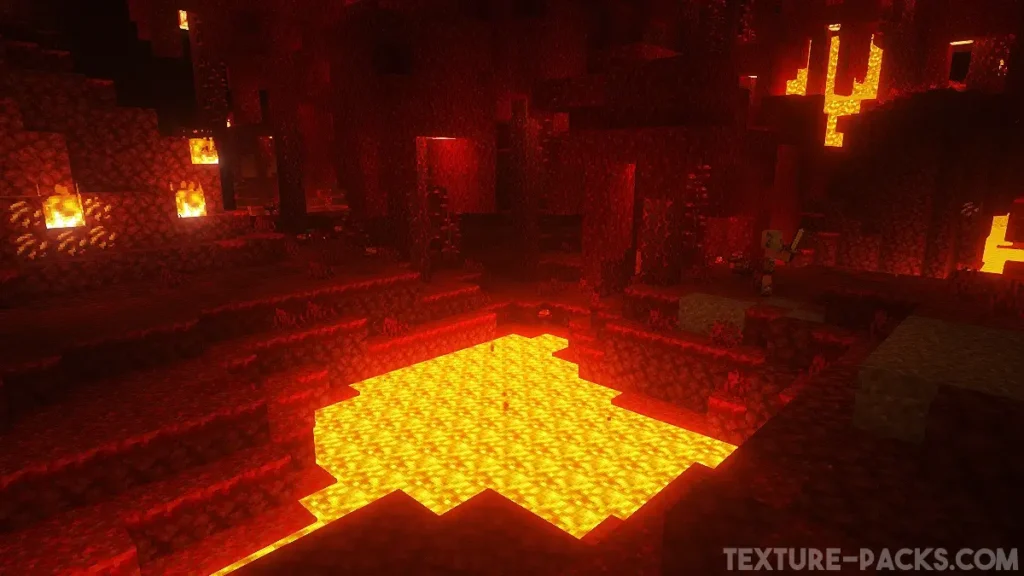
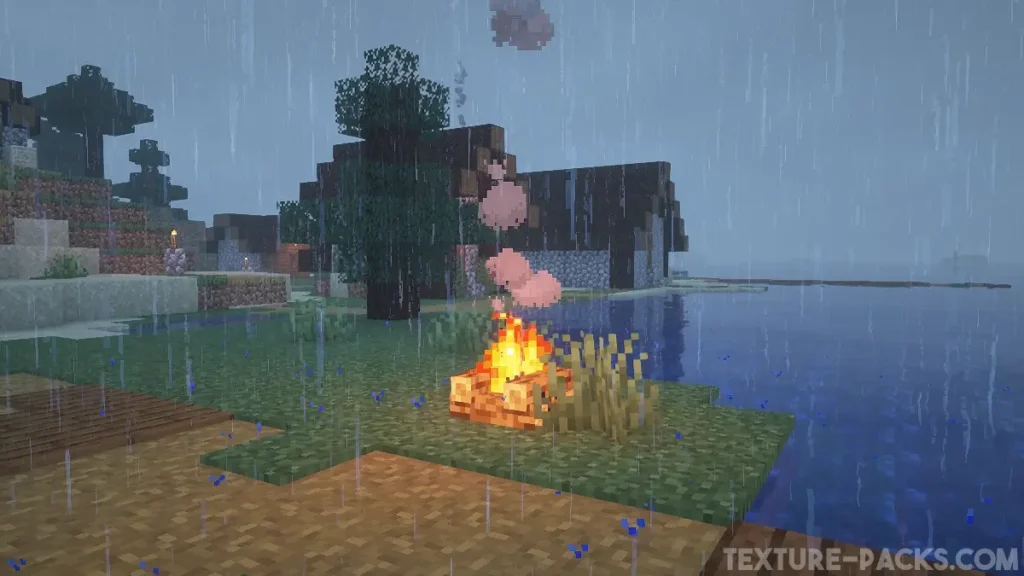
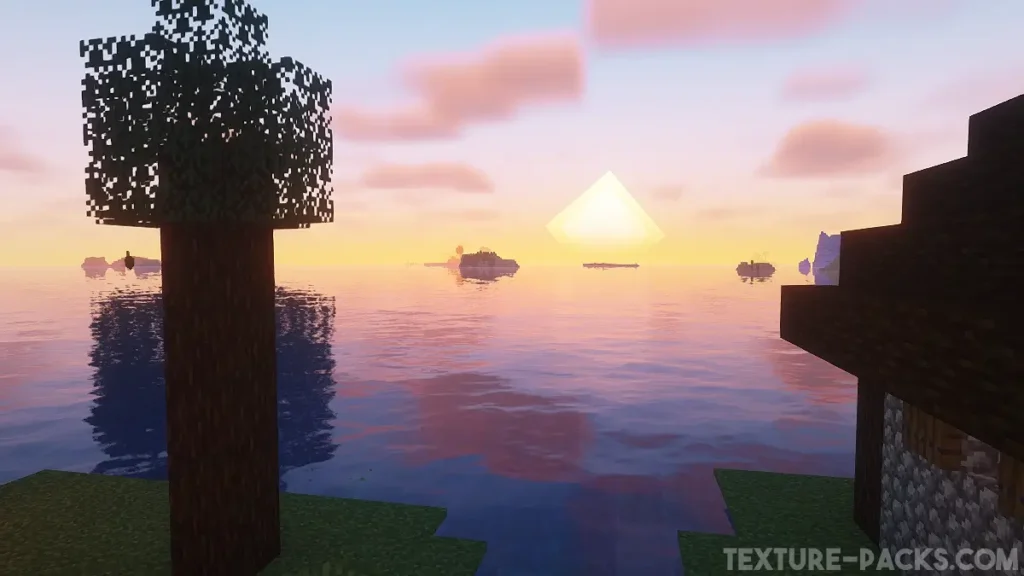
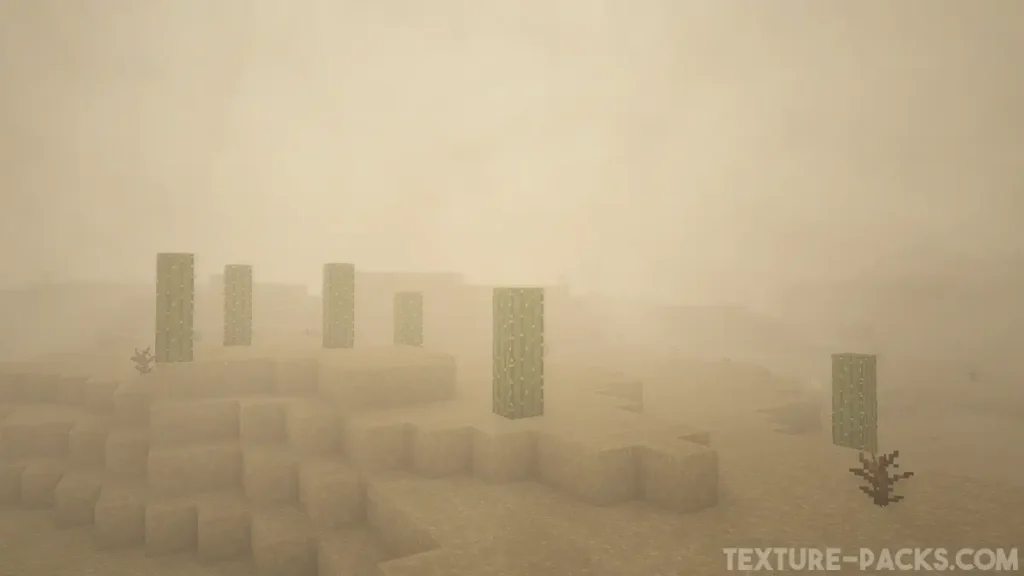
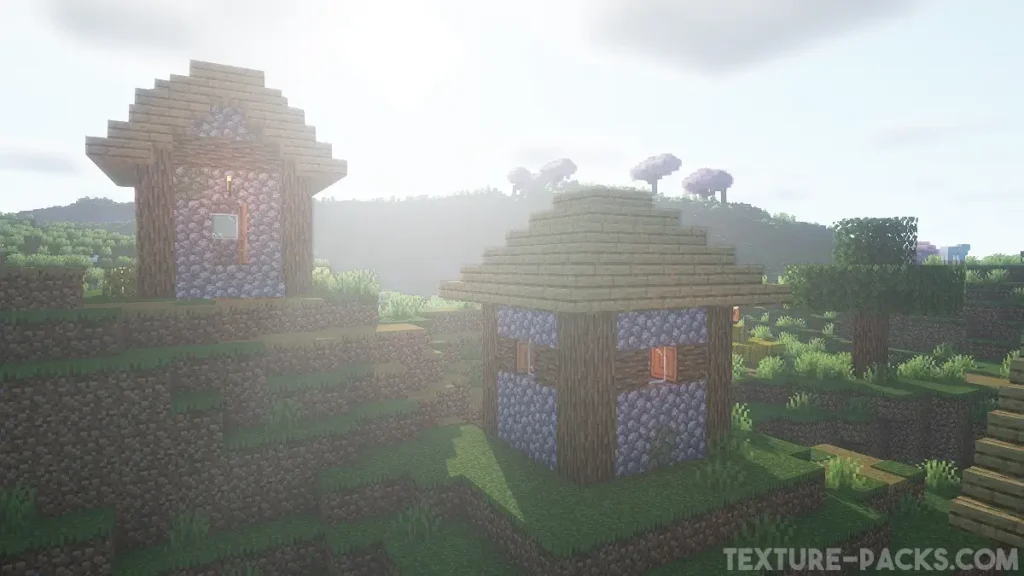
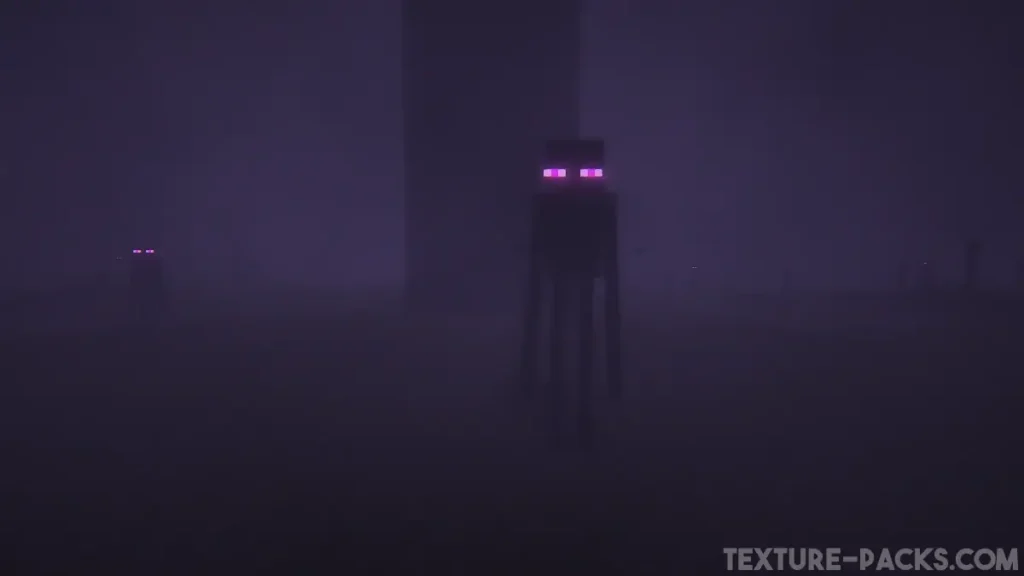
Comparison
Use our comparison tool to compare the Minecraft default pack with OPAL.
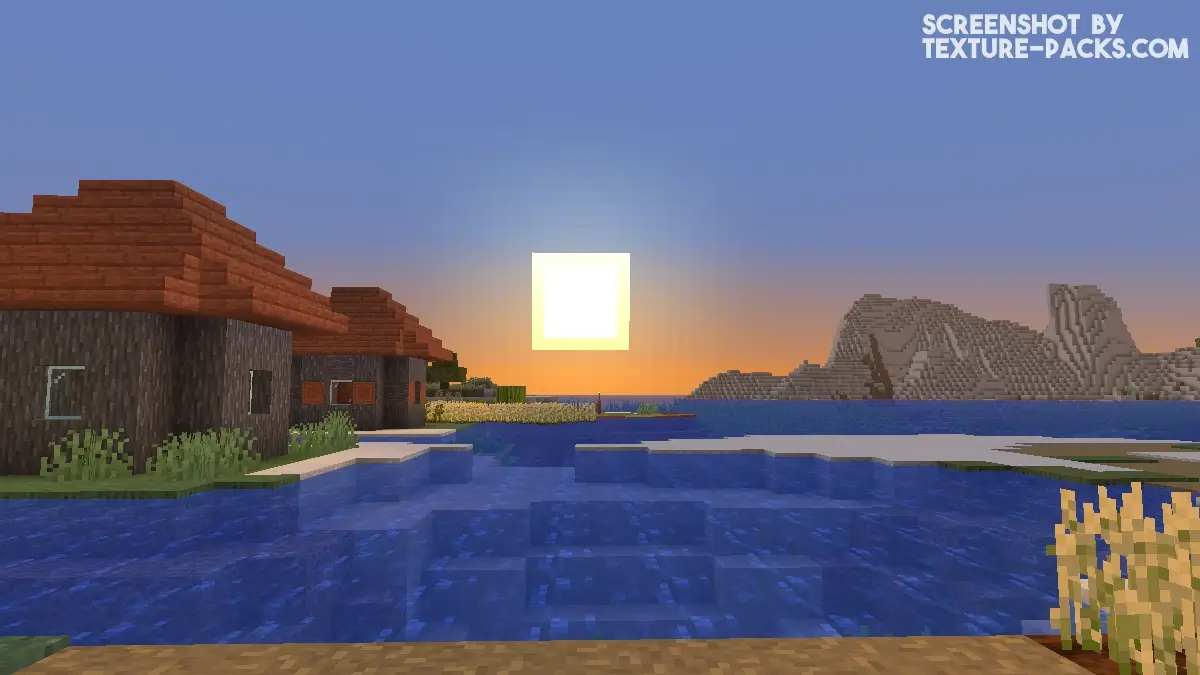
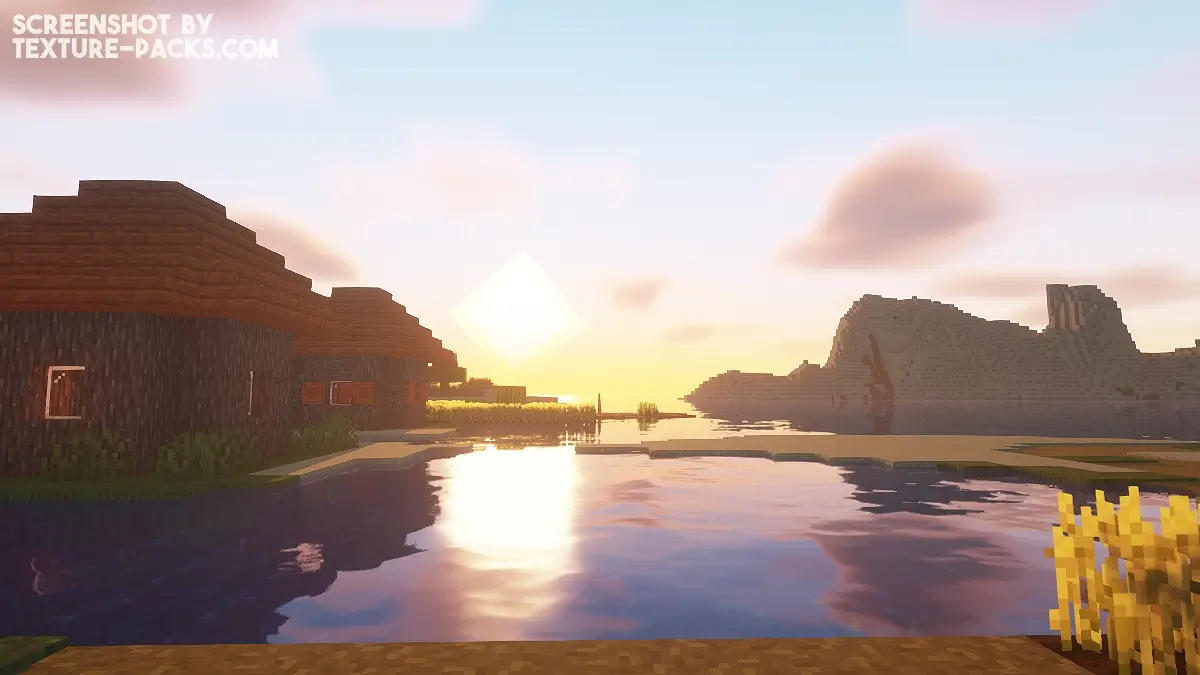
How To Install OPAL Shaders
Here’s a tutorial on installing OPAL in Minecraft Java Edition.
- Download the OPAL shaders for Minecraft from the file section below. Pick the file that matches your Minecraft edition and version.
- Install Iris or OptiFine. The Iris mod is recommended for better performance with higher FPS.
- Open the Minecraft launcher, and choose the Iris or OptiFine profile you just made.
- Launch Minecraft.
- For Iris: Go to "Options", then "Video Settings", and select "Shader Packs". Next, click on "Open Shader Pack Folder" to access the shaderpacks folder. For OptiFine: Navigate to "Options", then "Video Settings", and click on "Shaders." Afterward, click on "Shaders Folder" to open the shaderpacks folder.
- Move the downloaded ZIP file into this folder (.minecraft\shaderpacks).
- In the game, choose the newly installed pack from the shaders list. If you select a shader pack using Iris, its filename will turn yellow.
- Click "Done" or "Apply" and all new features have been loaded.
OPAL Shaders Download
Download OPAL Shaders

a bit boring but its okay for a basic shader
good one
perfect upgrade for BSL!
I picked this up too, just for a break from the regular BSL. I had no idea it would look this good in-game