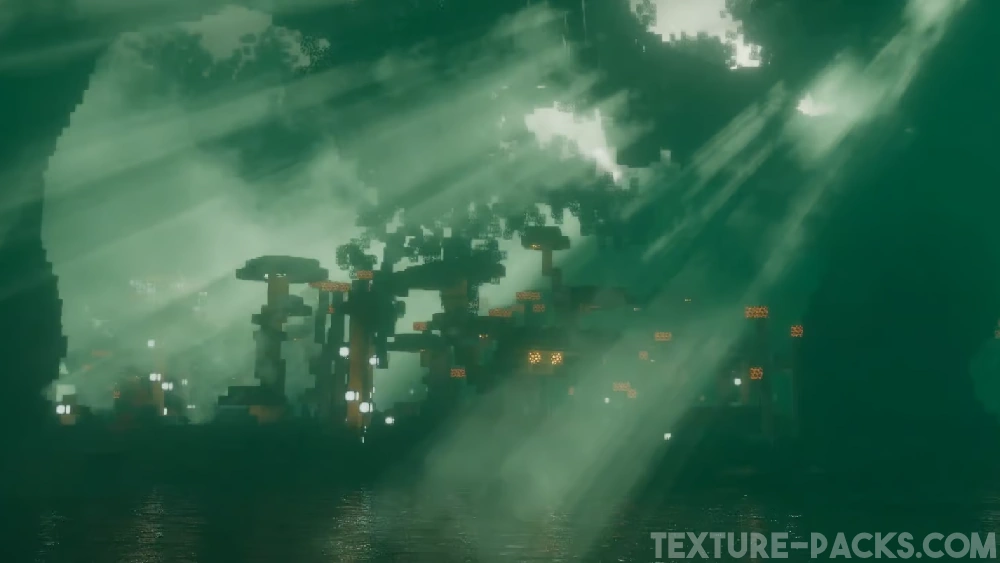
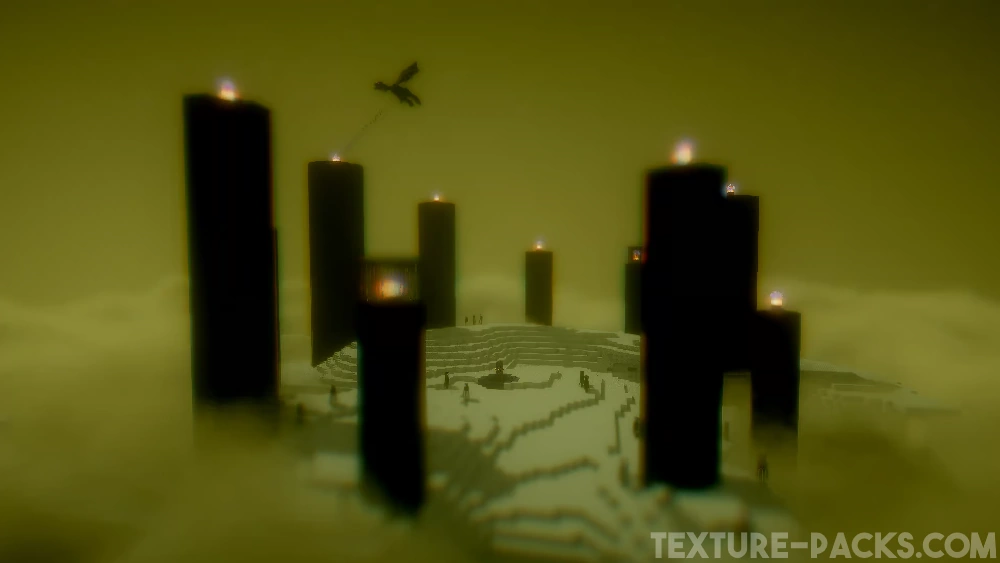
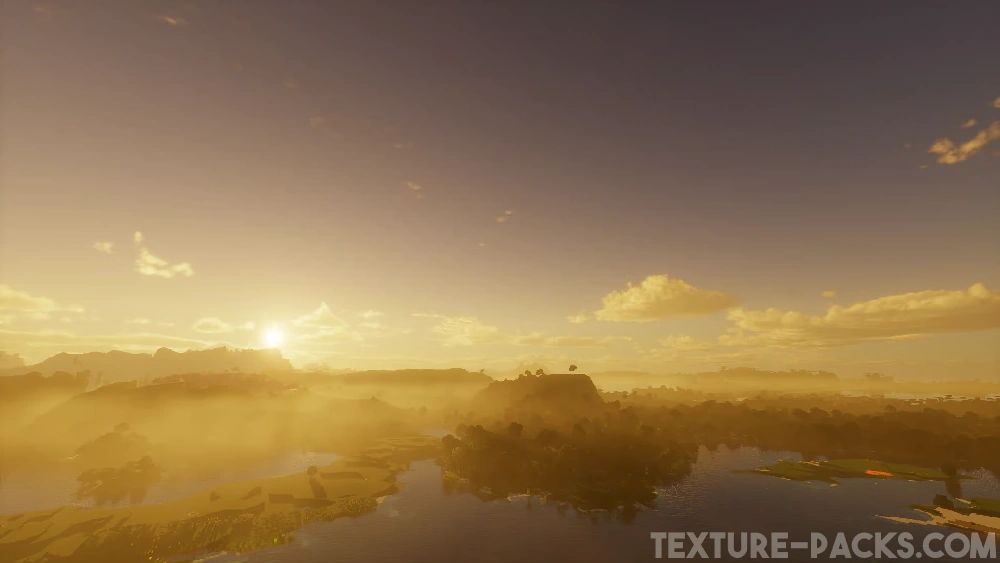
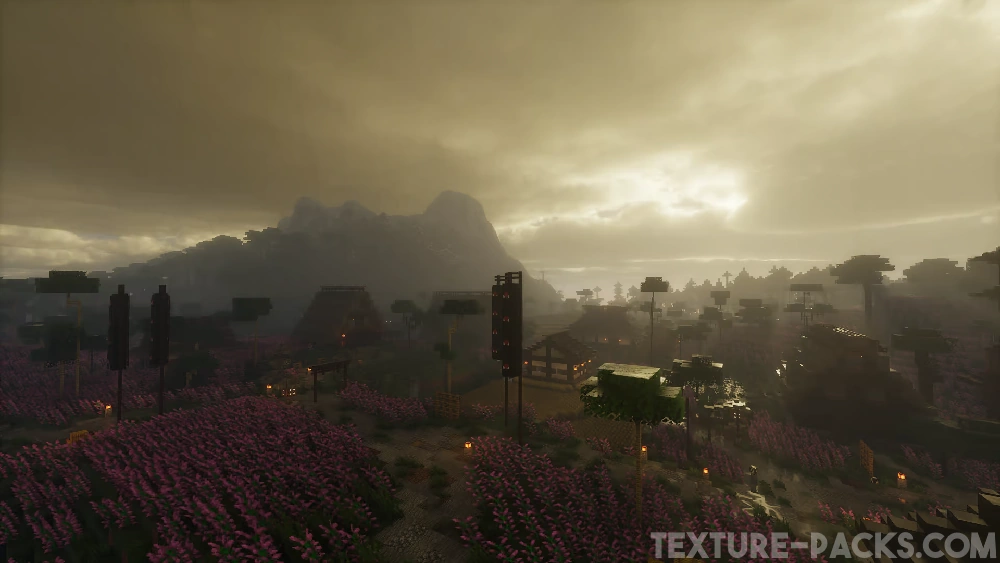
Most new shader packs aren’t that great at first and usually get better over time. That’s because most hobby developers improve their coding skills while working on their projects and immediately apply what they learn. But that’s not the case with Derivative shaders. These shaders were already amazing from the very first release. The gameplay looks like it came straight out of a Minecraft movie. Everything feels ultra realistic. No matter which biome you explore, the world looks completely transformed. Snowy biomes feel more mysterious, The End is covered in a strange fog, and the Nether glows from every angle. In the Overworld, the sky and water really steal the show, because both look incredibly lifelike. Older players probably never imagined back in the Minecraft Alpha days that the game would one day have graphics mods this advanced. Compared to big names like Kappa shaders or Bliss shaders, Derivative also performs noticeably better.
The developer put some serious thought into usability too. There are three built-in presets in the settings. By default, you’ll start with “Default”. But you can switch to “Survival” for better visibility or “Film” for a more cinematic look. That one adds black bars at the top and bottom of the screen, just like in the movies, and cranks up the motion blur to the max. Derivative looks fantastic in screenshots and videos, which is why it regularly goes viral on Reddit and TikTok. In our opinion though, the first two modes are the best for regular gameplay since they don’t have the black bars.
On top of that, Derivative supports both POM and PBR, which is a huge win for realistic texture packs that rely on those features. Packs like ToonCraft, RealisCraft, Luna HD, and Chibli all need labPBR shaders like this one to make blocks pop with extra 3D detail.
Fun fact: just like the IterationT shaders, Derivative was made by a developer from the Chinese Minecraft community. However, both shader packs have a bit of a controversy behind them. That’s because they used code from other developers—like SEUS Renewed—without permission. In the shader community, using parts of other shaders is sometimes okay depending on the software license. For example, Complementary was based on BSL, and Rethinking Voxels was inspired by Complementary. So it’s not unheard of for code to be shared. But in this case, the Chinese developers didn’t get permission and ended up violating several copyright rules. That’s why you won’t find Derivative shaders on CurseForge, Modrinth, or PlanetMinecraft anymore. We’ll still show you how to download and install them, but it’s up to you whether you want to use them or stick with the original shaders instead.
Video & Screenshots
Comparison
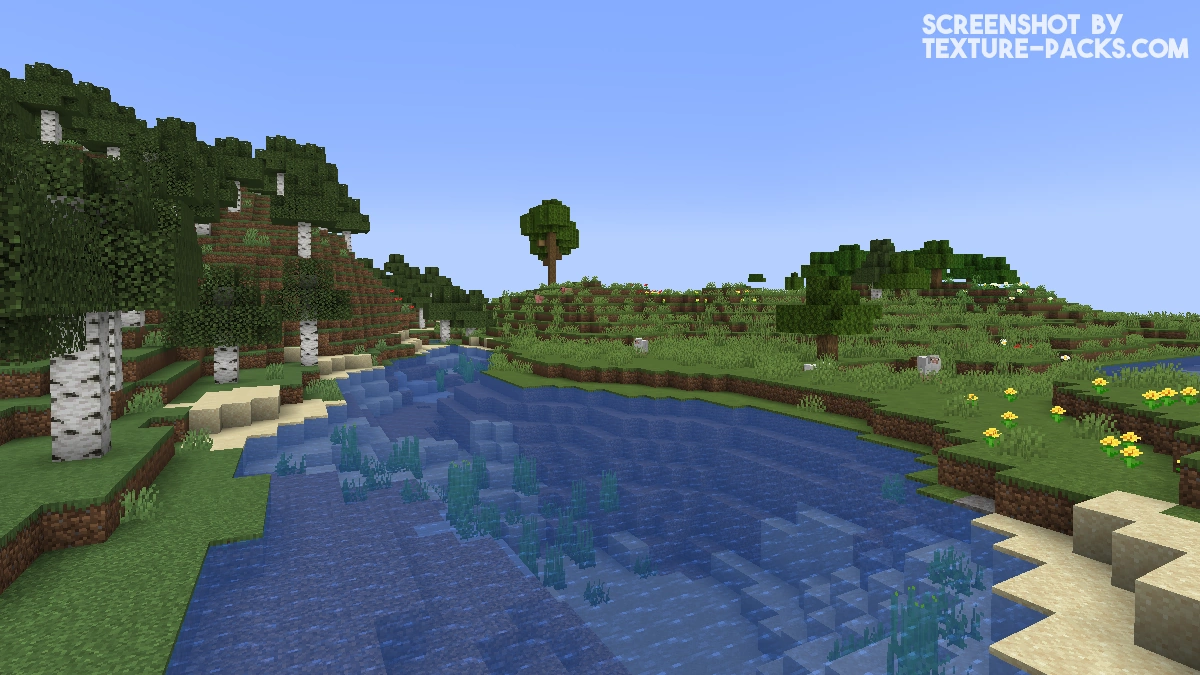
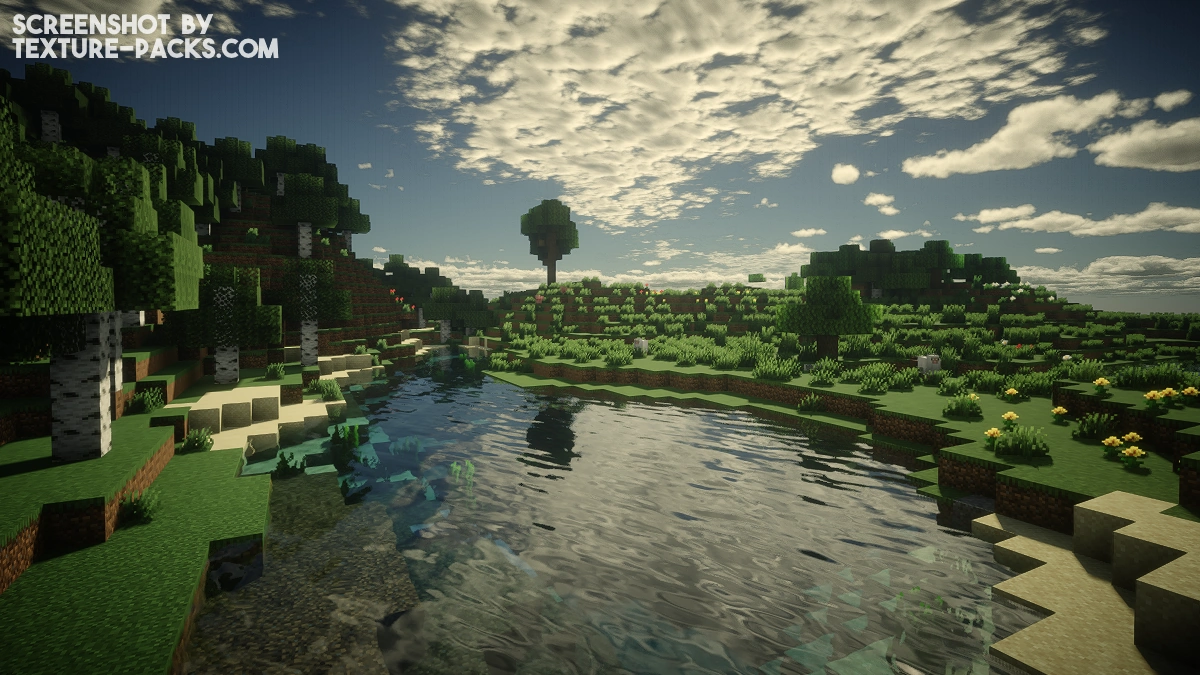
Use our comparison tool to compare the Minecraft default pack with Derivative.
How To Install Derivative Shaders
Here’s a tutorial on installing Derivative in Minecraft Java Edition.
- Download the Derivative shaders for Minecraft from the file section below. Pick the file that matches your Minecraft edition and version.
- Install Iris or OptiFine. The Iris mod is recommended for better performance with higher FPS.
- Open the Minecraft launcher, and choose the Iris or OptiFine profile you just made.
- Launch Minecraft.
- For Iris: Go to "Options", then "Video Settings", and select "Shader Packs". Next, click on "Open Shader Pack Folder" to access the shaderpacks folder. For OptiFine: Navigate to "Options", then "Video Settings", and click on "Shaders." Afterward, click on "Shaders Folder" to open the shaderpacks folder.
- Move the downloaded ZIP file into this folder (.minecraft\shaderpacks).
- In the game, choose the newly installed pack from the shaders list. If you select a shader pack using Iris, its filename will turn yellow.
- Click "Done" or "Apply" and all new features have been loaded.
Important:
- The creator recommends OptiFine over Iris.
- Compatible with Distant Horizons and the Physics Mod.
Derivative Shaders Download
Download Derivative Shaders

wow
It’s really beautiful
Hey, im on Mac and the shader won’t load. Since Apple is listed in the supported GPUs, is there anything I can do to make it work?
No :/
I’m on java, I’ve tried using this pack with both the current versions of optifine and iris, but neither work. I’ve tried both moving the resource pack file directly into the folder for resource packs in the games files, and dragging and dropping it into the resource pack page in game, but the resource pack wont show up in game.
This is actually a shader, not a resource pack. That’s why it doesn’t show up in the resource packs menu. To use it, you need to install a shader loader like Iris or OptiFine and then move the shader ZIP file into the “shaderpacks” folder instead of the “resourcepacks” one.
Is there a link to an older version of this shaderpack that uses optifine pre 1.16.5?
Cause I’m having issues with it in 1.12.2 and I would like to check out an older version of this shader.
how do i get the shader?
Just click on the download links.
The shaders are very good
I downloaded the derivative shaders and it was better than expected
ngl this pack is something different and looks way better as the boring vibrant visuals on bedrock
I really like this shaders
I like the shader from this post too
After all these years, this is the greatest shader I’ve ever seen. Doesn’t require extensive tweaking, and it performs WAY better than any other shader I’ve used before. I use a 4060TI and it works with practically everything, I could use crazy render distance and it works just fine(I just stick to DH). I tried this on mods with big custom maps, and it works amazingly well.
water couldve been better
overall its pretty nice
i really liked the shader but there is one problem whenever it’s night time I see some colourfull line mainly green, red coloured lines so how can I fix it because it is so annoying version is 1.20.6 Java
Ive tried it. Its good but not in caves. The survival makes it better. But i think its cheating. Theres always light in the caves when the modification is neutral.
best pack ever seen in Minecraft history
this shader is very pretty, i hope it gets maintained and keeps getting updated
good
I keep getting a bug saying the shader won’t load. And if I load it manually with Iris it crashes my game as says “can only blur once per frame.” Even if I turn off every setting in the shader before loading the world it does this. I’m obviously playing on the most recent Iris version and shader version. Nothing I change makes it load.
The author literally said it works better with optifine, so duh
Without Doubt, the best of all I tried. 60 Stable FPS, but there’s an little issue with the Motion Blur. What’s that green lines effect on the side of the screen? I tried changing the version but nothing happens, How to solve it?
I’ve tried countless shaders, but this one is the best by far. It looks absolutely spectacular. Five stars to the author!