Most new shader packs aren’t that great at first and usually get better over time. That’s because most hobby developers improve their coding skills while working on their projects and immediately apply what they learn. But that’s not the case with Derivative shaders. These shaders were already amazing from the very first release. The gameplay looks like it came straight out of a Minecraft movie. Everything feels ultra realistic. No matter which biome you explore, the world looks completely transformed. Snowy biomes feel more mysterious, The End is covered in a strange fog, and the Nether glows from every angle. In the Overworld, the sky and water really steal the show, because both look incredibly lifelike. Older players probably never imagined back in the Minecraft Alpha days that the game would one day have graphics mods this advanced. Compared to big names like Kappa shaders or Bliss shaders, Derivative also performs noticeably better.
The developer put some serious thought into usability too. There are three built-in presets in the settings. By default, you’ll start with “Default”. But you can switch to “Survival” for better visibility or “Film” for a more cinematic look. That one adds black bars at the top and bottom of the screen, just like in the movies, and cranks up the motion blur to the max. Derivative looks fantastic in screenshots and videos, which is why it regularly goes viral on Reddit and TikTok. In our opinion though, the first two modes are the best for regular gameplay since they don’t have the black bars.
On top of that, Derivative supports both POM and PBR, which is a huge win for realistic texture packs that rely on those features. Packs like ToonCraft, RealisCraft, Luna HD, and Chibli all need labPBR shaders like this one to make blocks pop with extra 3D detail.
Fun fact: just like the IterationT shaders, Derivative was made by a developer from the Chinese Minecraft community. However, both shader packs have a bit of a controversy behind them. That’s because they used code from other developers—like SEUS Renewed—without permission. In the shader community, using parts of other shaders is sometimes okay depending on the software license. For example, Complementary was based on BSL, and Rethinking Voxels was inspired by Complementary. So it’s not unheard of for code to be shared. But in this case, the Chinese developers didn’t get permission and ended up violating several copyright rules. That’s why you won’t find Derivative shaders on CurseForge, Modrinth, or PlanetMinecraft anymore. We’ll still show you how to download and install them, but it’s up to you whether you want to use them or stick with the original shaders instead.
Video & Screenshots
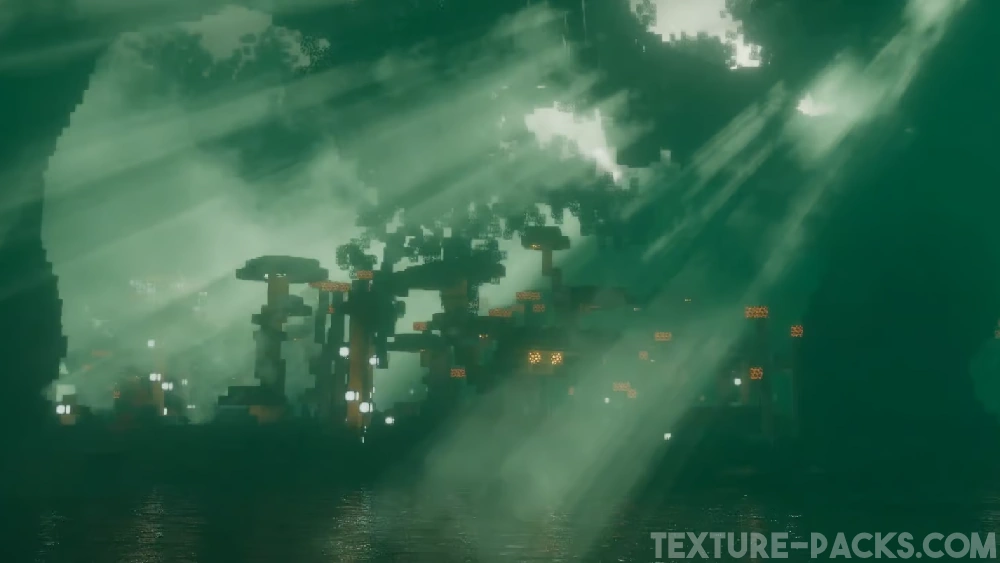
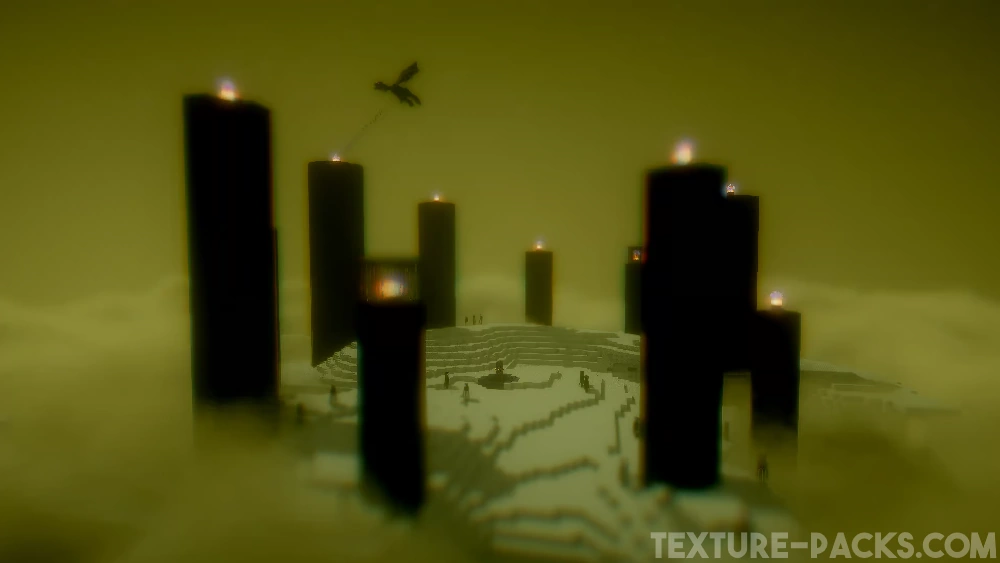
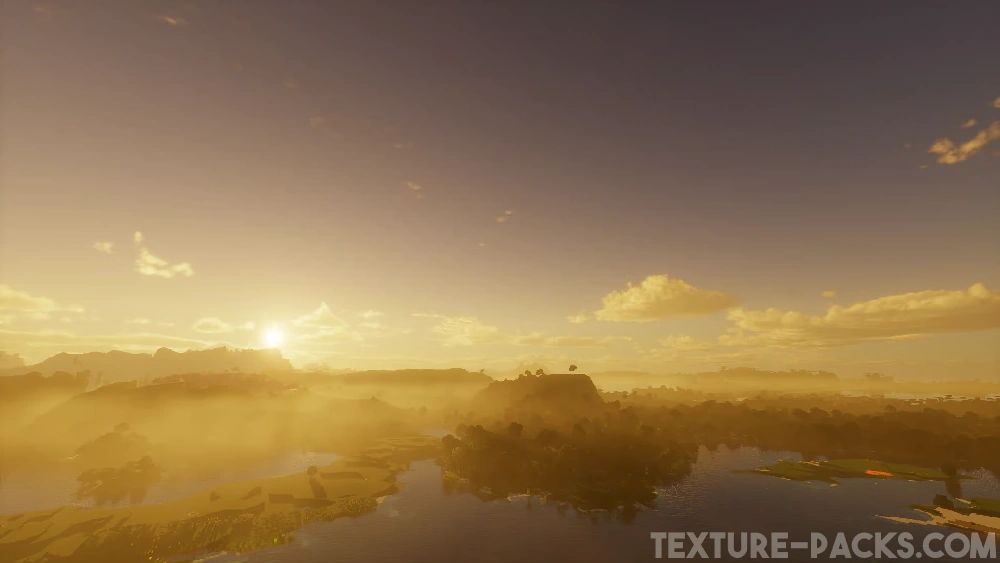
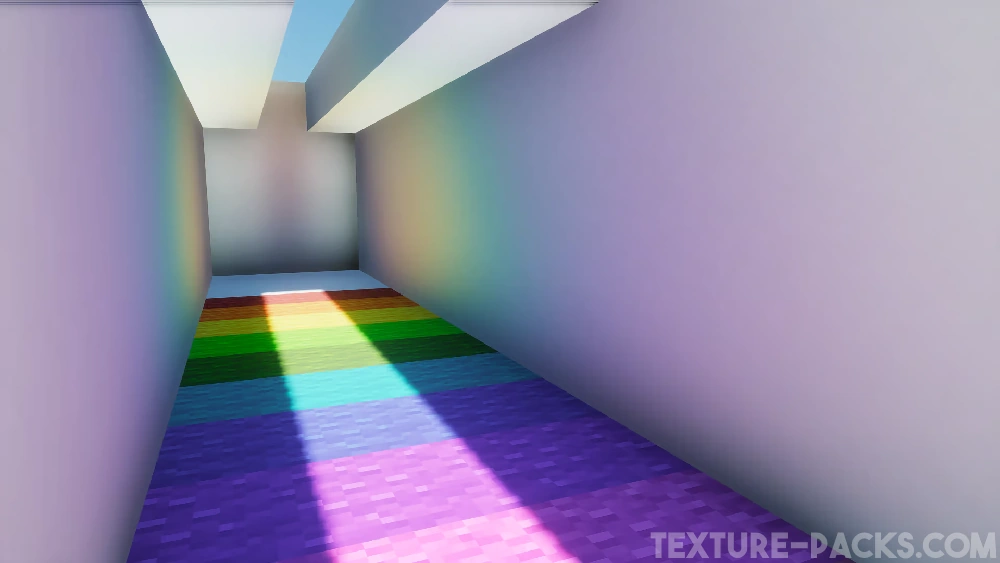
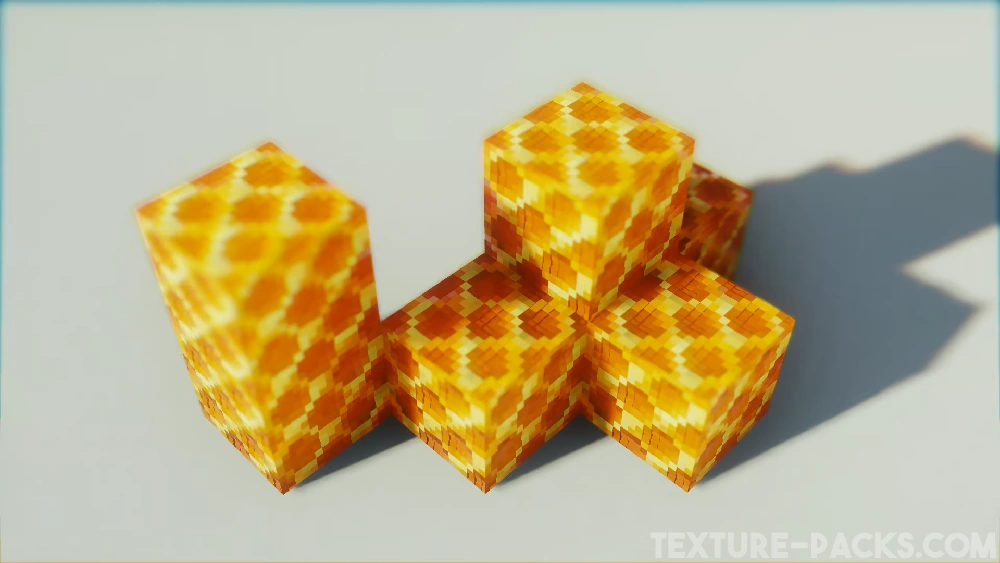
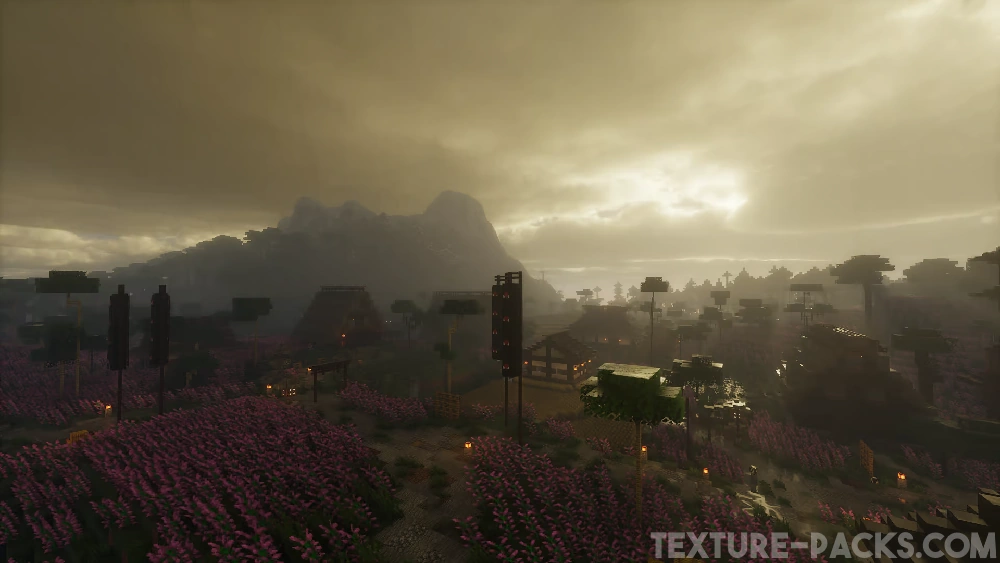
Comparison
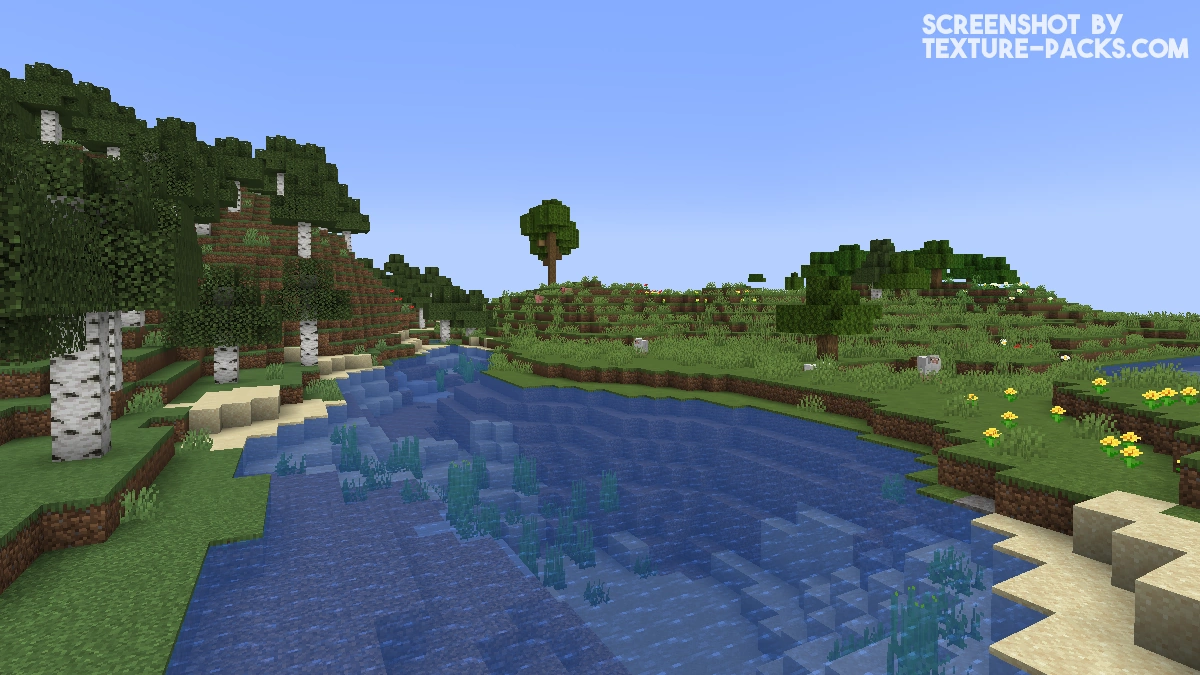
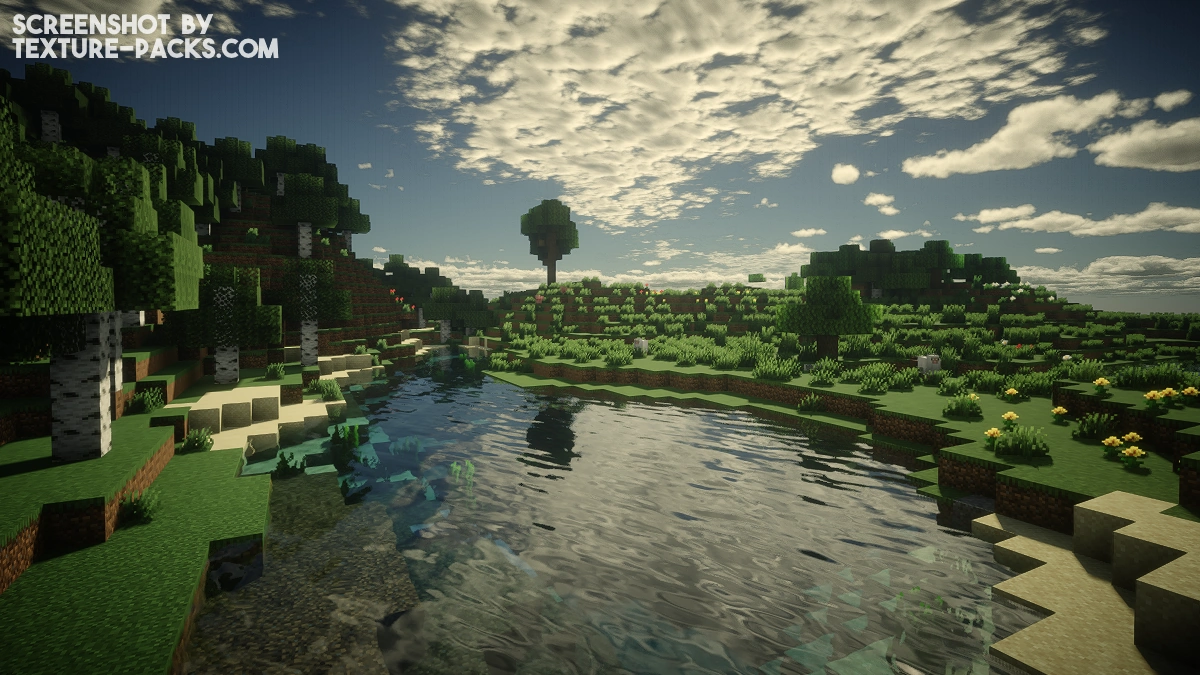
Use our comparison tool to compare the Minecraft default pack with Derivative.
How To Install Derivative Shaders
Here’s a tutorial on installing Derivative in Minecraft Java Edition.
- Download the Derivative shaders for Minecraft from the file section below. Pick the file that matches your Minecraft edition and version.
- Install Iris or OptiFine. The Iris mod is recommended for better performance with higher FPS.
- Open the Minecraft launcher, and choose the Iris or OptiFine profile you just made.
- Launch Minecraft.
- For Iris: Go to "Options", then "Video Settings", and select "Shader Packs". Next, click on "Open Shader Pack Folder" to access the shaderpacks folder. For OptiFine: Navigate to "Options", then "Video Settings", and click on "Shaders." Afterward, click on "Shaders Folder" to open the shaderpacks folder.
- Move the downloaded ZIP file into this folder (.minecraft\shaderpacks).
- In the game, choose the newly installed pack from the shaders list. If you select a shader pack using Iris, its filename will turn yellow.
- Click "Done" or "Apply" and all new features have been loaded.
Important:
- The creator recommends OptiFine over Iris.
- Compatible with Distant Horizons and the Physics Mod.
Derivative Shaders Download
Download Derivative Shaders

two errors! admin plz respond i love this shader
first: im not able to see the flame on torches nor my friends when i play with them
seconed: when im in cave and sunrise or set i see light passing from the corners of blockes
these things does not happen in venilla and other shaders
The map in the frame and the redstone dust have turned transparent
Hi! I’m loving this shader! I just need a way to configure the block outline, does anybody know how to?
idk but the block braking texture doesn`t show up and my character is 100% invisible
super nice shader
yooo guys
I love this shader because it’s just beautiful and looks so natural
Although it is a SEUS heavily modded version, it is still very good.
deferred.vsh: deferred.vsh: ERROR: 0:1: ” : version ‘450’ is not supported
ERROR: 0:1: ” : syntax error: #version
ERROR: 0:2: ” : #version required and missing.
why does that happen?
This is a GLSL version error. The shader requires OpenGL 4.5 (#version 450), but your GPU or driver doesn’t support it, or the OpenGL context isn’t being created properly. Most common causes are outdated GPU drivers, the wrong shader loader (Derivative needs Iris or a recent OptiFine build), or a GPU that’s too old to support OpenGL 4.5. Try updating your drivers and make sure you’re running Iris + Fabric. That usually fixes it.
Ty! My game looks so realistic thanks to you!
All the banners are white in version d24.4.4, how do I fix that?
hope that works also with the vulcan update this summer, or that the community comes up with a rewrite
When will voxy support come?
The developer is currently no longer providing updates, so there are no plans to support Voxy at this time.
hi, I encountered a shader error while using Derivative MC The shader fails to load (Compile Error) immediately after I enable Parallax (POM) in the settings, even without any resource packs active.
terrain_solid.fsh: terrain_solid.fsh: 0(164) : error C1503: undefined variable “normals”
0(182) : error C1503: undefined variable “normals”
0(221) : error C1503: undefined variable “normals”
When POM is enabled, the shader tries to use a variable called “normals” that isn’t properly initialized in that code path and causing the compile error. For now: keep POM disabled until the shader developer pushes a fix.
I don’t see the bedrock download option
This pack is not available for the Bedrock Edition.
When I play with friends or i f5 I turn transparent and so are my friends. Im using Iris and I also made sure that my GPU is up to date and my versions compatible. Any fix.
same issue
same issue
nice
I really like this shader and I hope you’ll add some colored lights and emissive entity
Thanks to your TikTok video, I can get to enjoy derivative, great job
Impressive how realistic it looks while still running with high FPS