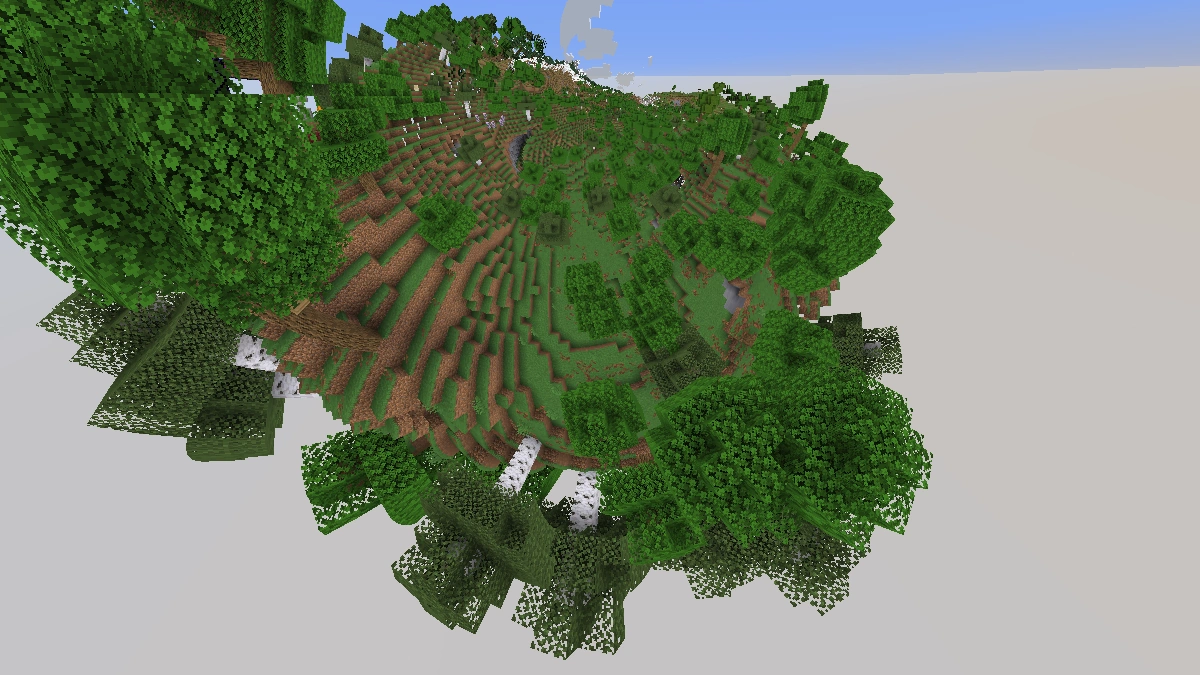
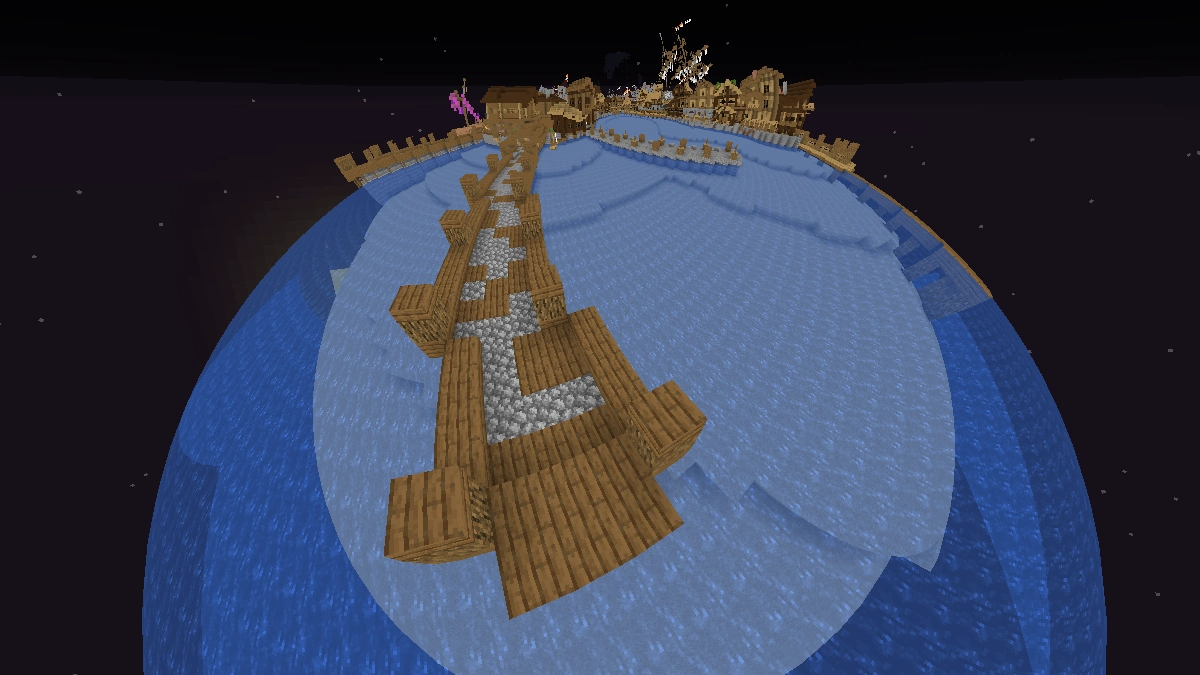
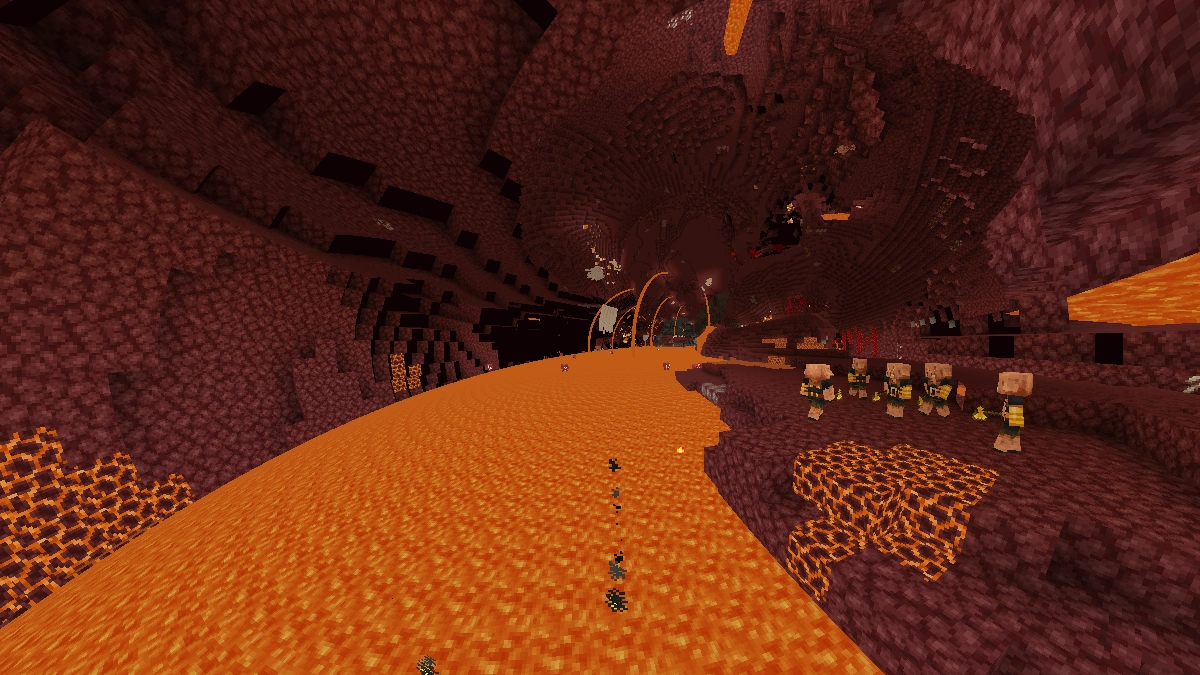
A drug simulator in Minecraft? Sounds totally insane, but that’s exactly what it feels like when you install the Acid Shaders. With this shader pack, Minecraft looks like it’s under a crazy spell. Everything spins, bends, and moves in every possible direction, and after a few minutes, it feels like you’ve fallen into the weirdest trip ever. At some point, your brain just stops trying to make sense of what’s happening on your screen. Some players even call this shader a “visual drug” that every long-time Minecraft fan should try at least once. And even though the effects are way over the top, a lot of people love the surreal, almost hypnotic vibe. It’s like time and space completely melt away.
The name Acid originally comes from a strong psychedelic drug known as LSD. That’s why some people also call it the LSD Shaders. This substance changes how you perceive things, making colors, shapes, and movements look more intense and distorted. That’s exactly what the Acid shaders try to recreate in Minecraft, just without any real drugs involved.
After just five minutes, you’ll probably start to feel dizzy because your brain can’t handle what it’s seeing anymore. It honestly feels like the wildest hallucination you could ever have in Minecraft. Add in a few mods with dragons or other cursed stuff, and it’s like your whole world is tripping. Anyone who manages to play longer than half an hour with these shaders deserves some serious respect. The Acid Shaders aren’t meant to be a realistic graphics upgrade, but more of a fun little pack to mess around with or prank your friends.
Even though this shader pack makes absolutely no sense, it’s still surprisingly popular. The first versions of the Acid shaders appeared around 2011, and since then, different developers have kept updating them. Every time a new version drops, the downloads skyrocket again. Back in the day, the first release was literally just a text file, and you had to tweak a lot of things manually. You can really consider yourself lucky that installing Minecraft mods is so easy today. In the past, you even had to download the old GLSL Shaders Mod, which was later replaced by OptiFine and then by Iris.
So why does the Acid Shader Pack even exist? The answer is simple because Minecraft players love experimenting with weird and funny stuff, like with the 1×1 Texture Pack. You’ll constantly see new YouTube or TikTok videos showing off the chaos, and viewers are always like, “WTF is even happening here?” Within the Minecraft community, the Acid Shaders have become pure cult status. Many players joke that their world feels like they just ate something rotten, maybe a green potato, an expired golden apple, or a suspicious mushroom stew. Others compare it to accidentally snorting too much redstone dust or eating five pieces of rotten flesh in one go.
That’s the magic of Minecraft. The creativity of players truly knows no limits, and people can create literally anything they can imagine. Sometimes that includes cursed stuff like this pack. Performance doesn’t really matter here since you’re not going to play with it for hours anyway. But don’t worry, even weaker PCs and laptops can handle it just fine. During our research, we even found a few YouTubers who tried to complete a Minecraft speedrun using this shader. If you ask us, that’s absolutely insane because we were already done after one test run.
Video & Screenshots
Comparison
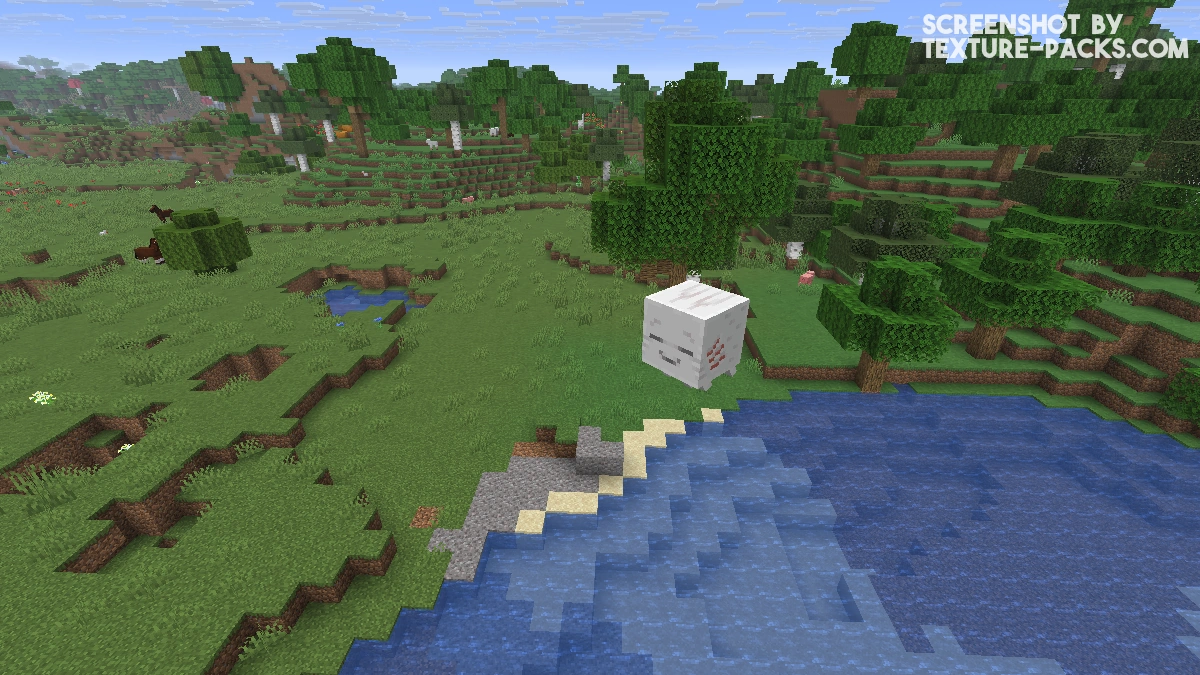
Use our comparison tool to compare the Minecraft default pack with Acid.

How To Install Acid Shaders
Here’s a tutorial on installing Acid in Minecraft Java Edition.
- Download the Acid shaders for Minecraft from the file section below. Pick the file that matches your Minecraft edition and version.
- Install Iris or OptiFine. The Iris mod is recommended for better performance with higher FPS.
- Open the Minecraft launcher, and choose the Iris or OptiFine profile you just made.
- Launch Minecraft.
- For Iris: Go to "Options", then "Video Settings", and select "Shader Packs". Next, click on "Open Shader Pack Folder" to access the shaderpacks folder. For OptiFine: Navigate to "Options", then "Video Settings", and click on "Shaders." Afterward, click on "Shaders Folder" to open the shaderpacks folder.
- Move the downloaded ZIP file into this folder (.minecraft\shaderpacks).
- In the game, choose the newly installed pack from the shaders list. If you select a shader pack using Iris, its filename will turn yellow.
- Click "Done" or "Apply" and all new features have been loaded.
Settings
The settings in the Acid shaders give you tons of room to experiment. You can turn on the Distortion Mode to tweak the signature wave effect, or use Rotation ZX, Rotation XY, and Rotation YZ to control how much the world spins along each axis. The Relativity (Jittery) option makes the screen slightly shaky, turning the trippy Acid effect up a notch. With Uptown and Downtown, you can choose the direction of the wave motion, while Solv Geodics adjusts how intense the geometric distortions look in your surroundings. It’s all about finding the perfect balance between chaos and control.
Acid Shaders Download
[26.x – 1.17.x] Download Acid Shaders
[1.16.x – 1.12.x] Download Acid Shaders
[1.8.x – 1.7.x] Download Acid Shaders
[1.2.5] Download Acid Shaders

bro this shader is crazy. It almost makes me feel sick when I use it