When you first load up Prizma Visuals, you might think you’ve accidentally launched a different game. This isn’t your typical texture pack that just makes blocks look prettier. Prizma fundamentally changes how Minecraft looks and feels, bringing lighting effects that many players thought would never make it to Bedrock Edition or MCPE.
What Brings Prizma Visuals to Minecraft?
Technically classified as a texture pack, Prizma Visuals behaves much more like a realistic shader. However, Prizma includes a massive collection of 3D items and 3D blocks, which is actually pretty rare even among premium packs. These aren’t just flat textures pretending to have depth. Items and blocks genuinely pop out with proper dimensionality.
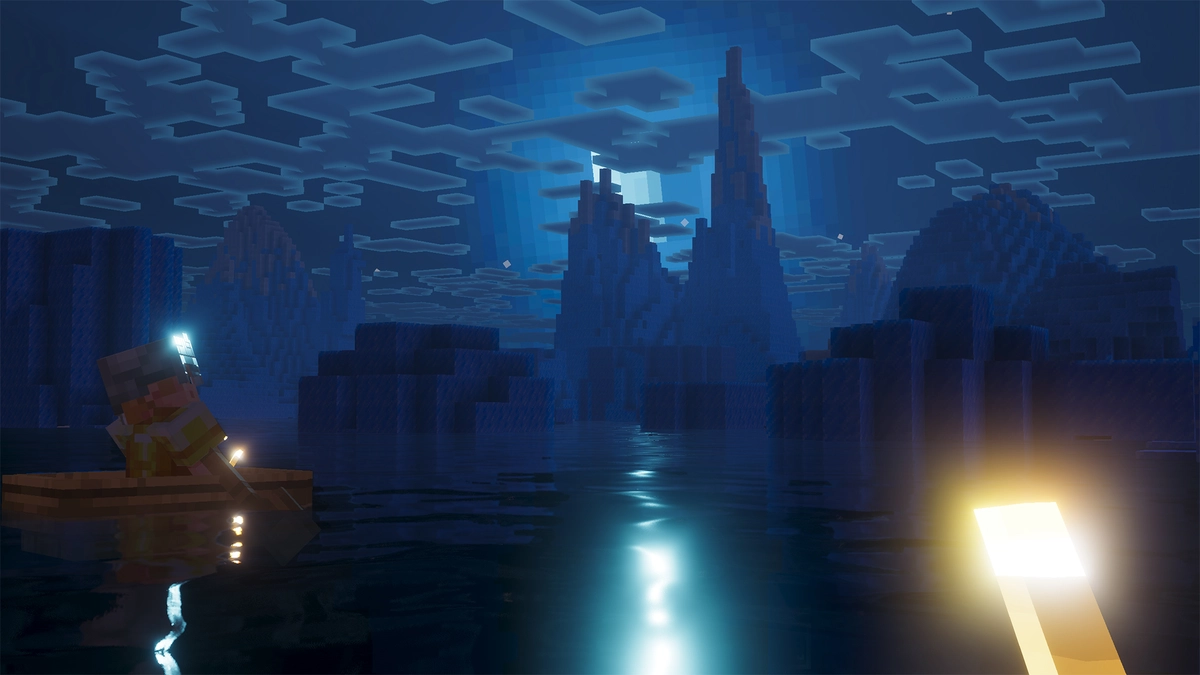
The new animations deserve special mention too. Fire doesn’t just flicker anymore, it moves with a fluidity that makes you want to stare at campfires and torches. Water flows a bit more with dynamic motion that finally makes oceans and rivers feel alive rather than static. Even your character gets the Prizma treatment with player animations that add personality to movement. Crawling through a one-block gap? Your character actually lies down and wriggles through it properly instead of just clipping into a smaller hitbox. It all adds up to a game that no longer looks like something from twenty years ago. Minecraft’s blocky charm remains, but the gameplay finally feels realistic.
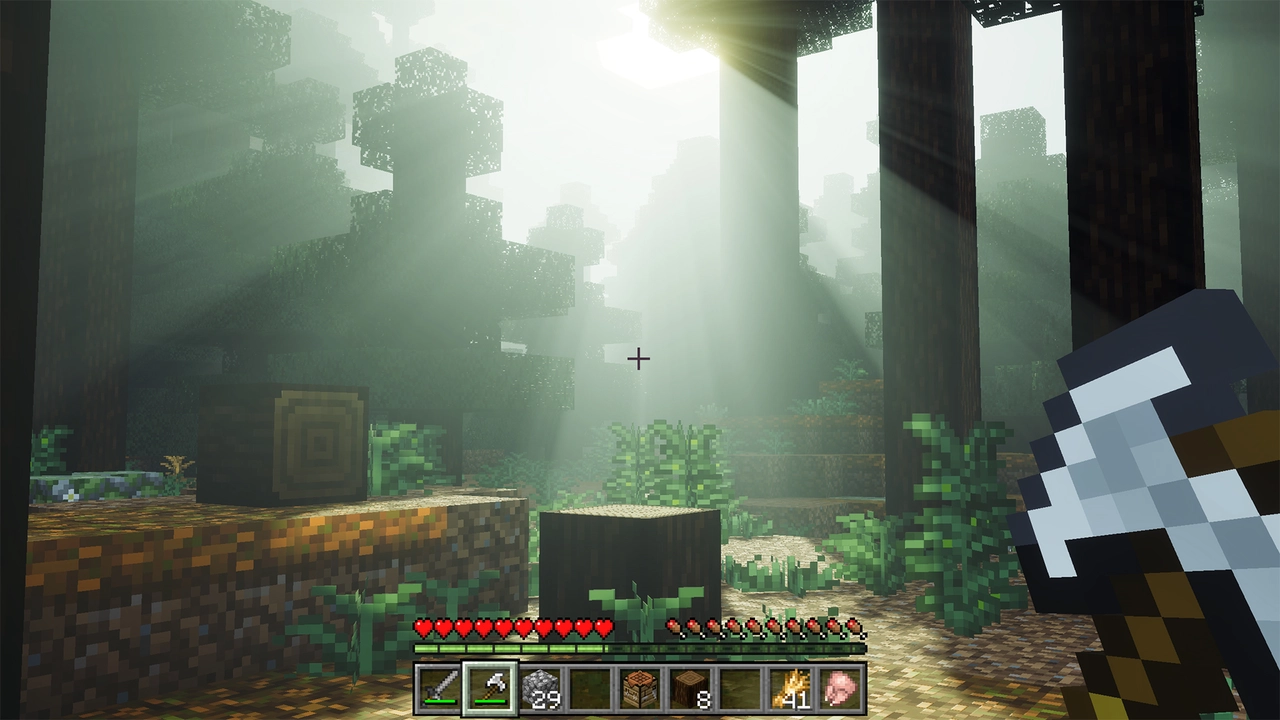
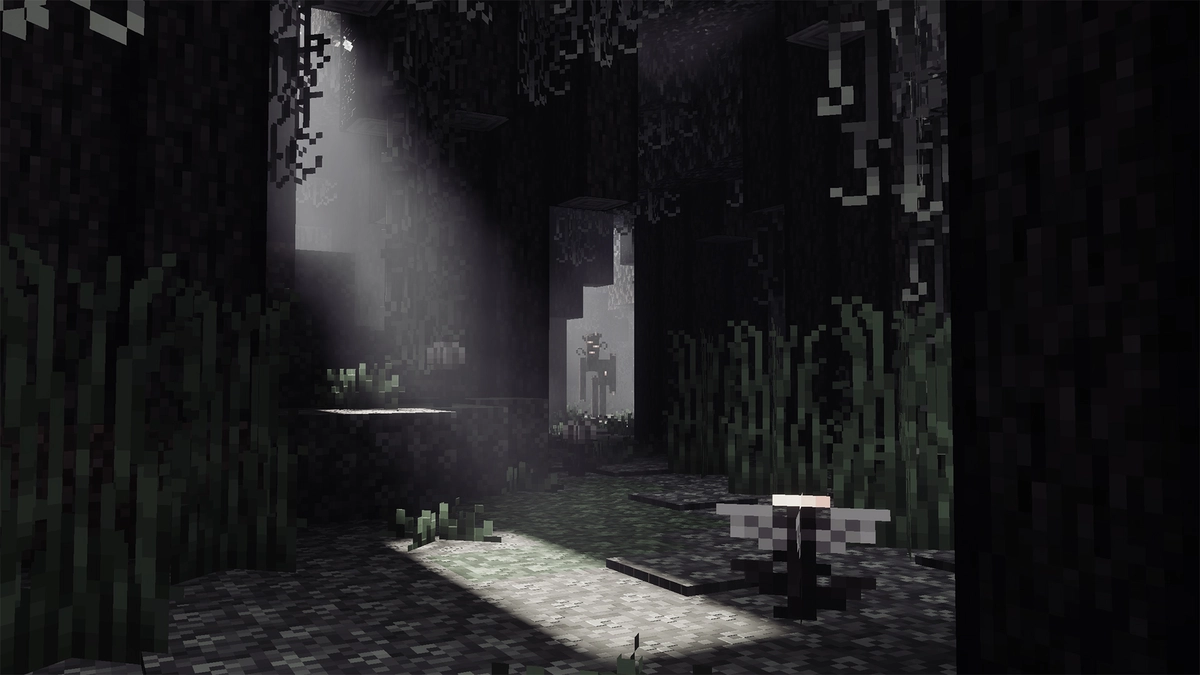
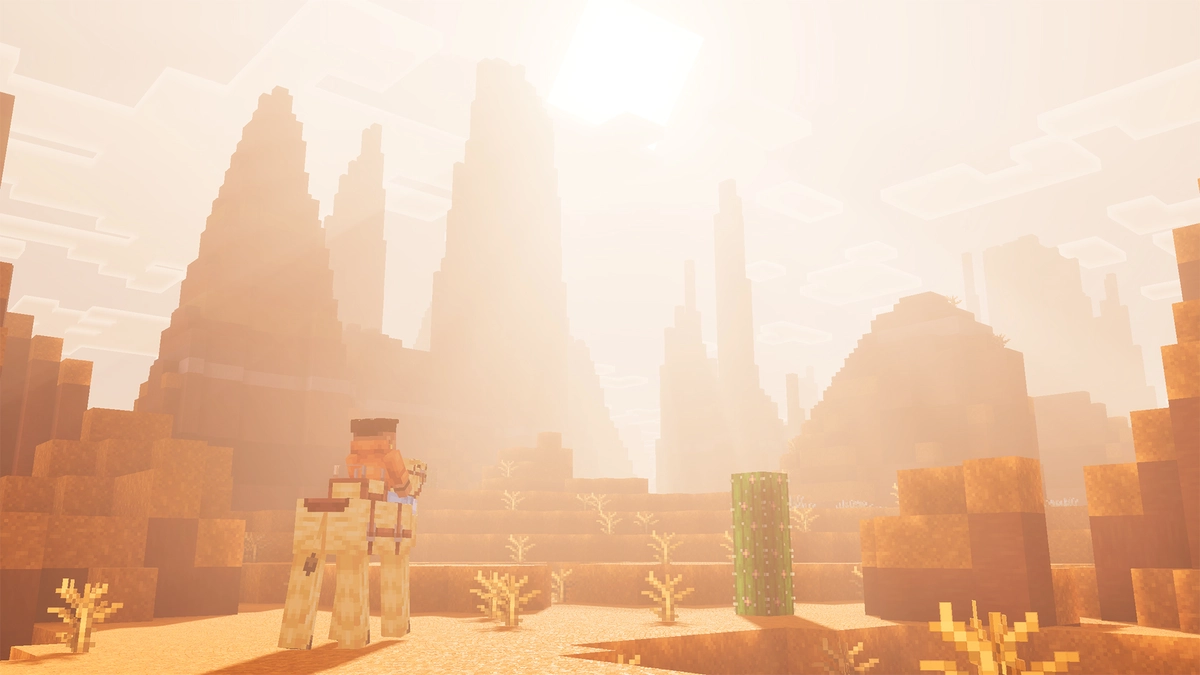
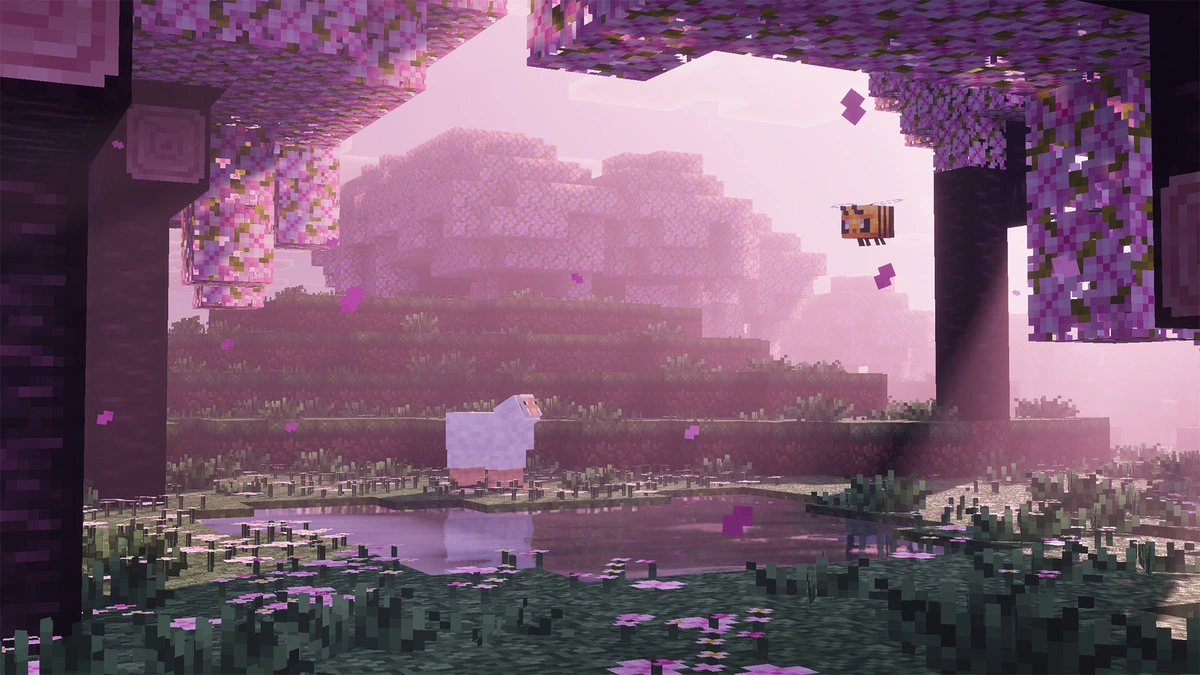
The most striking change is how it handles sunlight. Those iconic sun rays cutting through trees and buildings aren’t just for show. They create an atmosphere that makes every biome feel alive in ways vanilla Minecraft never could. The sun itself becomes almost blinding, just like in real life. You’ll find yourself squinting at your screen during sunrise and sunset, and that familiar blocky circle in the sky? It’s gone, replaced by a light source that actually behaves like the sun should. Some players might find it too intense at first, but that’s exactly what makes the Prizma Visuals Shader special. It doesn’t compromise on realism.
Lighting and Atmospheric Effects That Change Everything
What really sets it apart is how it performs across different biomes. Take the Flower Forest, for instance. The way light filters through the canopy and hits those colorful flowers creates scenes that genuinely look photo-worthy. Even in snow biomes, where you’d expect everything to look washed out, the Prizma Shader manages to make the white landscapes pop with dynamic lighting.
The atmospheric effects push things even further. Prizma introduces ultra-realistic fog that transforms distant landscapes into something cinematic. If you’ve cranked your render distance up high, the way fog rolls across mountains and forests creates moments that feel pulled straight from a movie. Walking through a misty forest or watching fog settle over a valley at dusk hits different when the visual fidelity is this high.
Cross-Platform Support
Just a few years ago, this level of visual enhancement was purely a Java Edition luxury. Bedrock and Minecraft PE players would watch Java shader showcases with envy, knowing their platform couldn’t handle such sophisticated effects. The Prizma shaders changed that conversation entirely. It proved that Bedrock could deliver stunning visuals that rival anything Java has to offer. Perhaps the most impressive aspect of the pack is its platform compatibility. Whether you’re playing on Xbox, PlayStation, PC, iOS, or Android, you can experience these graphics upgrades. That’s a huge deal considering how fragmented the modding and enhancement scene used to be.
You can find Prizma Visuals in the Marketplace, which makes installation straightforward compared to the days of manually importing files and hoping nothing broke. If you’re experiencing lag or performance issues, you can adjust the resolution settings directly in the pack options. Choose between 64x for maximum visual fidelity, 32x for a balanced experience, or drop it down to 16x if you need those extra frames. Want all the animations and lighting effects at their best? Go with the highest resolution. Playing on an older device? The lower settings still deliver good results without killing your framerate.
Here’s the reality though: Prizma Visuals demands good hardware when you push it to its limits. Crank everything to maximum with high render distances and those cinematic fog effects enabled, and you’re looking at serious performance requirements. Weaker devices might chug along at five frames per second, which obviously isn’t playable. But if your device can handle it, absolutely max out those settings. The difference between medium and ultra is substantial, and experiencing the Prizma shader pack at full power is genuinely breathtaking. That’s exactly why the resolution options exist, they let you find the sweet spot between visual quality and smooth gameplay for your specific hardware.
Prizma Visuals Free Downloads
What makes the mod especially noteworthy in the Marketplace ecosystem is how the developers handled the free versus paid model. Unlike most packs that disappear from free download sites once they release on the Marketplace, Prizma still offers a free download. This is genuinely rare. The creator Al3xis wanted to keep the pack free to players who can’t afford Marketplace purchases, so they maintain a lite version that still delivers the core experience. Sure, you’ll miss out on some features, but considering it costs nothing, that’s hardly a dealbreaker. Think of it as an extended trial that never expires. You get to test Prizma’s visual style, see if it clicks with how you like to play, and if you eventually decide it’s worth the investment, you can install the full version for Bedrock. That approach deserves recognition in an era where most creators lock everything behind a paywall the moment they can.
While packs like Realism Craft try to expand the game in multiple directions, Prizma Visuals does one thing exceptionally well. Here’s what’s interesting though: the textures themselves stay relatively faithful to vanilla Minecraft. You won’t find ultra-realistic 512x resolution textures that try to make stone look like a photograph of real granite. The blocks still look like Minecraft blocks. But the effects layered on top, the lighting, the animations, those push realism hard. It’s a smart balance that keeps the game recognizable while making it look absolutely stunning.
This focused approach means you can still layer the Prizma Visuals Texture Pack with other addon packs if you want. Need new furniture or decorative blocks? Add them. Want more animations? Install Actions & Stuff. Prizma handles the lighting and you can customize everything else around it.
The community response has been overwhelmingly positive. Screenshots and videos showcasing the effects regularly blow up on social media. As the pack continues to receive updates, it’ll be interesting to see how the developer pushes the boundaries even further. If this is what Bedrock can do now, the future looks incredibly bright. Try the free version if you’re on the fence, but this is the kind of pack that justifies its Marketplace price. Your game will never look the same again, and that’s exactly the point.
Prizma Visuals was published on August 4, 2024 and is available on the Minecraft Bedrock Marketplace for 990 Minecoins.
Video & Screenshots

Pls I need a free prizma visual 2.1 download
Just buy it bro.. it’s not that expensive
Why don’t u buy it for us since u got the money hahaha
I’ve already searched everywhere on Reddit and haven’t found anything
I believe they remove all free links on the internet
prizma visual 2.1 is very impressive and looks so cute
yeah, but I hope they update some things because I don’t want to spend minecoins for a shader
I want it so badly
cool
hello bro
I like it a lot
I really like it
good
I really like the Prizma 2.0 shader.
me too, but it’s too expensive
Please make that for Java too. 🥺
looks fire
I am a Minecraft player
minecraft beta link
Wow, great
yeees