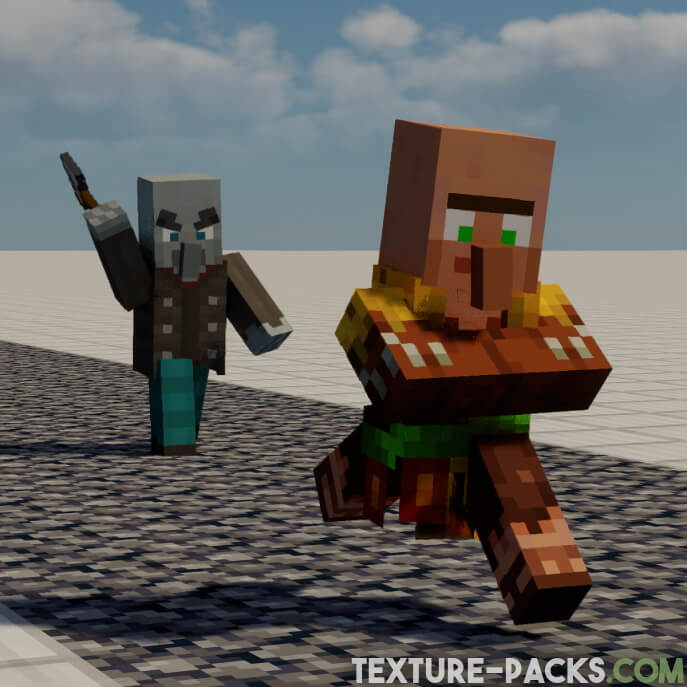
Initially, it may not be immediately apparent what changes the Fresh Animations texture pack makes. However, you do not have to search for a long time in Minecraft because a single glance at the mobs should be sufficient. FreshAlex, the creator from New Zealand, focused solely on mobs and did not change any blocks or items. This is not a bad thing at all because the new animations for the Minecraft mobs are exceptional. The project was a success right from the beginning since it was a completely new mod idea.
The project was published at the end of 2020 and is a work-in-progress pack, which means that it is developed over time and is not fully finished. Within a few months, the pack had already received several hundred thousand downloads. It gives an animation overhaul to the creatures in the default look of Minecraft. The goal is to make the mobs more dynamic and believable. You can enjoy better physics and behavior in single-player, realms, and public multiplayer servers. Please note that FreshAlex works and adds new textures at his own pace, so it’s best to refrain from requesting new animations.
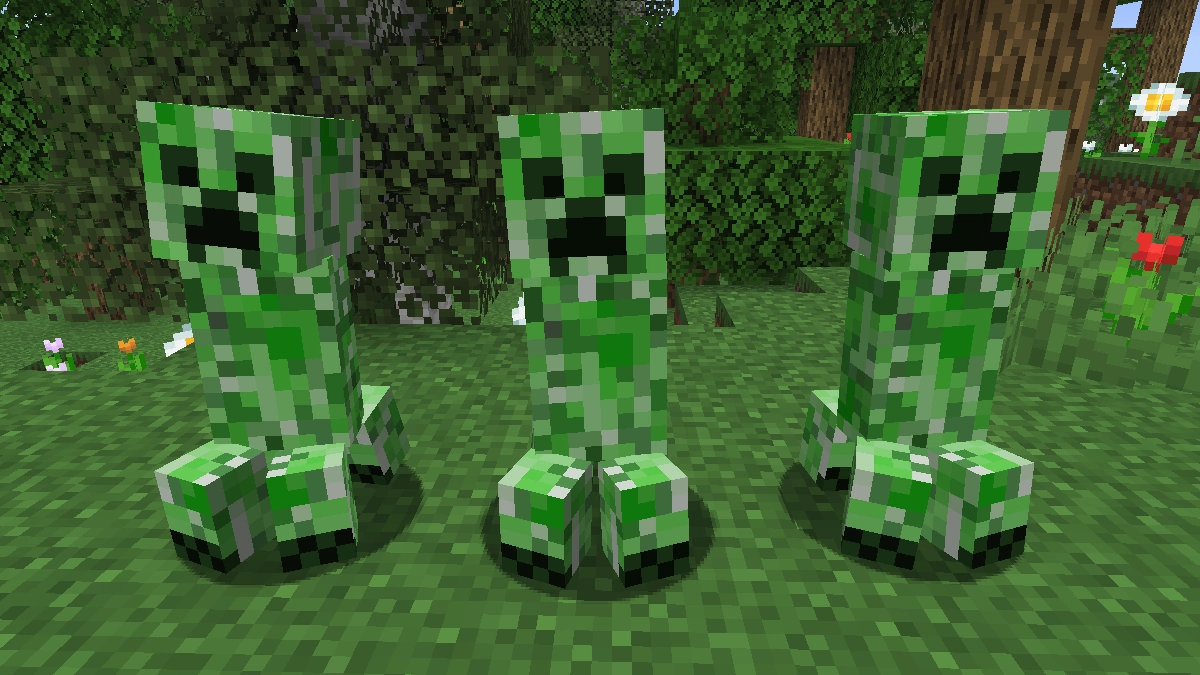
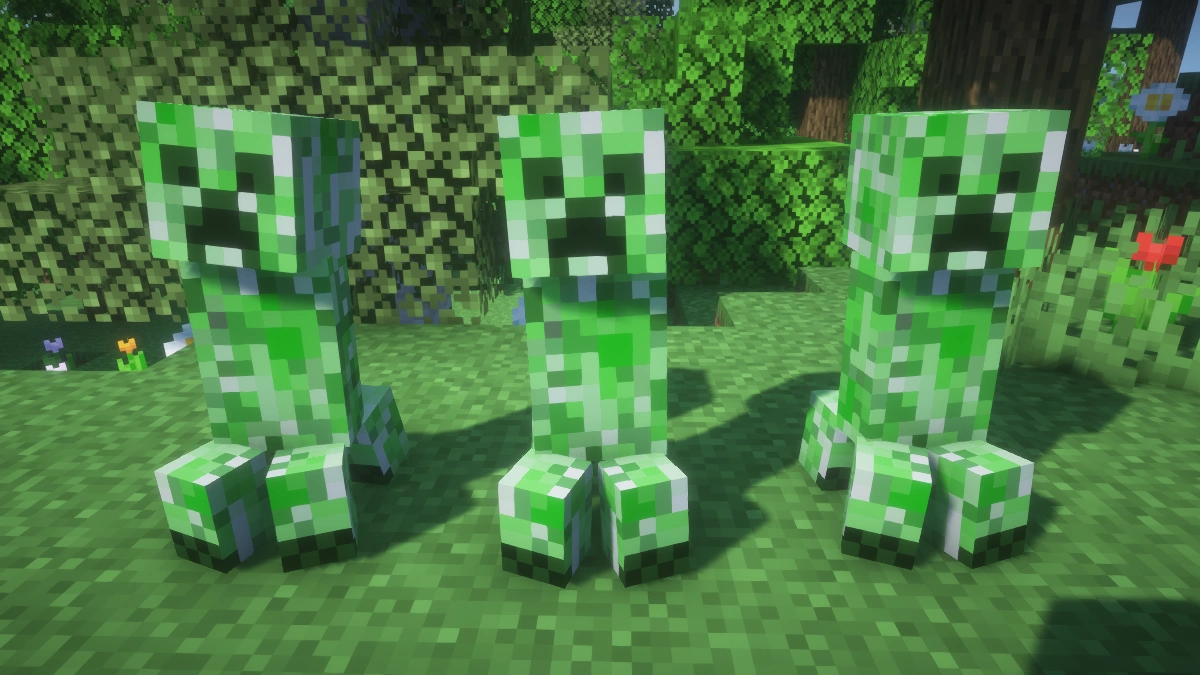
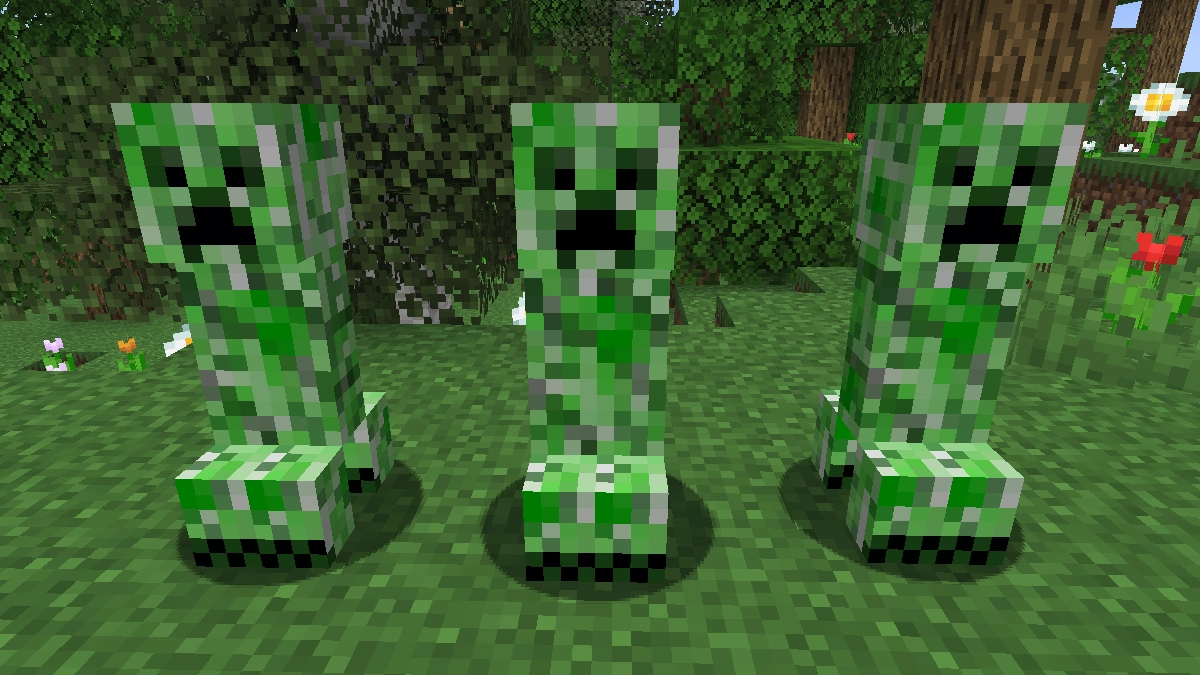
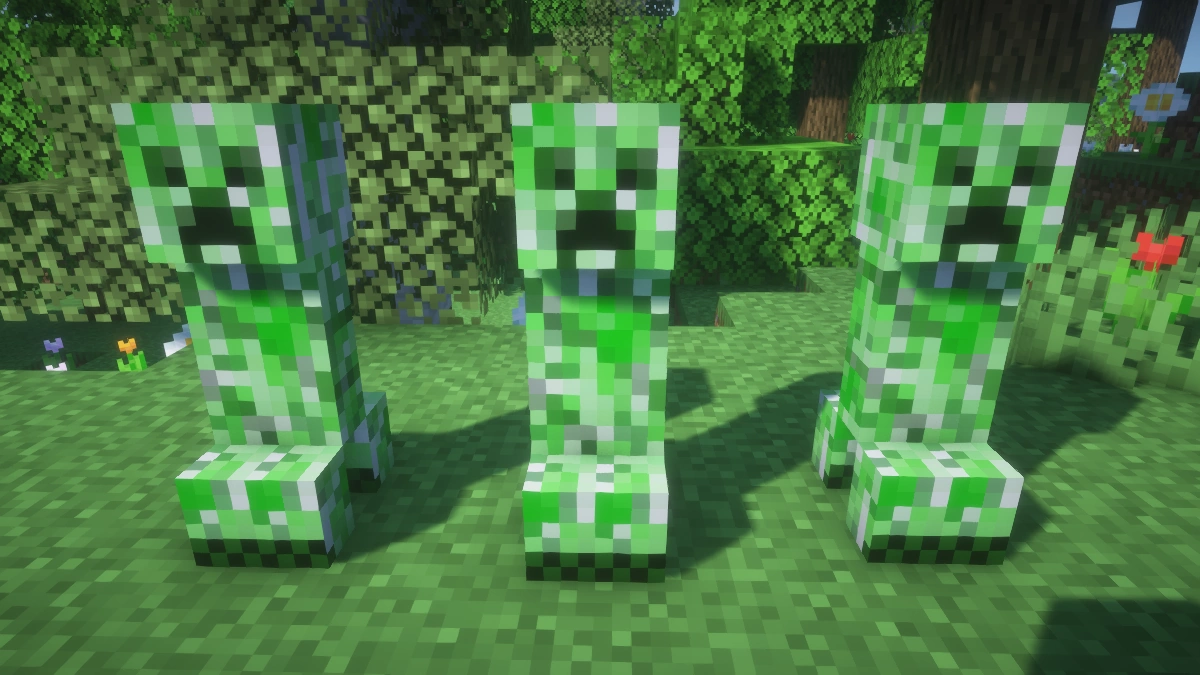
Monsters and animals have been improved and do not look the same as they did in Minecraft Vanilla. The new expressive faces and movements make them much livelier. From now on, you will no longer see boring zombies moving unrealistically at night. Instead, the arms and legs move like those of a human. Even the creeper has been changed and looks quite amusing when it moves. The hostile mobs look cool, but they are still dangerous. Especially the mobs carrying weapons look extremely realistic.
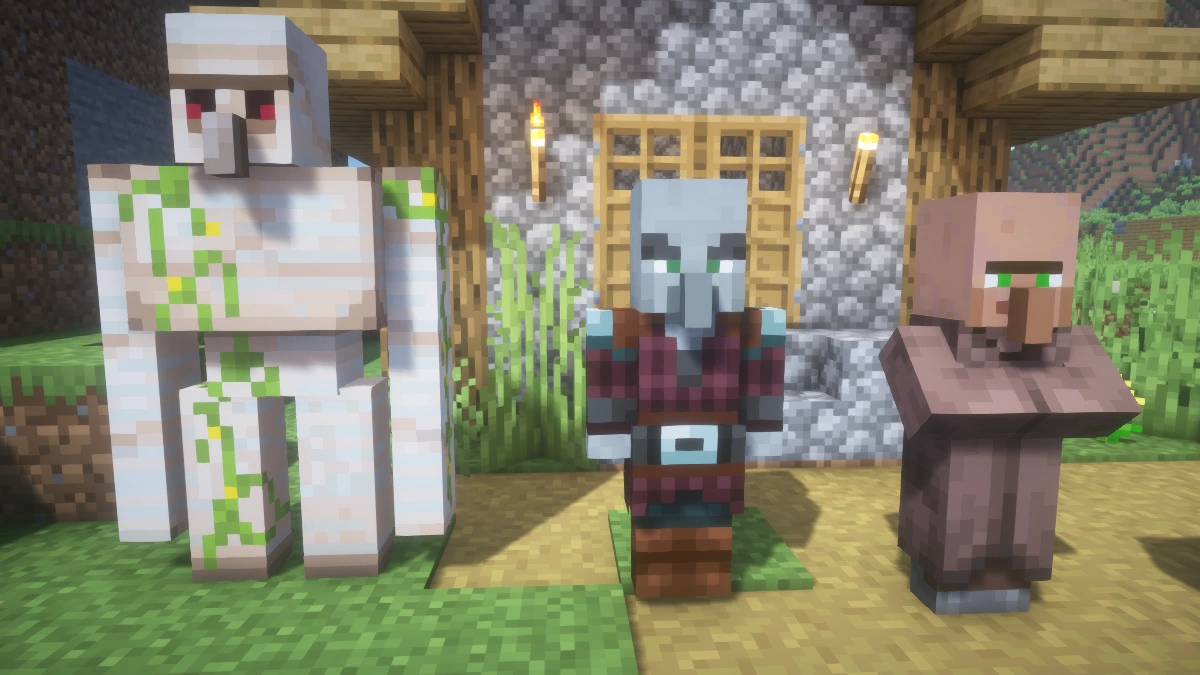
Moreover, there are numerous changes to the villagers. However, we will not reveal more features so that you have the opportunity to explore everything for yourself. The best approach is to look for a village in your Minecraft world and see for yourself what changes have been made to the villagers and iron golems.
Honestly, it would have been nice if Mojang had included such animations in Minecraft from the beginning. Fortunately, this is not an issue anymore because you can install the Fresh Animations texture pack in our download section. We hope that more features will be added in the future. Furthermore, the creator has now released an official Player Extension that brings Fresh Animations style animations to your player model as well. You can find it in the download section further down this page. Note that it requires EMF and ETF and does not work with OptiFine.
If you like the Fresh Animations resource pack and want to support the creator, you can donate to him on Ko-Fi. This will give you the supporter role on the official Fresh Animations Discord server and early access to new updates. In addition, it’s great to see that the creator FreshAlex is contributing to other projects, such as the Patrix texture pack. By adding custom mob animation and tweaking the models, Alex is helping to improve the realistic Patrix mod.
All Animated Mobs
- Allay
- Axolotl
- Bat
- Cat
- Chicken
- Cod
- Cow
- Donkey
- Frog
- Glow Squid
- Happy Ghast
- Horse
- Mooshroom
- Mule
- Ocelot
- Parrot
- Pig
- Salmon
- Sheep
- Sniffer
- Snow Golem
- Squid
- Strider
- Tadpole
- Tropical Fish
- Turtle
- Villager
- Wandering Trader
- Bee
- Cave Spider
- Dolphin
- Enderman
- Fox
- Goat
- Iron Golem
- Llama
- Piglin
- Pufferfish
- Spider
- Trader Llama
- Wolf
- Zombified Piglin
- Blaze
- Bogged
- Creeper
- Elder Guardian
- Endermite
- Evoker
- Ghast
- Guardian
- Hoglin
- Husk
- Magma Cube
- Phantom
- Piglin Brute
- Pillager
- Ravager
- Shulker
- Silverfish
- Skeleton
- Slime
- Stray
- Vex
- Vindicator
- Witch
- Wither Skeleton
- Zombie
- Zombie Villager
- Zoglin
Fresh Animations was released on December 30, 2020 and is compatible with these Minecraft versions: 26.2 - 26.1.2 - 26.1.1 - 26.1 - 1.21.11 - 1.21.10 - 1.21.9 - 1.21.8 - 1.21.7 - 1.21.6 - 1.21.5 - 1.21.4 - 1.21.3 - 1.21.2 - 1.21.1 - 1.21 - 1.20.6 - 1.20.5 - 1.20.4 - 1.20.3 - 1.20.2 - 1.20.1 - 1.20 - 1.19.4 - 1.19.3 - 1.19.2 - 1.19.1 - 1.19 - 1.18.2 - 1.18.1 - 1.18 - 1.17.1 - 1.17 - 1.16.5 - 1.16.4 - 1.16.3 - 1.16
Video & Screenshots
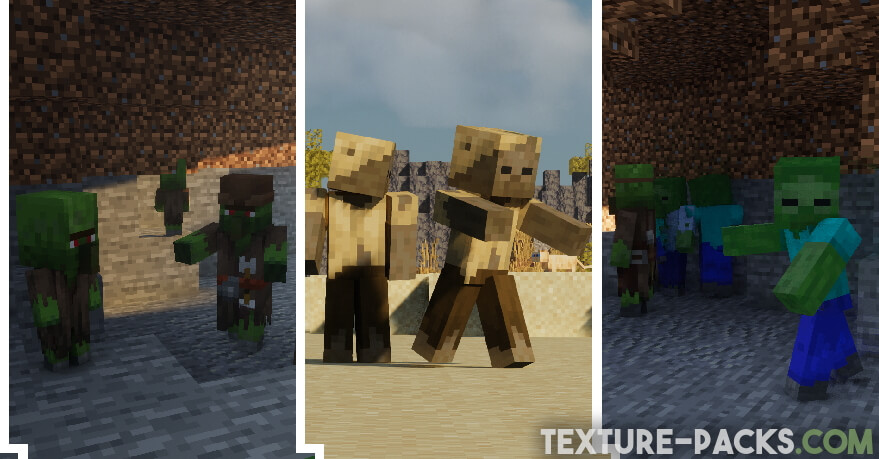
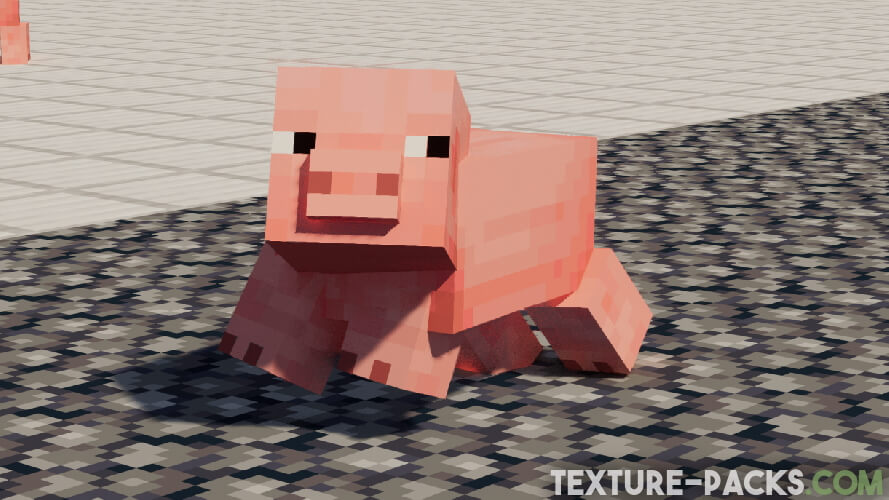
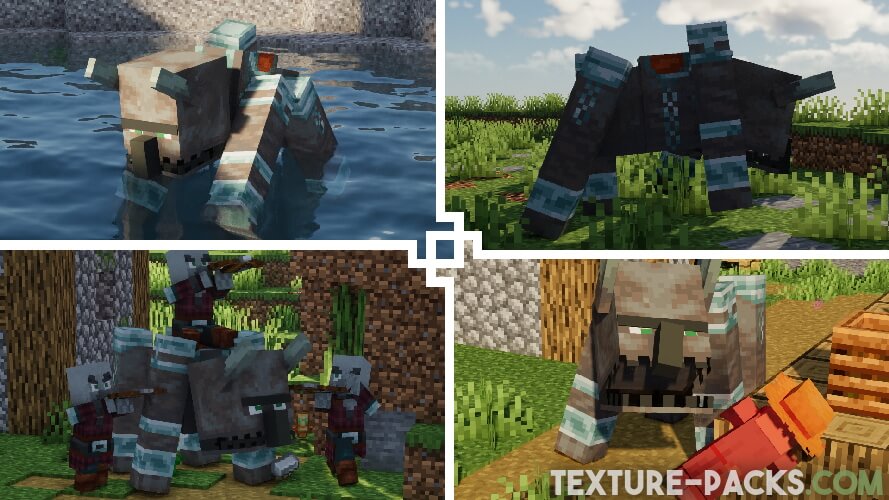
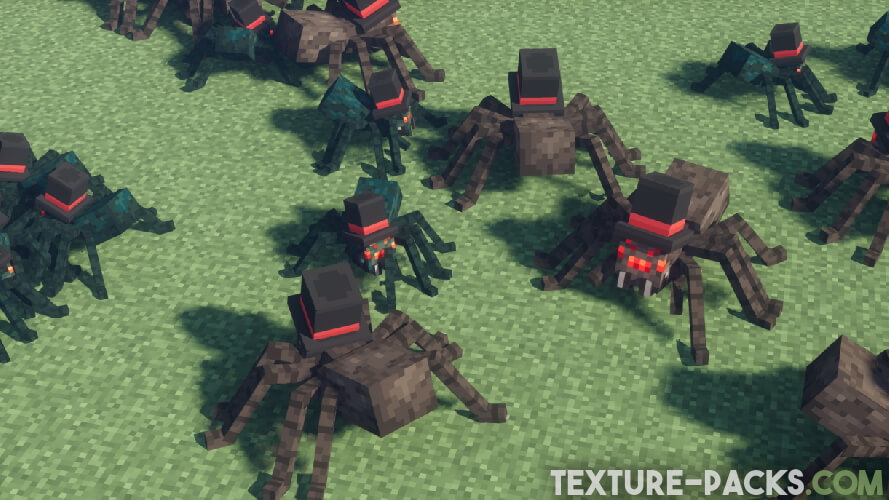

Comparison: Vanilla vs. Fresh Animations
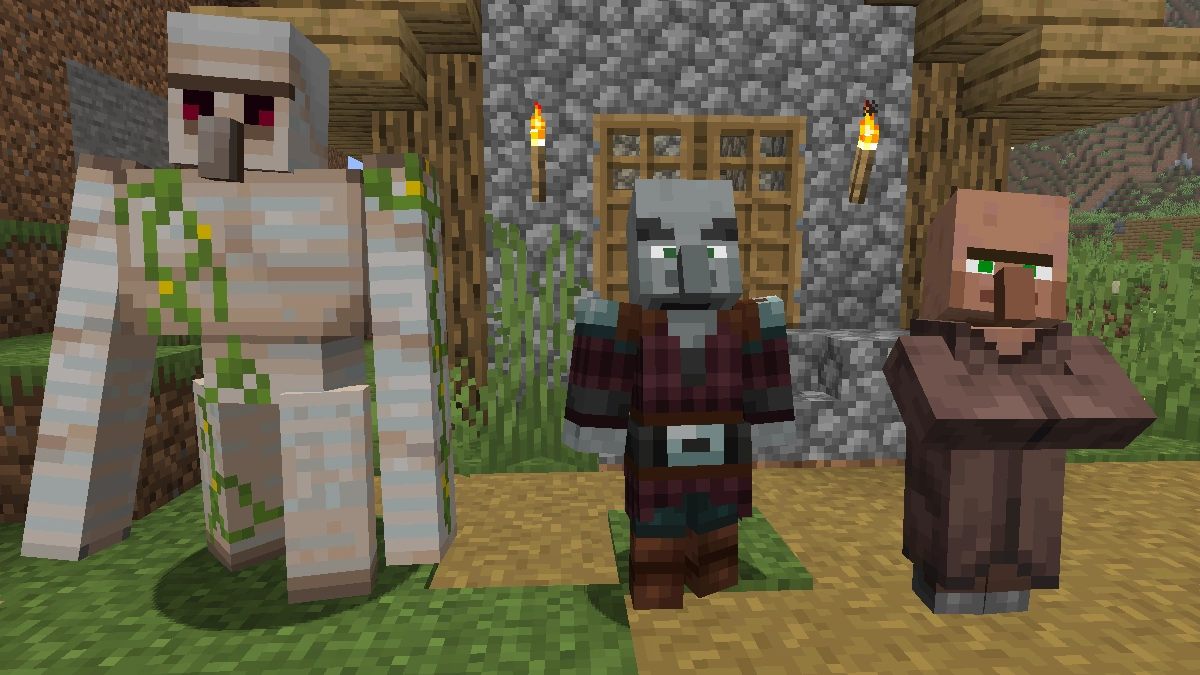
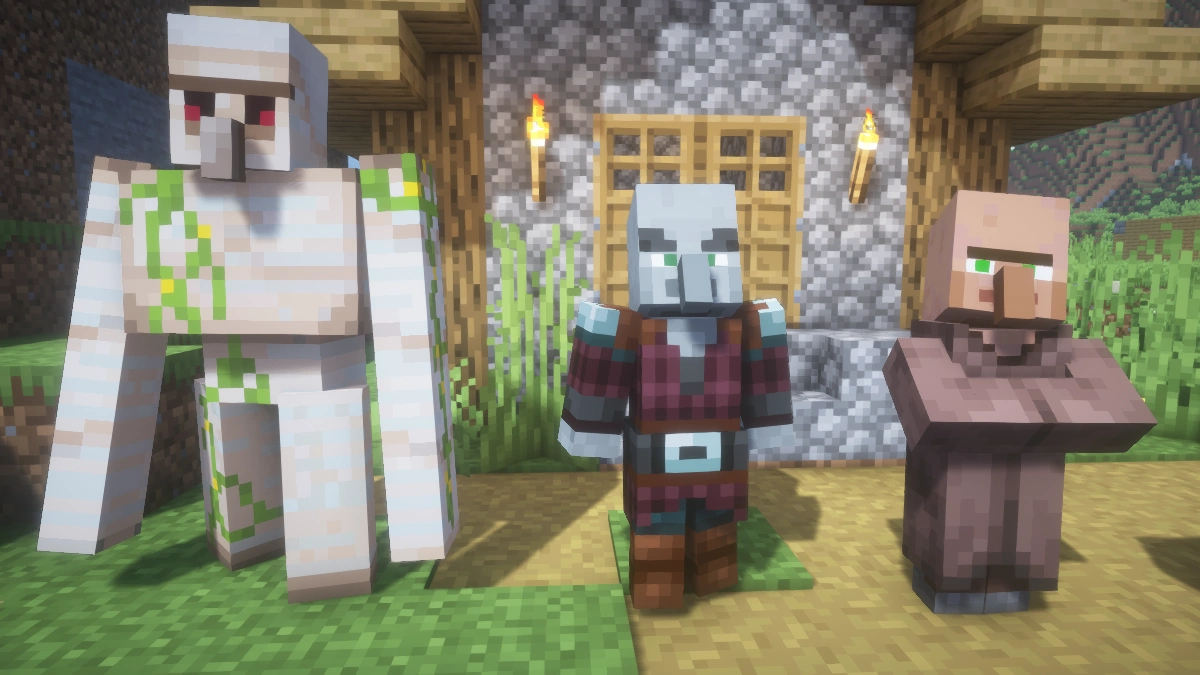
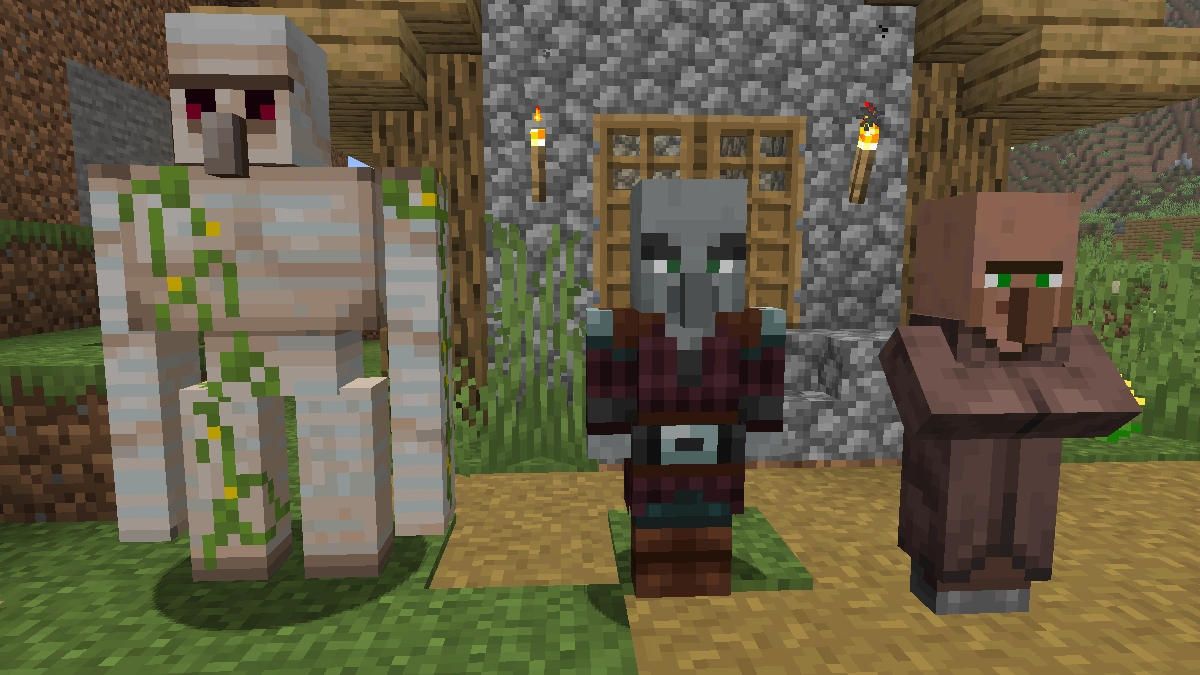
Use the before/after slider to see how Fresh Animations changes Minecraft compared to vanilla. Use the buttons below to compare different biomes and situations.
How To Install Fresh Animations Texture Pack
Here’s a tutorial on installing Fresh Animations in Minecraft Java Edition. If you’re using Minecraft Bedrock Edition and the pack is available for Bedrock/MCPE, you can simply click on the downloaded file to install it.
- Download the Fresh Animations texture pack for Minecraft from the file section below. Pick the file that matches your Minecraft edition and version.
- Launch Minecraft.
- Click "Options" on the main menu.
- In the options, go to the submenu “Resource Packs”.
- Click "Open Pack Folder" at the bottom left to see a folder titled "resourcepacks".
- Put the downloaded ZIP file into your "resourcepacks" folder. Or, just drag and drop it into the Minecraft window to add the pack.
- You will see the pack on the left side of the resource pack selection menu. Unzip the file if you can't see the pack.
- Hover over the pack thumbnail and click the arrow pointing right.
If the game notifies you that the pack is made for a newer or older Minecraft version, simply click “Yes” to proceed. Most textures will still work.
- Click "Done" and all assets have been loaded.
Before You Start: Required Mods & Settings
Fresh Animations needs either EMF and ETF (recommended for 1.21.5 and newer) or OptiFine to display its animations. Without one of these installed, the pack will load but mobs will look completely unchanged. EMF and ETF work straight away after installation with no extra settings needed.
If you use OptiFine, go to Video Settings, then Quality, and make sure Custom Entity Models is turned ON. Random Entities and Emissive Textures are optional but recommended for the full experience. If mobs turn purple after loading the pack, simply restart the game.
If mobs still show blank eyes or no animations after a correct setup, another texture pack or mod is most likely conflicting with Fresh Animations. To find out which one, temporarily remove all other packs and add them back one by one until the issue reappears. Also keep in mind that other texture packs with custom entity models will override Fresh Animations and remove its animations. If you want to use Fresh Animations alongside another pack with custom entity models, check whether a compatibility patch is available for it. Some popular ones like Faithful are already listed in the download section further below.
How To Install Fresh Animations Extensions
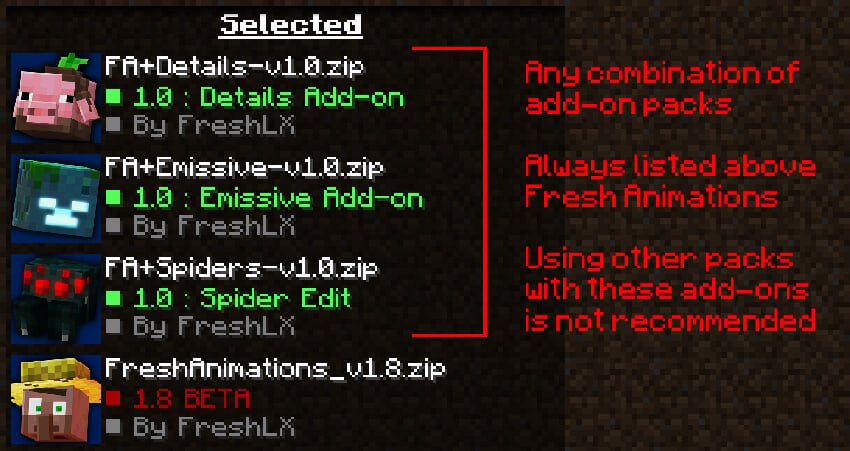
You can install extensions/add-ons in the download section. These are extra packs with additional features for Fresh Animations. They need to be loaded above the base Fresh Animations pack to work correctly.
Fresh Animations Texture Pack Download
Actions and Stuff is a recommended alternative for Bedrock with similar animated entity textures and additional features. It’s not affiliated with Fresh Animations.
Java Edition:
For version 1.21.5 and later, install EMF and ETF. Older versions need OptiFine. For version 1.18.x, OptiFine HD U I9 or later is required, while for all earlier versions, only the latest OptiFine version for the respective Minecraft version is needed.
[16x] [1.21.11 – 1.21.6] Download Fresh Animations Texture Pack
[16x] [1.21.5] Download Fresh Animations Texture Pack
[16x] [1.21.4 – 1.21.2] Download Fresh Animations Texture Pack
[16x] [1.21.1 – 1.21] Download Fresh Animations Texture Pack
[16x] [1.20.x] Download Fresh Animations Texture Pack
[16x] [1.19.4] Download Fresh Animations Texture Pack
[16x] [1.19.2 – 1.19] Download Fresh Animations Texture Pack
[16x] [1.18.2 – 1.18] Download Fresh Animations Texture Pack
[16x] [1.17.1 – 1.17] Download Fresh Animations Texture Pack
[16x] [1.16.5 – 1.16.2] Download Fresh Animations Texture Pack
Extensions:
Fresh Animations Extensions is an official all-in-one pack bundling all FA extensions, including extra mob details, creeper and spider edits, emissive textures, quivers on skeletons, classic horse models and animated objects like chests and boats. Load it above Fresh Animations in your resource pack list.
[16x] [1.21.11 – 1.21.9] Download All Extensions
[16x] [1.21.8 – 1.21.6] Download All Extensions
[16x] [1.21.5] Download All Extensions
[16x] [1.21] Download All Extensions
[16x] [1.20.4 – 1.20.2] Download All Extensions
[16x] [1.20.1 – 1.20] Download All Extensions
[16x] [1.19.2] Download All Extensions
Player Extension:
The Player Extension brings Fresh Animations style animations to the player model, including overhauled movement, swimming, sneaking, climbing, sleeping, elytra and first person hand animations. Note that this extension requires EMF and ETF and does not work with OptiFine. Load it above Fresh Animations in your resource pack list.
Add-ons:
On 1.18.x and older required. The add-on pack adds animated blinking textures, some extra texture details, fixes, and extra texture variants for a few mobs. Load the add-on above Fresh Animations to work correctly.
[16x] [1.18.2 – 1.18] Download Fresh Animations Add-on
[16x] [1.17.1 – 1.17] Download Fresh Animations Add-on
[16x] [1.16.5 – 1.16.2] Download Fresh Animations Add-on
Compatibility Patches:
Compatibility patches let Fresh Animations work alongside other texture packs. To use them, load the patch on top, followed by the respective texture pack, and Fresh Animations at the bottom of your resource pack list. Without the patch, mob textures like eyes may not display correctly. You can find the patches and add-ons on the linked pages below in the download section.
Faithful 32x & Fresh Animations
Faithful 64x & Fresh Animations
Dandelion X & Fresh Animations
Mizuno X Fresh Animations
Whimscape X Fresh Animations

this pack with realistic blocks would be crazy
when i download 1.21 it downloads 1.9.2 beta
This is because 1.21 refers to the Minecraft version, while 1.9.2 beta is the texture pack version. The number 1.9.2 does not correspond to any Minecraft version. Rest assured, the pack is fully compatible with the specified Minecraft 1.21 version. If you see an incompatibility message, you can safely ignore it.
Bat texture bug in 1.20.4, its wings and eyes are in places where they shouldn’t be
when I install the 3 packs, the mobs have no eyes.
you need optifine
I would like the player to have animations as well. With that being said, this is a truly excellent animation pack. I didn’t even know animation packs existed! Additionally, you can use other textures with it by placing it at the top of your texture list using the arrow that points to the top when hovering over it. This is incredibly awesome!
when i download the file its say default touch mod?
not fresh animation and the default touch animation is bad
like it a lot
can i use this texture in mobile?
Why when I click to download 1.20.x version, it downloads its 1.8.x version. And this mod didnt change anything.
Hello, you have mixed something up. It is the 1.8.1 developer version of Fresh Animations. This version works with the latest Minecraft update. If you have problems, please read the installation guide again.
Kinda sad that I cant have my skin 🙁
I downloaded this mod pack, and when I went into my survival world, no difference was made, except for every mob not having any pupils/iris’s. Can you/ you guys help with this bug?
i had i too, you just have to download extensions
Is bad there is no difference.
I tested the animations in my game and I really like them, but for some reason, the add-on pack seems to make their eyes roll back/turn white. It sucks because I really liked the texture variation, but I’ll need to hold off on that until it doesn’t do that anymore. Definitely keeping the base texture pack in though
when I click on the 1.19 file it comes up with the 1.18 file instead? idk why it does i’ve tried 3 times it does the same thing with the add ons too
It is the correct 1.19.X version, but it has the wrong pack_format. You can still activate the pack and the creator of Fresh Animations will surely fix this bug.
make it for mcpe and mcbe
if you don’t then bad
How do I get the add-ons for Minecraft PE
The add-ons are only for the Minecraft Java edition. Minecraft PE players don’t need the add-ons.
Can u make it for sodium?
Nice mod but the animations aren’t very smooth
I tried it in 1.18.2, but some of the textures aren´t working.
For example, dogs don´t have eyes.
Playing on the newest OptiFine version and with bac.
Hope you can help me 😀
THIS MOD IS SO BAD BC IT DIDNT CHANGE MY GAME BUT ONLY THE ANIMATIONS
The pack is supposed to change only the animations.
Bro that is the entire point of the mod
its only supossed to change animations bro
The minecraft bedrock version of the pack eliminates the ability to use custom characters and turns them into steves