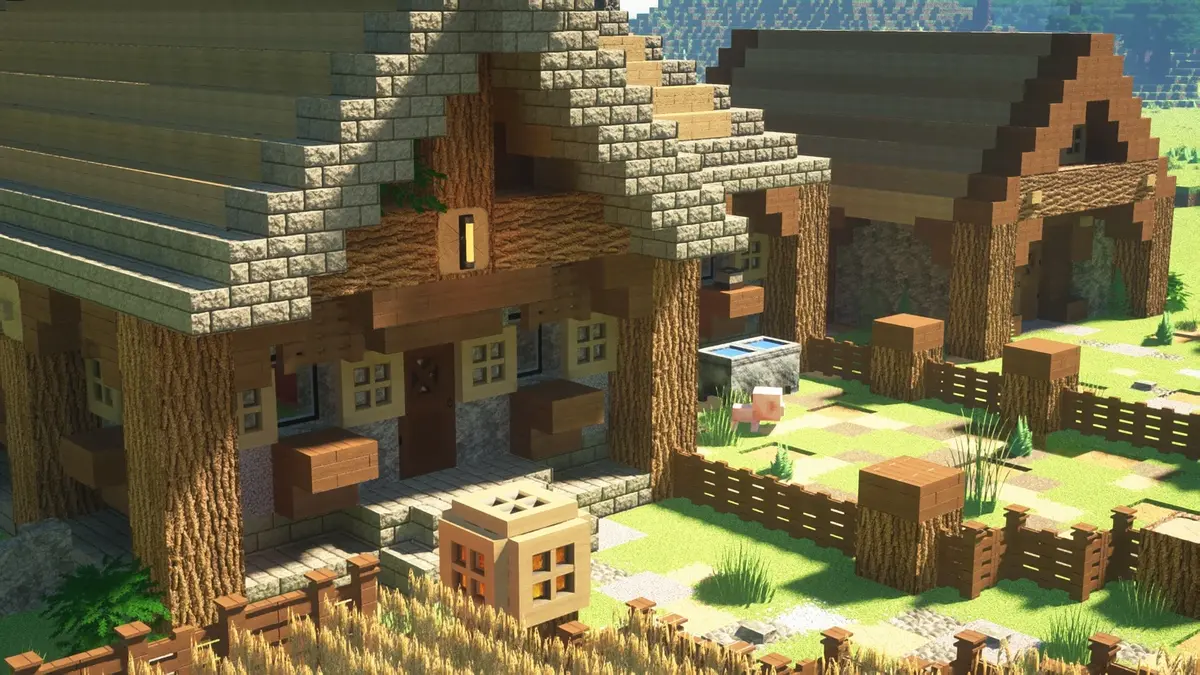
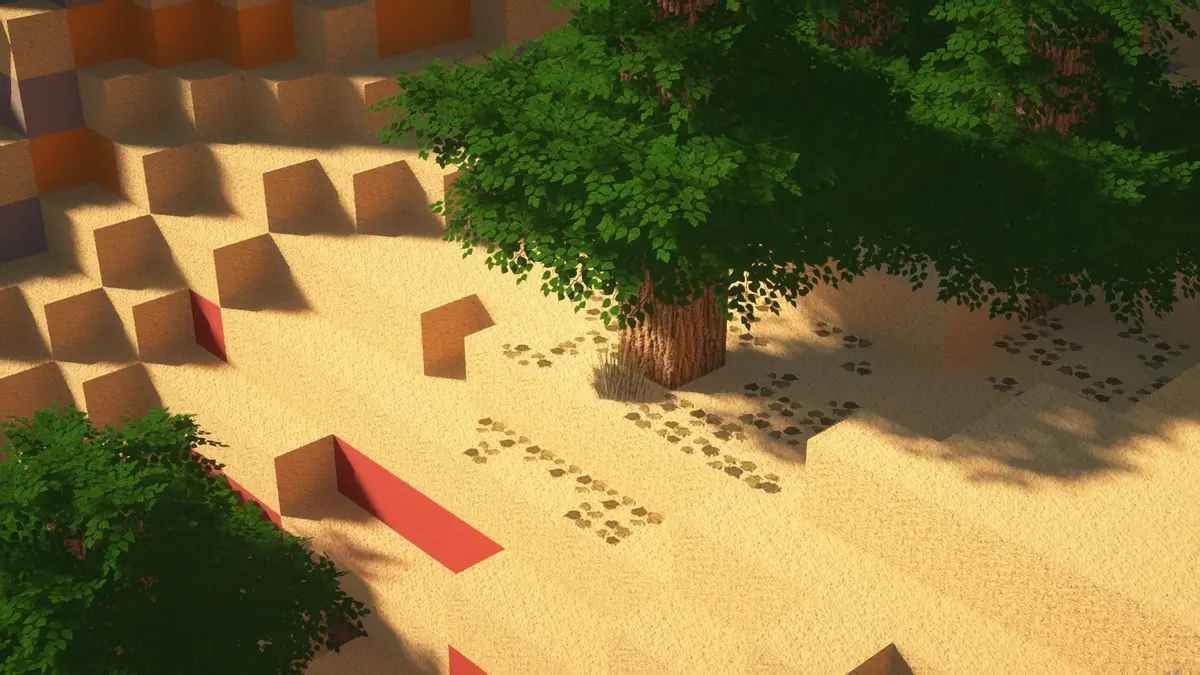
Making Minecraft look ultra-realistic isn’t easy, but the Legendary RT Textures get you pretty close. The textures change how the game feels and are a big upgrade compared to the default look. There are so many features and add-ons that it’s easy to lose track. That’s why we’ll start with the most important things you need to know about this project.
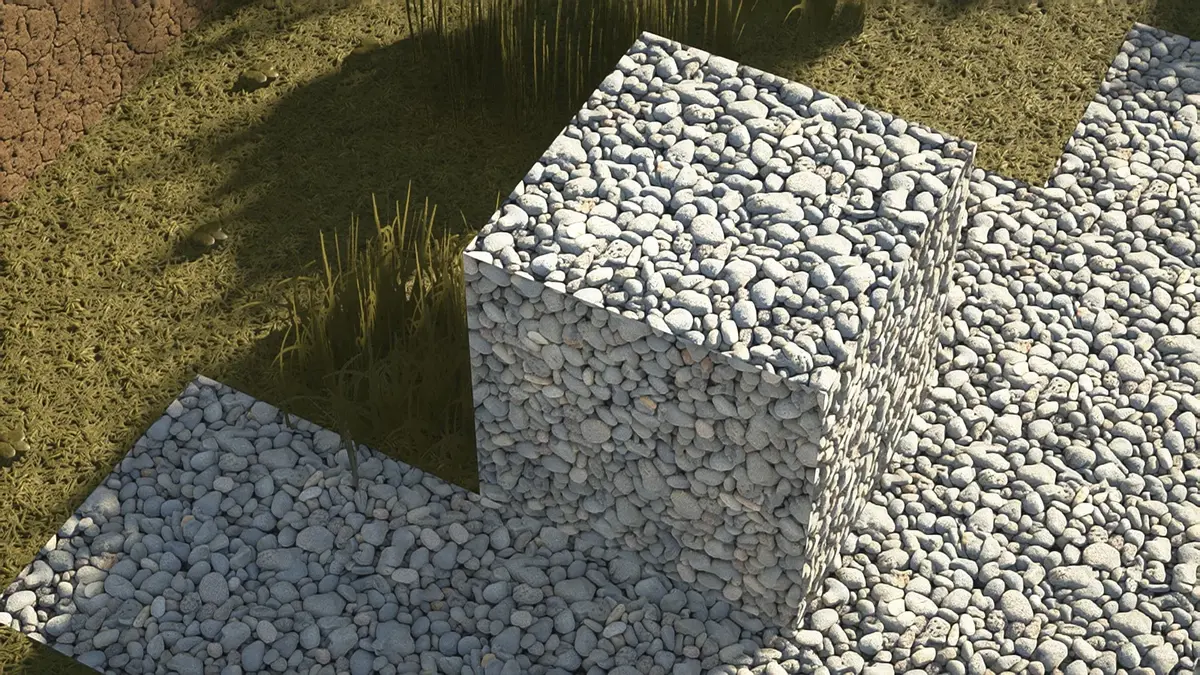
Let’s go back to the beginning. The first version was released in 2020 during the COVID-19 pandemic. Just like many others, the creator Legendary Knight started playing Minecraft again. He quickly noticed how much texture packs had improved since he last played. With his knowledge from studying architecture, he wanted to make his own realistic resource pack using PBR and POM. In case you don’t know, PBR and POM help give blocks a 3D-like look.
The biggest challenges in development were the long hours needed to make high-quality textures and the weak hardware he had to work with in the beginning. While other projects like Realistico stopped getting updates, the main developer from India, Legendary Knight, kept going and added more and more textures. What’s really impressive is that he taught himself everything. The blocks are perfect if you like building detailed structures and enjoy playing architect in Minecraft.
For Java Edition, Legendary RT Java Textures delivers an incredibly realistic experience with detailed surfaces and lifelike lighting. The pack is fully optimized for smooth performance and allows you to toggle Parallax Occlusion Mapping (POM) directly in your shader settings. Every texture has been carefully refined for higher realism and overall quality, making Minecraft look stunningly immersive.
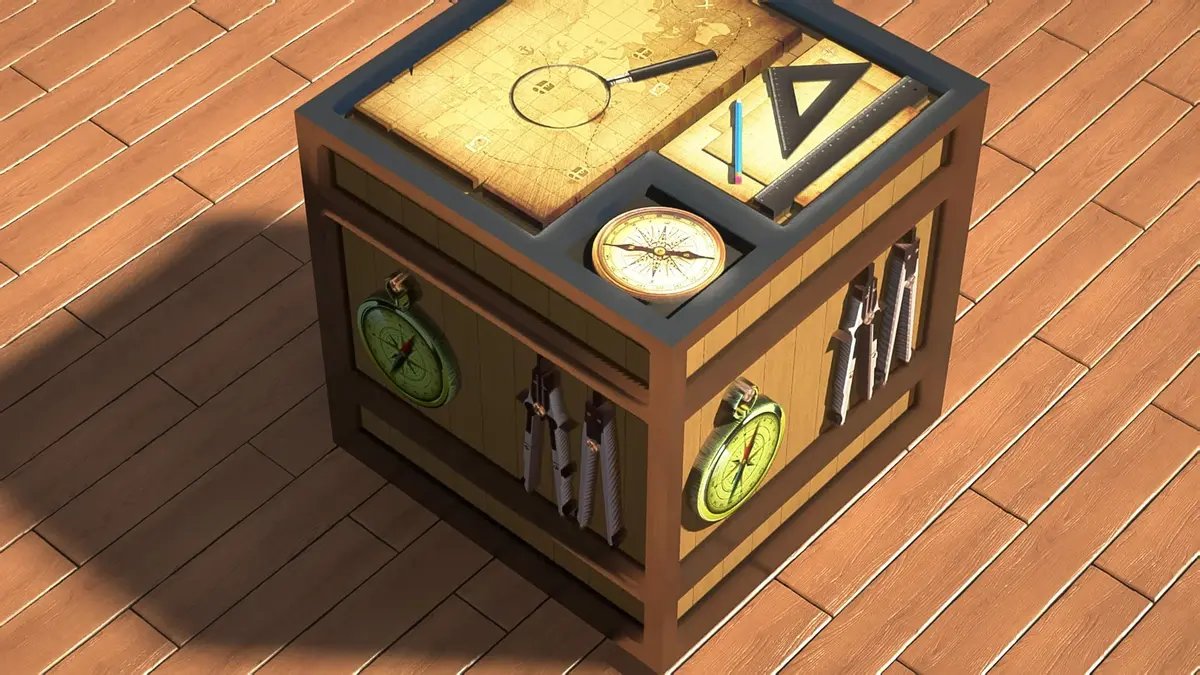
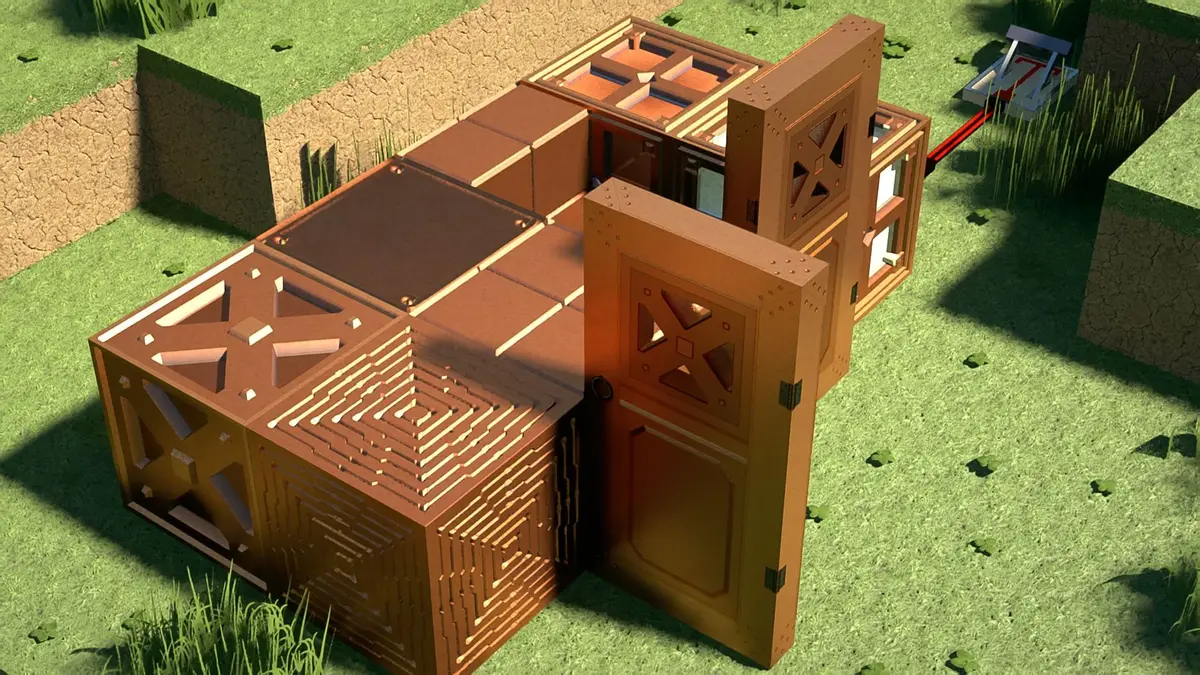
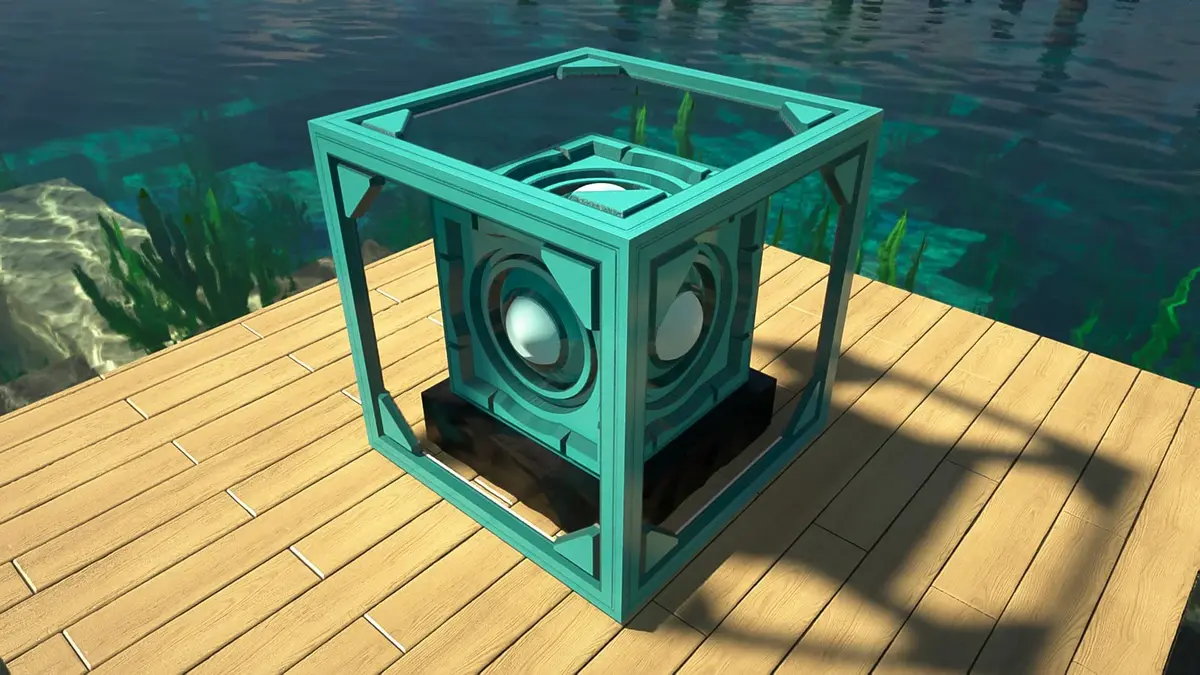
If you have a high-end graphics card, you can take it even further by installing the Legendary RT Sci-Fi Mod. This mod brings in futuristic furniture that’s great for decorating your builds. However, it only works in Creative Mode and is made just for building. It doesn’t feel like regular Minecraft anymore; it’s more like something from the year 2050. That’s how futuristic the mod looks when combined with the Legendary RT resource pack. According to the creator, it works best for modern, futuristic, and countryside builds.
The pack is also available for the Pocket Edition/Bedrock Edition, but it’s a bit more complicated as there are several versions for different devices. First, there is the Legendary RT Textures RTX Edition, which only works with Bedrock on PC. If you don’t have an RTX graphics card, you won’t miss out because there is also a version for regular graphics cards. Even the Sci-Fi add-on is available. We can’t imagine how long it must have taken to create all of this and make it available for different platforms. Of course, there is also a version for Pocket Edition (MCPE), as many players want realistic blocks and items on their phones or tablets. There are only a few packs that make this possible for mobile devices, so this one really stands out.
However, you should note that higher resolutions are only available for a fee, while lower resolutions are completely free. If you want it to look like it does in our screenshots or videos, you’ll need to pay. For just $5, you get the full versions on Gumroad, which isn’t much. After downloading, you’ll feel like you’re playing a completely different video game, and for that, it’s not much money. For $8, you get all versions, both Java Packs and Bedrock Packs. It’s a fair deal considering how many work hours must have gone into this project. Additionally, the Legendary RT Texture Pack is almost complete, something you can’t say about other projects like Luna HD or RealisCraft.
Looking ahead, there are big plans for Legendary RT Textures. The creator’s goal is to turn it into a fully realistic texture pack with updated animals, mobs, items, and all blocks, with the aim of making it available across all platforms and devices, so every player can download it!
Legendary RT was released on June 18, 2020 and is compatible with these Minecraft versions: 26.2 - 26.1.2 - 26.1.1 - 26.1 - 1.21.11 - 1.21.10 - 1.21.9 - 1.21.8 - 1.21.7 - 1.21.6 - 1.21.5 - 1.21.4 - 1.21.3 - 1.21.2 - 1.21.1 - 1.21 - 1.20.6 - 1.20.5 - 1.20.4 - 1.20.3 - 1.20.2 - 1.20.1 - 1.20 - 1.19.4 - 1.19.3 - 1.19.2 - 1.19.1 - 1.19 - 1.18.2 - 1.18.1 - 1.18 - 1.17.1 - 1.17 - 1.16.5 - 1.16.4 - 1.16.3 - 1.16 - 1.15.2 - 1.15 - 1.14.4 - 1.14
Video & Screenshots
Comparison
Use our comparison tool to compare the Minecraft default pack with Legendary RT.


How To Install Legendary RT Textures
- To use all the cool features in this pack, download and install OptiFine or Iris with Polytone and Continuity.
- Download and install a compatible shader, such as SEUS PTGI, Bliss, Complementary Unbound , or any other labPBR shaders.
- Download the Legendary RT texture pack for Minecraft from the file section below. Pick the file that matches your Minecraft edition and version.
- Launch Minecraft.
- Click “Options” on the main menu.
- In the options, go to the submenu “Resource Packs”.
- Click “Open Pack Folder” at the bottom left to see a folder titled “resourcepacks”.
- Put the downloaded ZIP file into your “resourcepacks” folder. Or, just drag and drop it into the Minecraft window to add the pack.
- You will see the pack on the left side of the resource pack selection menu. Unzip the file if you can’t see the pack.
- Hover over the pack thumbnail and click the arrow pointing right. If the game notifies you that the pack is made for a newer or older Minecraft version, simply click “Yes” to proceed. Most textures will still work.
- Click “Done” and all assets have been loaded.
Important:
For Java Edition, Legendary RT Textures includes a single base pack with optional add-ons for extended features. The pack runs smoothly thanks to improved optimization. For smooth gameplay, set your render distance to 8–12 chunks.
- OptiFine: Enable Connected Textures and Alternate Blocks in your settings. These can be found under Options → Video Settings → Quality.
- Iris, Polytone and Continuity: Everything works automatically when the mods are installed.
- For additional help, tutorials, and detailed installation guides, visit the Knowledge Base.
Legendary RT Texture Pack Download
Download the full version to get RTX textures, sci-fi add-ons, deferred PBR textures and the full version for Bedrock and MCPE.
[RTX Low] Download Legendary RT Textures
Legendary RT Textures (Java Edition):
We recommend using the 512× resolution. It offers the best balance between realism and performance, and there’s almost no visual difference compared to higher resolutions unless you’re looking at blocks very closely.
Legendary RT Sci-Fi Mod (Java Edition):
A Forge Mod that adds new custom 3D architectural models for interior and exterior furnishings. For example, modern televisions, wardrobes and beds.

Much better than rotrBlocks!!!
sigma boy