Although the first release was years ago, the Faithful texture pack is still the most downloaded in the world. In plain language, the first version was for the Minecraft update 1.2.5 and a lot of time has passed since then. Besides new game content, due to more and more complex updates, the Faithful team has of course also grown bigger and bigger. In the beginning, Vattic did all the work himself, but now a bunch of fans lead this great project. Today the team consists of over 20 people. Among them are graphic artists and translators.
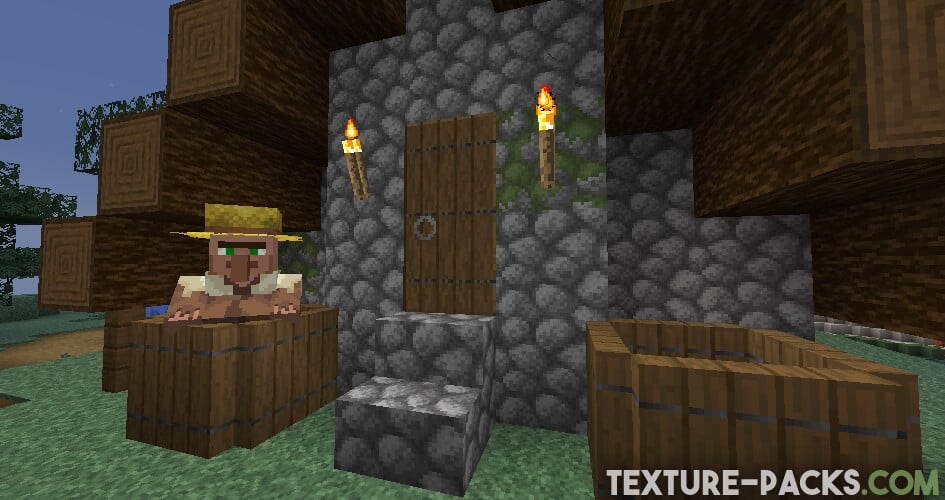
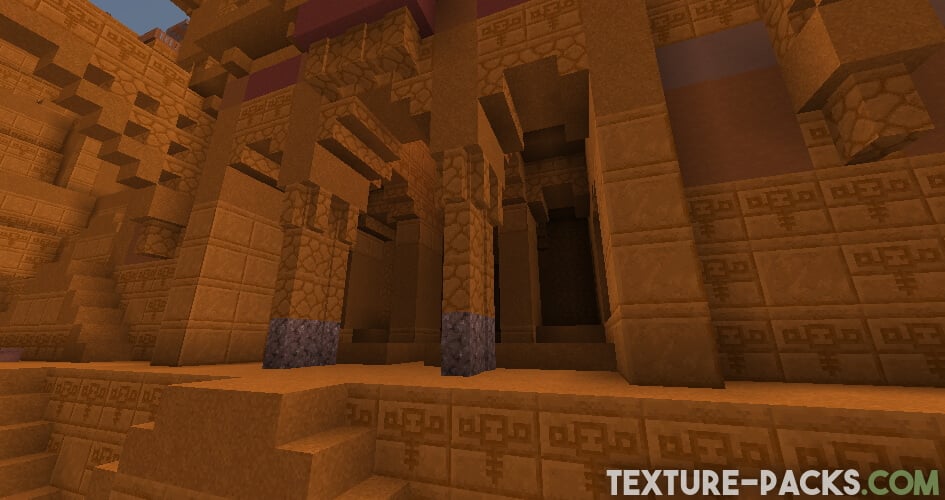
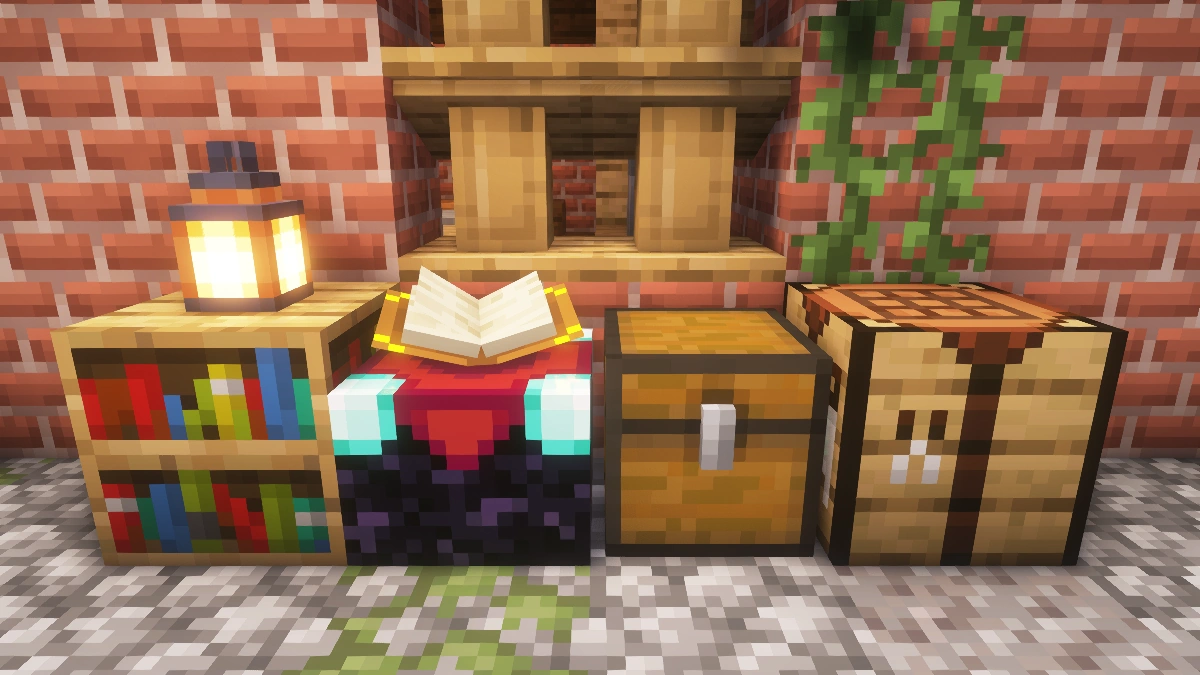
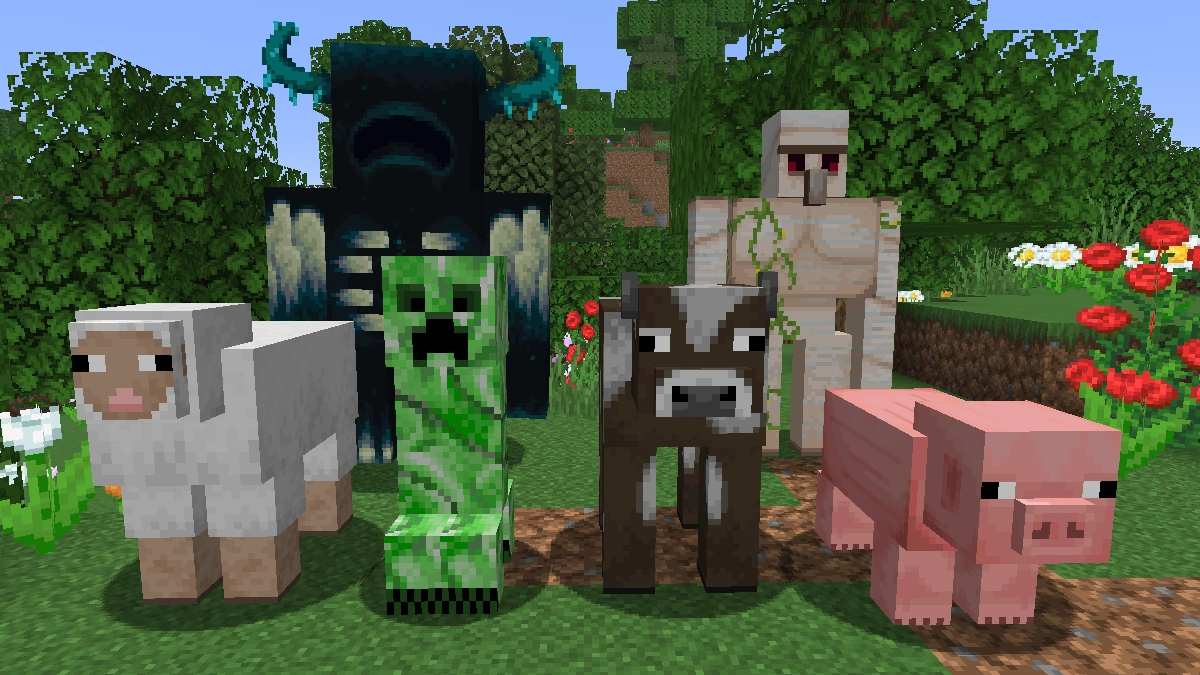
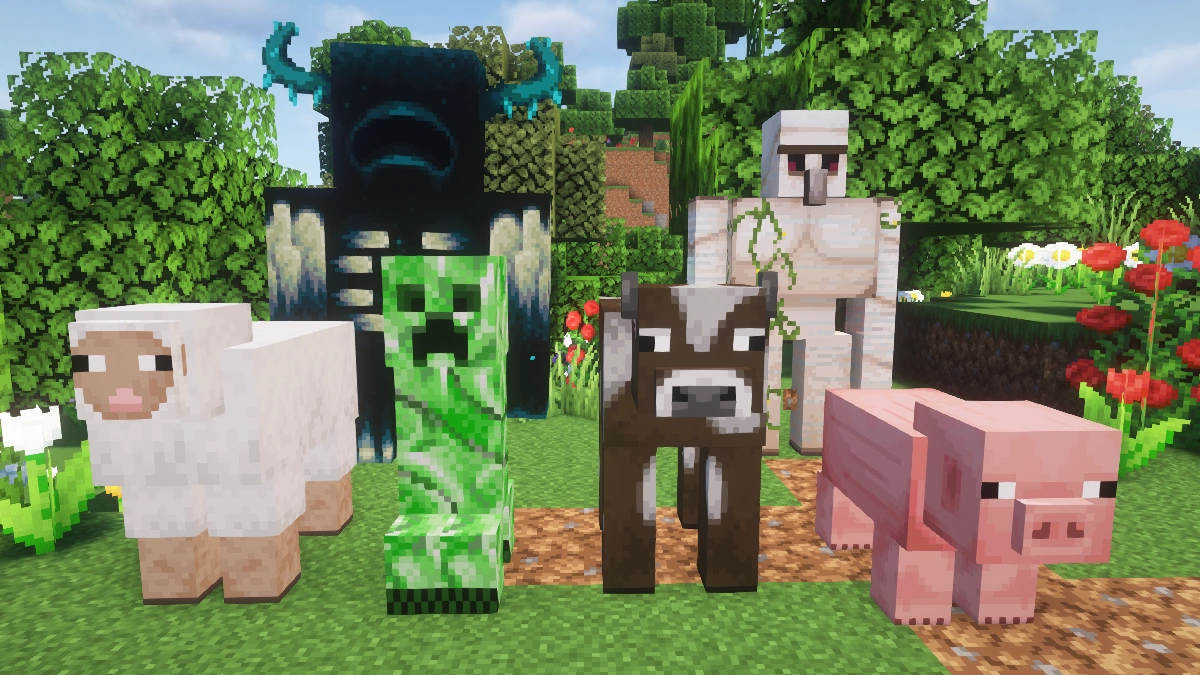
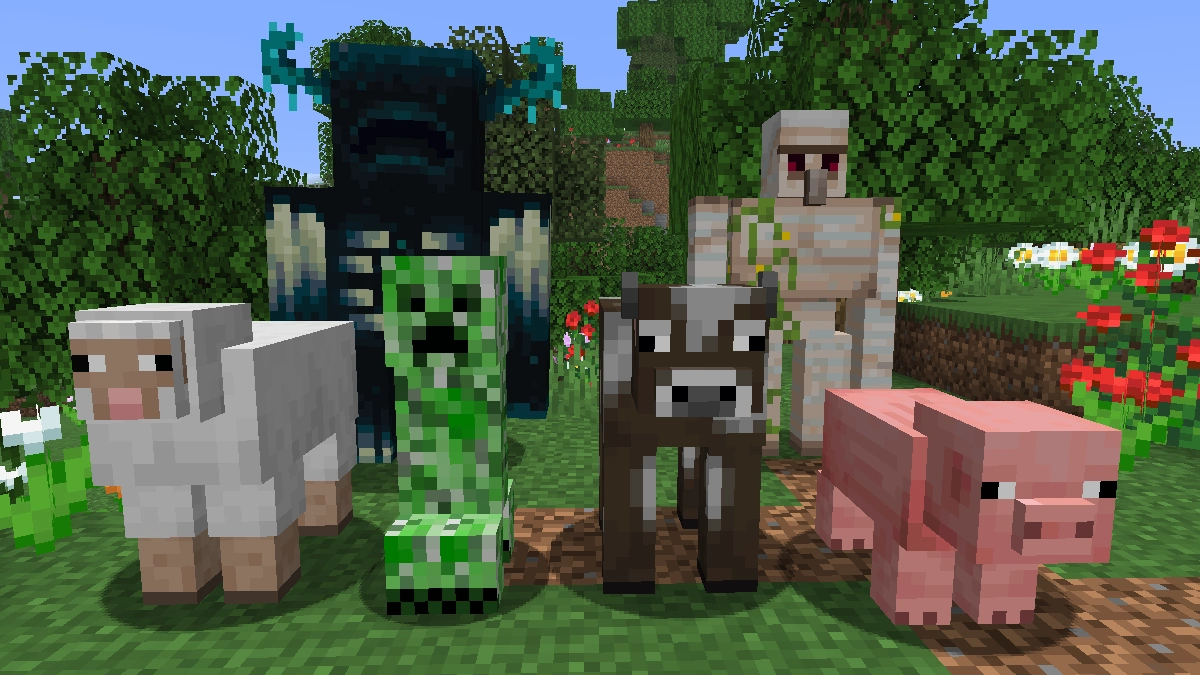
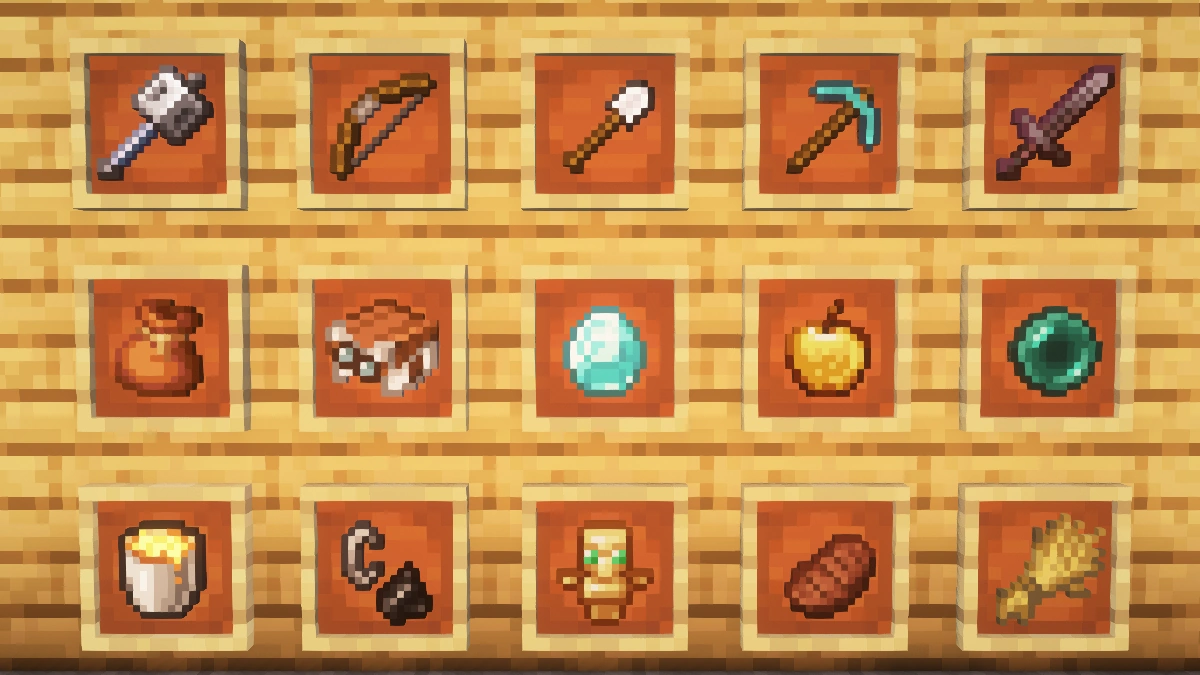
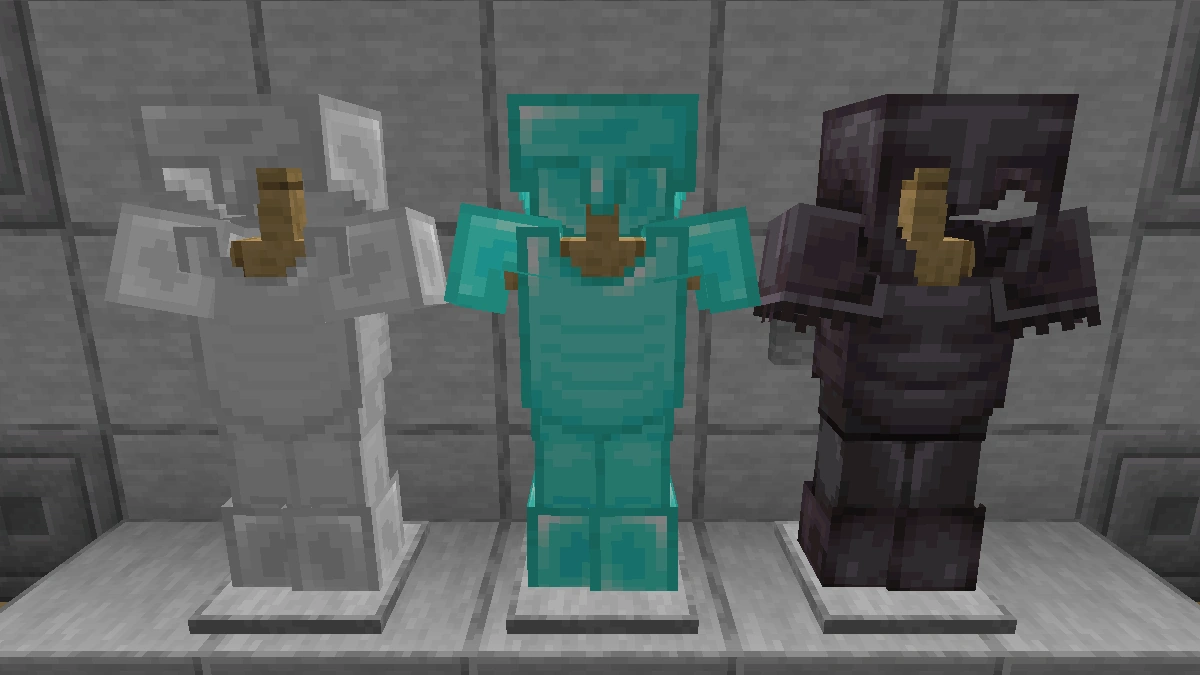
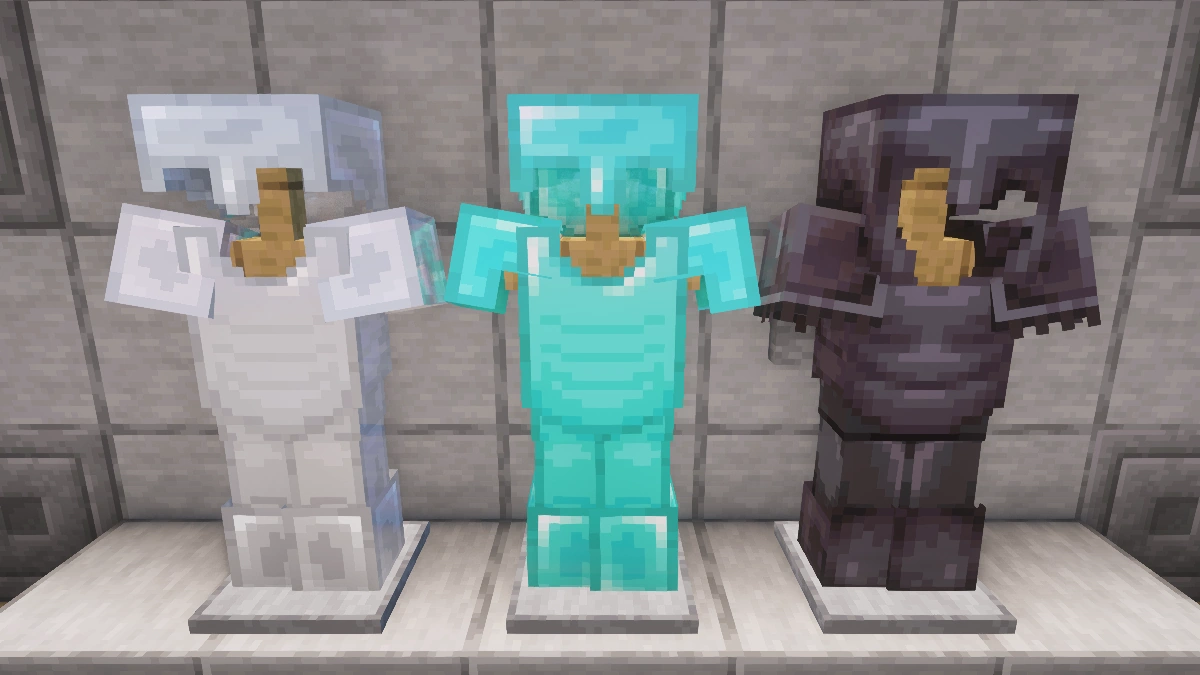
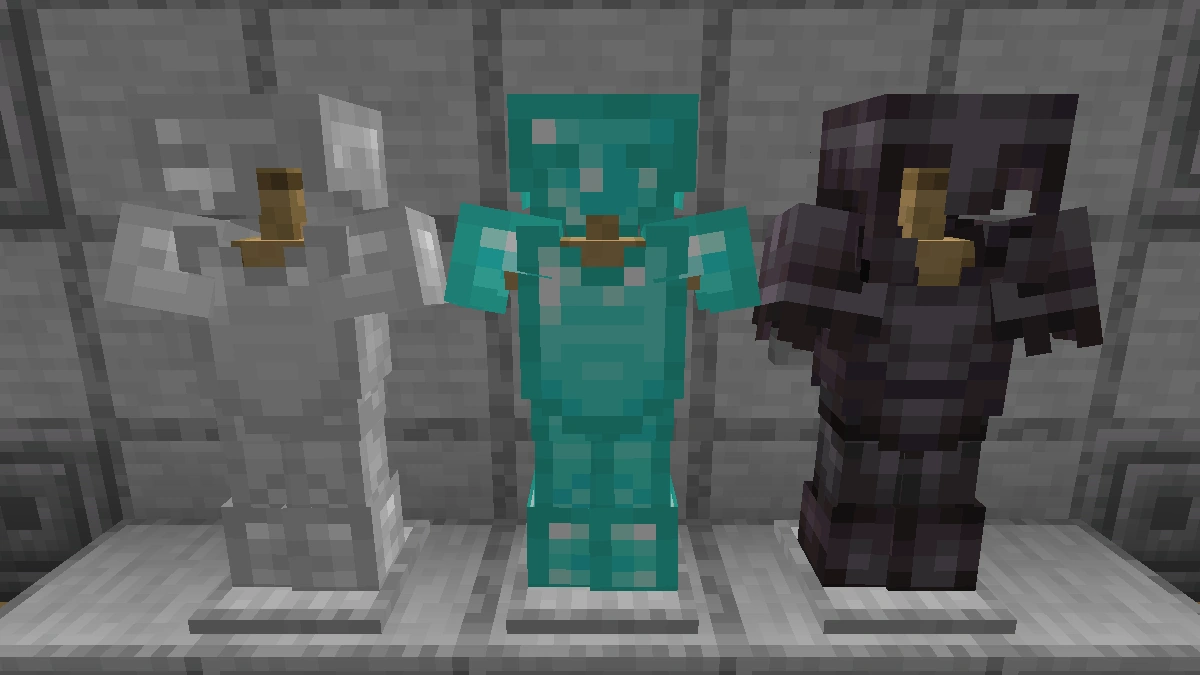
One of the main reasons for the huge success is certainly the fact that almost every Minecraft player is looking for exactly such a pack. Suppose you’ve been playing this open-world game of Mojang for a few weeks now, but you’re getting tired of the low-resolution textures. Faithful 32x was created exactly for this scenario. The style is very much based on the standard default pack, but this fact should be understood positively. The vanilla textures have been completely reworked. The easiest way to notice the difference is the resolution of the blocks and items. Usually, the game elements in your environment have a 16×16 resolution, but this pack doubles it. So it is fair to say that your game world looks twice as beautiful with this expansion. Of course, your gaming fun will also increase enormously, because it is much more fun if the graphics are a bit more impressive.
All Faithful Texture Pack Versions
By the way, you can also download all other Faithful resource packs on our website:
- Faithful 1×1
- Faithful 4×4
- Faithful 8×8
- Faithful 64×64
- Faithful 128×128
- Faithful 256×256
- Faithful 512×512
Another enormous advantage is the short acclimatization phase. What is meant by this? Many other packs change the graphics in such a way that you need time to recognize everything important. With Faithful, this time-consuming process is no longer necessary because everything looks familiar to you immediately. Nevertheless, it will seem strange to you at first to see your buildings with such a good surface. This impression is created because every single block has been re-pixeled with great attention to detail. As a result, the facade of your construction is much smoother.
Furthermore, another point should not be neglected, which might also be relevant to you. A big problem for many gamers is the partly very bad hardware. Surely you will have seen a YouTube video of us in which realistic texture packs are used. While the graphics look impressive, many people cannot play with them because of bad hardware. And if this looks familiar to you, then read now carefully, because the following point will be interesting for you. Even if your computer has problems running video games at all, you can download the Faithful texture pack. Your graphics card should also be able to handle the new textures. If you didn’t notice any lags before, your FPS should still show a high number after activating Faithful 32x.
Fortunately, there is also a large number of add-ons that you can install for free. These include major add-ons such as Faithful 3D, which adds a cool 3D effect to some textures. For example, small add-ons only improve flames and add low fire. Hopefully, there will be an add-on for animations in the future.
Faithful was released on November 5, 2010 and is compatible with these Minecraft versions: 26.2 - 26.1.2 - 26.1.1 - 26.1 - 1.21.11 - 1.21.10 - 1.21.9 - 1.21.8 - 1.21.7 - 1.21.6 - 1.21.5 - 1.21.4 - 1.21.3 - 1.21.2 - 1.21.1 - 1.21 - 1.20.6 - 1.20.5 - 1.20.4 - 1.20.3 - 1.20.2 - 1.20.1 - 1.20 - 1.19.4 - 1.19.3 - 1.19.2 - 1.19.1 - 1.19 - 1.18.2 - 1.18.1 - 1.18 - 1.17.1 - 1.17 - 1.16.5 - 1.16.4 - 1.16.3 - 1.16 - 1.15.2 - 1.15 - 1.14.4 - 1.14 - 1.13.2 - 1.13 - 1.12.2 - 1.12 - 1.11.2 - 1.11 - 1.10.2 - 1.10 - 1.9.4 - 1.9 - 1.8.9 - 1.8 - 1.7.10 - 1.7.2 - 1.6.4 - 1.5.2 - 1.4.7 - Beta 1.7.3
Video & Screenshots
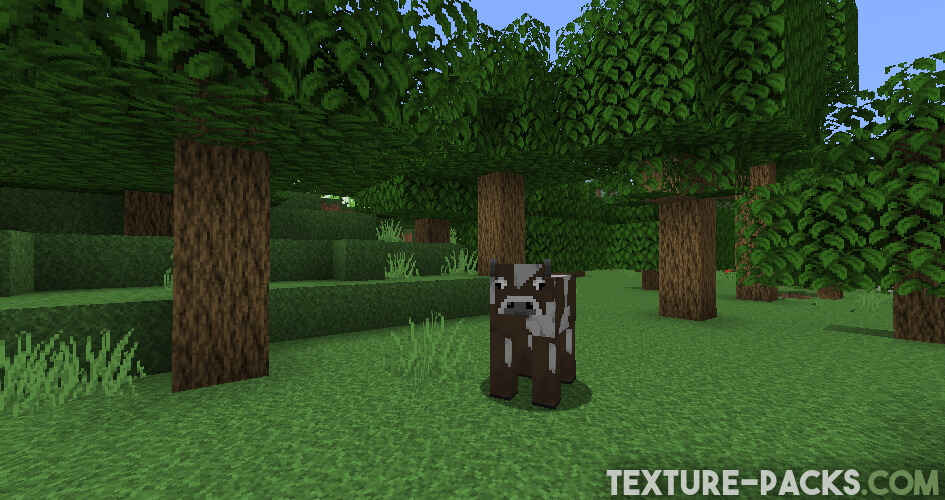
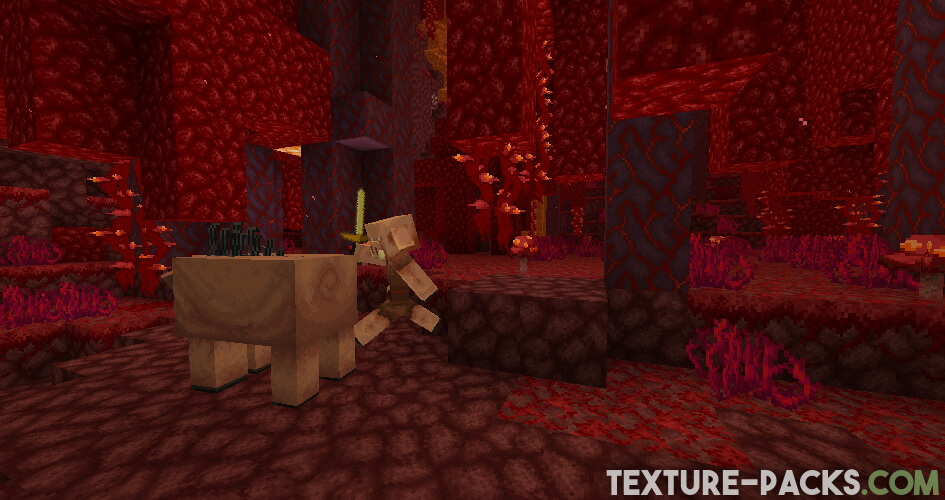
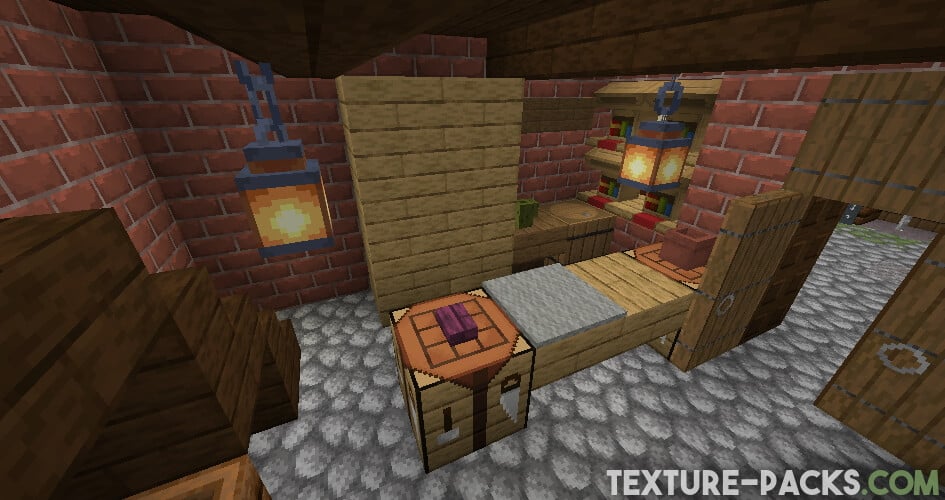
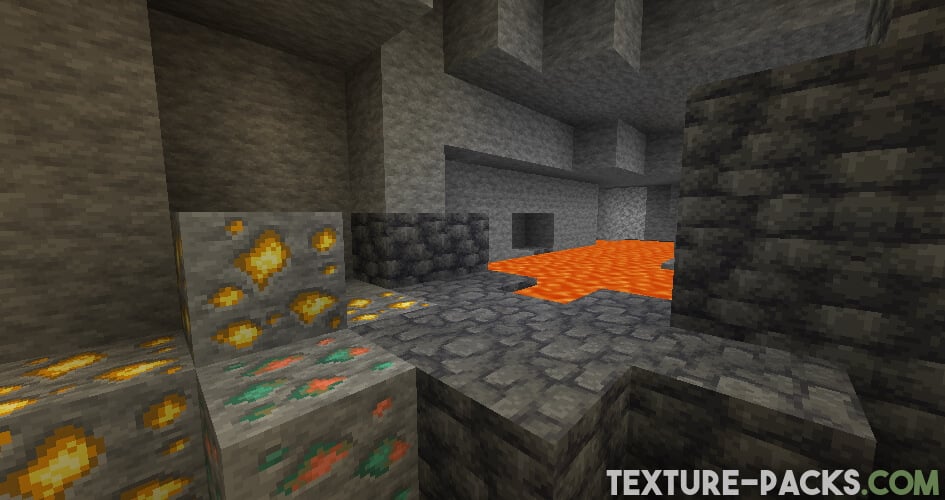
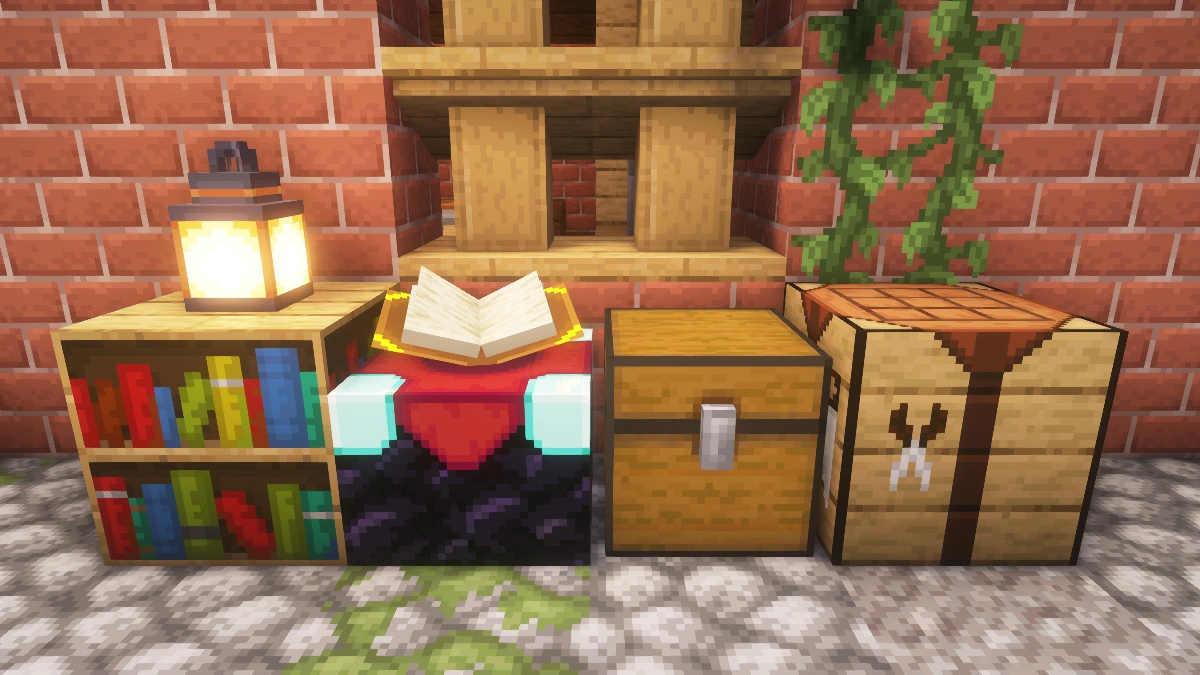
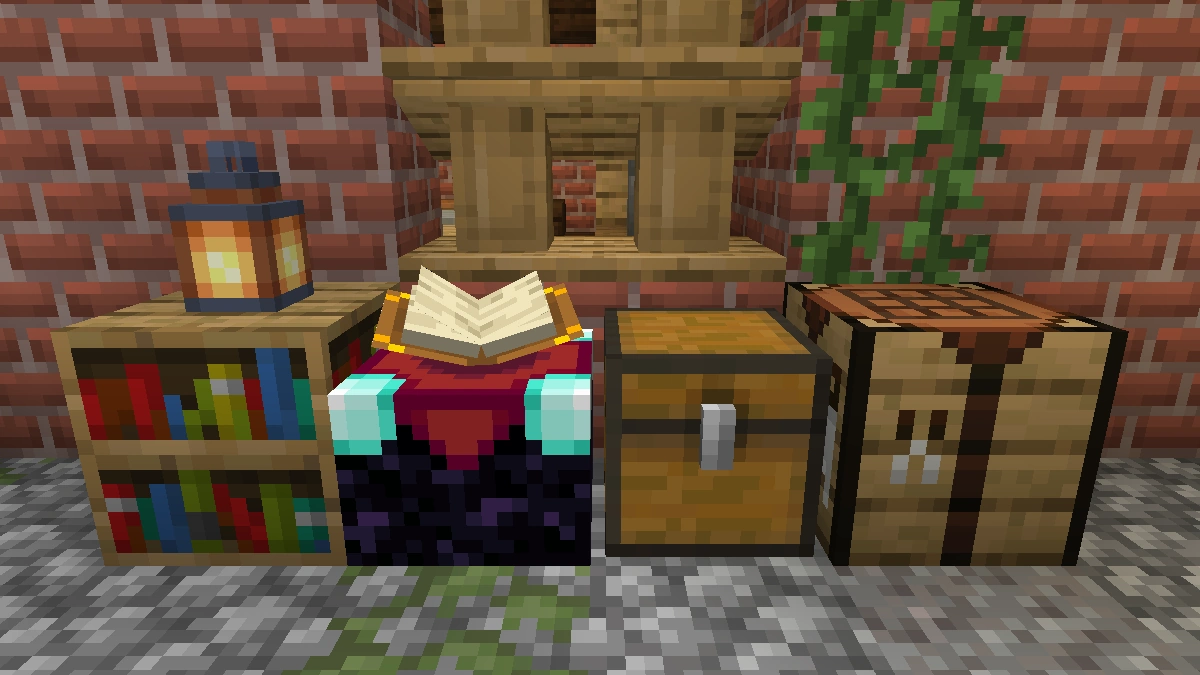
Comparison: Vanilla vs. Faithful
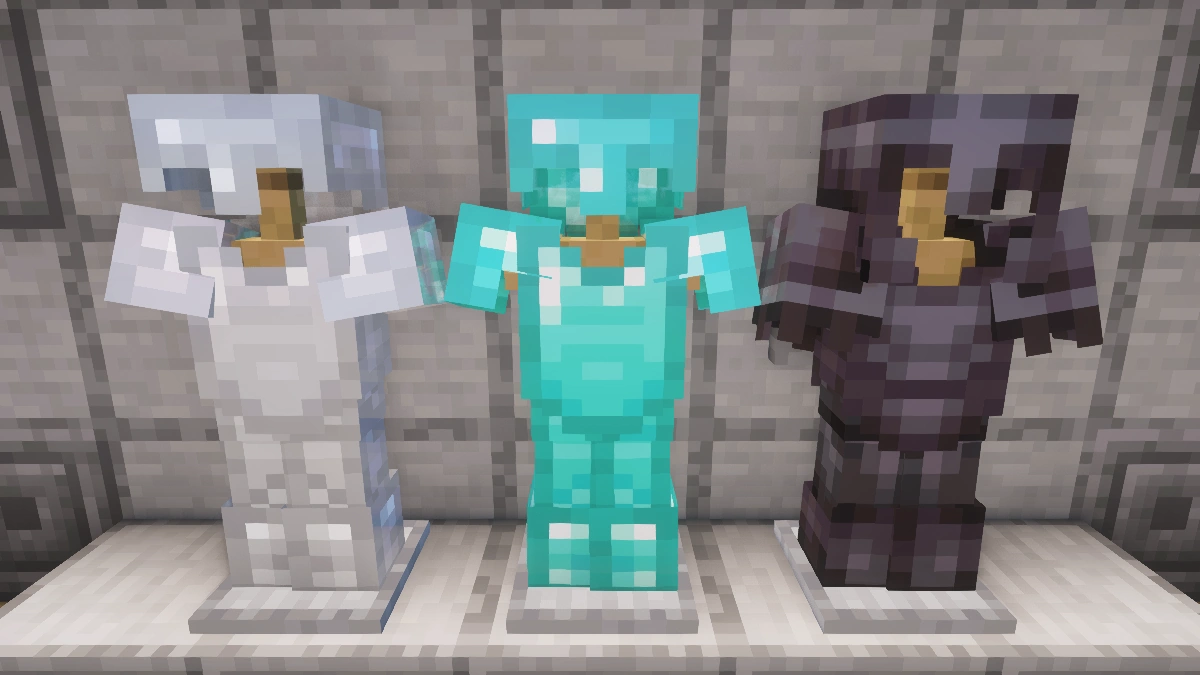
Use the before/after slider to see how Faithful changes Minecraft compared to vanilla. Use the buttons below to compare different biomes and situations.

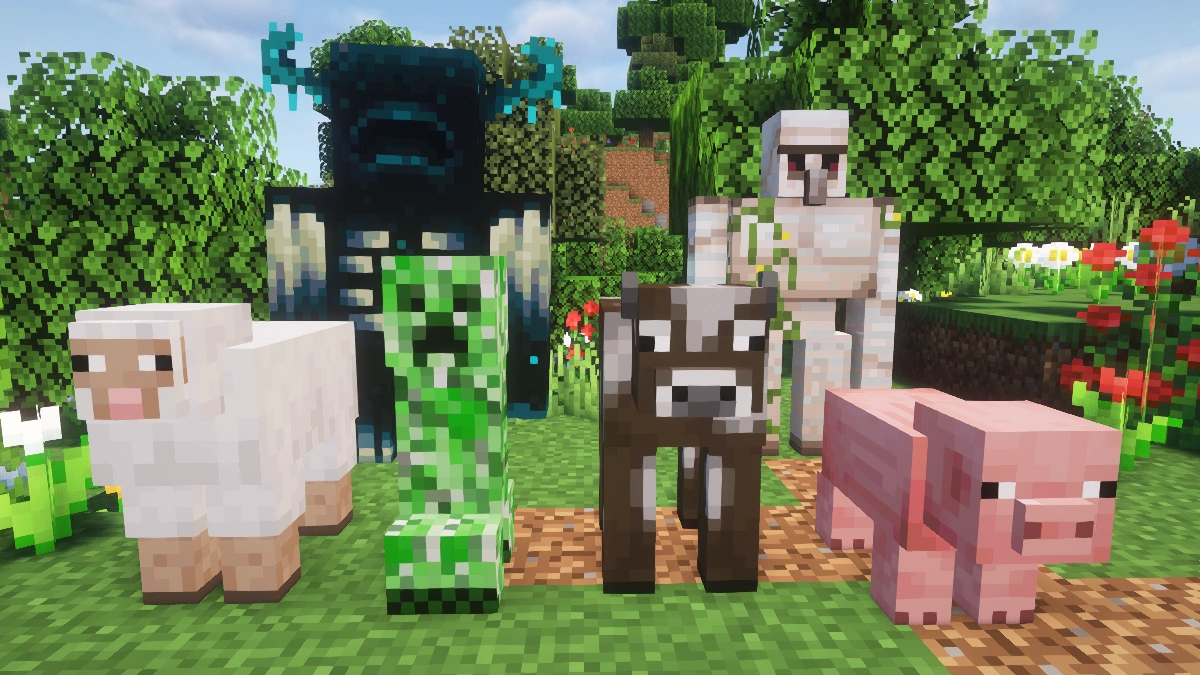
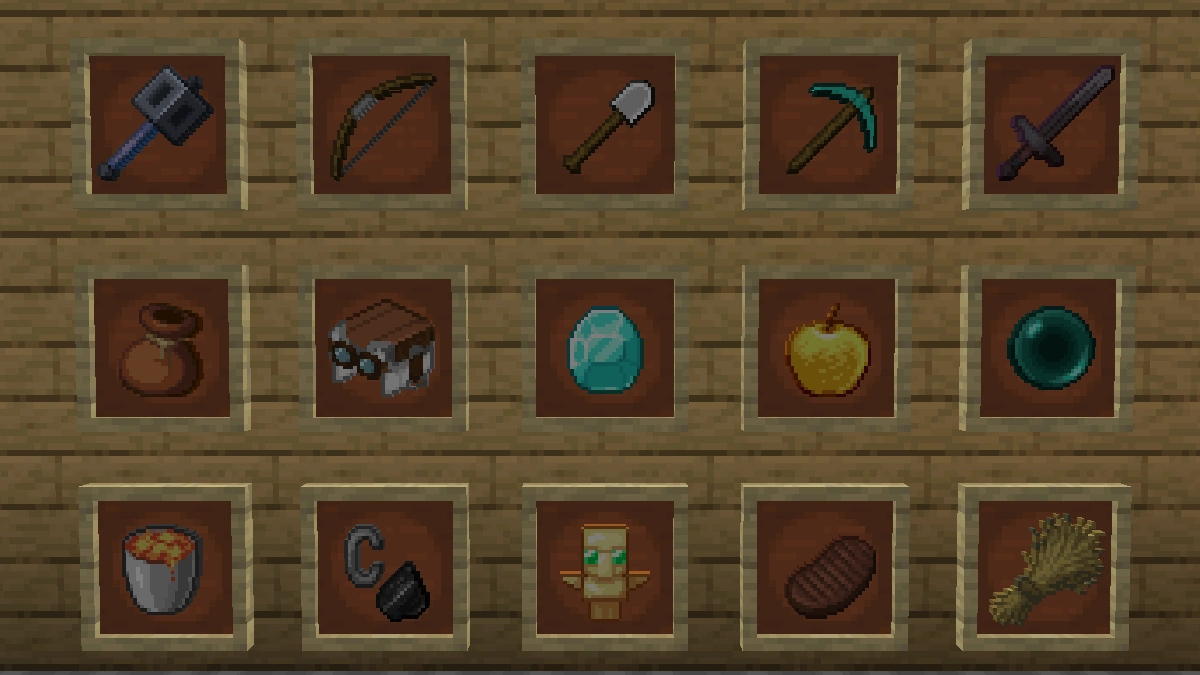
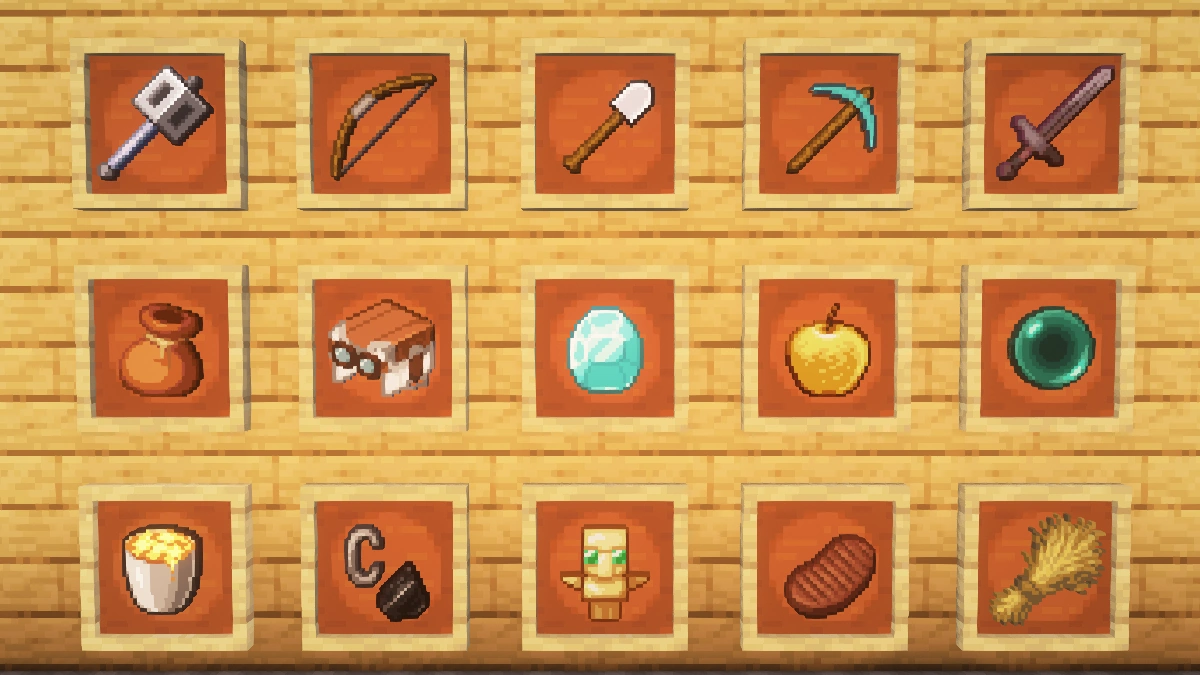
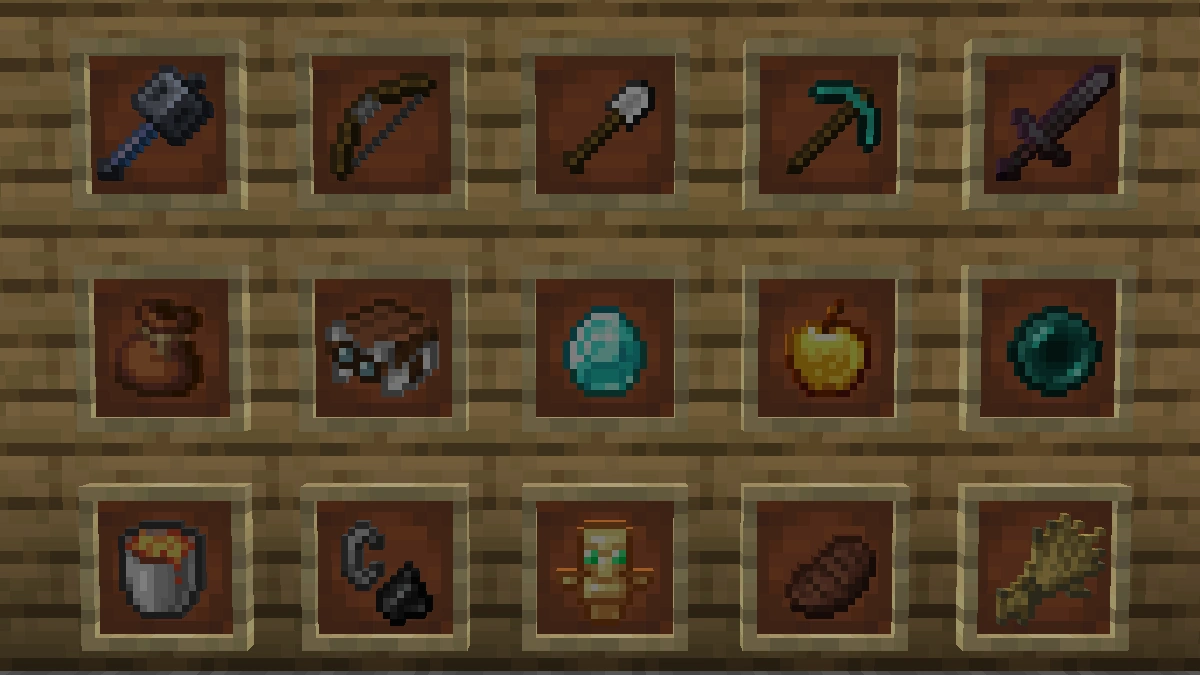
How To Install Faithful Texture Pack
Here’s a tutorial on installing Faithful in Minecraft Java Edition. If you’re using Minecraft Bedrock Edition and the pack is available for Bedrock/MCPE, you can simply click on the downloaded file to install it.
- Download and install OptiFine, as it is required by most texture packs.
- Download the Faithful texture pack for Minecraft from the file section below. Pick the file that matches your Minecraft edition and version.
- Launch Minecraft.
- Click "Options" on the main menu.
- In the options, go to the submenu “Resource Packs”.
- Click "Open Pack Folder" at the bottom left to see a folder titled "resourcepacks".
- Put the downloaded ZIP file into your "resourcepacks" folder. Or, just drag and drop it into the Minecraft window to add the pack.
- You will see the pack on the left side of the resource pack selection menu. Unzip the file if you can't see the pack.
- Hover over the pack thumbnail and click the arrow pointing right. If the game notifies you that the pack is made for a newer or older Minecraft version, simply click “Yes” to proceed. Most textures will still work.
- Click "Done" and all assets have been loaded.
Faithful Texture Pack Download
The first download contains a ZIP inside another ZIP. Please extract the inner ZIP before adding it to your game.
[32x] [MCPACK] Download Faithful Texture Pack
Java Edition:
The latest download contains a ZIP inside another ZIP. Please extract the inner ZIP before adding it to your resourcepacks folder.
[32x] [26.2.x] Download Faithful Texture Pack
[32x] [26.1.2 – 26.1] Download Faithful Texture Pack
[32x] [1.21.11] Download Faithful Texture Pack
[32x] [1.21.10 – 1.21.9] Download Faithful Texture Pack
[32x] [1.21.8 – 1.21.6] Download Faithful Texture Pack
[32x] [1.21.5] Download Faithful Texture Pack
[32x] [1.21.4] Download Faithful Texture Pack
[32x] [1.21.3 – 1.21.2] Download Faithful Texture Pack
[32x] [1.21.1 – 1.21] Download Faithful Texture Pack
[32x] [1.20.6 – 1.20.2] Download Faithful Texture Pack
[32x] [1.20.1 – 1.20] Download Faithful Texture Pack
[32x] [1.19.x] Download Faithful Texture Pack
[32x] [1.18.x] Download Faithful Texture Pack
[32x] [1.17.x] Download Faithful Texture Pack
[32x] [1.16.x] Download Faithful Texture Pack
[32x] [1.15.x] Download Faithful Texture Pack
[32x] [1.14.x] Download Faithful Texture Pack
[32x] [1.13.x] Download Faithful Texture Pack
[32x] [1.12.x] Download Faithful Texture Pack
[32x] [1.11.x] Download Faithful Texture Pack
[32x] [1.10.x] Download Faithful Texture Pack
[32x] [1.9.x] Download Faithful Texture Pack
[32x] [1.8.x] Download Faithful Texture Pack
[32x] [1.7.x] Download Faithful Texture Pack
[32x] [1.6.x] Download Faithful Texture Pack
[32x] [1.4.x] Download Faithful Texture Pack
[32x] [Beta 1.7.3] Download Faithful Texture Pack
Faithful 32x & Fresh Animations Add-on:
Place this above Fresh Animations and the Faithful 32x pack.
[16x] [1.19.x] Faithful 32x & Fresh Animations Add-on
For a long time, there was no official download available for the 1.8 version, but luckily this has changed. Via the archive, you can download all older versions for free. This information will make you especially happy if you are a fan of the old PvP mechanics. However, all old versions do not get any bug fixes or texture changes anymore, because they are the work of Vattic, who has retired from the project.
Conclusion
Do you like detailed textures? Then the Faithful texture pack is perfect for you. Good eyes immediately discover many changes, but even after some time, you can still explore a lot of new things. For example, the trees and leaves are much better displayed.
The work of the Minecraft development team was taken as a template and brought to a whole new level by the Faithful developers. Everything looks so high resolution and is suitable for every imaginable game mode, it doesn’t matter if you like PvP or prefer to create your fantasy world in single-player mode. The portfolio seems very carefully chosen and gives you a whole new gaming experience, enticing you to spend hours gaming.
What are the opinions of the community? We did a small survey and came to an unsurprising result. With a few exceptions, the response was positive throughout. For this, we also quote a user who kindly agreed to publish his comment. He writes that the pack is just right for him because the gameplay remains similar and the right mix between modern graphics and the vanilla look was found. We agree with this opinion.

I love this texture
its so cool
It’s very good
god Minecraft
hiii
hello my friend
i want the old grass texture please!
Insightful article
the sea lanterns are broken
they went like yellow to orange