Developed by CaptTatsu from Indonesia, he has been working tirelessly on the BSL shaders for Minecraft since 2015 to create one of the absolute best shader packs in the Minecraft world. And guess what? It’s not just for the pros, anyone, including you, can use it and be amazed! With more than ten development versions already released, each update refines the shading further.
Now, before we write about the wonders of BSL shaders, let’s talk about the presets. The pack offers four pre-built profiles to choose from low, medium, high, and ultra. With the ultra profile, we’ve cranked up all the astounding features, but we must admit that it demands a high-end graphics card to run smoothly. But don’t worry! For those with lower-end hardware, the low and medium profiles still deliver fantastic graphics with high FPS so that all players can use BSL!
BSL Shaders Features
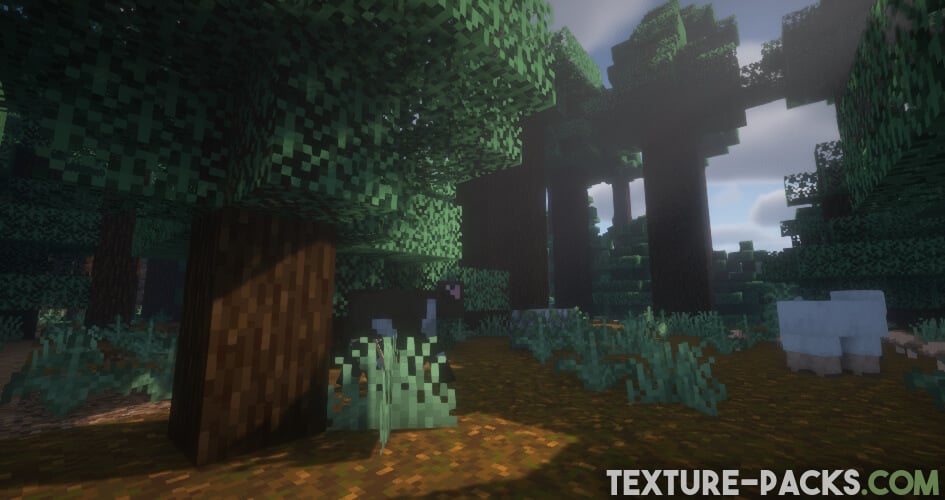
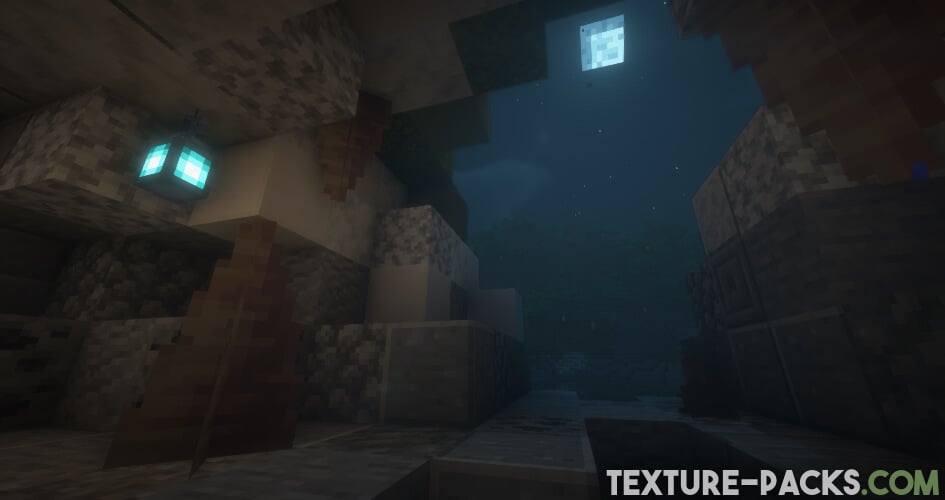
Basic features such as more realistic water are naturally included, and even the appearance of clouds can be customized. Additionally, the pack enhances water reflections, making lakes, rivers, and oceans look more realistic. These things alone are the hallmarks of an excellent Minecraft shader. Additionally, the shader incorporates an anti-aliasing effect, making the blocks look smoother. In addition, better shadow and light effects contribute to a special atmosphere, especially noticeable in sunlight or torch-lit areas.
The amalgamation of these factors leads to many downloading the BSL shaders. But please note while the water effects are generally well-executed, some players might notice minor imperfections in the water refraction. Particularly when viewed from underwater.
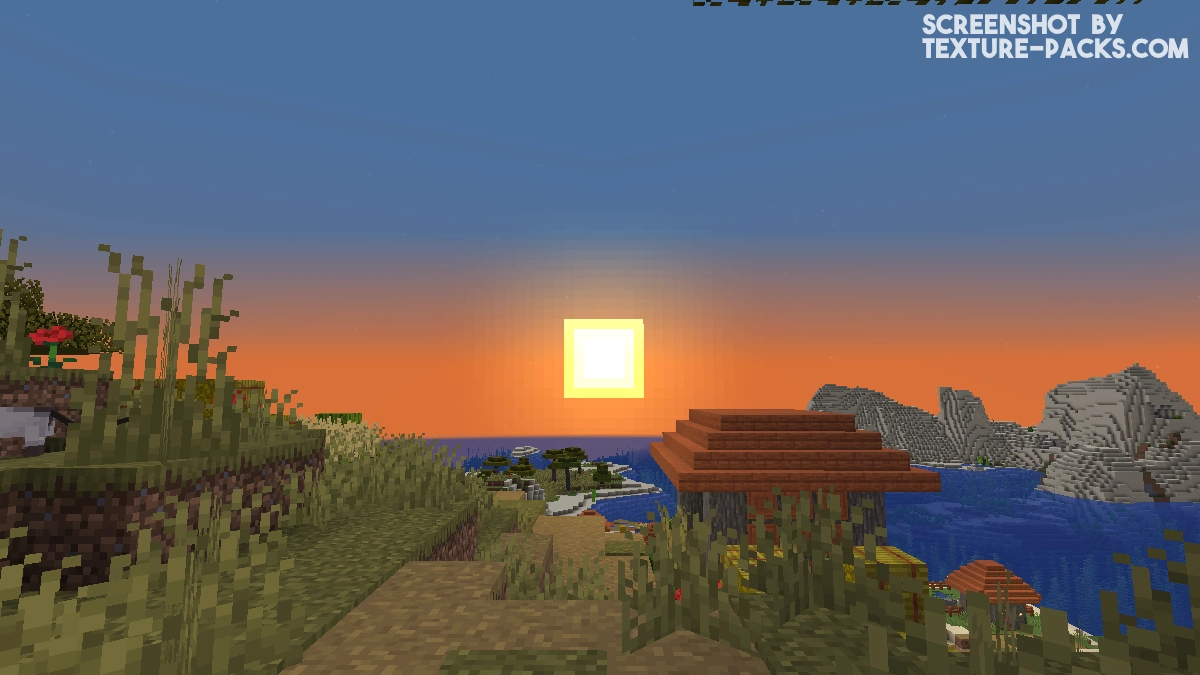
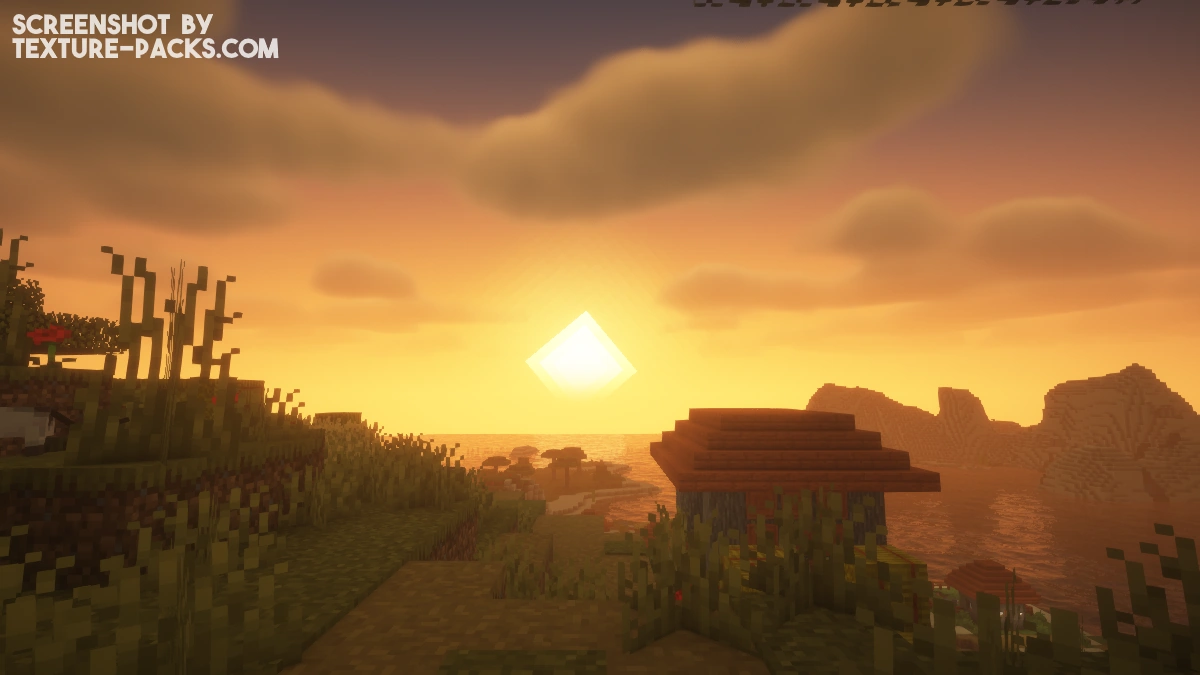
Enchanted armor also receives attention, with glowing effects. However, some players might find the enchantment glares a bit too intense, obscuring the appearance of the Minecraft armor. On top of that, the most iconic element is undoubtedly the sun. It stands out prominently and graces almost all official screenshots and videos. In fact, one could easily argue that the sun is the very trademark of BSL shaders.
Sure, you might have heard of other shaders, like SEUS PTGI, boasting about their ray-tracing technology, but guess what? This project may not have that particular feature, but we’re still incredibly proud of how it impresses in our tests! The lack of high-end realism doesn’t mean a thing, especially if you’re playing Minecraft on an older laptop or a Mac. The developer made sure that his project could bring cool features to every setup!
A World of Edits and Translations
The world of the BSL shader pack doesn’t stop at its original form. We’ve seen some incredible edits like AstraLex, Solas, and Complementary that put unique spins on the already amazing pack.
But there’s more! Some community members also thoughtfully translated the shader options into multiple languages, including European Spanish, French, Italian, Japanese, Brazilian Portuguese, Russian, and Simplified and Traditional Chinese. If your language isn’t on the list, you can reach out to CaptTatsu and help to bring the pack to your language too. By the way, the real name of the developer is Garrison Cahyadi.
Recommended Texture Packs Packs for BSL
Discover the perfect companions for the BSL shaders. The developer recommends the following texture packs:
Troubleshooting with BSL Shaders
We know how frustrating it can be when something doesn’t quite work as expected in Minecraft. We’re here to help with some simple solutions. If the sky with BSL shaders turns out to be white, head over to your video settings under details and activate the Minecraft sky option. Also, ensure your graphics are set to fancy, and your trees are set to default or fancy. And hey, remember, stay away from the fast leaves option, as it can lead to some annoying glitches.
One area that could use some improvement is the End dimension. Players may encounter issues with lighting and broken visual effects in this space-like dimension, making it less enjoyable. These problems may be related to specific settings or compatibility issues and warrant further investigation by the developer.
In summary, by downloading and installing BSL shaders, you’ll feel much more comfortable in Minecraft. It can be likened to an Instagram filter that transforms your selfie. The built-in color options provide unique customization possibilities, allowing you to tailor the shader to your liking. The best part is that the latest version has curved reflections, giving your world a cursed look. Considering its excellent performance, the pack receives a well-deserved rating of 9 out of 10.
Video & Screenshots
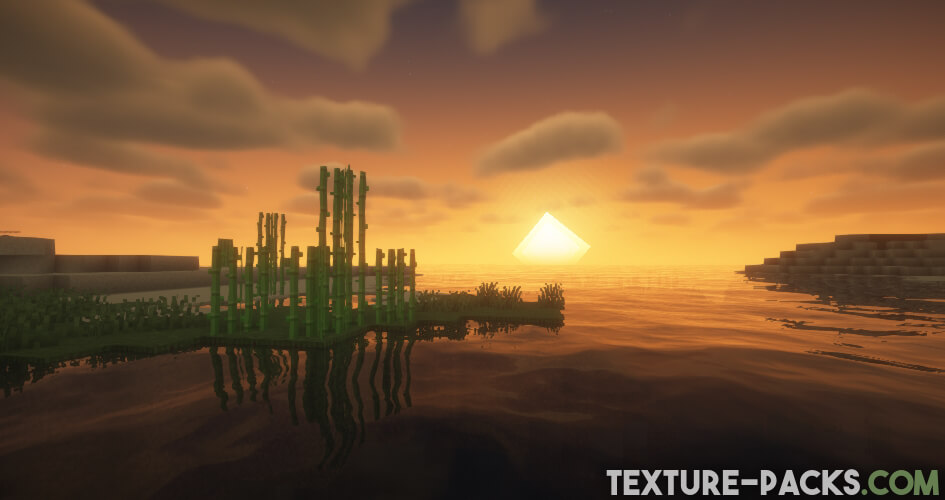
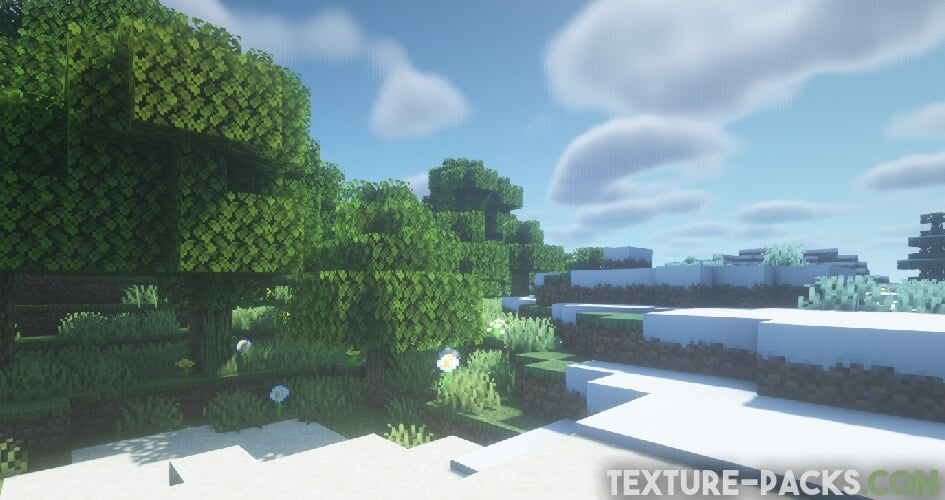
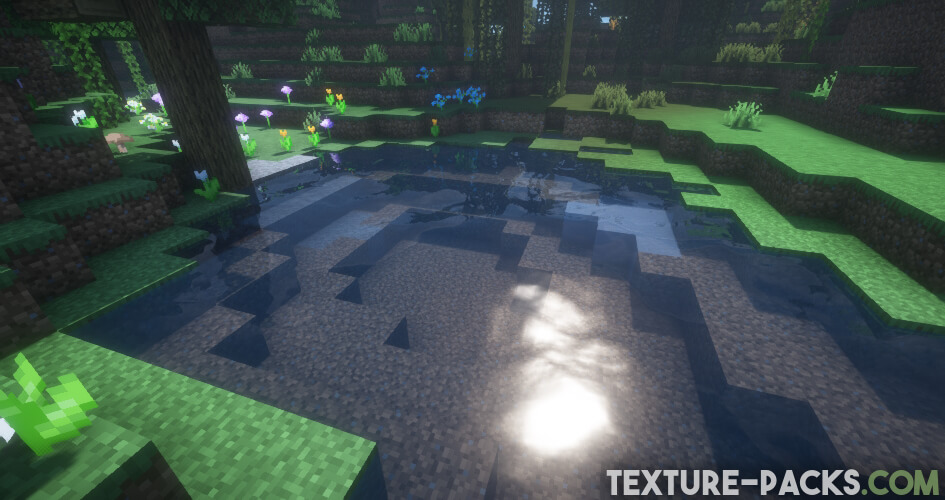
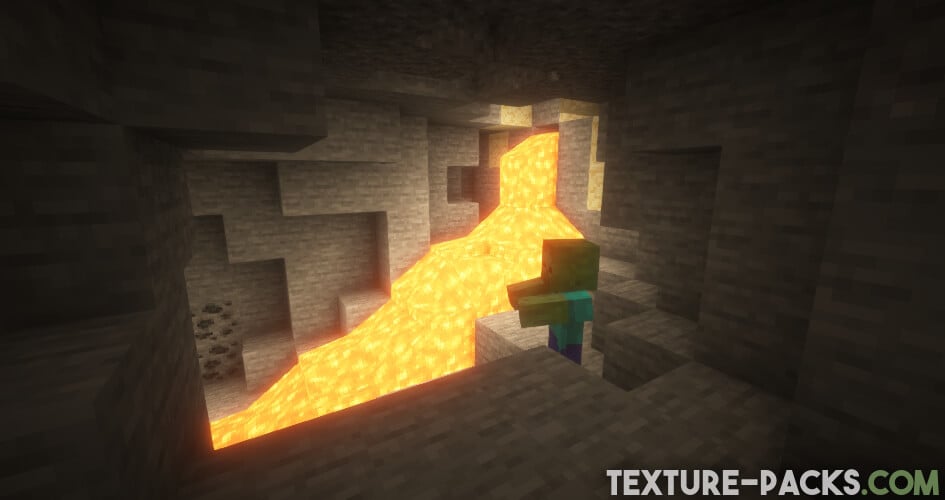
Comparison
Use our comparison tool to compare the Minecraft default pack with BSL.
How To Install BSL Shaders
Here’s a tutorial on installing BSL in Minecraft Java Edition.
- Download the BSL shaders for Minecraft from the file section below. Pick the file that matches your Minecraft edition and version.
- Install Iris or OptiFine. The Iris mod is recommended for better performance with higher FPS.
- Open the Minecraft launcher, and choose the Iris or OptiFine profile you just made.
- Launch Minecraft.
- For Iris: Go to "Options", then "Video Settings", and select "Shader Packs". Next, click on "Open Shader Pack Folder" to access the shaderpacks folder. For OptiFine: Navigate to "Options", then "Video Settings", and click on "Shaders." Afterward, click on "Shaders Folder" to open the shaderpacks folder.
- Move the downloaded ZIP file into this folder (.minecraft\shaderpacks).
- In the game, choose the newly installed pack from the shaders list. If you select a shader pack using Iris, its filename will turn yellow.
- Click "Done" or "Apply" and all new features have been loaded.
BSL Shaders Requirements
To fully enjoy the wonders of BSL shaders, make sure you’re playing on a Minecraft version released after 2014. Also, ensure you have either OptiFine or Iris installed if you play on a PC. As for your graphics card, an NVIDIA GeForce GTX 750 or anything comparable will do the trick, but this is merely a guideline. For instance, even most Mac devices equipped with Intel Graphics work flawlessly with the shader.
In contrast to other resource-intensive packs, the BSL shader is relatively straightforward and consumes fewer resources. While it might not provide an FPS boost, it ensures no significant performance drops, making it worth trying out for yourself. For the smoothest experience, we recommend setting your video settings like this:
- Graphics: Fancy
- Render Distance: 8 or above
- Smooth Lighting: Maximum
- Smooth Lighting Level: 100%
- Dynamic Lights: Fast/Fancy (your choice)
BSL Shaders Download
This is the Original version, which provides a cartoony feel.
[1.20.x] Download BSL Shaders
[1.19.x] Download BSL Shaders
[1.18.x] Download BSL Shaders
[1.17.x] Download BSL Shaders
[1.16.x – 1.15.x] Download BSL Shaders
[1.14.x – 1.8.x] Download BSL Shaders
BSL Shaders – Classic (Java Edition):
This is the Classic version, which stays true to vanilla aesthetics.
BSL Shaders Language Files (Java Edition):
An assortment of translation files for BSL Shaders v8.0 and higher.
BSL Shaders Gold Edition (Java Edition):
The BSL Gold Edition is essentially BSL shaders with a premium label for loyal supporters, offering no extra features except for yellow text in the shader selection and options menu.

Anyone else game keep crashing with the shader
I love this shaders
optifine reads as zip not a program installer
You need to open Optifine with the Java program. This is because it is a JAR file.
ru kidding???
I have noticed something wrong with BSL shader, however. I was using High and Ultra settings, but the problem is independent of these settings, unless you allow water to only reflect the sun/moon and the sky. If reflection is set to full, there is some bug going on with the reflections. It is easiest to see, when standing under a tree or something and turning water normal off. The normal reflections are all fine. But in the case that there are blocks directly above the player near a water surface, then a reflection of the blocks above will appear on the water surface in the distance. I did some testing and the only possibility I currently see is that this is either an inherent bug in the shader code or intentional (which I think is less likely). However, the issue is present in older versions as well. In my testing, I found that the problem is easiest to see if you build a small platform 2x2x2 about two blocks above water and look at it from a distance. If you are slightly above the platform, only the *correct reflection shows up. But if you go slightly lower, the second *reflection will show up and will appear to be behind the platform on the water surface. Depending on the angle, you can make it look like the second *reflection stretches all the way to the horizon. The second thing I found out is that if you level the player camera directly above the water, the second *reflection will assume the same position as the correct reflection.
Thanks for the detailed description of the problem. I have forwarded your comment to the developer.
My computer for bsl– huh! easy
my computer for astralex— huh! noo plss
my computer: if you download this I will explode
i love that
do you have shaders for bedrock
its really good with optifine
Hello. How do I enable Aurora’s in this shader pack?
Hi! Auroras are only visible in cold biomes with Per Biome Weather enabled.
Hi how do i download this?
Hello, please read the tutorial in the article.
wow
HI i want to know that this shader will work when i use it with integrated graphics
Hi! I think the BSL shader should also work with integrated graphics.
hi shaders is so good nice a
Are there any texture packs compatible with this? Works good but the sky looks horrible with textures I’ve tried.
All packs are compatible with BSL. Probably there are problems because your OptiFine settings are incorrect.
it does little but pulls 100% of my cpu
hello im pitrs6565_boy
i cant play with shaders it gives error to me
Try a lightweight shader
I cant find the aprt in video setting where it says shaders
You need Optifine
please make this shader for bedrock edition please🙏🙏🙏🙏🙏