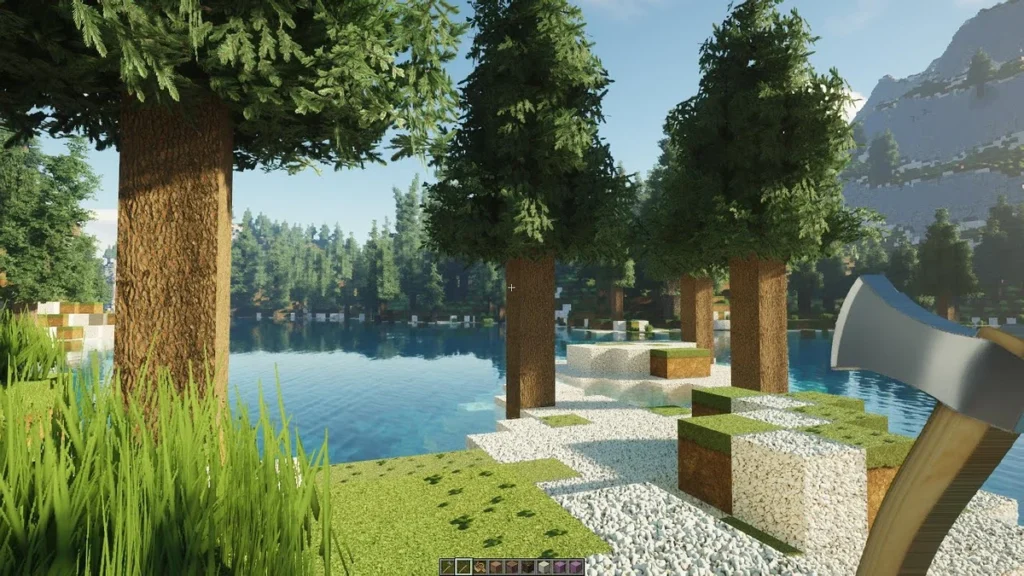
The Hodilton Texture Pack goes by the project name Realistic Textures. Not the most creative name, but honestly the talent here isn’t in naming things. It’s in the textures themselves, which are some of the most realistic you’ll find for any Minecraft resource pack.
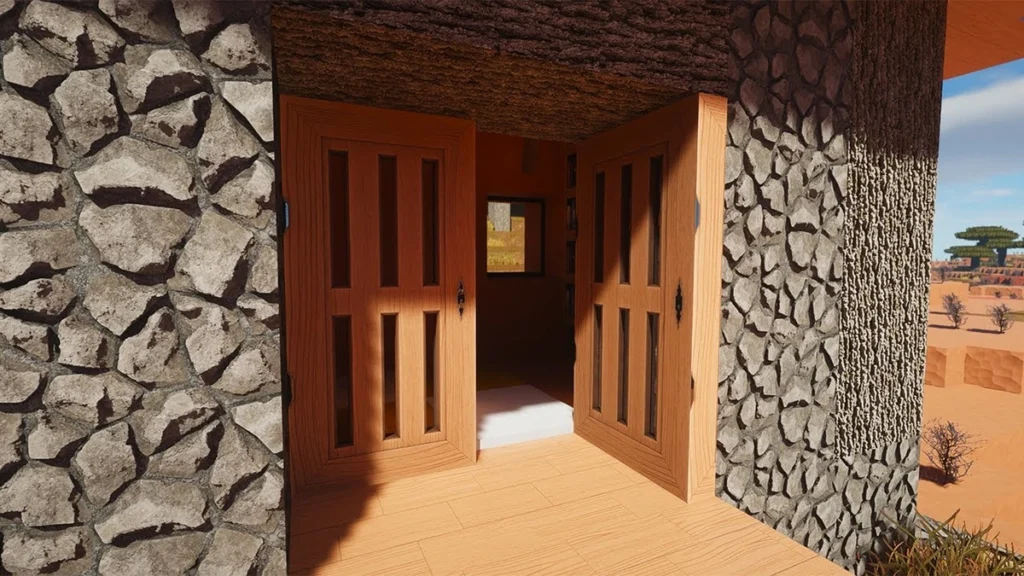
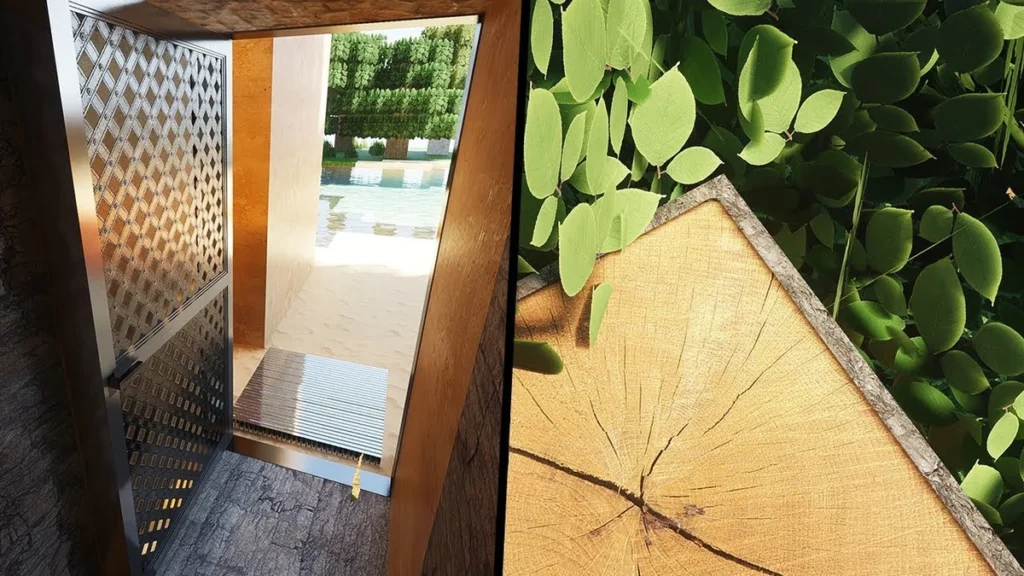
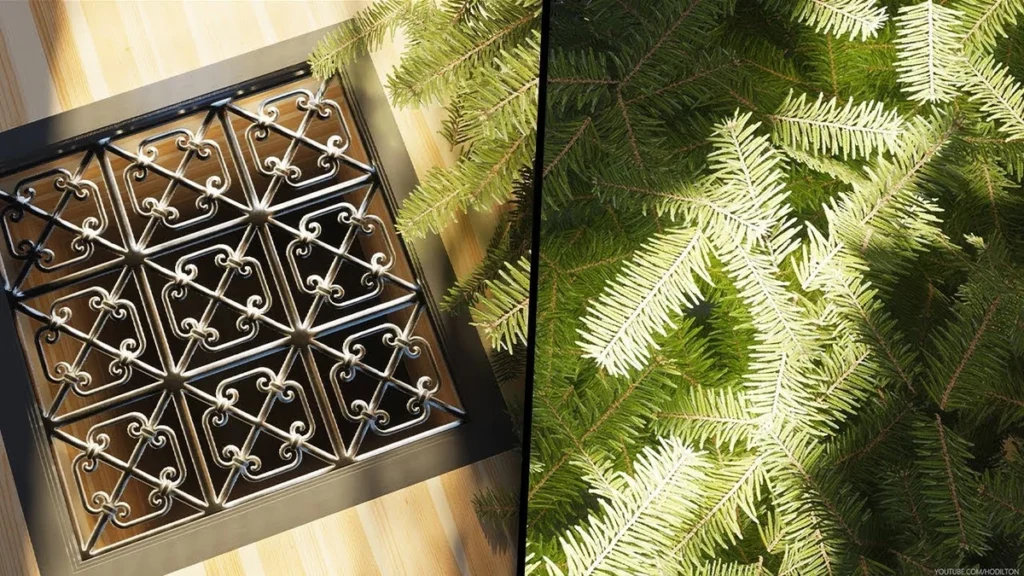
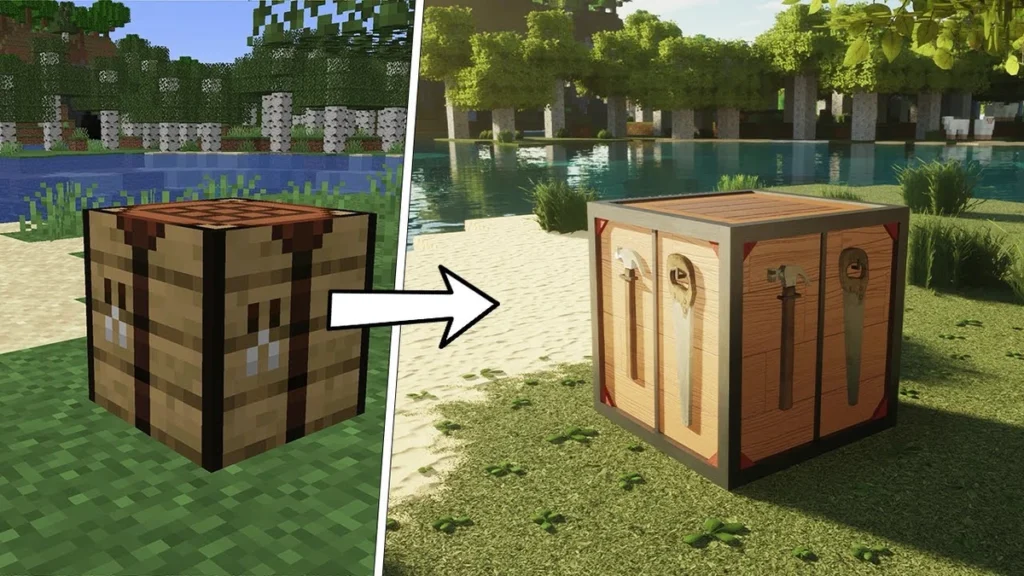
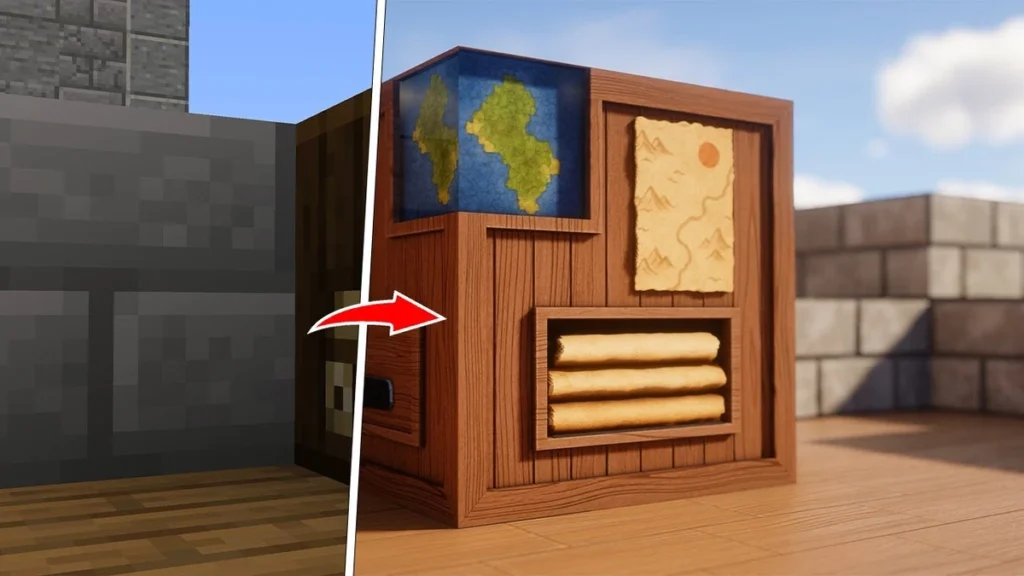
Compared to regular 16×16 textures, this is a completely different experience. In vanilla Minecraft, everything up close just looks like a blurry mess of pixels. With the Hodilton Texture Pack, you get actual detail everywhere you look. Even stuff nobody really pays attention to, like grass or tree bark, suddenly looks incredible. Bushes are fuller, tree trunks have real rough surfaces, and the grass actually looks like grass. We could go on about this for a while, it genuinely impressed us that much.
Who Is Hodilton?
So who’s actually behind this Minecraft texture pack? He’s a YouTuber who originally blew up through Skyrim videos where he pushed the game to its absolute limits with his insane PC setup. At some point he did the same thing with Minecraft and the videos took off, his channel has over 100 million views at this point. He started out showcasing other packs like Stratum with Continuum shaders and later the absolutely wild Physics Mod, which adds crazy new animations to many things in the game. Then in 2019 he started working on Realistic Textures and shared the first blocks on Patreon, mostly because people kept asking in the comments what textures he was using. Lucky for us he decided to make them available.
Hodilton Realistic Textures
The pack comes in 512x and 1024x resolution. The 1024x version needs at least 10GB of VRAM and 32GB of RAM, so this is not something you’re running on an old laptop or a budget PC. On top of that, it only works with Java Edition since Bedrock doesn’t support POM or PBR, which is exactly what gives the pack its 3D effect.
To download the Hodilton Texture Pack you’ll need a Patreon subscription starting at $4.50 a month. You can subscribe for just one month, keep the pack, and cancel, but you won’t get any future updates that way. There is a free version but it’s pretty bare bones and only works on Minecraft 1.14 at 256x resolution. The paid version supports the latest Minecraft release. One thing worth mentioning is that the YouTube trailers and screenshots always show the 1024x version, which is a little misleading since most people can’t actually run that smoothly.
The biggest downside is coverage. Right now the pack includes around 150 textures, and Minecraft has over a thousand blocks. So while the Hodilton Texture Pack looks stunning, it’s nowhere near a complete resource pack. Hodilton has said himself that he mainly makes the textures for his videos and doesn’t plan on covering everything. You could combine it with something like RealisCraft or Luna HD to fill in the gaps, but then you’re paying for three packs at once. Our suggestion is to start with just this one and see if it’s enough for you.
One thing you absolutely cannot skip is a shader. We recommend SEUS PTGI, which already looks incredible on its own with its lighting and water effects. Combined with the Hodilton Texture Pack you get the full 3D effect through POM, or Parallax Occlusion Mapping. That sounds complicated but it basically just means surfaces stop looking flat and start having real depth. Rails reflect light along their edges, stone looks rough and three-dimensional. Without a shader the pack looks good. With one it looks unreal. Seriously, the difference is massive.
Hodilton was released on May 5, 2019 and is compatible with these Minecraft versions: 1.21.11 - 1.21.10 - 1.21.9 - 1.21.8 - 1.21.7 - 1.21.6 - 1.21.5 - 1.21.4 - 1.21.3 - 1.21.2 - 1.21.1 - 1.21 - 1.20.6 - 1.20.5 - 1.20.4 - 1.20.3 - 1.20.2 - 1.20.1 - 1.20 - 1.19.4 - 1.19.3 - 1.19.2 - 1.19.1 - 1.19 - 1.18.2 - 1.18.1 - 1.18 - 1.17.1 - 1.17 - 1.16.5 - 1.16.4 - 1.16.3 - 1.16 - 1.15.2 - 1.15 - 1.14.4 - 1.14
Video & Screenshots
How To Install Hodilton Texture Pack
Here’s a tutorial on installing Hodilton in Minecraft Java Edition. If you’re using Minecraft Bedrock Edition and the pack is available for Bedrock/MCPE, you can simply click on the downloaded file to install it.
- Download the Hodilton texture pack for Minecraft from the file section below. Pick the file that matches your Minecraft edition and version.
- Launch Minecraft.
- Click "Options" on the main menu.
- In the options, go to the submenu “Resource Packs”.
- Click "Open Pack Folder" at the bottom left to see a folder titled "resourcepacks".
- Put the downloaded ZIP file into your "resourcepacks" folder. Or, just drag and drop it into the Minecraft window to add the pack.
- You will see the pack on the left side of the resource pack selection menu. Unzip the file if you can't see the pack.
- Hover over the pack thumbnail and click the arrow pointing right.
If the game notifies you that the pack is made for a newer or older Minecraft version, simply click “Yes” to proceed. Most textures will still work.
- Click "Done" and all assets have been loaded.
Next, you need to download and install the SEUS PTGI Shaders or the Continuum Shaders. In the shader settings, it is very important that you enable POM, PBR, and raytracing. For the best results with SEUS PTGI, set RAYTRACE_GEOMETRY_QUALITY to 0 and switch the tonemap to ACEStonemap in the shader settings. This is what Hodilton himself uses in his videos.
System Requirements
- 1024x: 32GB of RAM and 10GB of VRAM. Recommended for cinematics and screenshots.
- 512x: 16GB RAM and 8GB VRAM. Recommended for gameplay.
Hodilton Texture Pack Download
The premium version is available from $4.50 on Patreon, and the trial version is free but outdated.

downloaded it
I haven’t tried it yet, but hopefully it’ll work
Love this pack
hello! I like it a lot
I watched his videos during corona… his videos about stratum 2048x are legendary!! didn’ know that he released his own pack