The Classic 3D texture pack makes Minecraft more realistic. At first glance, everything looks the same, but after a short time, you will notice a big difference. If you play with this pack, almost all the blocks are in 3D. They are still the standard Minecraft textures but with more details and more complex surfaces. The blocks are no longer flat because they have relief.
The special thing is that you don’t have to install any mods or shaders. Normally you have to do that if you want to use POM or PBR textures. Accordingly, the pack works with all Minecraft editions without any glitches. However, you should lower the render distance a bit in the Minecraft settings to avoid lags.
Honestly, the Classic 3D resource pack is so good that it could be used by Microsoft as the standard Minecraft default pack. The project has been actively developed since 2019 and is always available for the latest game version. Moreover, there are additional versions of the texture pack besides the standard package.
Overall, the entire Minecraft environment improves, because even decorative elements have more depth. This also means that you’ll see the 3D effects everywhere. Also, many items and mobs are in 3D. Many things are very similar to the free Default 3D texture pack, which is mainly known by older gamers. The two projects are basically identical. Except for the big difference that the aforementioned project is no longer updated.
By the way, the developer has created all 3D models with Blockbench. This software is also used by many others, such as Noxcrew, who released the Vividity texture pack. The program is from a German developer who would definitely be happy if you try it out.
Classic 3D was released on August 21, 2019 and is compatible with these Minecraft versions: 1.21.11 - 1.21.10 - 1.21.9 - 1.21.8 - 1.21.7 - 1.21.6 - 1.21.5 - 1.21.4 - 1.21.3 - 1.21.2 - 1.21.1 - 1.21 - 1.20.6 - 1.20.5 - 1.20.4 - 1.20.3 - 1.20.2 - 1.20.1 - 1.20 - 1.19.4 - 1.19.3 - 1.19.2 - 1.19.1 - 1.19 - 1.18.2 - 1.18.1 - 1.18 - 1.17.1 - 1.17 - 1.16.5 - 1.16.4 - 1.16.3 - 1.16 - 1.15.2 - 1.15 - 1.14.4 - 1.14 - 1.13.2 - 1.13 - 1.12.2 - 1.12 - 1.11.2 - 1.11 - 1.10.2 - 1.10 - 1.9.4 - 1.9 - 1.8.9 - 1.8
Video & Screenshots
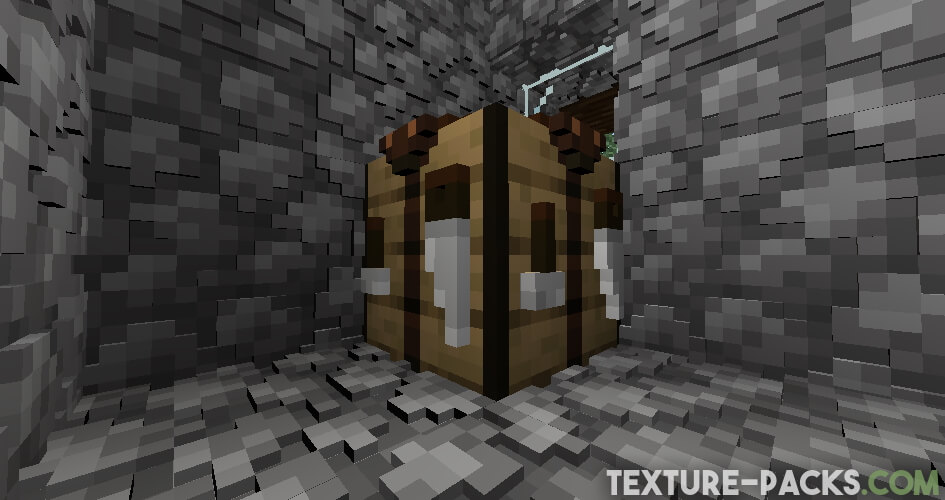
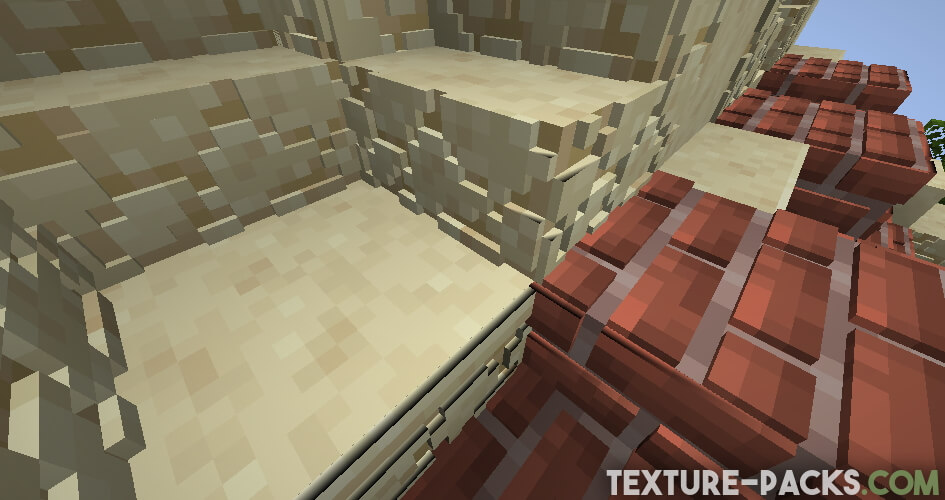
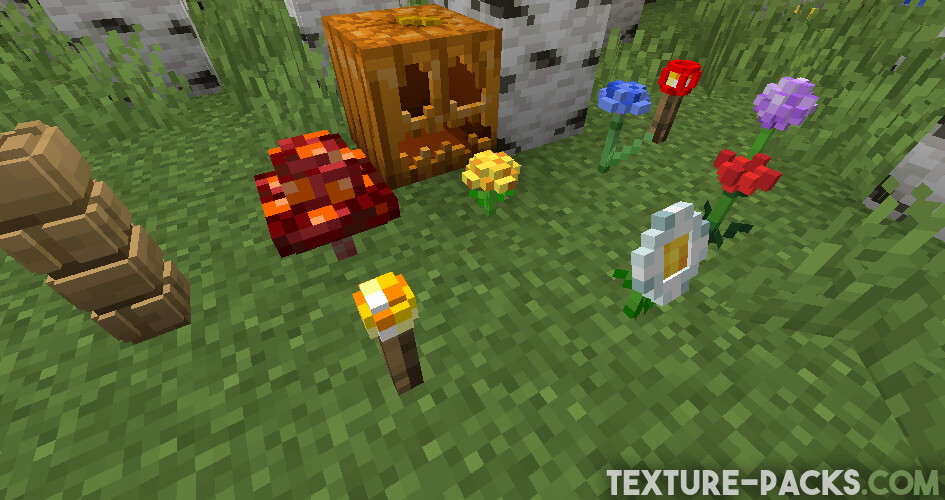
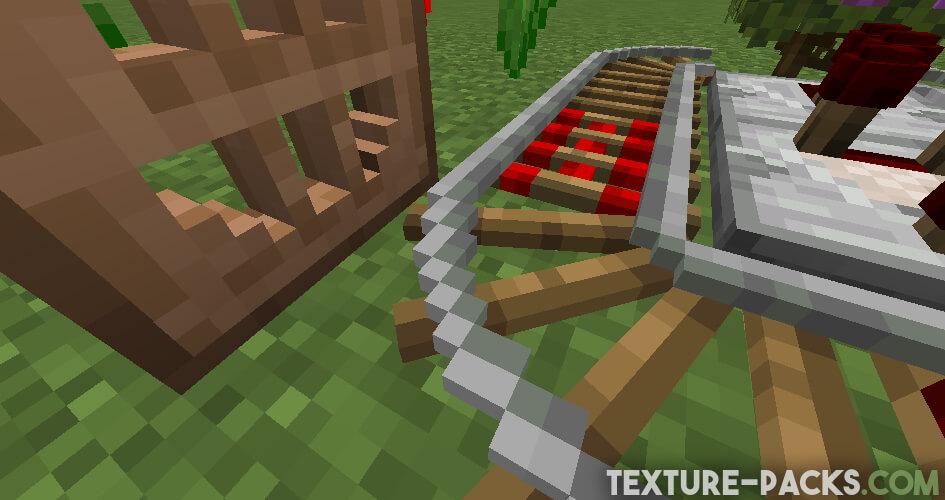
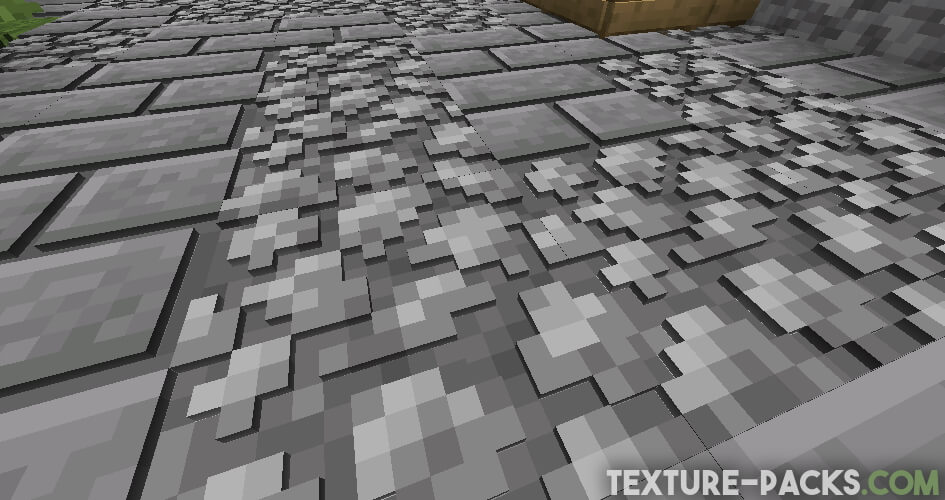
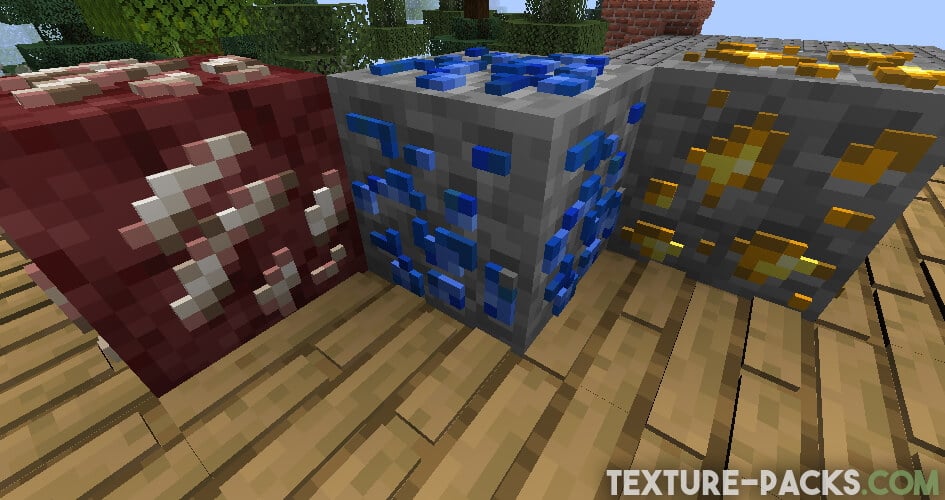
As you can see in the screenshots, Classic 3D is primarily designed for players who like to build things in Minecraft. Especially the houses look very nice. Everything from doors to chimneys is three-dimensional. But most impressive are the crafting table and the furnace. We can assume that a lot of effort was put into creating them. That’s understandable because both are important utility blocks.
Comparison
Use our comparison tool to compare the Minecraft default pack with Classic 3D.


How To Install Classic 3D Texture Pack
Here’s a tutorial on installing Classic 3D in Minecraft Java Edition. If you’re using Minecraft Bedrock Edition and the pack is available for Bedrock/MCPE, you can simply click on the downloaded file to install it.
- Download and install OptiFine, as it is required by most texture packs.
- Download the Classic 3D texture pack for Minecraft from the file section below. Pick the file that matches your Minecraft edition and version.
- Launch Minecraft.
- Click "Options" on the main menu.
- In the options, go to the submenu “Resource Packs”.
- Click "Open Pack Folder" at the bottom left to see a folder titled "resourcepacks".
- Put the downloaded ZIP file into your "resourcepacks" folder. Or, just drag and drop it into the Minecraft window to add the pack.
- You will see the pack on the left side of the resource pack selection menu. Unzip the file if you can't see the pack.
- Hover over the pack thumbnail and click the arrow pointing right. If the game notifies you that the pack is made for a newer or older Minecraft version, simply click “Yes” to proceed. Most textures will still work.
- Click "Done" and all assets have been loaded.
Classic 3D Texture Pack Download
Java Edition:
[16x] [1.21.11+ – 1.21.2] Download Classic 3D Texture Pack
[16x] [1.21.1 – 1.21] Download Classic 3D Texture Pack
[16x] [1.20.X] Download Classic 3D Texture Pack
[16x] [1.19.X] Download Classic 3D Texture Pack
[16x] [1.18.X] Download Classic 3D Texture Pack
[16x] [1.17.X] Download Classic 3D Texture Pack
[16x] [1.16.X] Download Classic 3D Texture Pack
[16x] [1.15.X] Download Classic 3D Texture Pack
[16x] [1.14.X] Download Classic 3D Texture Pack
[16x] [1.13.X] Download Classic 3D Texture Pack
[16x] [1.12.X] Download Classic 3D Texture Pack
[16x] [1.11.X] Download Classic 3D Texture Pack
[16x] [1.10.X – 1.9.X] Download Classic 3D Texture Pack
[16x] [1.8.X] Download Classic 3D Texture Pack

3d effect is only on some blocks but its okay
the 3d effect is 67 times better
It seems that some textures (like cobble stone) are not working but others are) I am not using optifine, seems like that should not effect texture changes. Anyone know why that might be? I am running on 1.21.7 but cobble stone should not have changed lol
In the newer Minecraft versions, we link to an alternative version of the pack. Unfortunately, it’s not as complete as the original Classic 3D pack. At the moment, there haven’t been many updates, which is why some textures like cobblestone might be missing.