Among the many talented creators in the Minecraft community, one name stands out: RobotPants, whose real name is Wytze Flietstra, has created the beloved Bare Bones texture pack. The man from the Netherlands is a key artist specializing in 3D design, and his passion for Minecraft led him to create his own wallpapers and textures. By the way, this project is inspired by the official Minecraft trailers.
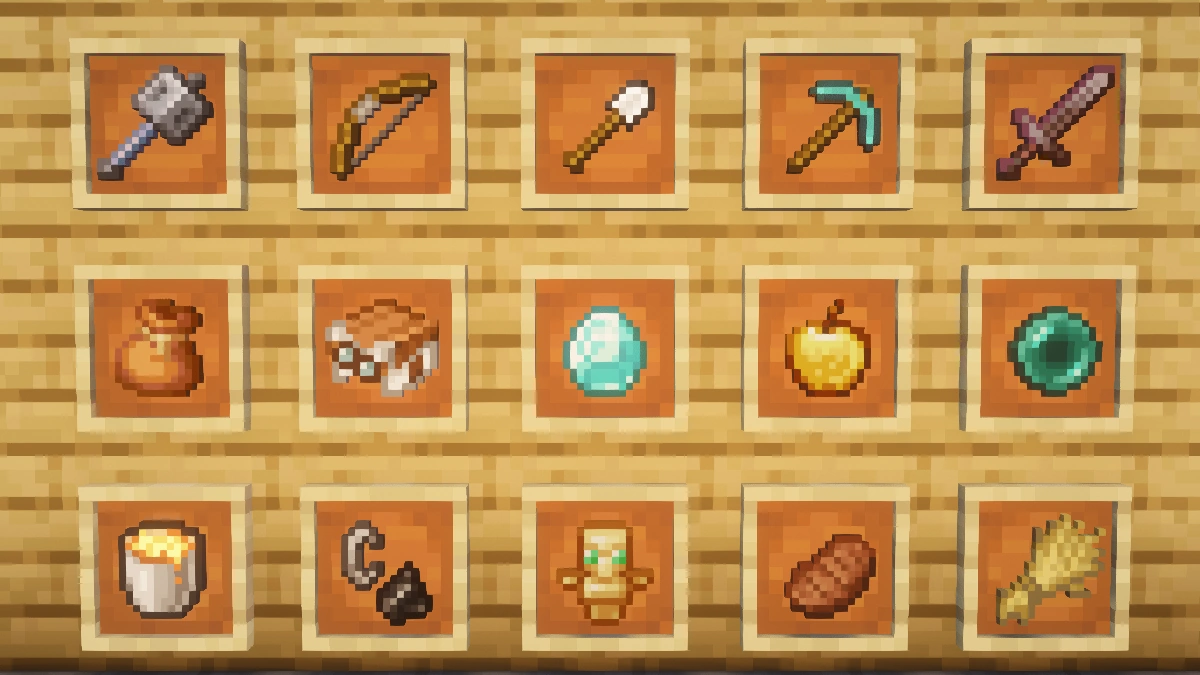
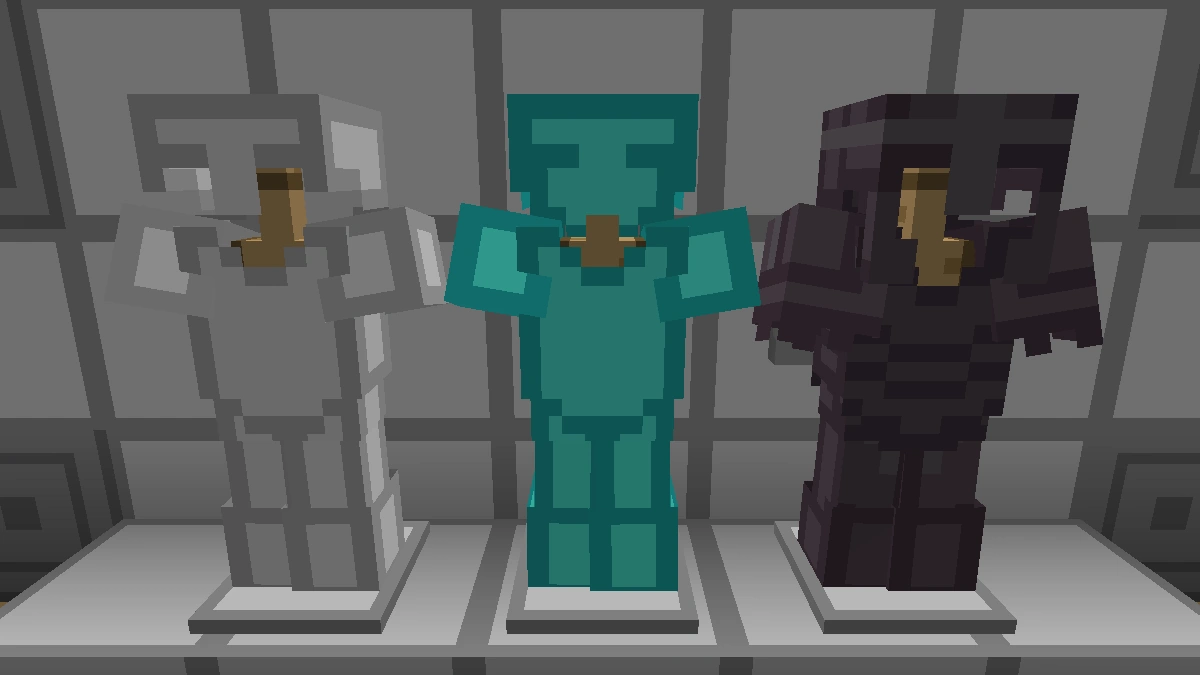
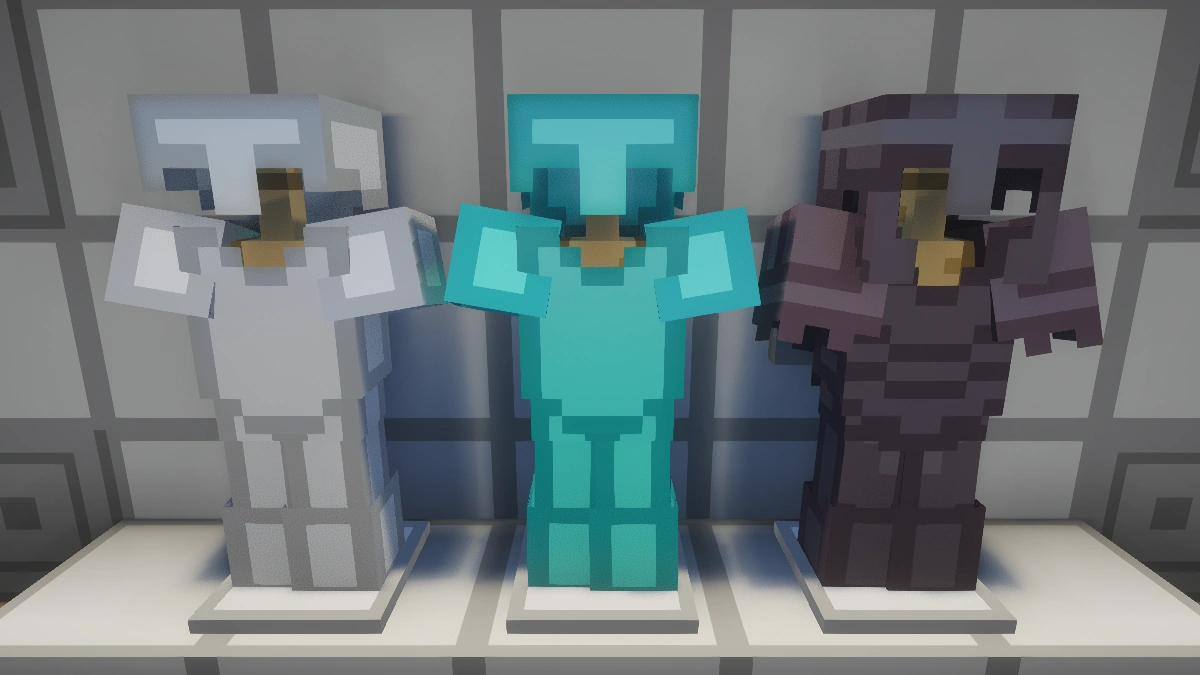
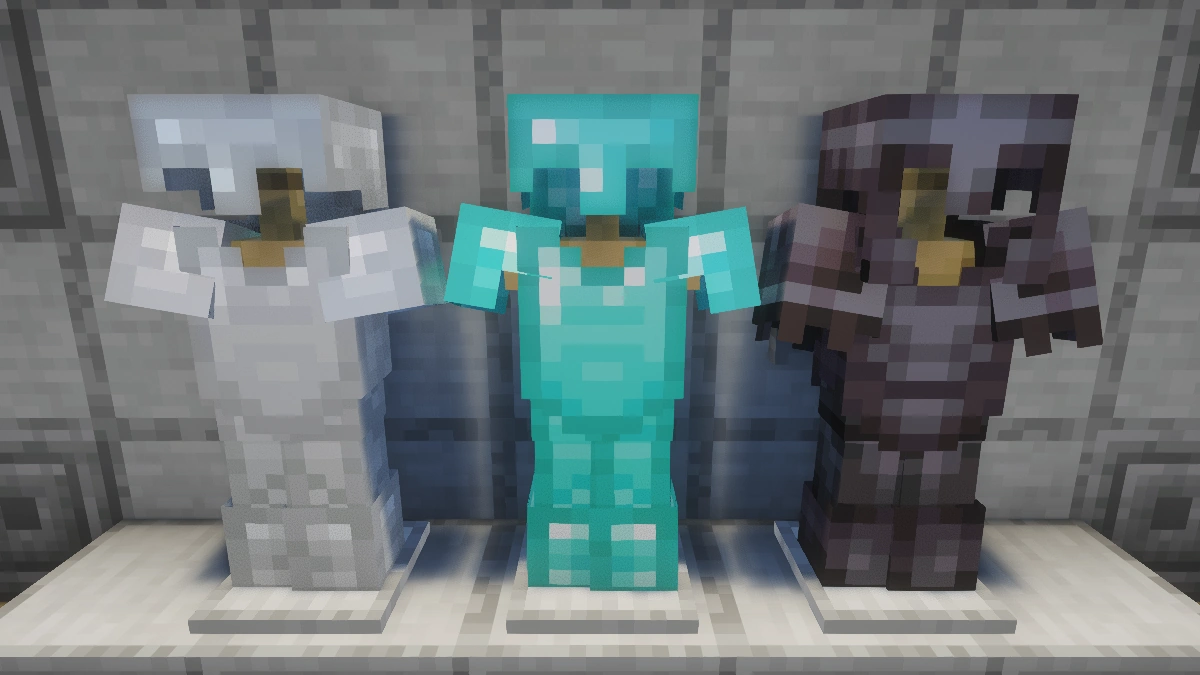
The journey of the Bare Bones texture pack began under a different name: MCMojang. However, the name was changed because it was not very unique. RobotPants chose the new title because he wants to make Minecraft look as simple as possible and not add any fancy stuff. And, spoiler alert, he has achieved this goal brilliantly. Despite its simplicity, the pack still includes animated blocks and items. In our in-game tests, we found out that all textures were 100% complete and free of bugs. It’s also important to note that the base version of Bare Bones is not intended for PvP modes like BedWars or SkyWars, but you can download an extra PvP add-on. This is just one of the many add-ons and mod patches you can get in our download section.
Released in May 2017, the first version for Java quickly gained popularity due to its resemblance to official Minecraft advertisements. In August 2019, RobotPants released the first version of the Bare Bones resource pack for Bedrock, bringing its unique artistic style to players on other platforms. However, RobotPants faced a hurdle when he tried to publish the pack on the Minecraft Marketplace. The Microsoft team expressed concerns that the textures could be mistaken for official game content, and as a result, RobotPants decided to release the pack for free on all platforms, including Java, Bedrock, and MCPE. So you can play it anytime and anywhere, and we highly recommend giving it a try.
By the way, the author RobotPants follows also other guys from the community on social media, such as Ewan Howell, who published the popular F8thful and Black & White packs. Both developers regularly release new updates, so we recommend downloading all projects that come from them.
Bare Bones was released on May 24, 2017 and is compatible with these Minecraft versions: 1.21.11 - 1.21.10 - 1.21.9 - 1.21.8 - 1.21.7 - 1.21.6 - 1.21.5 - 1.21.4 - 1.21.3 - 1.21.2 - 1.21.1 - 1.21 - 1.20.6 - 1.20.5 - 1.20.4 - 1.20.3 - 1.20.2 - 1.20.1 - 1.20 - 1.19.4 - 1.19.3 - 1.19.2 - 1.19.1 - 1.19 - 1.18.2 - 1.18.1 - 1.18 - 1.17.1 - 1.17 - 1.16.5 - 1.16.4 - 1.16.3 - 1.16 - 1.15.2 - 1.15 - 1.14.4 - 1.14 - 1.13.2 - 1.13 - 1.12.2 - 1.12 - 1.11.2 - 1.11 - 1.10.2 - 1.10 - 1.9.4 - 1.9 - 1.8.9 - 1.8
Video & Screenshots
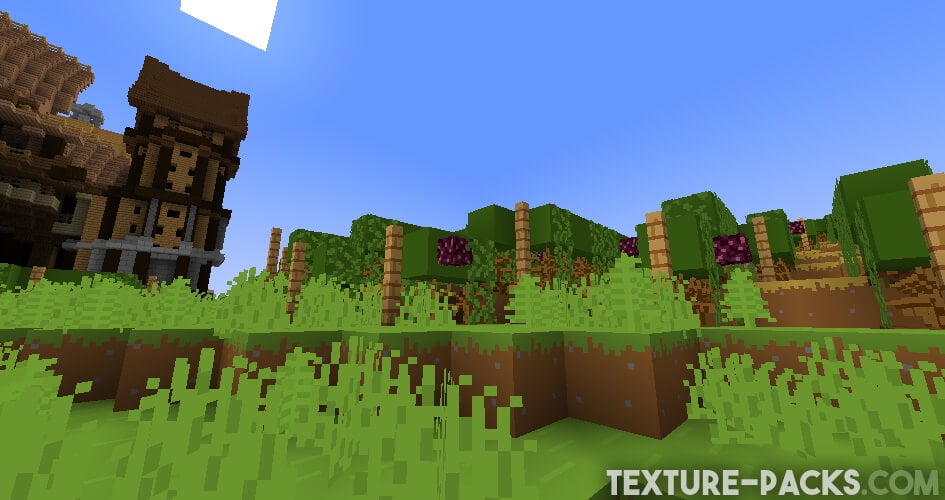
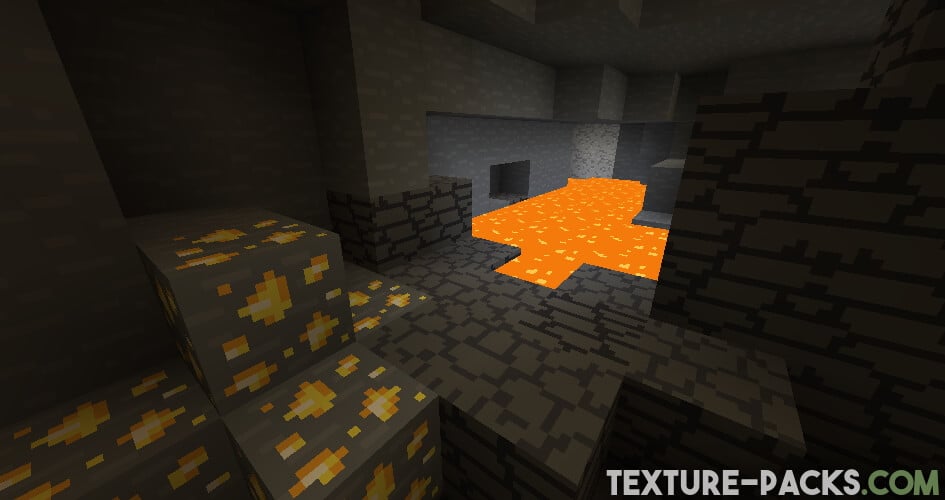
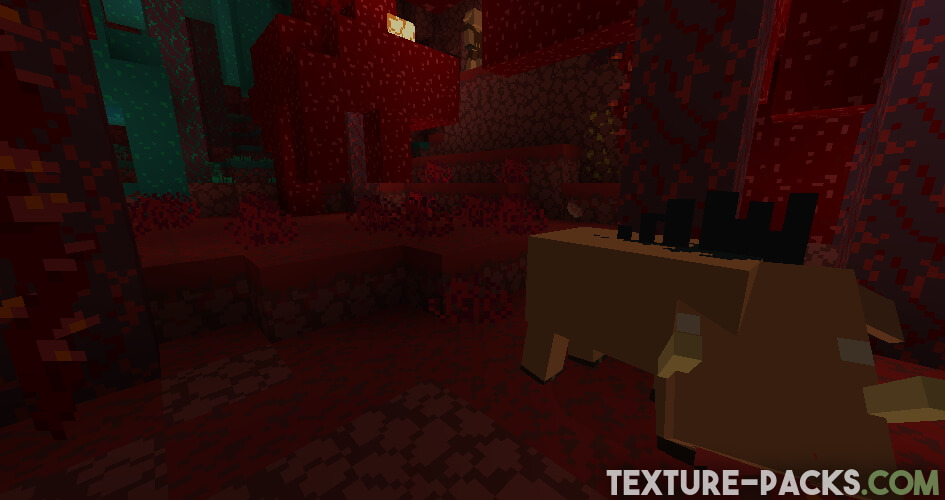
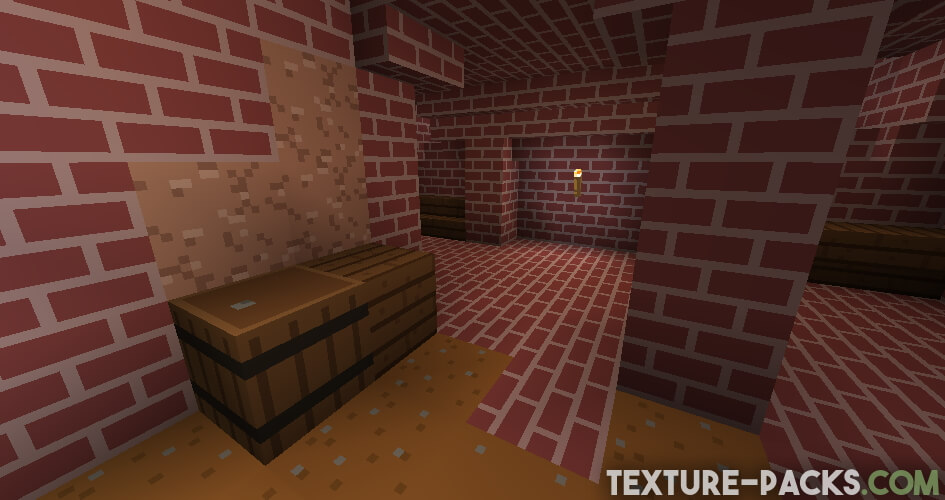
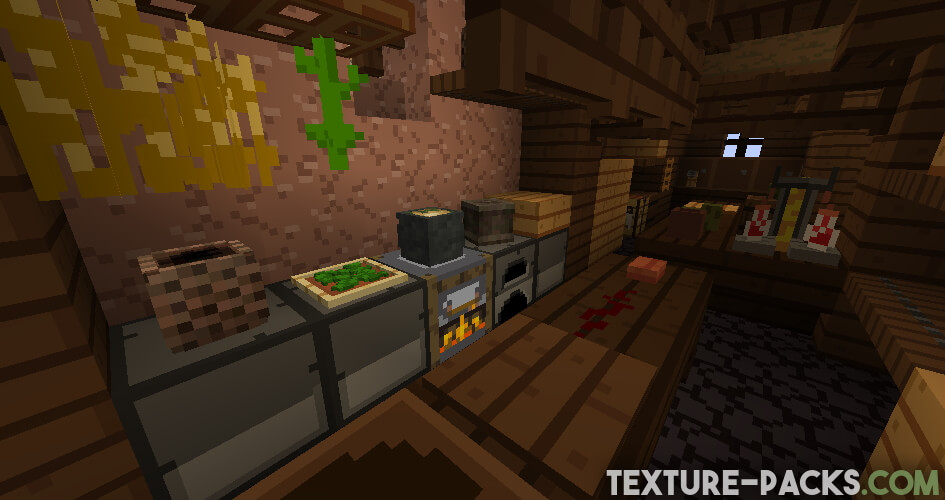
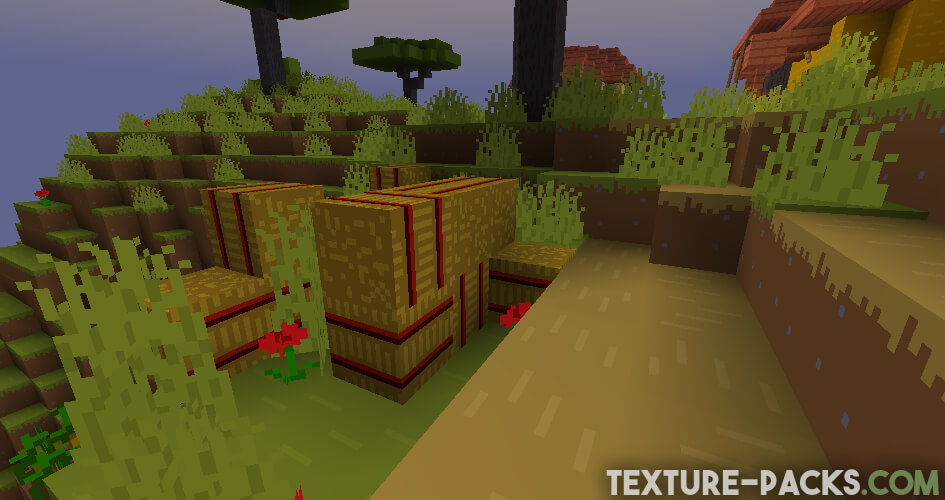
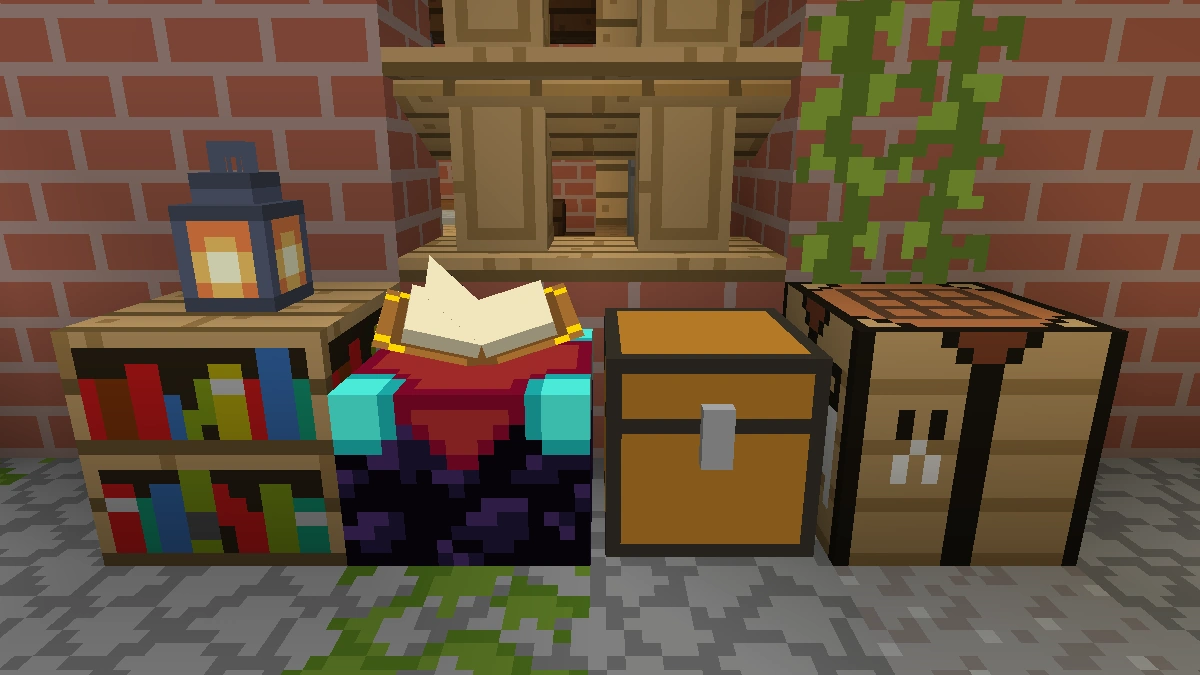
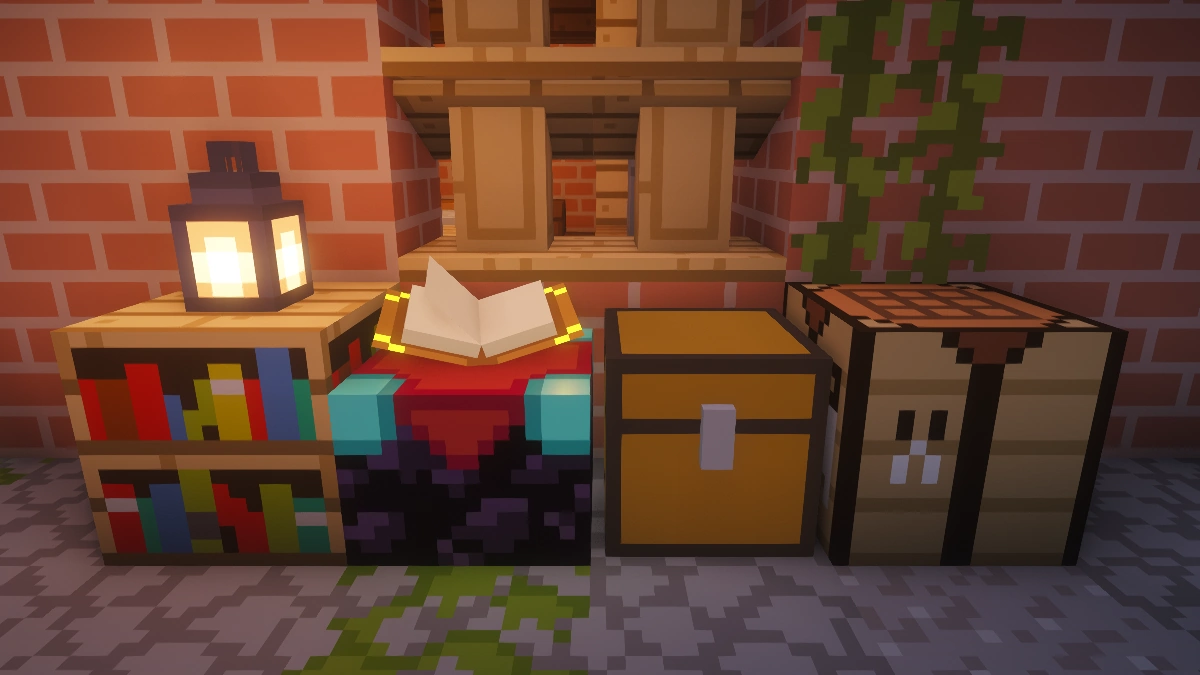
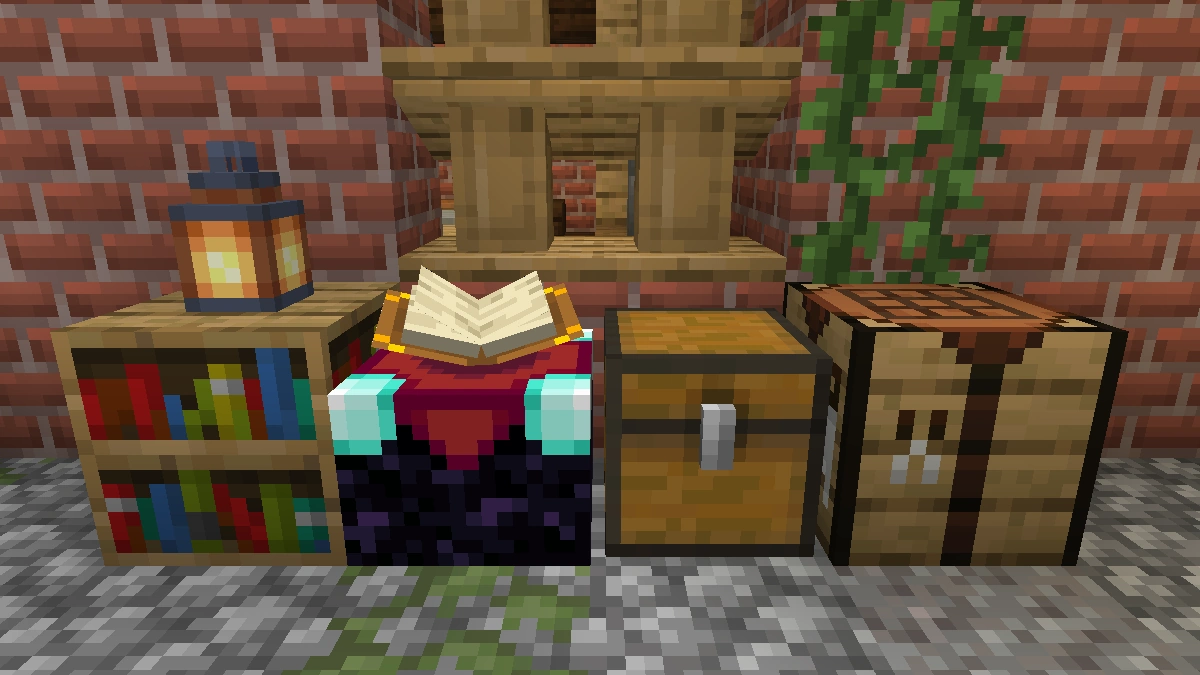
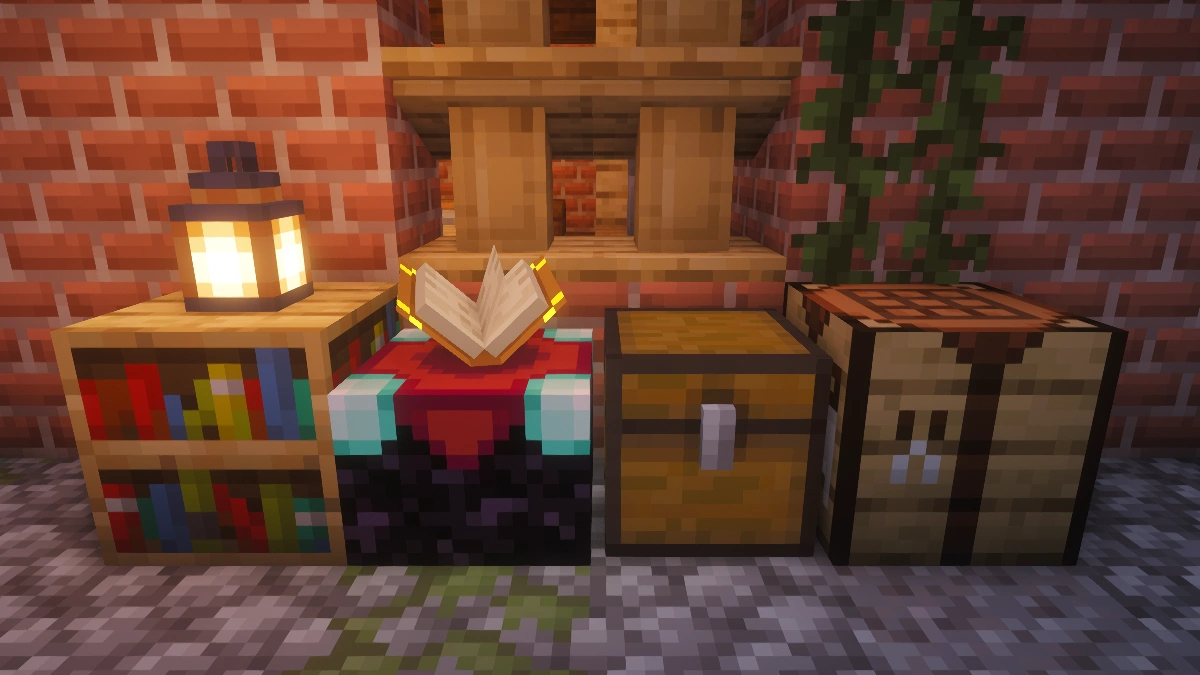
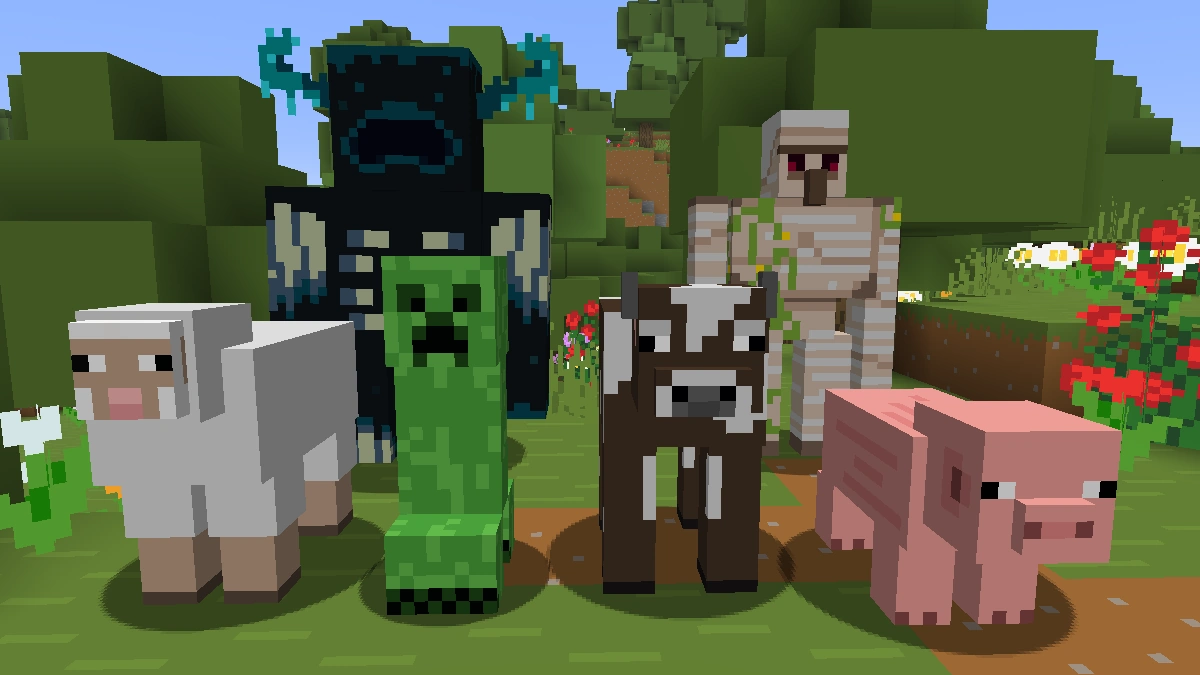
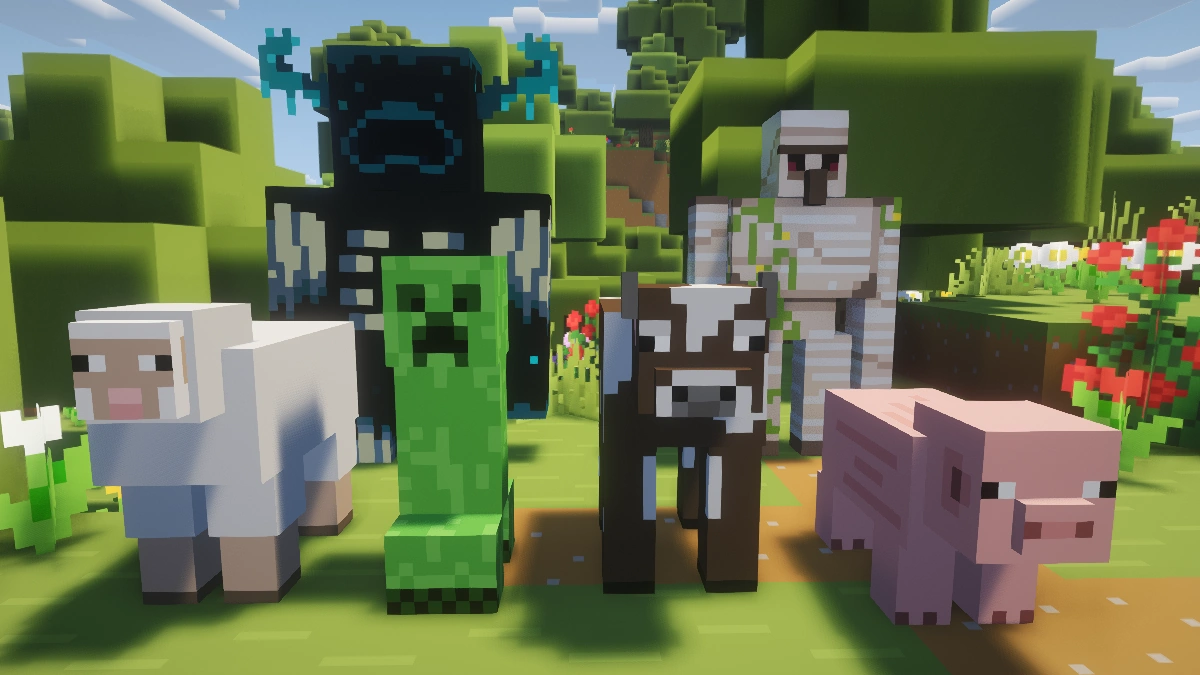
Comparison: Vanilla vs. Bare Bones
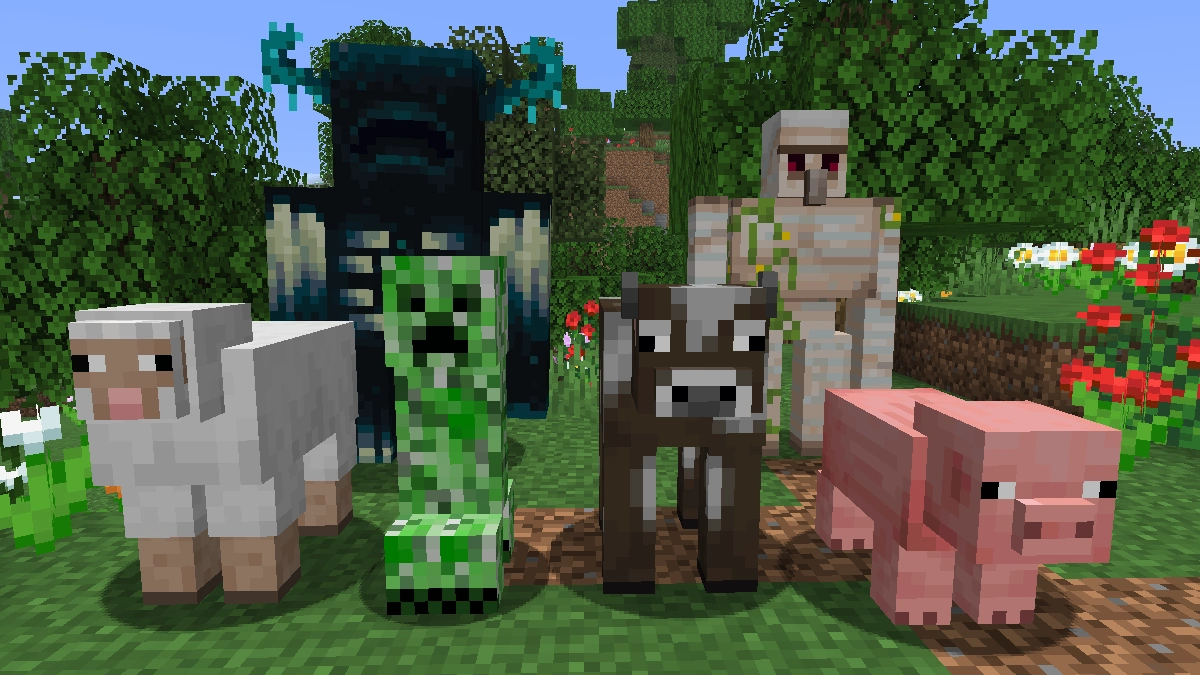
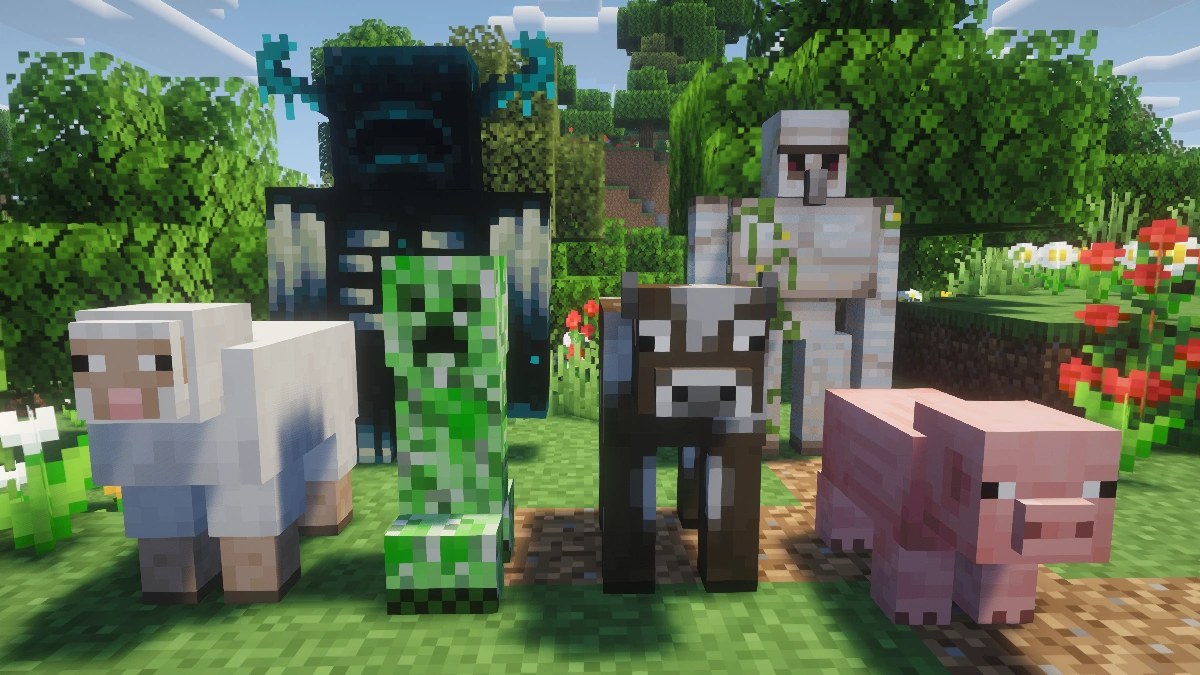
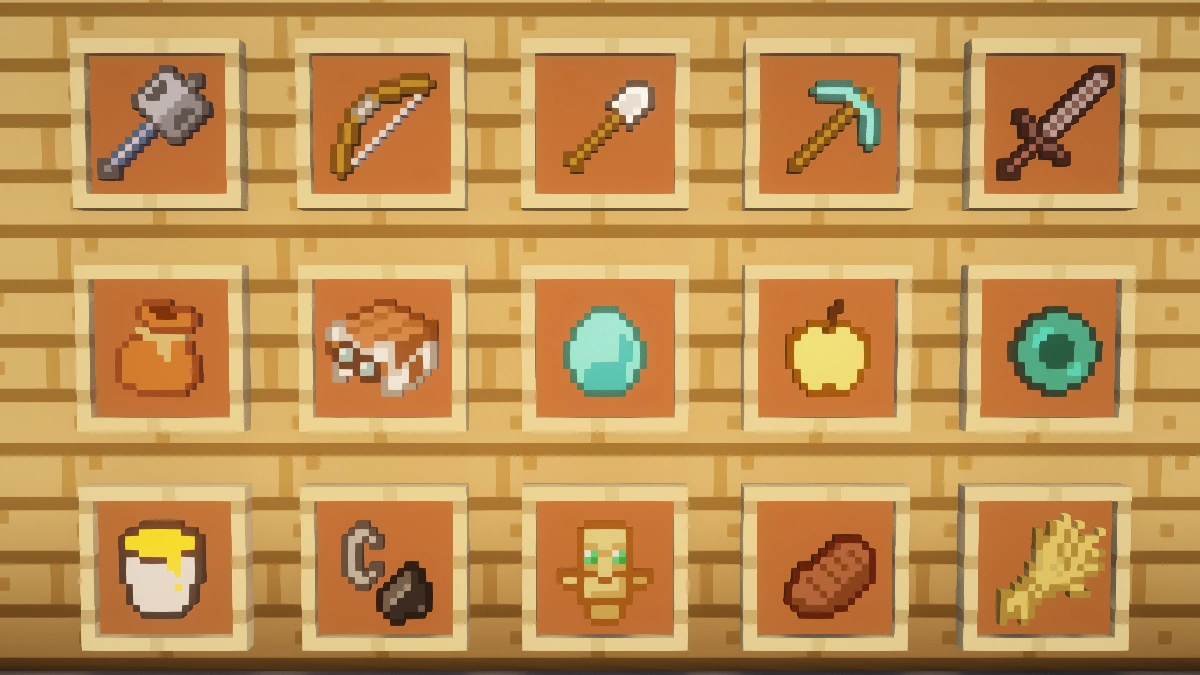
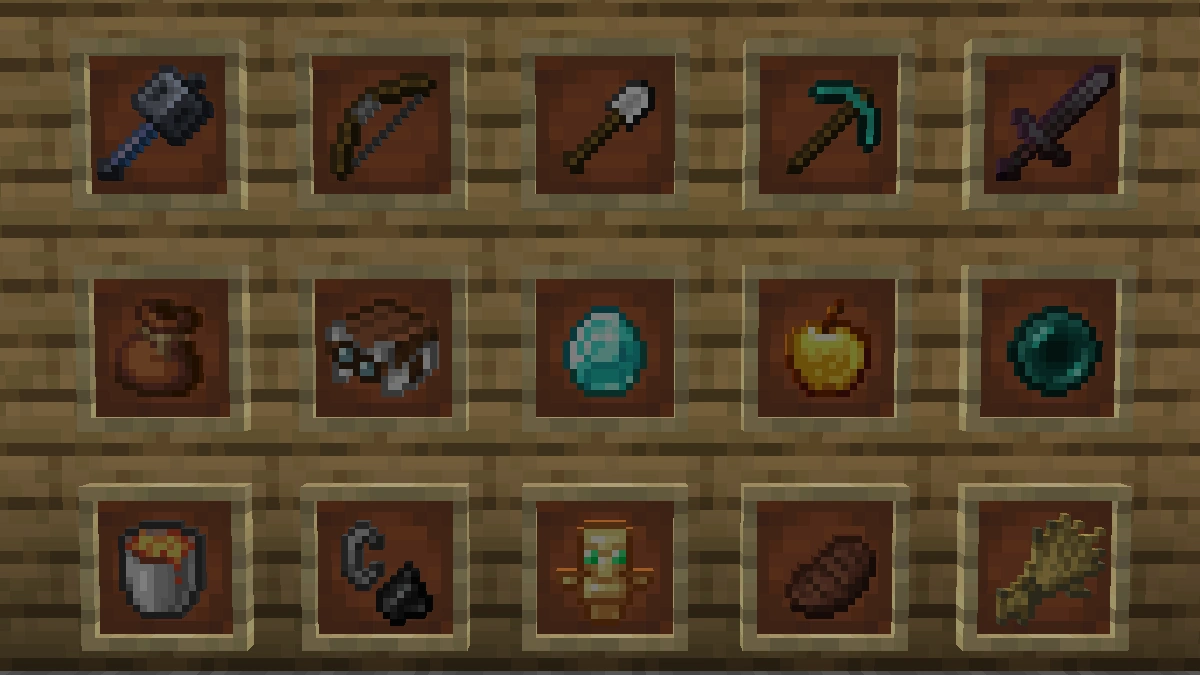
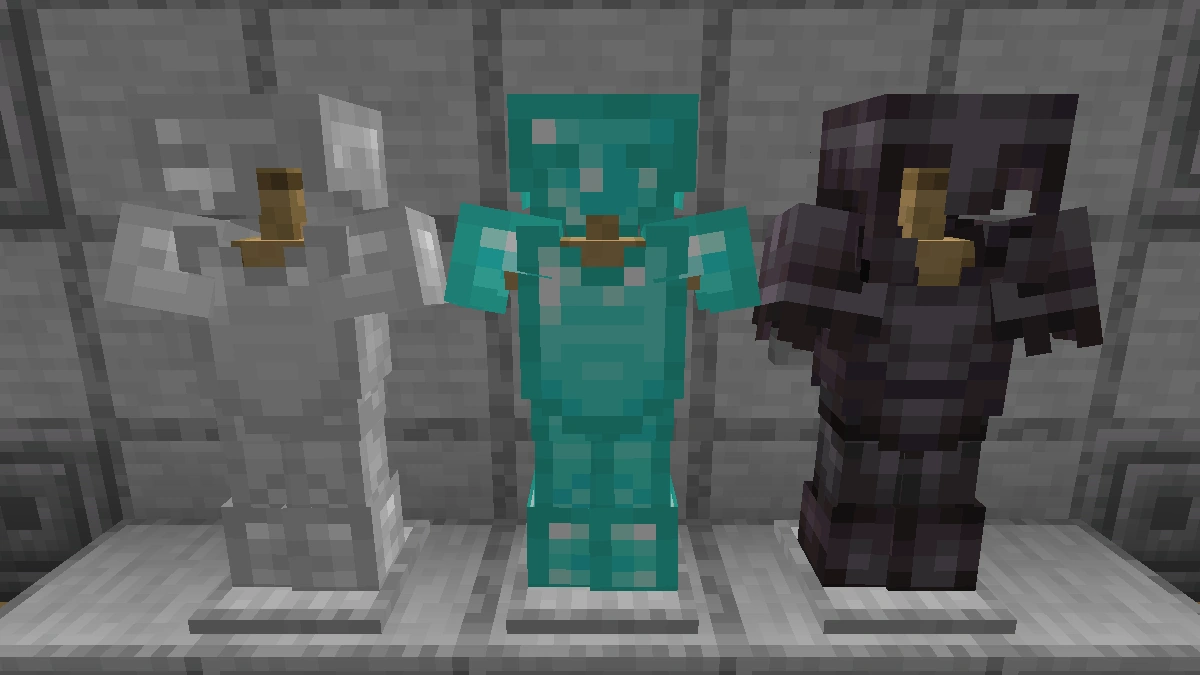
Use the before/after slider to see how Bare Bones changes Minecraft compared to vanilla. Use the buttons below to compare different biomes and situations.

How To Install Bare Bones Texture Pack
Here’s a tutorial on installing Bare Bones in Minecraft Java Edition. If you’re using Minecraft Bedrock Edition and the pack is available for Bedrock/MCPE, you can simply click on the downloaded file to install it.
- Download and install OptiFine, as it is required by most texture packs.
- Download the Bare Bones texture pack for Minecraft from the file section below. Pick the file that matches your Minecraft edition and version.
- Launch Minecraft.
- Click "Options" on the main menu.
- In the options, go to the submenu “Resource Packs”.
- Click "Open Pack Folder" at the bottom left to see a folder titled "resourcepacks".
- Put the downloaded ZIP file into your "resourcepacks" folder. Or, just drag and drop it into the Minecraft window to add the pack.
- You will see the pack on the left side of the resource pack selection menu. Unzip the file if you can't see the pack.
- Hover over the pack thumbnail and click the arrow pointing right. If the game notifies you that the pack is made for a newer or older Minecraft version, simply click “Yes” to proceed. Most textures will still work.
- Click "Done" and all assets have been loaded.
Bare Bones Texture Pack Download
[MCPACK] Download Bare Bones Texture Pack
Java Edition:
[16x] [1.21.11 – 1.21.6] Download Bare Bones Texture Pack
[16x] [1.21.5] Download Bare Bones Texture Pack
[16x] [1.21.4 – 1.21.2] Download Bare Bones Texture Pack
[16x] [1.21.1 – 1.21] Download Bare Bones Texture Pack
[16x] [1.20.x] Download Bare Bones Texture Pack
[16x] [1.19.x] Download Bare Bones Texture Pack
[16x] [1.18.x] Download Bare Bones Texture Pack
[16x] [1.17.x] Download Bare Bones Texture Pack
[16x] [1.16.x – 1.15.x] Download Bare Bones Texture Pack
[16x] [1.14.x – 1.13.x] Download Bare Bones Texture Pack
[16x] [1.12.x – 1.11.x] Download Bare Bones Texture Pack
[16x] [1.10.x – 1.9.x] Download Bare Bones Texture Pack
[16x] [1.8.x] Download Bare Bones Texture Pack
Bare Bones x Fresh Animations Add-on:
Place this above Fresh Animations and the Bare Bones pack.
[16x] [1.19.4] Download Bare Bones x Fresh Animations
[16x] [1.19.2 – 1.19] Download Bare Bones x Fresh Animations

love it
cool
Is there’s a way to make the leaves not boring?