Created by developer Cody, also known as Sonic Ether, the SEUS shaders offer an unparalleled level of realism that will leave you in awe. Cody’s journey with SEUS began back in 2012. As he worked on the shader pack, he discovered an unexpected passion for graphics programming. After a few years, he moved on to other projects to support himself financially. However, SEUS kept calling him back, and he couldn’t resist its allure. So, he followed his heart and returned to developing Minecraft shaders. Undoubtedly, his packs are one of the most iconic, because they bring a distinctive graphic quality to the game. This creates unique gameplay for players who are tired of the monotony of Minecraft’s graphics.
Sonic Ether’s Unbelievable Shaders Features
Sonic Ether’s Unbelievable shaders enhance your environment in various ways. These are the best features.
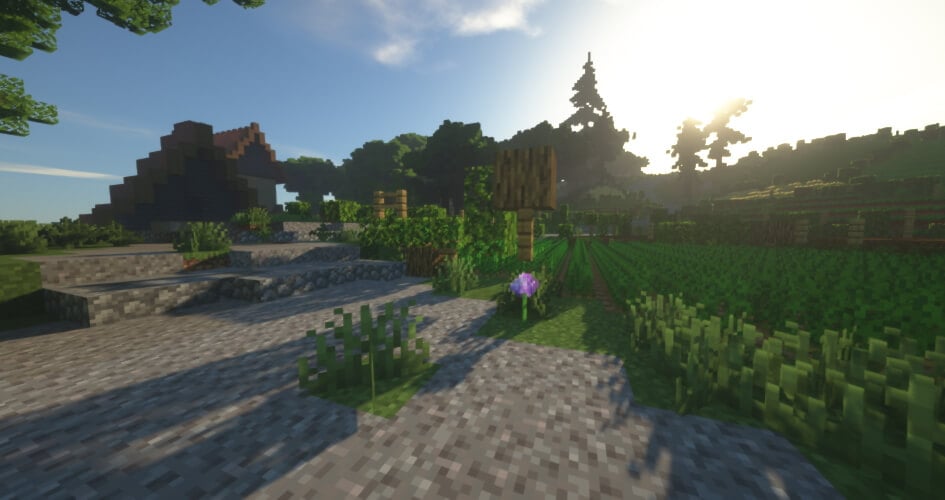
- Atmospherics: SEUS shaders introduce stunning atmospheric effects such as god rays and 2D clouds. Sun rays create beams of light that pierce through the Minecraft environment. Clouds are beautifully rendered, floating across the blue sky and casting shadows on the ground. This creates a more realistic sky to look at, complemented by new sun and moon textures. Also, prepare to be awestruck by the reimagined day and night cycle in SEUS. The atmosphere itself is meticulously crafted to mimic real-world lighting conditions.
- Water: With Sonic Ether’s Unbelievable shaders, water becomes a thing of beauty. The water rendering is enhanced to simulate realistic refractions and wave motion. You’ll be captivated by the shimmering reflections and the way light interacts with the water’s surface. Dive in and explore the realistic Minecraft’s oceans, rivers, lakes, and new underwater rendering.
- Lighting: SEUS shaders allow for extensive customization of lighting colors and intensities. Your Minecraft world will appear much brighter during daylight, featuring mystical light at night and a dark atmosphere during rainy weather. You have the power to fine-tune the game’s lighting in the options, creating unique moods. Whether you desire vibrant and vivid colors or a more subdued and realistic ambiance, the SEUS pack provides the tools to achieve your desired lighting effects.
- Shadows: The shadows have also been completely revised. SEUS softens them, reduces contrasts, and improves shadow management under trees. Additionally, shadow projection now depends on the position of the sun and surrounding light sources.
- Surface: SEUS excels in rendering surfaces and textures with incredible attention to detail. From cobblestones to diamond blocks, each surface is realistically portrayed.
- Post-Processing: The pack includes a range of post-processing effects to enhance the gameplay. This includes color grading, which allows you to fine-tune the overall color palette and achieve specific visual styles. Motion blur can be applied to add a sense of movement and dynamism to Minecraft. These post-processing effects contribute to the overall cinematic quality of the SEUS shader pack.
- Anti-Aliasing: SEUS implements anti-aliasing techniques to smooth out jagged edges. This helps eliminate the pixelated appearance commonly associated with blocky graphics, resulting in a more polished and visually pleasing experience.
By the way, the official texture pack for this shader is Chroma Hills, but we recommend a more realistic one like Modern Arch.
SEUS Renewed Shaders
SEUS Renewed is a remarkable reinvention of the legacy versions of the pack. Sonic Ether has truly outdone himself with this latest iteration. He has managed to strike the perfect balance between jaw-dropping graphics and reasonable performance, making it accessible to a wider range of players.
What sets the SEUS Renewed mod apart is its use of traditional rasterization-based rendering methods. This approach ensures that you can enjoy the breathtaking visuals without compromising the game’s overall performance. You won’t have to worry about experiencing lag or frame drops in Minecraft. Whether you’re exploring dense forests, traversing mountain ranges, or building intricate structures, you push Minecraft to its limits with the SEUS Renewed shaders. If you enjoy building with stained glass, you’ll be pleased to know that the pack provides improved rendering specifically tailored to this feature.
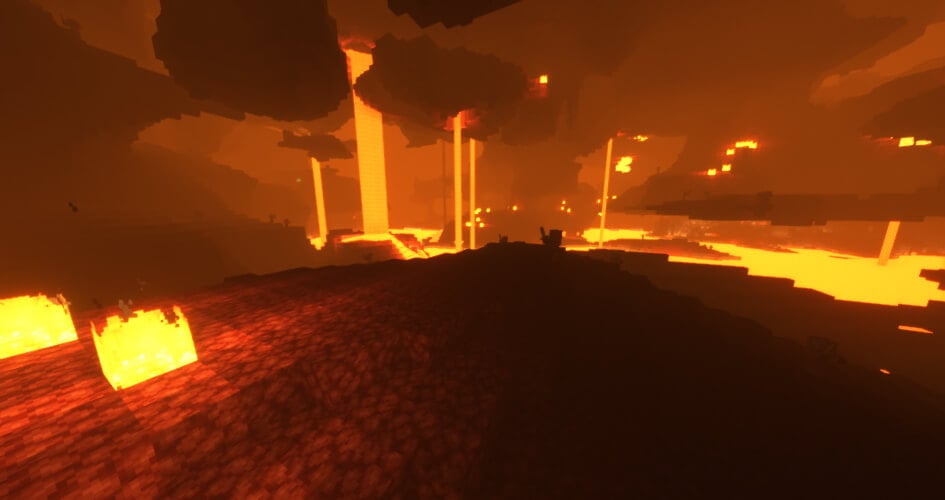
With enhanced GI and SSAO, the shaders create more realistic and immersive environments by accurately simulating light interactions and shading. Through atmospheric scattering, SEUS Renewed ensures that sunlight color is rendered accurately, lending a natural and authentic feel to Minecraft. Additionally, the shaders utilize spherical harmonics to deliver precise ambient sky lighting with normal bump mapping. The Renewed version ensures that you can enjoy all features without sacrificing performance. Even with longer render distance settings, the shaders are optimized to provide smooth gameplay. The effects work in all dimensions, such as the Nether and the End. You will love the new POM textures!
While the SEUS Renewed shader pack continues to evolve, it’s worth mentioning that Sonic Ether has been devoting most of his recent development time to SEUS PTGI. This groundbreaking project takes realism to the next level by simulating light interactions in a way that closely mimics real-world physics. You can download the PTGI version on our website, but it’s recommended to use it only with high-end PCs.
Video & Screenshots
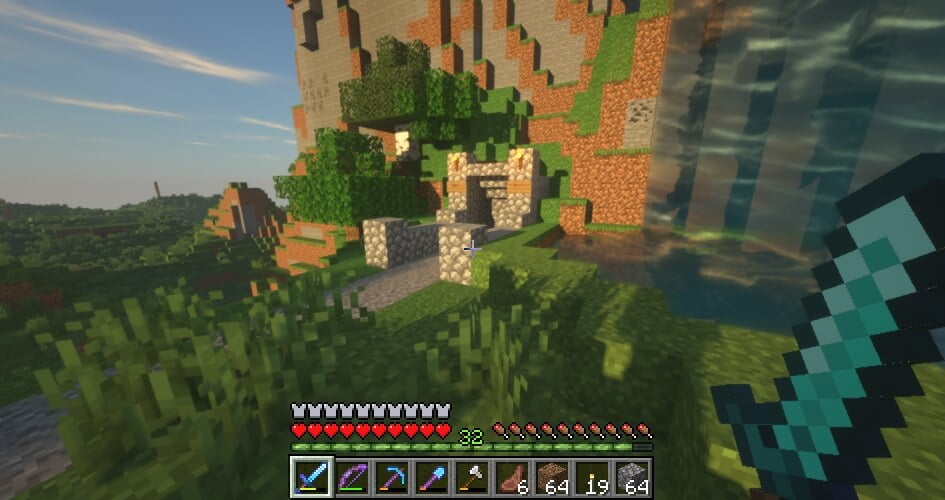
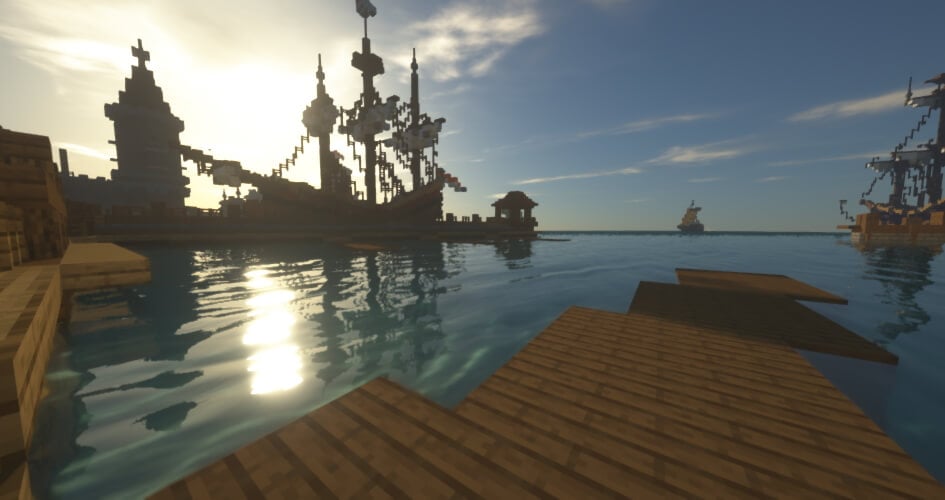
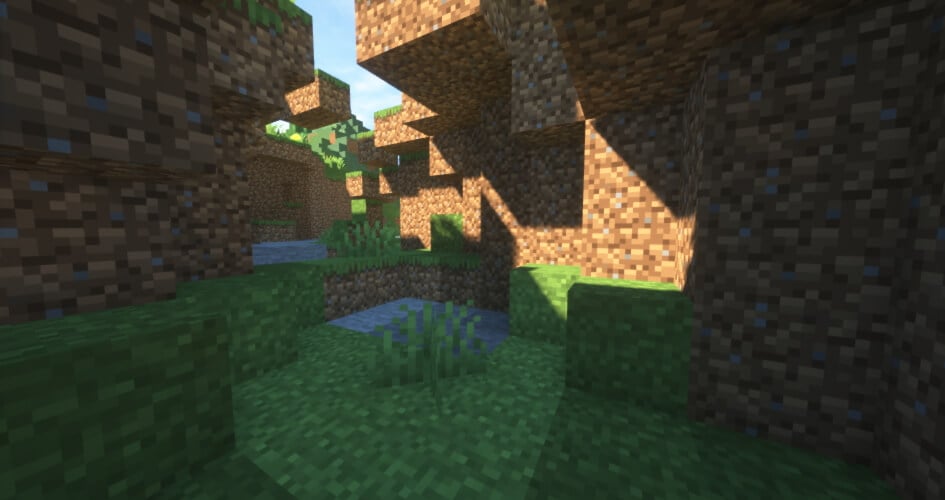
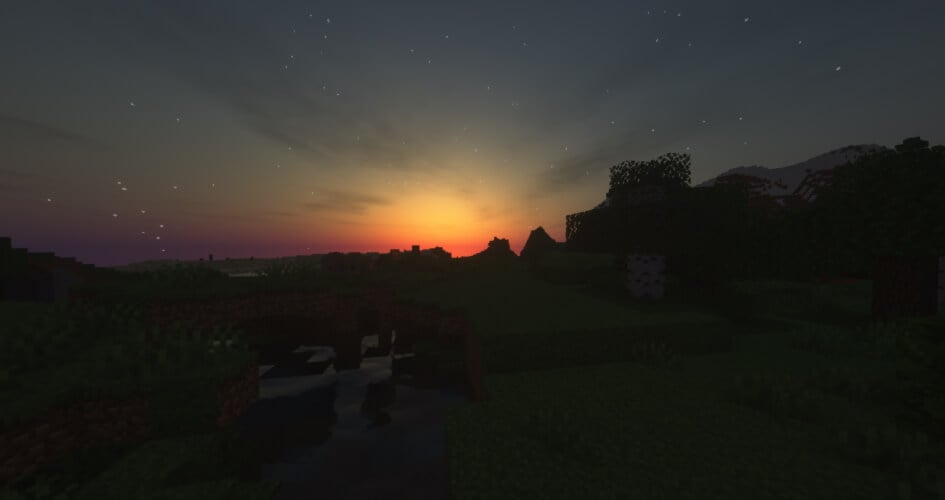
Comparison
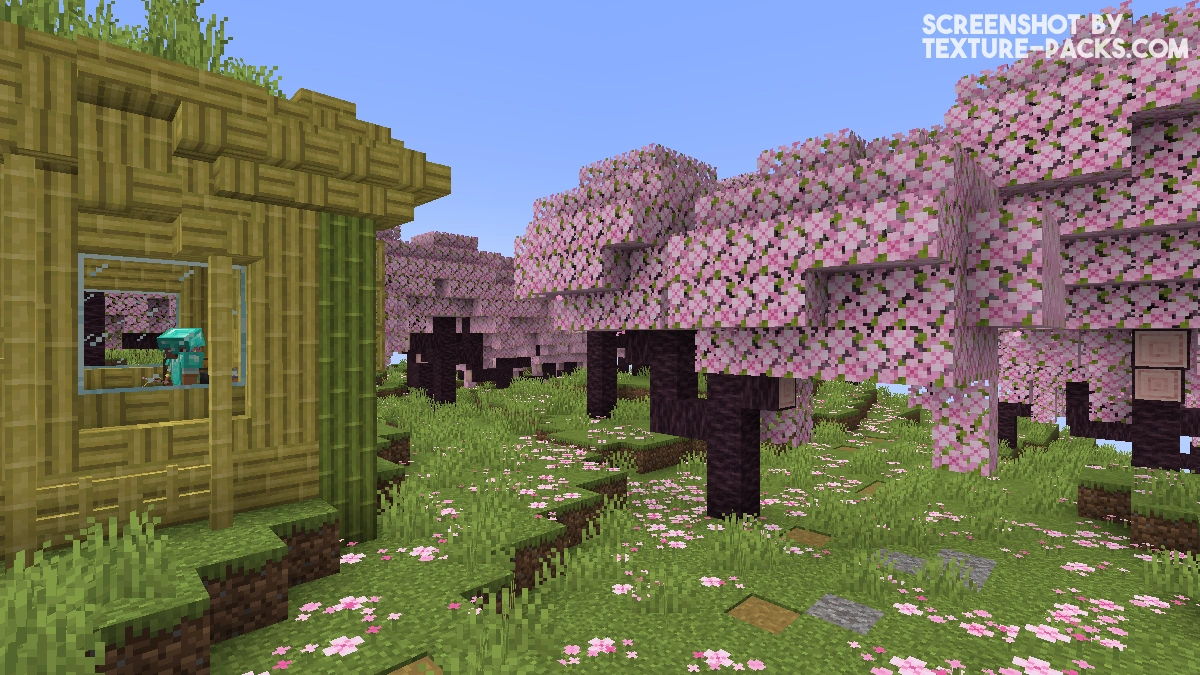
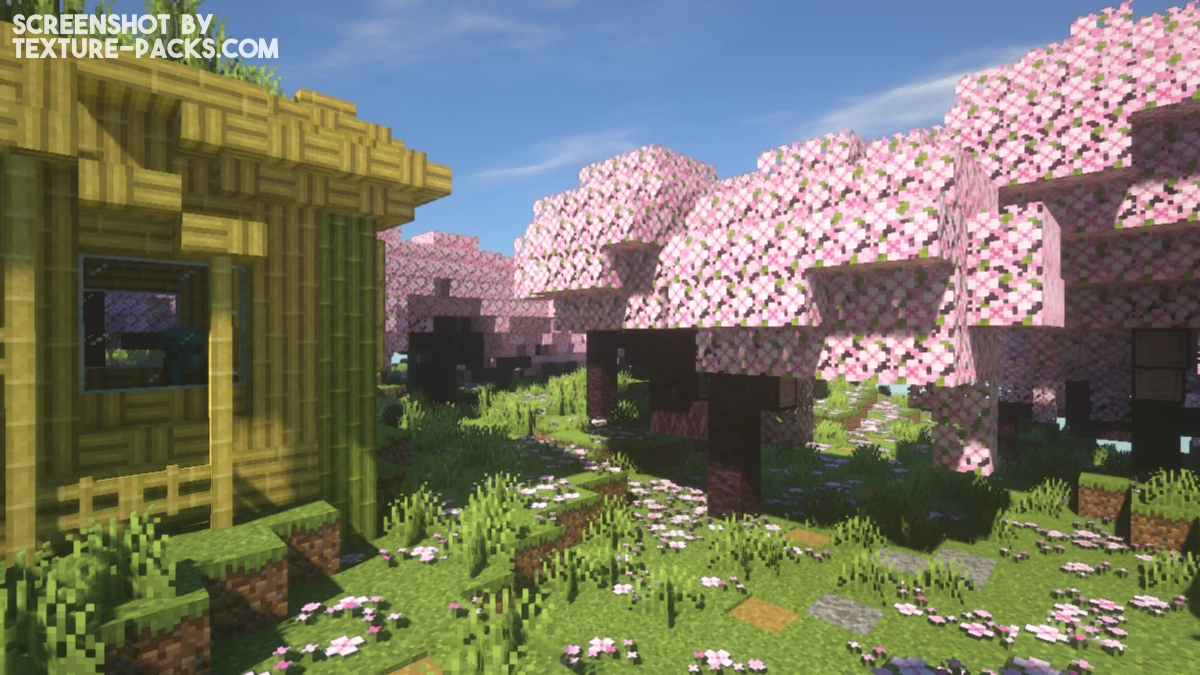
Use our comparison tool to compare the Minecraft default pack with SEUS.
How To Install SEUS Shaders
Here’s a tutorial on installing SEUS in Minecraft Java Edition.
- Download the SEUS shaders for Minecraft from the file section below. Pick the file that matches your Minecraft edition and version.
- Install Iris or OptiFine. The Iris mod is recommended for better performance with higher FPS.
- Open the Minecraft launcher, and choose the Iris or OptiFine profile you just made.
- Launch Minecraft.
- For Iris: Go to "Options", then "Video Settings", and select "Shader Packs". Next, click on "Open Shader Pack Folder" to access the shaderpacks folder. For OptiFine: Navigate to "Options", then "Video Settings", and click on "Shaders." Afterward, click on "Shaders Folder" to open the shaderpacks folder.
- Move the downloaded ZIP file into this folder (.minecraft\shaderpacks).
- In the game, choose the newly installed pack from the shaders list. If you select a shader pack using Iris, its filename will turn yellow.
- Click "Done" or "Apply" and all new features have been loaded.
SEUS Shaders Download
Download SEUS Shaders Renewed v1.0.1
Download SEUS Shaders v11
Download SEUS Shaders v10.2 Ultra

black screen on 1.19.2? 2022 apple m1 max 32 gb ram.
i am using HRR 3 and it is by far the best shader i have used. the only drawbacks are the slimes are not transparent and mobs look weird when i move around
I am using energy, but now I will use this texture pack
How do I install this?
Please read our installation guide.
how to make caves less dark?
Shaders seus ultra reality
Wow so amazing and the best texture really good
how come the spider mobs eyes dont glow when i use seus renewed
help
my pc intel core i9 12900k rtx 3080 ti
who ask?
ong lmao
Thanks
I got 3090 it get on my level
Help
Hi, I just got the pack. It’s amazing
i can run this
nice name
my minecraft is not updating
If your Minecraft is not updating or reloading, then your hardware is too bad for SEUS.
When I go to video settings, “shaders” isn’t there.
You get the shaders option if you have Optifine installed.
Nice shaders, worked prefectly and it’s smooth. Very cool shaders 😀
This is the BEST LOOKI NG shaders i have seen SHEESHHHHHHHHHH
I downloaded and installed correctly, but when I activate it in my optifine menu, all I see is blanckness.
This means that your PC is not compatible with SEUS. Try a pack that is not so powerful.
Can i do your cool ones for an ipad? Or only for computers?
SEUS PTGI and Renewed are only compatible with Computer.
good
What do i do for an ipad?
lmao u cant get it
work for minecraft pe?
No.
does this work on bedrock editon?
Hello, this pack is not compatible with Minecraft: Bedrock Edition.
What do i do next as i download shader?
The article describes exactly how to install the shader.
i only saw java no bedrock): cool shader btw