The New Default+ texture pack for Minecraft is a stunning transformation of the game’s graphics, created by a talented artist who goes by the pseudonym SeaOfPixels from the USA. As an avid resource pack creator and pixel artist, SeaOfPixels has a passion for crafting graphics for video games, and the New Default+ texture pack is a testament to their creative skills.
What Brings the New Default+ Texture Pack to Minecraft?
One of the main highlights of the New Default+ texture pack is its seamless integration with the vanilla textures, resulting in a familiar yet modern look with vibrant colors. The textures are designed to harmonize well with each other, creating a cohesive and visually appealing experience. Notably, the pack introduces a unique feature where the durability of a sword gradually decreases, resulting in a duller blade, when used extensively, adding a realistic touch to the game.
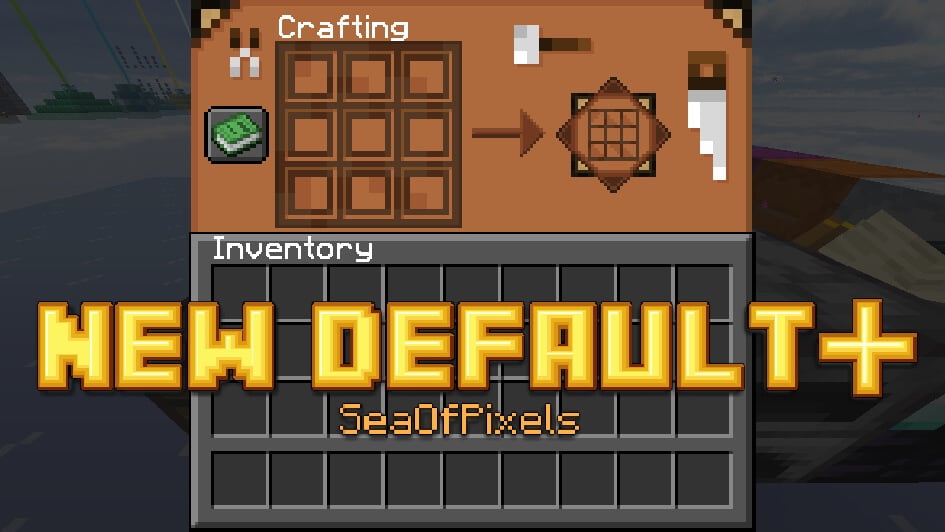
Upon installing the New Default+ texture pack, players will notice several changes in the graphical user interfaces (GUIs). The title screen now features cleaner buttons, and the inventory and other interfaces have a fresh new look that is uniformly designed. While there are some subtle color changes in the XP bar, the hunger bar and health indicator remain unchanged, retaining the familiar Minecraft aesthetic.
Unique Features
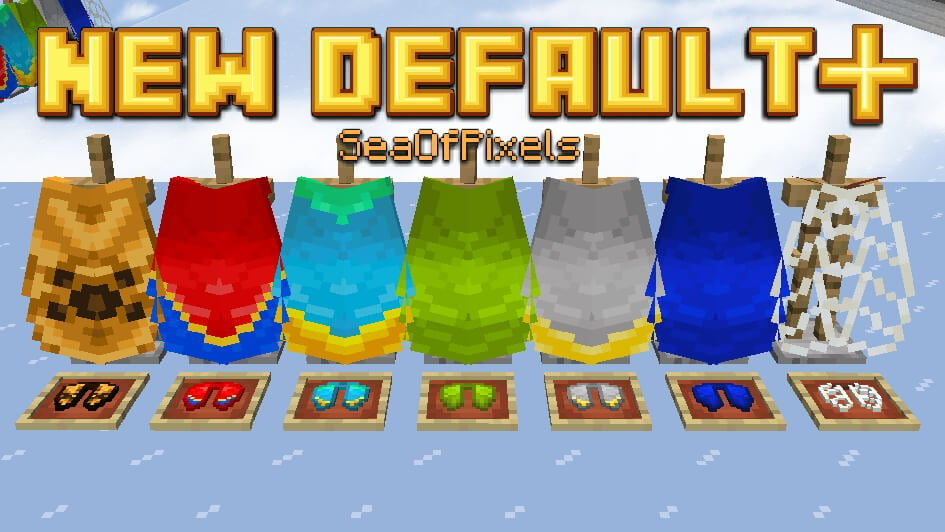
Another significant enhancement in the New Default+ texture pack is the introduction of texture variation. This means that blocks, items, and mobs can have different appearances, adding much-needed variety to the game. For example, there are now over 45 different types of wolves, each with their unique colors. Creepers also adapt to their environment in caves, making them harder to spot as they behave like chameleons. However, it’s worth noting that these variations only work with Optifine, a popular optimization mod for Minecraft, and the textures are randomly assigned with no player influence.
In addition to texture variation, the New Default+ resource pack also brings new features to various biomes. For instance, snowy biomes now feature snowed-in trees in forests and frozen zombies at night, adding immersive details to the game world. Each biome has its own unique look, adding depth and diversity to the game’s environment.
Biome and Sky in the New Default+ Texture Pack
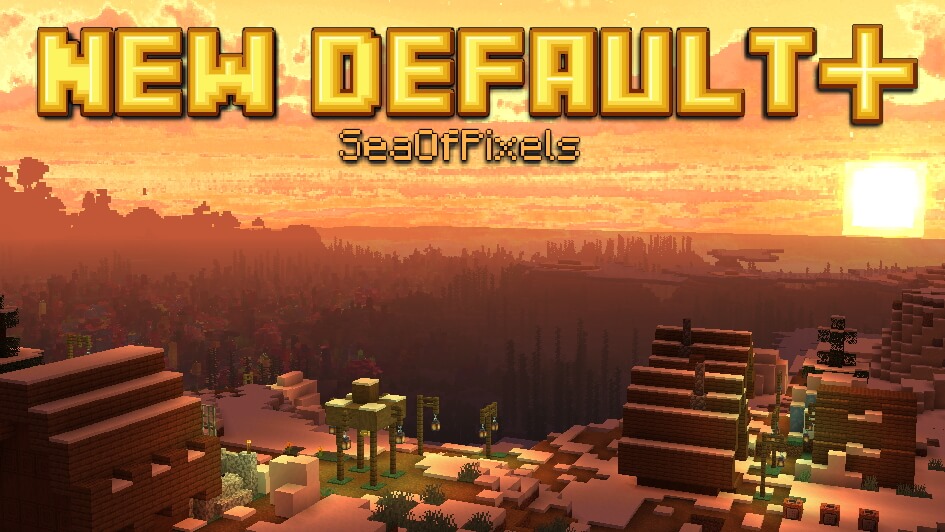
The New Default+ texture pack also includes breathtaking new Minecraft sky textures. Regardless of the time of day, the sky looks fabulous with realistic clouds that resemble shaders. During sunset, the clear blue sky transforms into an orange-red spectacle, reminiscent of real-life sunsets. However, one minor downside is that the sun and moon still have angular shapes, which could benefit from more realism in future updates.
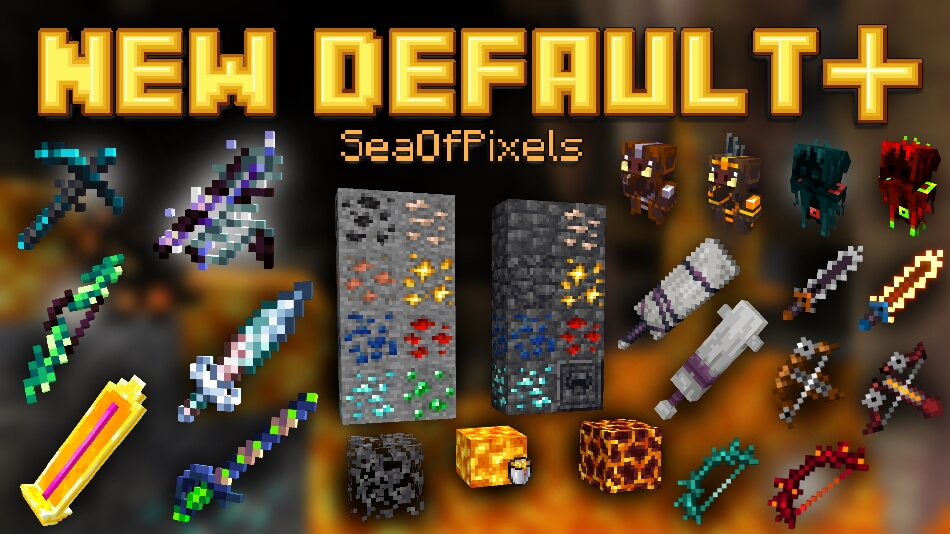
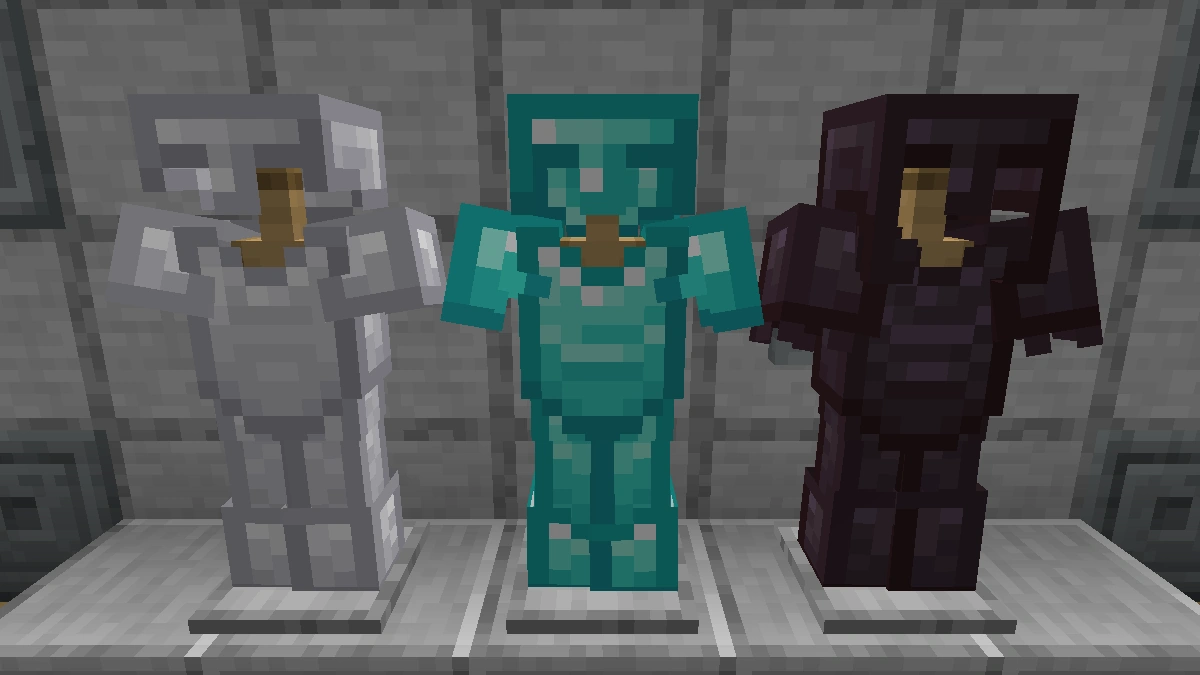
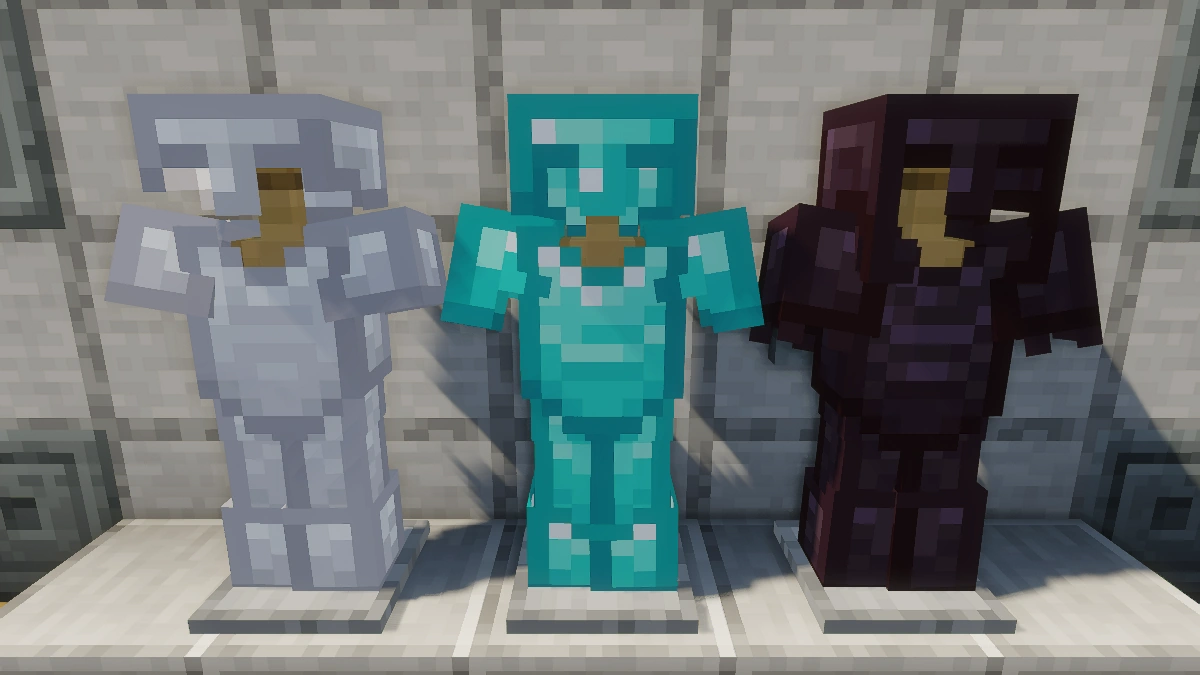
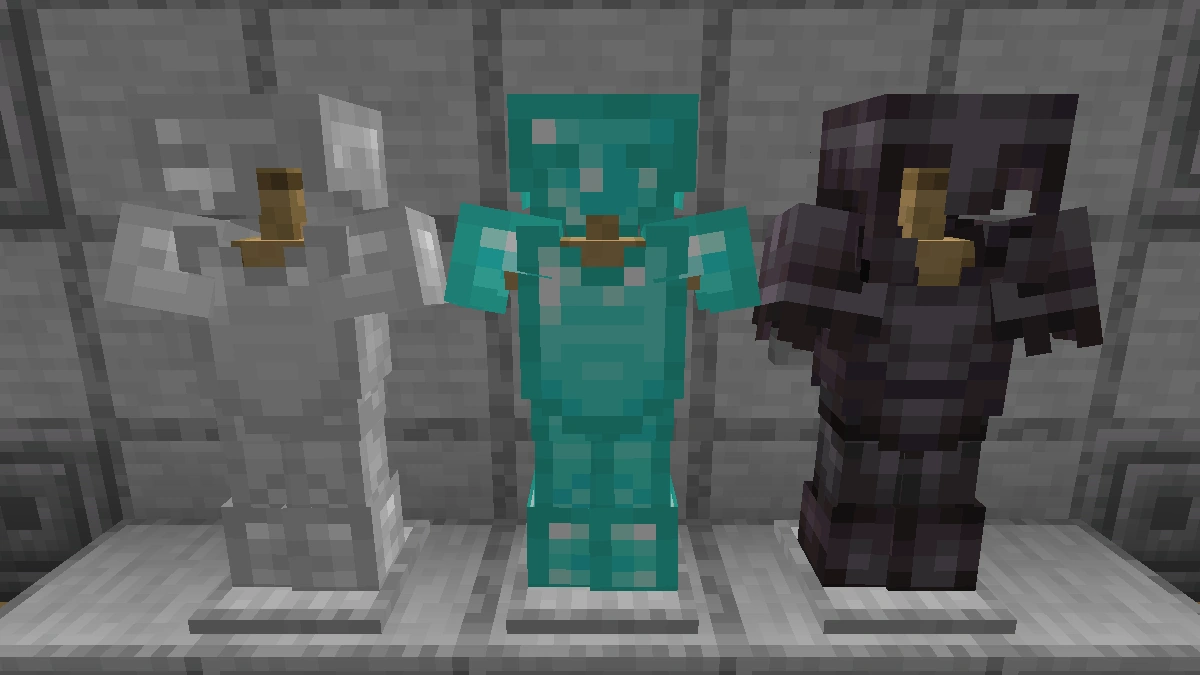
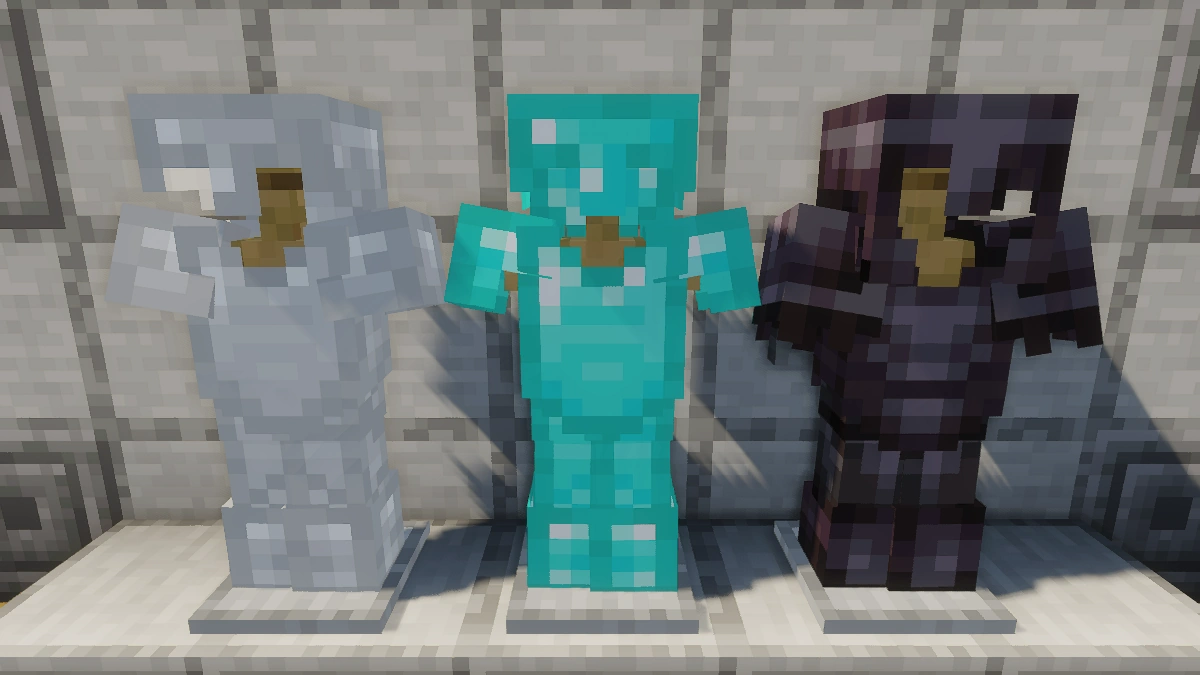
With its comprehensive modifications, the New Default+ texture pack offers players a plethora of options for customization and gameplay enhancement. Due to popular demand, a PvP addon has been released, which outlines ores like diamond or netherite, and even adds a subtle glow to them when using Optifine.
Rename Items for New Textures
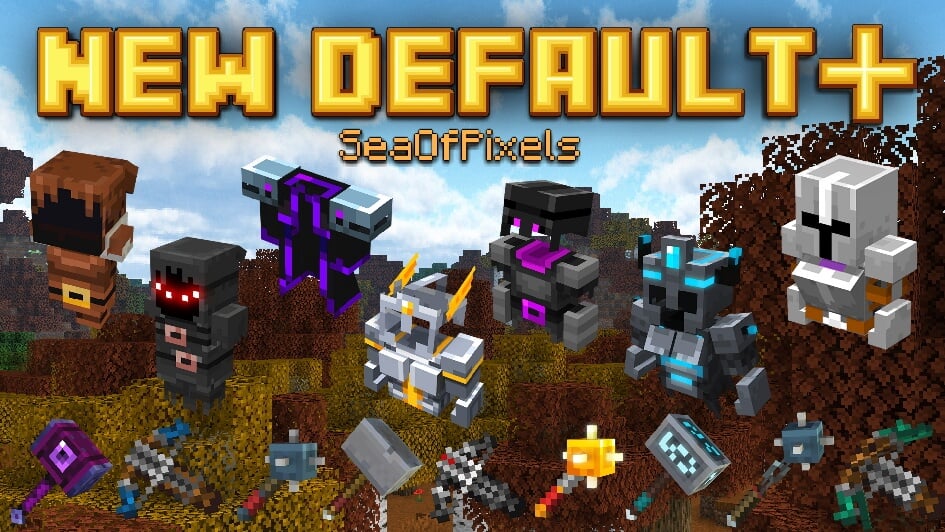
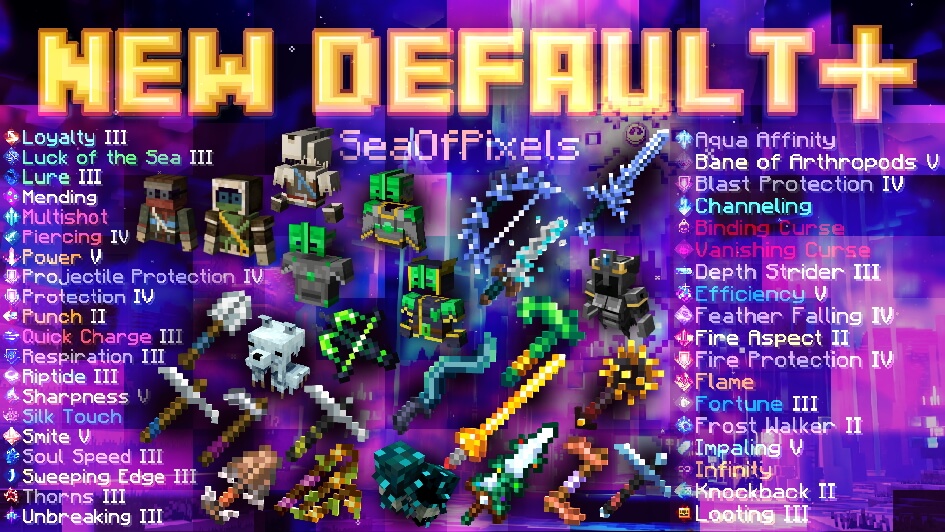
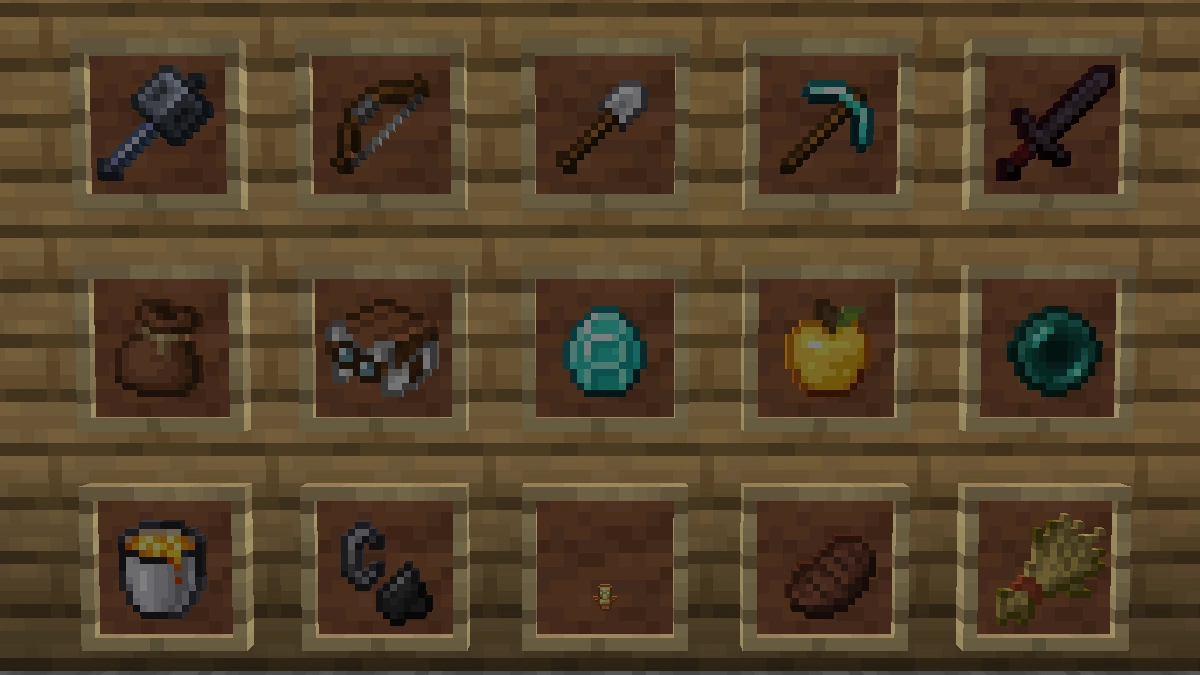
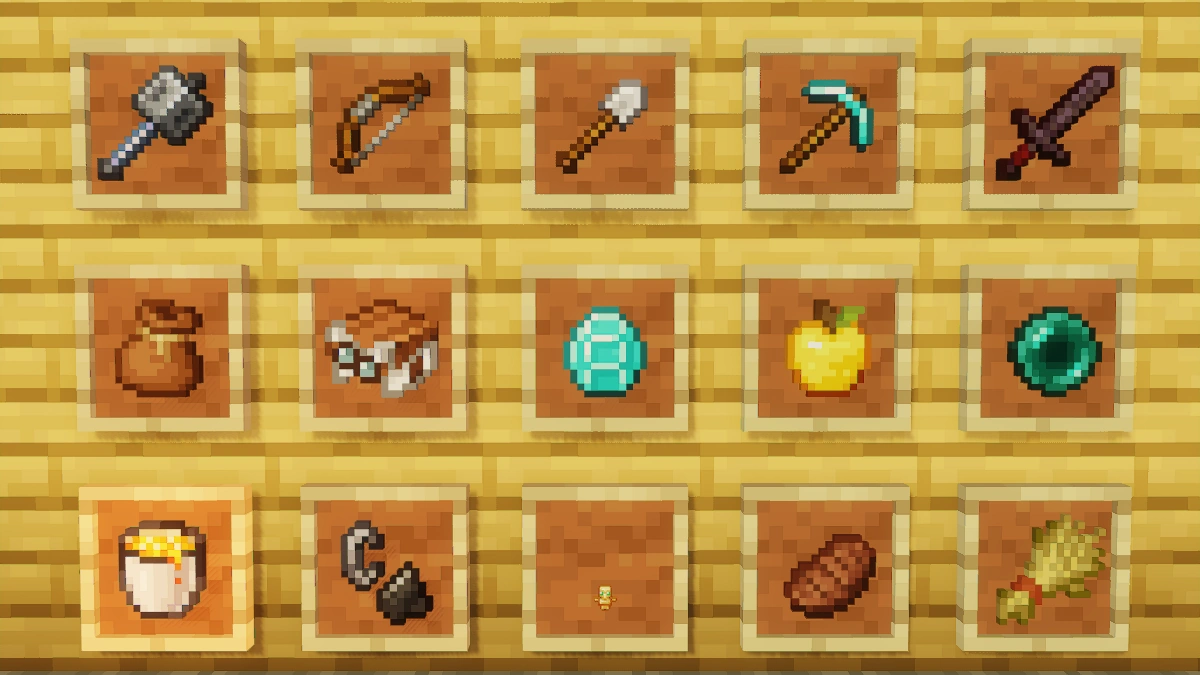
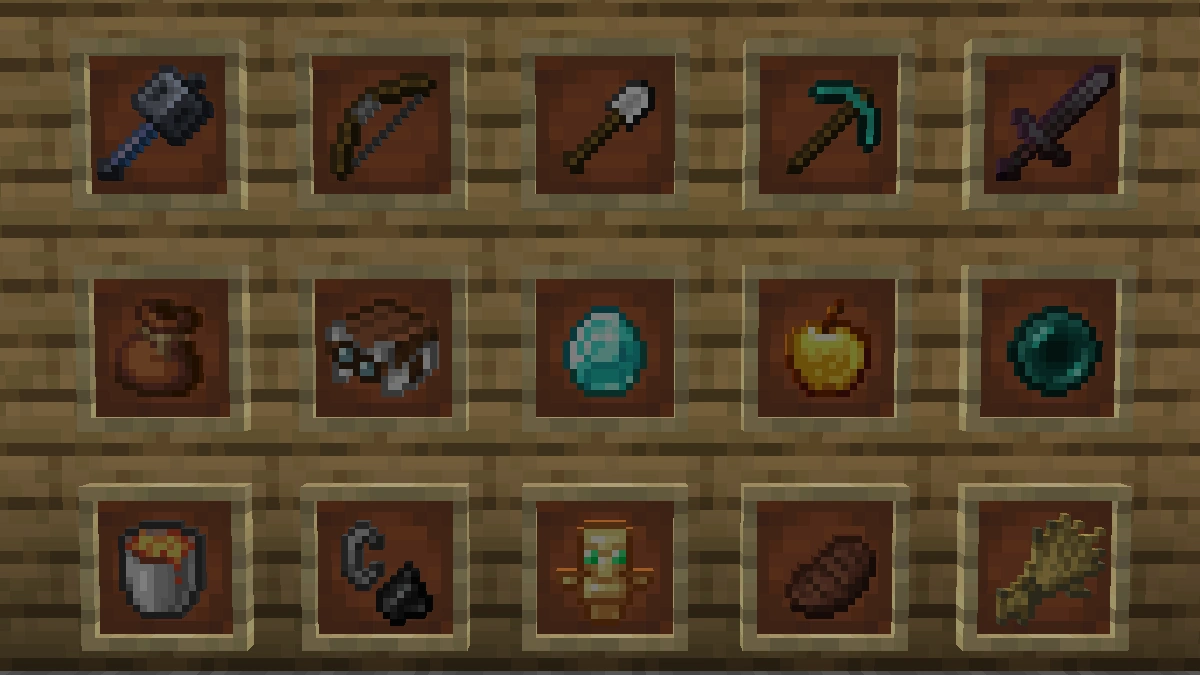
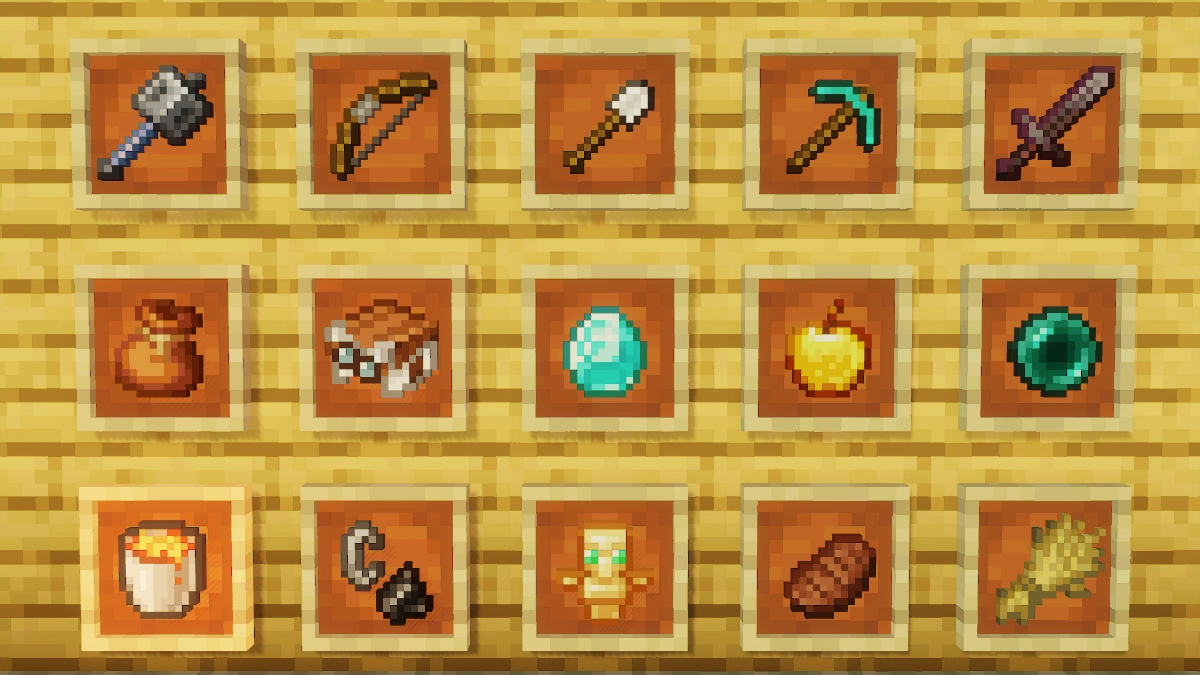
Another exciting feature of the New Default+ texture pack is the ability to rename items using an anvil. Renaming certain items will result in a change in their texture, taking inspiration from Minecraft Story Mode for items, ultimate gear, and armor, and from Minecraft Dungeons for tools and weapons. The creator’s website provides a complete list of names that players can use in the anvil to unlock these unique textures. Players who enjoy this feature may also want to check out BetterVanillaBuilding, another texture pack by the same creator that offers similar customization options.
In conclusion, the New Default+ texture pack for Minecraft is a breathtaking and comprehensive enhancement to the game’s graphics. With its modern aesthetic, vibrant colors, texture variation, biome features, and sky overlays, it offers players a visually stunning and immersive experience. Additionally, the inclusion of unique features such as the sword durability mechanic and the ability to rename items for texture changes adds depth and customization to gameplay.
New Default+ was released on April 7, 2019 and is compatible with these Minecraft versions: 26.1.2 - 26.1.1 - 26.1 - 1.21.11 - 1.21.10 - 1.21.9 - 1.21.8 - 1.21.7 - 1.21.6 - 1.21.5 - 1.21.4 - 1.21.3 - 1.21.2 - 1.21.1 - 1.21 - 1.20.6 - 1.20.5 - 1.20.4 - 1.20.3 - 1.20.2 - 1.20.1 - 1.20 - 1.19.4 - 1.19.3 - 1.19.2 - 1.19.1 - 1.19 - 1.18.2 - 1.18.1 - 1.18 - 1.17.1 - 1.17 - 1.16.5 - 1.16.4 - 1.16.3 - 1.16 - 1.15.2 - 1.15 - 1.12.2 - 1.12 - 1.11.2 - 1.11 - 1.10.2 - 1.10 - 1.9.4 - 1.9 - 1.8.9 - 1.8 - 1.7.10 - 1.7.2 - 1.6.4
Video & Screenshots
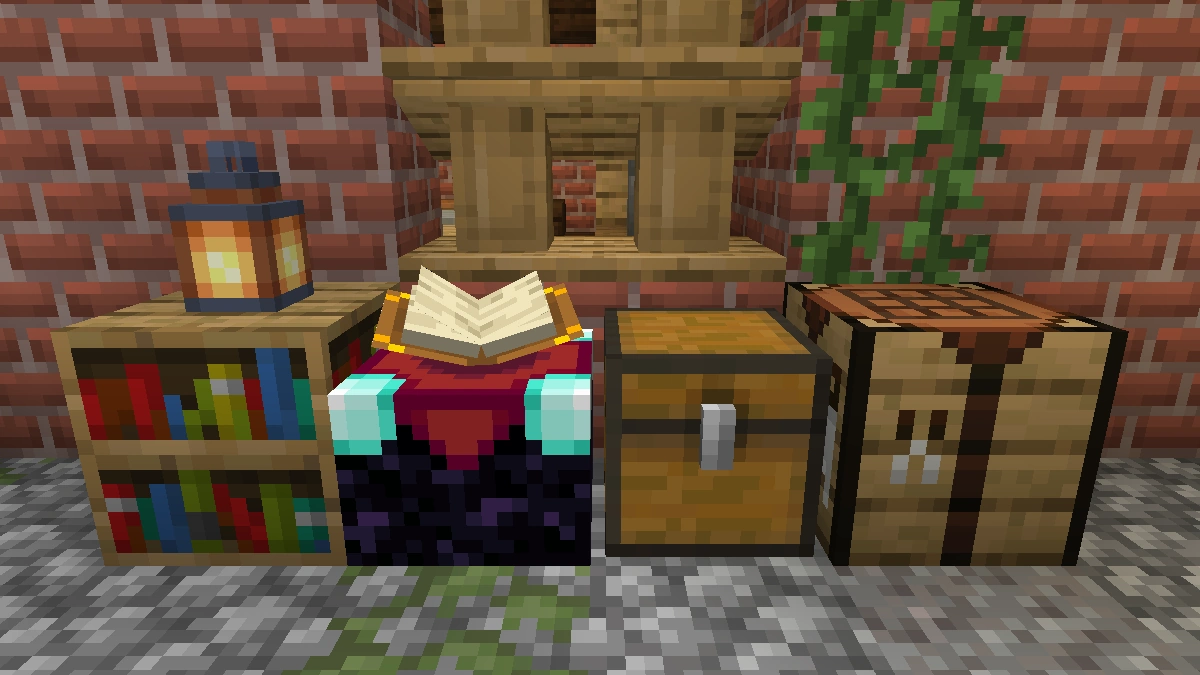
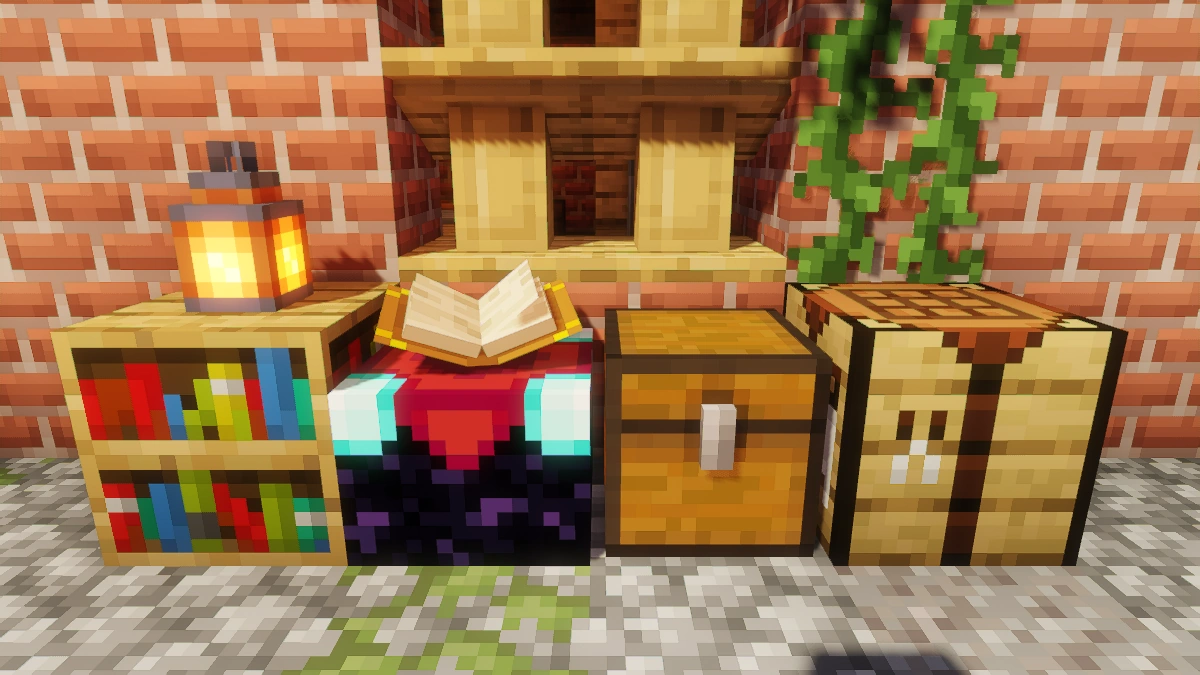
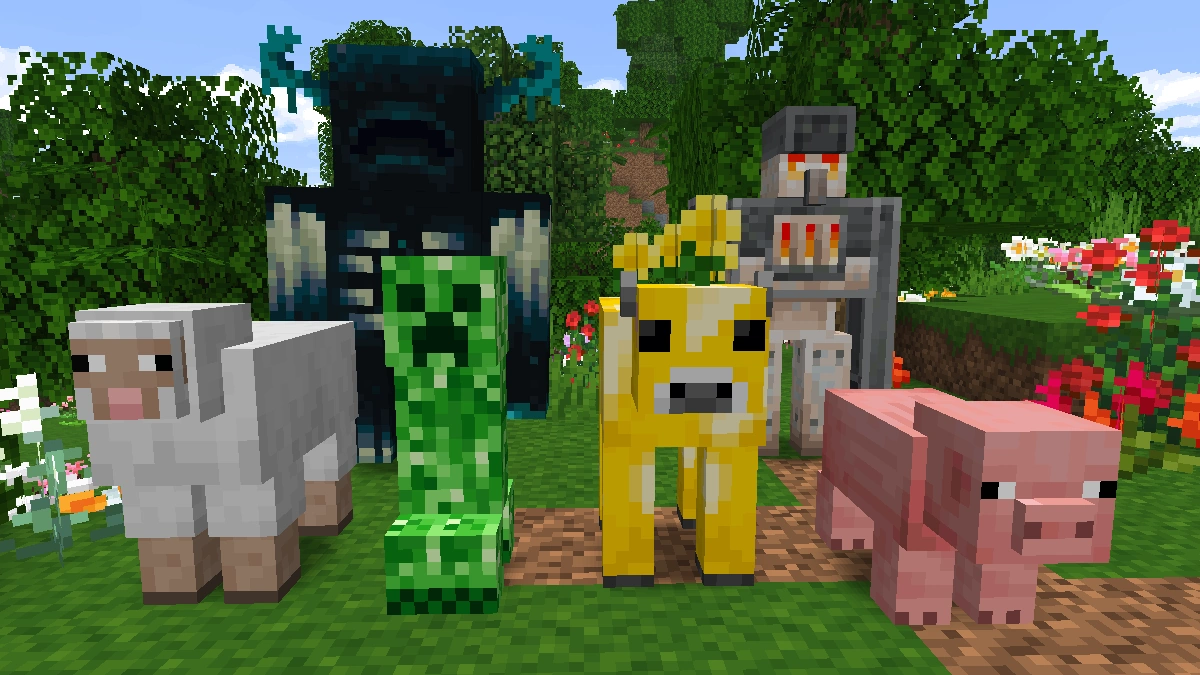
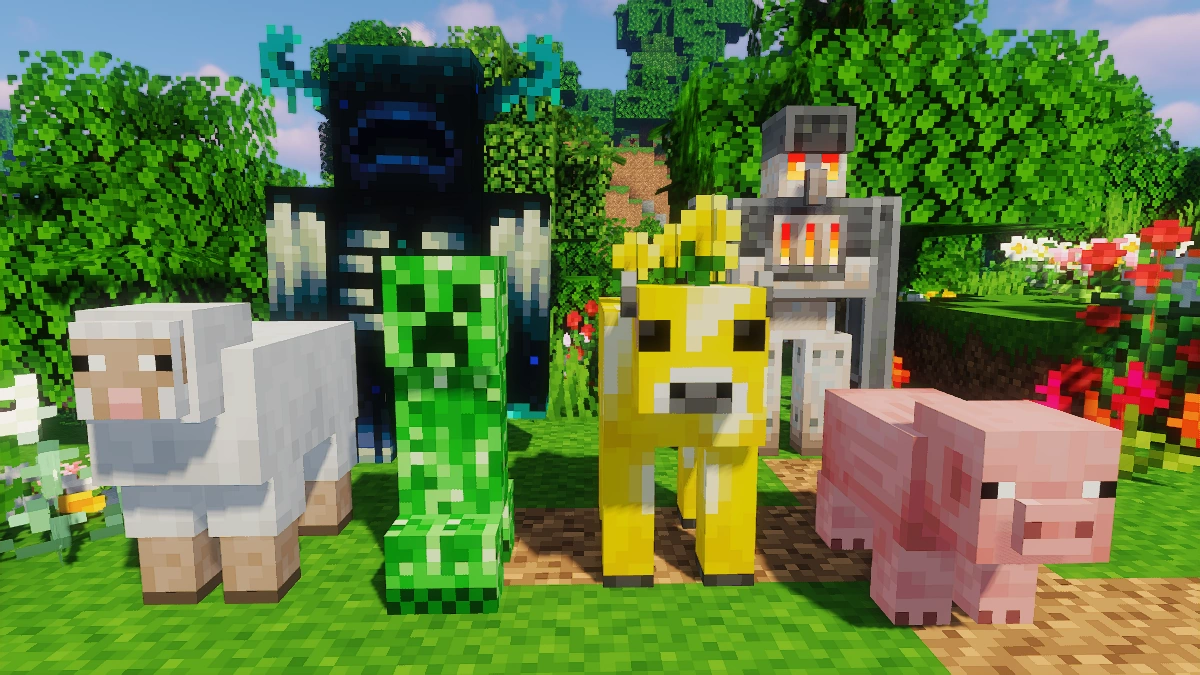
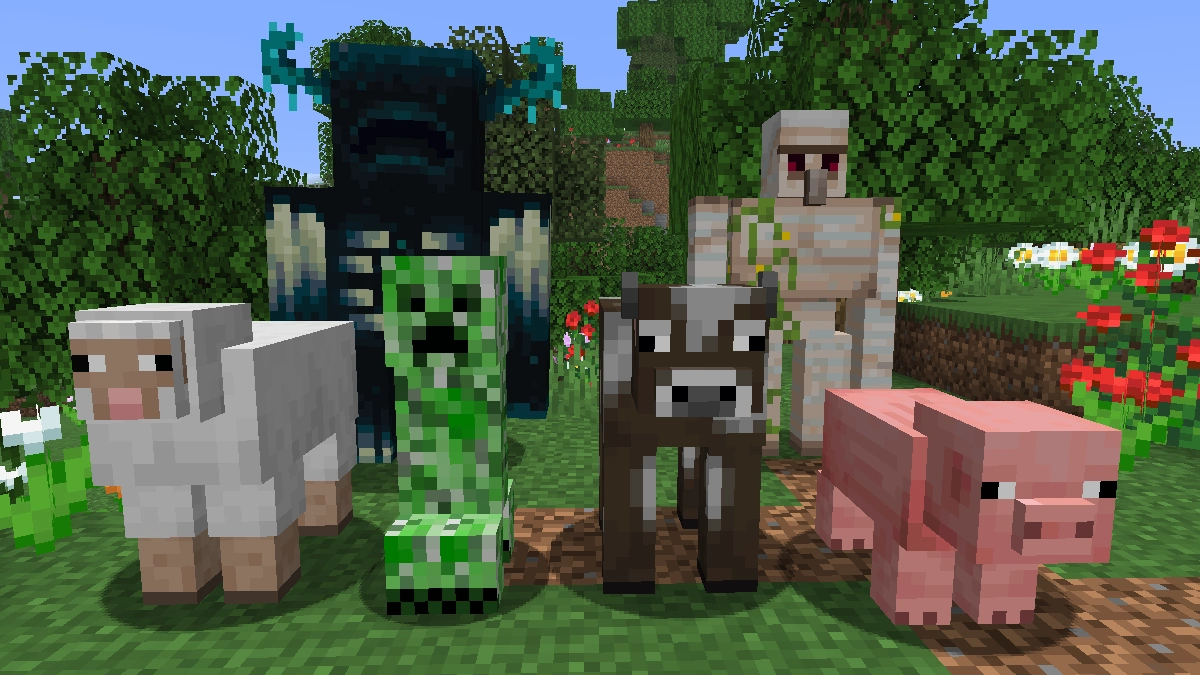
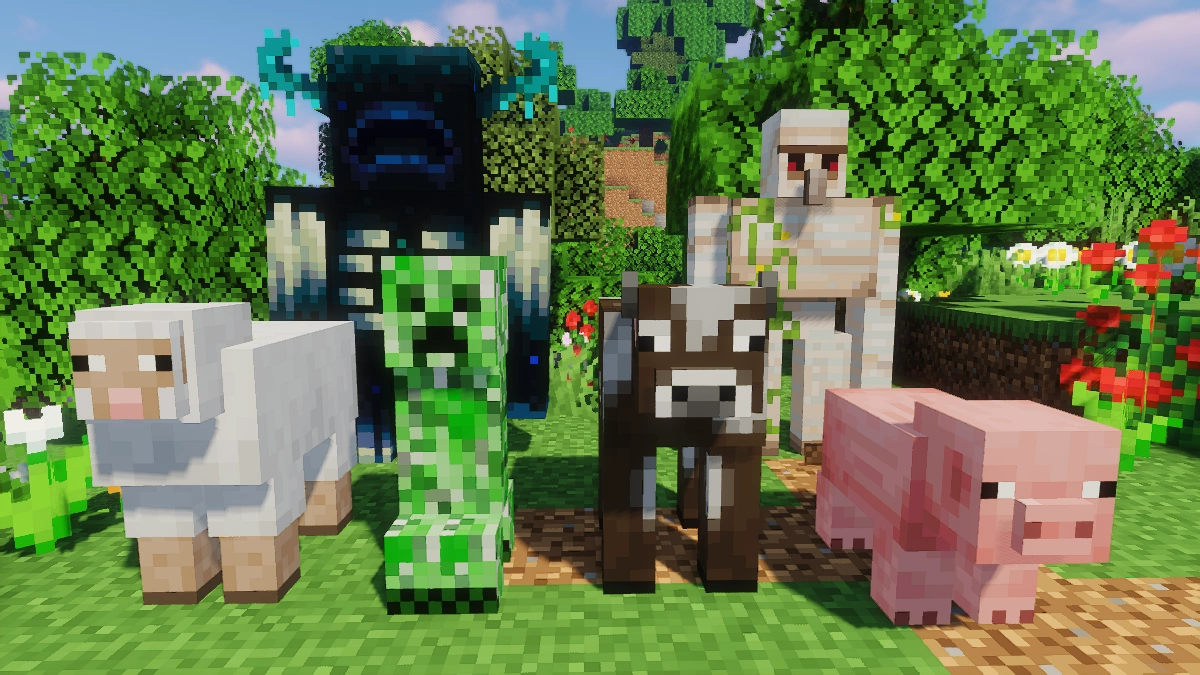
Comparison: Vanilla vs. New Default+
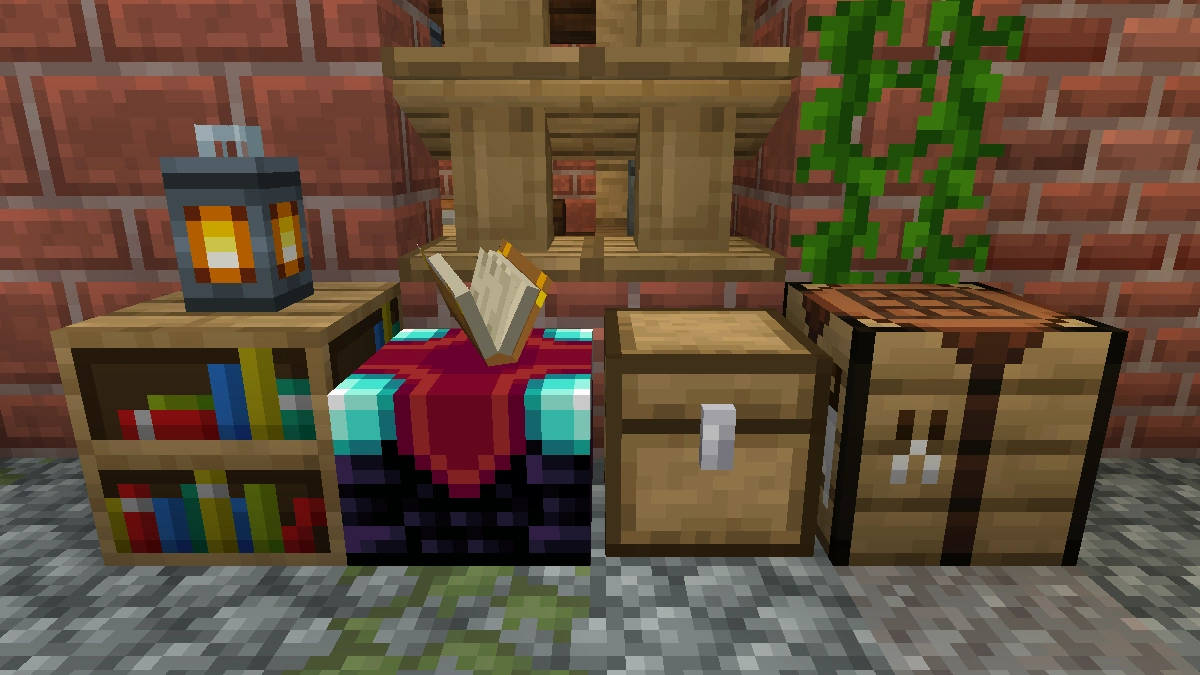
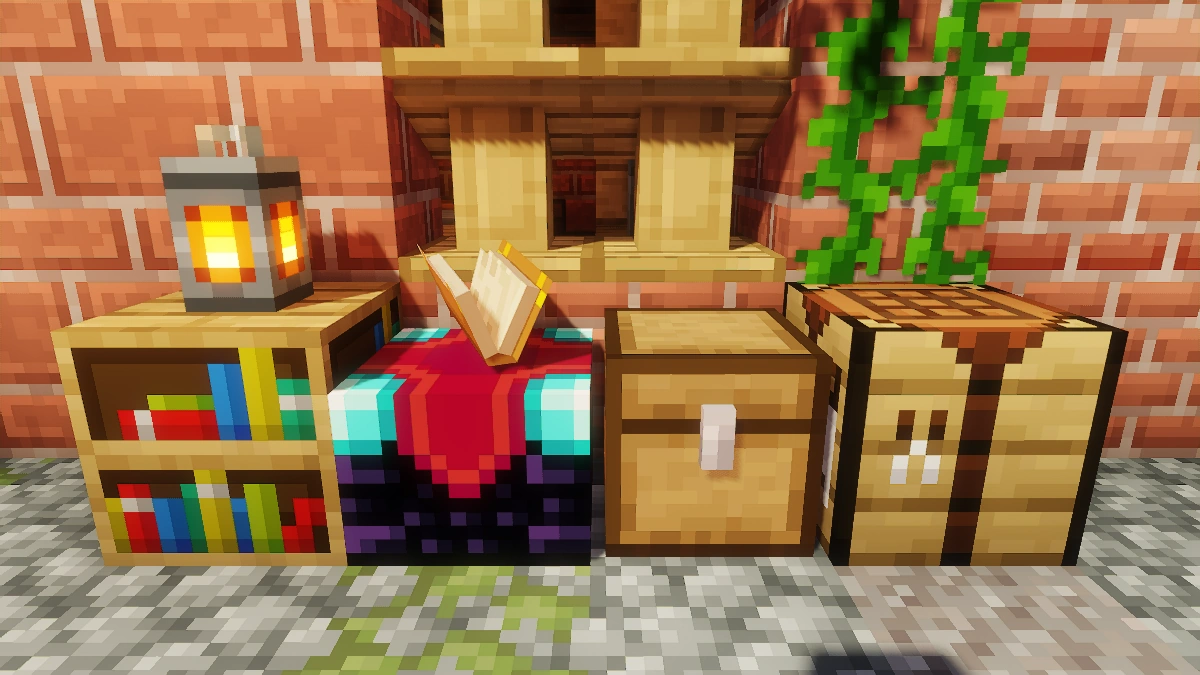
Use the before/after slider to see how New Default+ changes Minecraft compared to vanilla. Use the buttons below to compare different biomes and situations.
How To Install New Default+ Texture Pack
Here’s a tutorial on installing New Default+ in Minecraft Java Edition. If you’re using Minecraft Bedrock Edition and the pack is available for Bedrock/MCPE, you can simply click on the downloaded file to install it.
- Download and install OptiFine, as it is required by most texture packs.
- Download the New Default+ texture pack for Minecraft from the file section below. Pick the file that matches your Minecraft edition and version.
- Launch Minecraft.
- Click "Options" on the main menu.
- In the options, go to the submenu “Resource Packs”.
- Click "Open Pack Folder" at the bottom left to see a folder titled "resourcepacks".
- Put the downloaded ZIP file into your "resourcepacks" folder. Or, just drag and drop it into the Minecraft window to add the pack.
- You will see the pack on the left side of the resource pack selection menu. Unzip the file if you can't see the pack.
- Hover over the pack thumbnail and click the arrow pointing right. If the game notifies you that the pack is made for a newer or older Minecraft version, simply click “Yes” to proceed. Most textures will still work.
- Click "Done" and all assets have been loaded.
New Default+ Texture Pack Download
[MCPACK] Download New Default+ Texture Pack
[MCPACK] Download New Default+ PvP Add-on
Java Edition:
New Default+ works without OptiFine, but many of New Default+’s features require it.
[16x] [1.21.11 – 1.20.x] Download New Default+ Texture Pack
[16x] [1.19.4] Download New Default+ Texture Pack
[16x] [1.19.2 – 1.19] Download New Default+ Texture Pack
[16x] [1.18.x] Download New Default+ Texture Pack
[16x] [1.17.x – 1.15.x] Download New Default+ Texture Pack
[16x] [1.12.x – 1.9.x] Download New Default+ Texture Pack
[16x] [1.8.x – 1.6.x] Download New Default+ Texture Pack
PvP Add-on:
PvP expansion/add-on pack for New Default+.
[16x] [1.16.x – 1.15.x] Download New Default+ PvP Add-on
[16x] [1.14.x – 1.13.x] Download New Default+ PvP Add-on
[16x] [1.12.x – 1.9.x] Download New Default+ PvP Add-on
[16x] [1.8.x – 1.6.x] Download New Default+ PvP Add-on

wheres link???
You can find all links under the download heading.
Cool and interesting. I like it very much and hope the creator is always happy!
Is this for bedrock too?
cool
Cool good
is the SeaOfPixel a mod or a feature of the texture pack?
It’s the creator of the pack
heyo
The new moon phase was a blood moon
i like this
I can’t change brightness. And for this it is very dark in nether. Can you help me?
Go to the Minecraft options. There you can change the brightness.
I set the maximum brightness in the settings, but it is still the minimum.
what font is that?
do u need optifine
It is recommended that you install Optifine so that all the features work.
Why show minecraft dungeons stuff tho…
it’s a nice resource pack for me, but I’ve reworked it a bit
I saw this and said wow! this is so awesome i’m gonna get it! ….. my pc sucks..
hey man that really sucks that your pc is bad. I think I am able to make a worse version for people like you. You probably play on a laptop or something. But it’s fine. Search for another pack that fits your needs
how to get bedrock
Download the MCPE version. It’s not compatible with consoles.
its soo cool
wich one does he use in the video
great pack
hello
yo