The Iteration shaders for Minecraft are ultra-realistic and are based on the SEUS shaders. This pack stands out among other famous packs since it has a very realistic look and was developed by someone from the Asian gaming community, just like Mizuno Craft.
What are Iteration Shaders?
Iteration shaders are different from the others as they add extra atmospheric nuances that others don’t. When you activate the shader, you will notice one massive change, the sky. The sky now appears to be much more cloudy and foggy. Once installed, the pack creates a significant transformation in how you experience Minecraft’s graphics. Here are some refreshing modifications that you can expect when activating it.
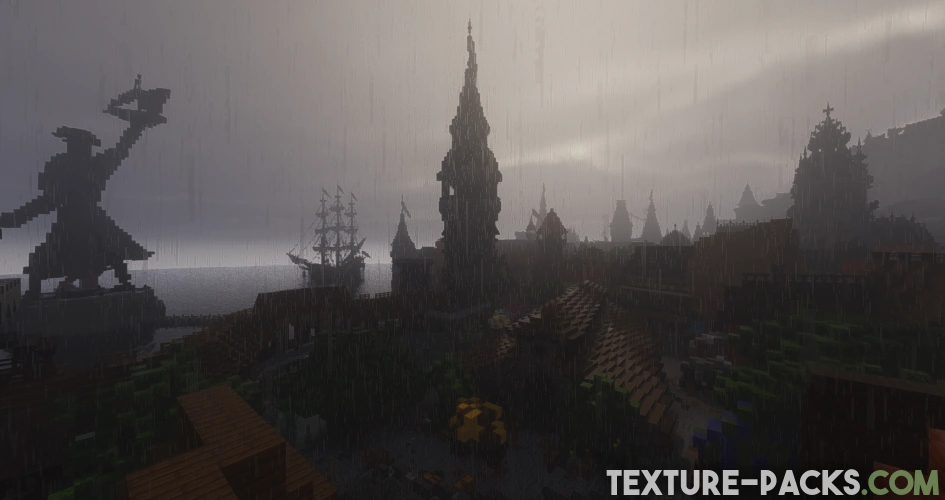
One of the standout features of Iteration shaders is of course the lighting. It has a warmer and more realistic feel. Sunlight changes depending on the time of day, casting golden hues in the morning and deeper tones at sunset. You can also see reflections in the blocks, just like when you activate the real-time ray tracing in AAA games. That really sets this mod apart from others as it makes the scenery appear more realistic.
Water in Minecraft, often a simple saturated blue surface, gains a major upgrade with this one. The body of water is now reflective and comes with ripples and waves. This subtle effect gives a more realistic feeling without removing contrast with its surroundings. Underwater, you also can see a big change as your vision is now limited by fog and light rays from the surface. The depth seems more menacing, creating a fearsome vibe when diving.
Enhanced Sky Details
This is the real deal that IterationT shaders can do. The shaders completely modify the sky, creating realistic clouds with fluffy shapes and soft lighting that move slowly. You also can customize the speed of the cloud to make it look like a time-lapse.
You can see the most striking effects in The End where the shaders replace the plain sky with a black hole. This is also a perfect opportunity to install a custom Elytra texture pack since the enhanced sky brings a mesmerizing background when flying around The End.
The shaders introduce a visually otherworldly cosmic sky which fits for The End. This effect is similar to that seen in the Super Duper Vanilla shaders, which add an eclipse to the sky in this dark, space-like dimension.
Performance Test and Drawbacks
Similar to the other graphic mods, bringing shadows, atmospheric fog, and other impressive visuals will require decent power from the graphics card. That is why you may want to check your graphics card before installing Iteration Shaders. Low graphics power will hugely impact the performance, which translates to fewer FPS you will get while running the game.
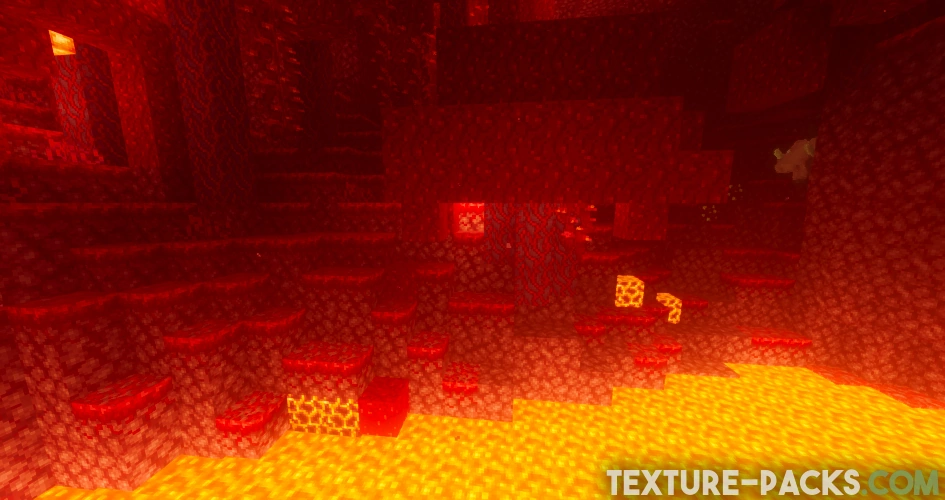
The Nether was less convincing. The glow effects pile up quickly and everything ends up looking a bit washed out. Visibility into the distance also suffers more than in other dimensions, which makes exploring underground fortresses more frustrating than it needs to be.
The End is a completely different experience. The custom skybox with the black hole is the thing Iteration is genuinely known for, and seeing it for the first time does not disappoint. FPS drops noticeably here because of how much the sky rendering demands from your GPU. For a mid-range card like the 1660 Super, Iteration holds up better than its heavy reputation suggests. Just keep your expectations realistic in the Nether.
We tested all five built-in profiles on a GTX 1660 Super at 1080p and 10 chunks render distance using Iris. In the Overworld we stayed above 90 FPS on High consistently, which is comfortable for actual survival play. On Ultra we hit around 100 FPS standing in a village, while Extreme dropped to roughly 80 FPS while walking through the same area. Both look stunning but are better suited for screenshots or short recording sessions. Low surprised us the most, staying above 140 FPS while still looking far better than vanilla. High is the sweet spot for most players and also what the developer officially recommends, as it balances visuals and performance without pushing your GPU too hard.
All in all, the Iteration shaders introduce an exciting visual enhancement to Minecraft by combining high-quality lighting and realistic effects. With the revamped sky and realistic water, all those things make every aspect of Minecraft feel more dramatic. This is perfect for players who want to explore the gameplay with better graphics. You should also check out the IterationRP shaders, which are from the same developer and support ray tracing.
Video & Screenshots
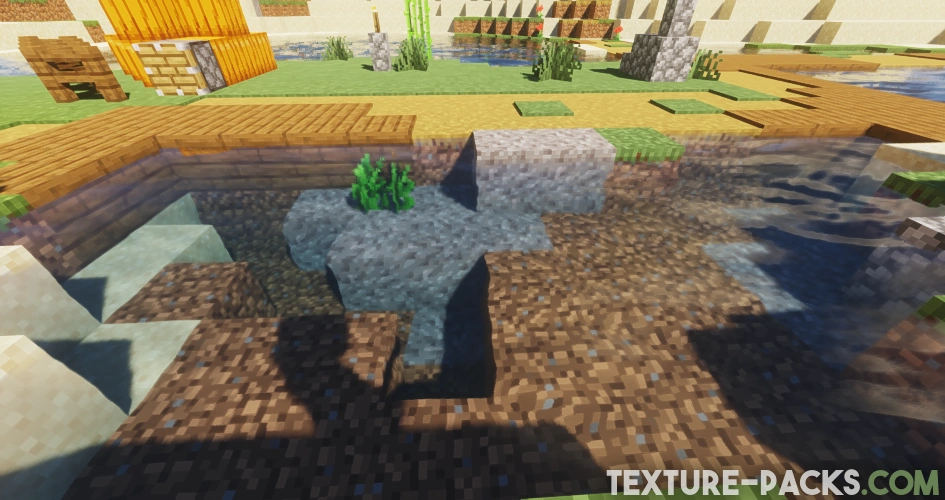
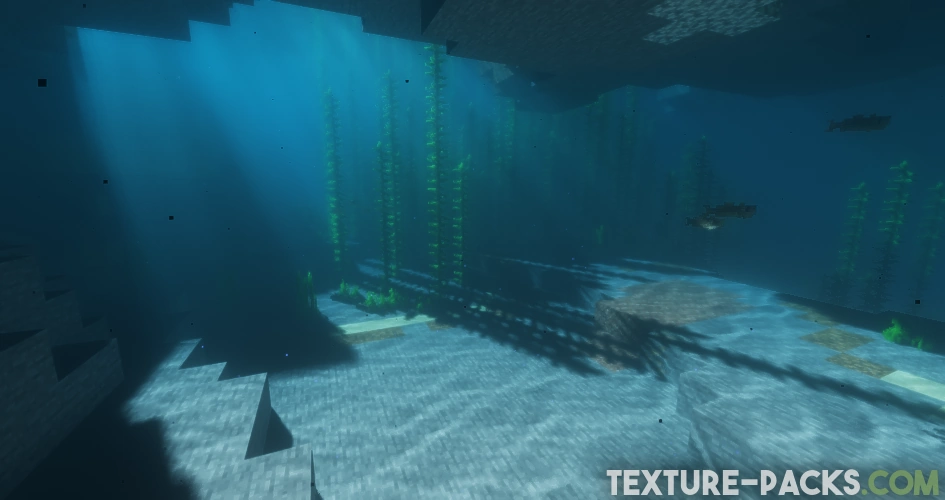
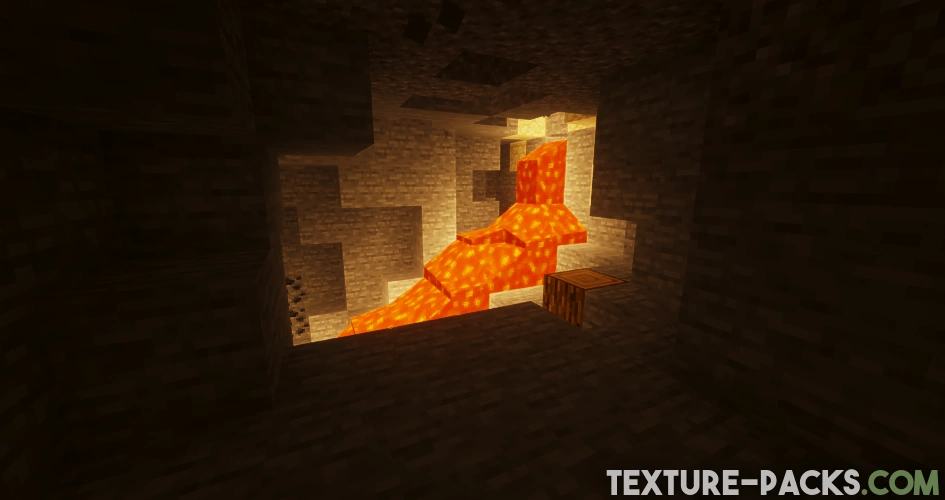
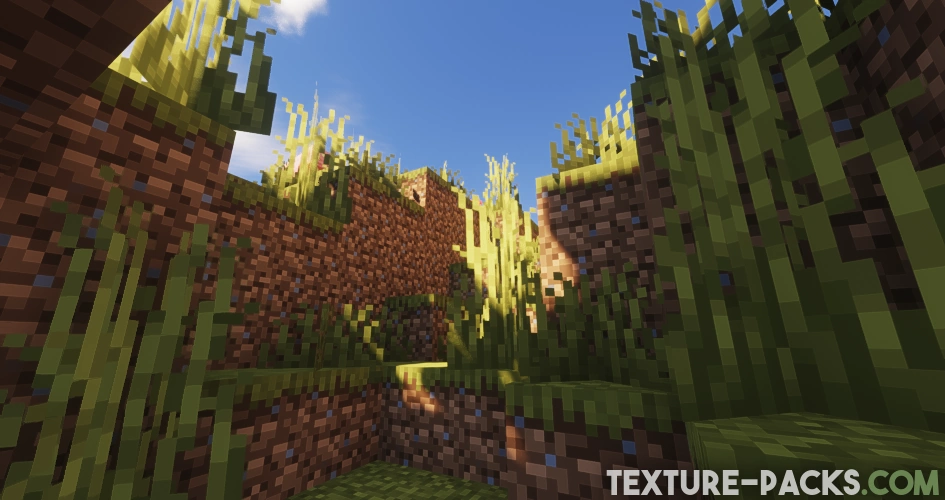
Comparison
Use our comparison tool to compare the Minecraft default pack with Iteration.


How To Install Iteration Shaders
Here’s a tutorial on installing Iteration in Minecraft Java Edition.
- Download the Iteration shaders for Minecraft from the file section below. Pick the file that matches your Minecraft edition and version.
- Install Iris or OptiFine. The Iris mod is recommended for better performance with higher FPS.
- Open the Minecraft launcher, and choose the Iris or OptiFine profile you just made.
- Launch Minecraft.
- For Iris: Go to "Options", then "Video Settings", and select "Shader Packs". Next, click on "Open Shader Pack Folder" to access the shaderpacks folder. For OptiFine: Navigate to "Options", then "Video Settings", and click on "Shaders." Afterward, click on "Shaders Folder" to open the shaderpacks folder.
- Move the downloaded ZIP file into this folder (.minecraft\shaderpacks).
- In the game, choose the newly installed pack from the shaders list. If you select a shader pack using Iris, its filename will turn yellow.
- Click "Done" or "Apply" and all new features have been loaded.
Update: The previous Iteration Shaders 3.0.0 version had issues like a white screen glitch, which could be resolved by disabling Bloom. Also, 2.0.0 and 3.0.0 were incompatible with Iris, limiting its usability. Now, a modified update has been released that resolves all bugs and works seamlessly with Iris, OptiFine, and other shader loaders.

can you fix why it cant load in nether
why is it like invisble boxes around my items when i hold different tools or blocks or just hand i dont know how to fix it and do other people have the same problem
can you fix it
deferred2.fsh: deferred2.fsh: ERROR: 0:136: ‘GI_TemporalFilter’ : undeclared identifier
ERROR: 0:137: ‘GI_TemporalFilter’ : no matching overloaded function found (using implicit conversion)
ERROR: 0:137: ‘GI_TemporalFilter’ : function is not known
ERROR: 0:136: ‘assign’ : cannot convert from ‘const highp float’ to ‘FragUserData 4-component vector of highp float’
It worked perfectly
deferred2.fsh: deferred2.fsh: ERROR: 0:144: ‘GI_TemporalFilter’ : no matching overloaded function found
ERROR: 0:144: ‘assign’ : cannot convert from ‘ const float’ to ‘layout( location=0) out 4-component vector of float’
ERROR: 0:144: ” : compilation terminated
ERROR: 3 compilation errors. No code generated.
WARNING: 0:0: ‘fold’ : Some functions have been folded according to full-fold setting, may lead to portable issues.
can you fix it ??
you on mobile?
its renderer problem try mojo launcher
your on pc?
its your gpu
Awesome, that’s so cool and absolutely perfect.
sky_textured: sky_textured: issue
I want to play Minecraft iteration
we need a new update with new features bro
When i zoom in from far distances i can see shadow lines
thanks you
You Minecraft ultra
deferred.vsh: deferred.vsh: ERROR: 0:1: ” : version ‘450’ is not supported
ERROR: 0:1: ” : syntax error: #version
ERROR: 0:2: ” : #version required and missing.
This is the problem i am facing rn
it may have errors
hello
looks fun
how can i fix an problem with windows that are pitchblack as soon i turn on iteration with optifine?
I don’t know