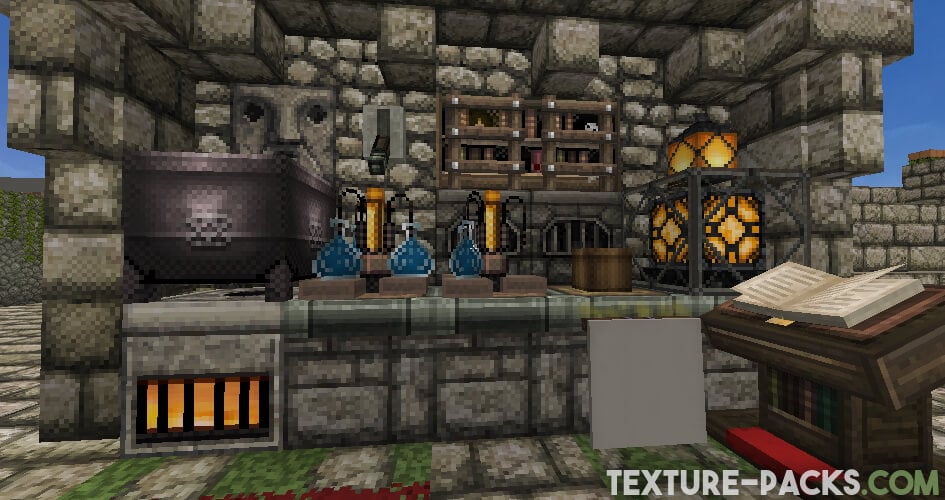
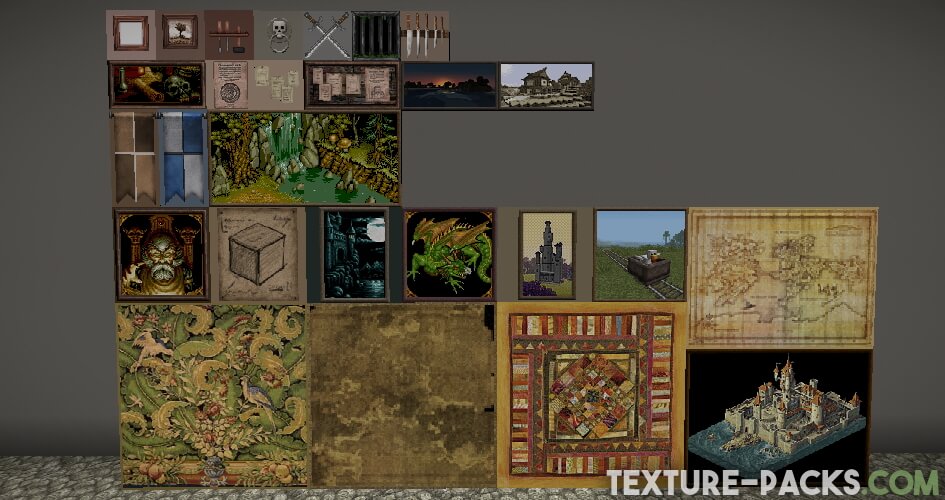
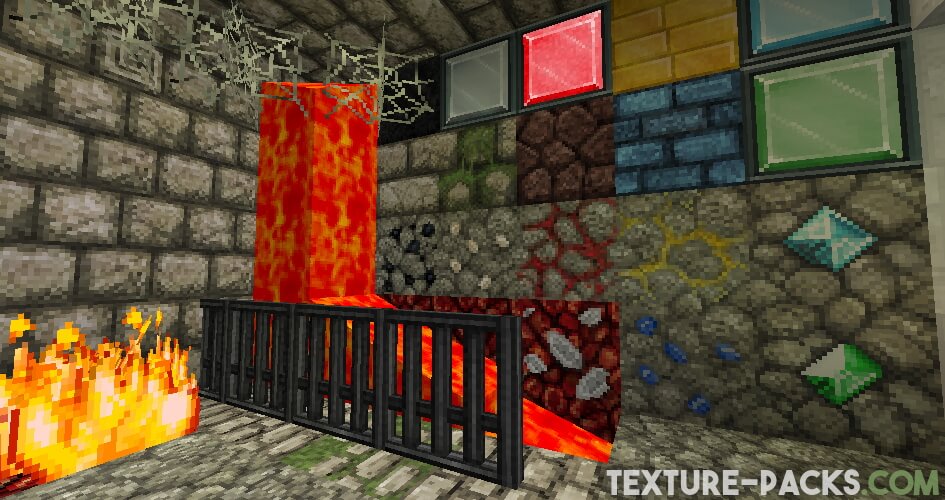
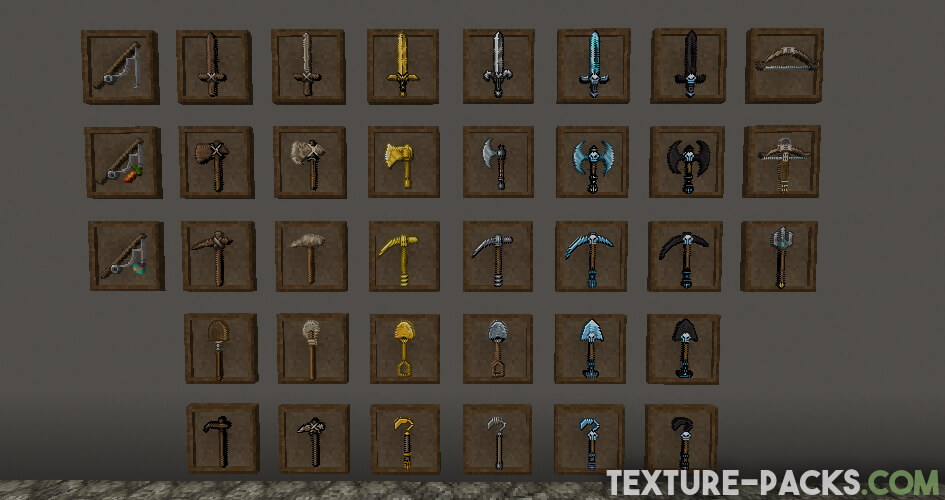
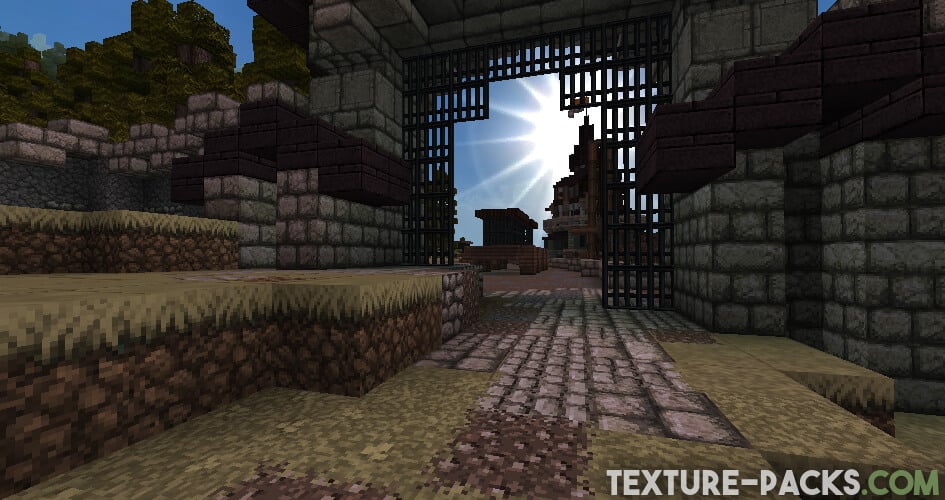
The John Smith Legacy texture pack for Minecraft was created in 2013 and is continuously improved by its creator and designer, James Stone. By the way, his username is JimStoneCraft. The main theme of the pack is the Middle Ages. If you’re wondering about the difference between John Smith Legacy and JimStoneCraft Edition, the author James Stone explains that John Smith retains the normal and traditional style, while JimStoneCraft (JSC) uses slightly smoother cobblestones and ores. There are also several adjustments to some textures in the game, and James Stone personally prefers to play privately with JSC. You can get both versions in our download section.
The Story of the John Smith Legacy Texture Pack
The John Smith Legacy texture pack, also known as JSL, is a continuation of the original John Smith texture pack, which was created by JohnSmith2007, a Minecraft player and texture artist. The original John Smith RPG texture pack was first released in 2010 and gained popularity for its distinctive medieval-themed textures. However, due to the creator’s departure from the Minecraft community, the texture pack was no longer updated, leading to the creation of the John Smith Legacy texture pack by James Stone. The focus on a medieval style has remained unchanged over the years, making it well-suited for building churches, castles, or ancient buildings in Minecraft. The John Smith textures are carefully designed to evoke a sense of nostalgia for classic RPG games. Many players use the pack in their builds, videos, and multiplayer servers, and it has become a staple in the Minecraft modding and resource pack community.
Once you install John Smith Legacy, you’ll notice that the blocks and items have a resolution of 32×32. Some players may also be looking for a higher-resolution version, such as the John Smith Legacy 64×64 version, which is actually available. However, it’s worth noting that support for the higher-resolution version was stopped years ago, and the pack is only playable in Minecraft 1.7.10. While it is possible to use it in newer Minecraft versions, many textures may not work. We recommend the classic 32×32 resolution.
John Smith Legacy Texture Pack with Mod Support
In addition to Vanilla Minecraft, the John Smith Legacy texture pack also has versions intended for Minecraft mod packs. On GitHub, you can find a project called “John Smith Modded,” which adds support for Minecraft mod packs. This project is officially listed as JohnSmith Technician’s Remix and currently supports FTB Modpacks, Tekkit, and Tekkit Lite. The development team is also actively involved in the Feed the Beast forum. It also supports OptiFine features and adds textures for the mods Dramatic Doors, ShulkerBoxTooltip, and Mod Menu.
John Smith Legacy 3D Models Add-on
The John Smith Legacy 3D models add-on is an additional pack that can be used in conjunction with the John Smith Legacy resource pack for Minecraft. It provides three-dimensional models for certain blocks. These 3D models replace the flat, two-dimensional blocks and add new aesthetic things like 3D fences. The add-on was first released in 2015 by the user Filal_ who plays with JSL since early beta versions. It can be downloaded and installed separately, and it is compatible with the same Minecraft versions as the main pack. If you like 3D blocks, try the Classic 3D texture pack and 3D Ores texture pack.
John Smith Legacy was released on August 28, 2010 and is compatible with these Minecraft versions: 26.2 - 26.1.2 - 26.1.1 - 26.1 - 1.21.11 - 1.21.10 - 1.21.9 - 1.21.8 - 1.21.7 - 1.21.6 - 1.21.5 - 1.21.4 - 1.21.3 - 1.21.2 - 1.21.1 - 1.21 - 1.20.6 - 1.20.5 - 1.20.4 - 1.20.3 - 1.20.2 - 1.20.1 - 1.20 - 1.19.4 - 1.19.3 - 1.19.2 - 1.19.1 - 1.19 - 1.18.2 - 1.18.1 - 1.18 - 1.17.1 - 1.17 - 1.16.5 - 1.16.4 - 1.16.3 - 1.16 - 1.15.2 - 1.15 - 1.14.4 - 1.14 - 1.13.2 - 1.13 - 1.12.2 - 1.12 - 1.11.2 - 1.11 - 1.10.2 - 1.10 - 1.9.4 - 1.9 - 1.8.9 - 1.8 - 1.7.10 - 1.7.2 - 1.6.4 - 1.5.2 - 1.4.7 - 1.3.2 - 1.2.5 - 1.1
Video & Screenshots

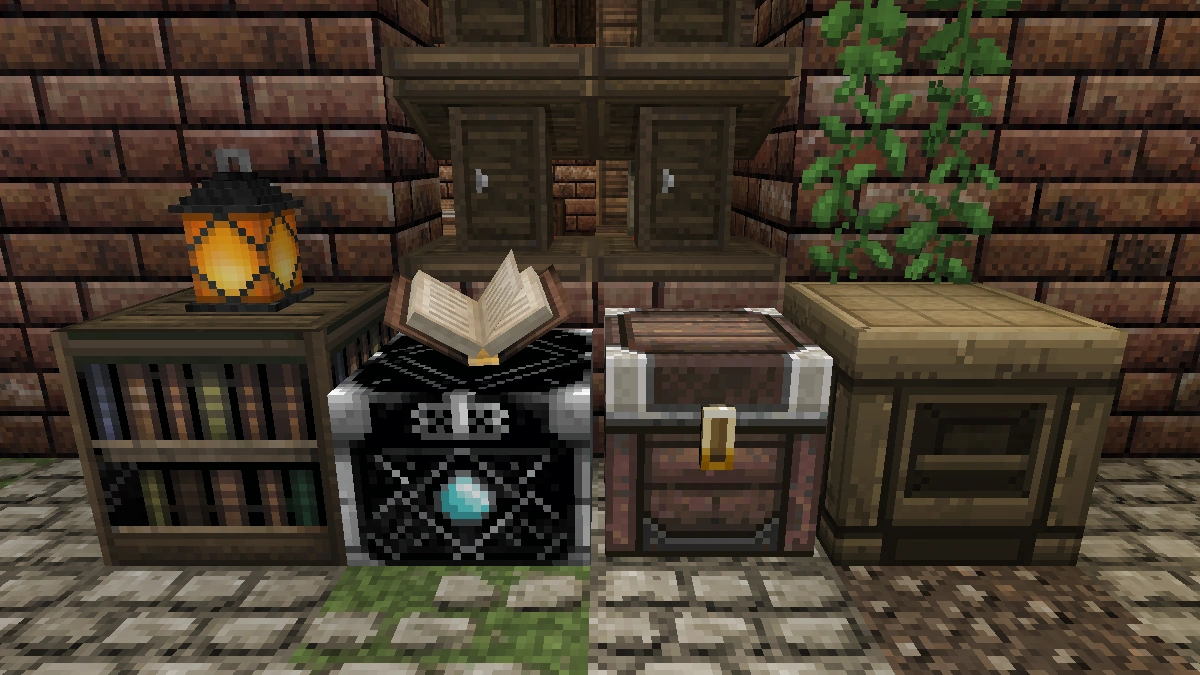
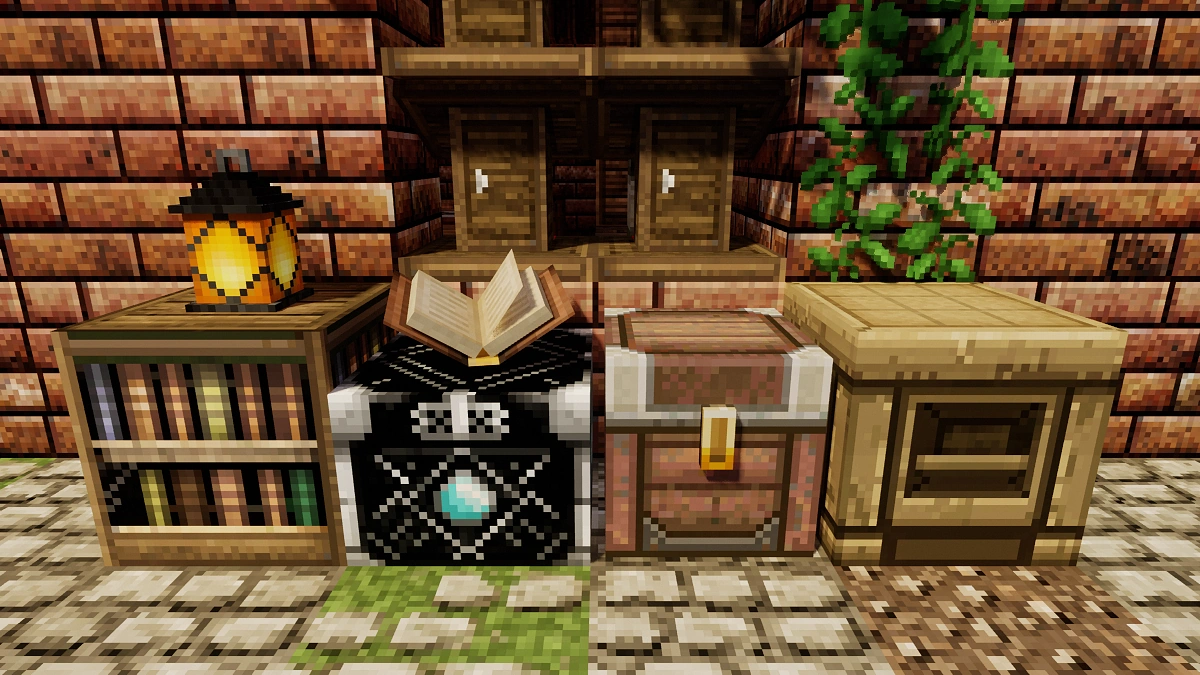
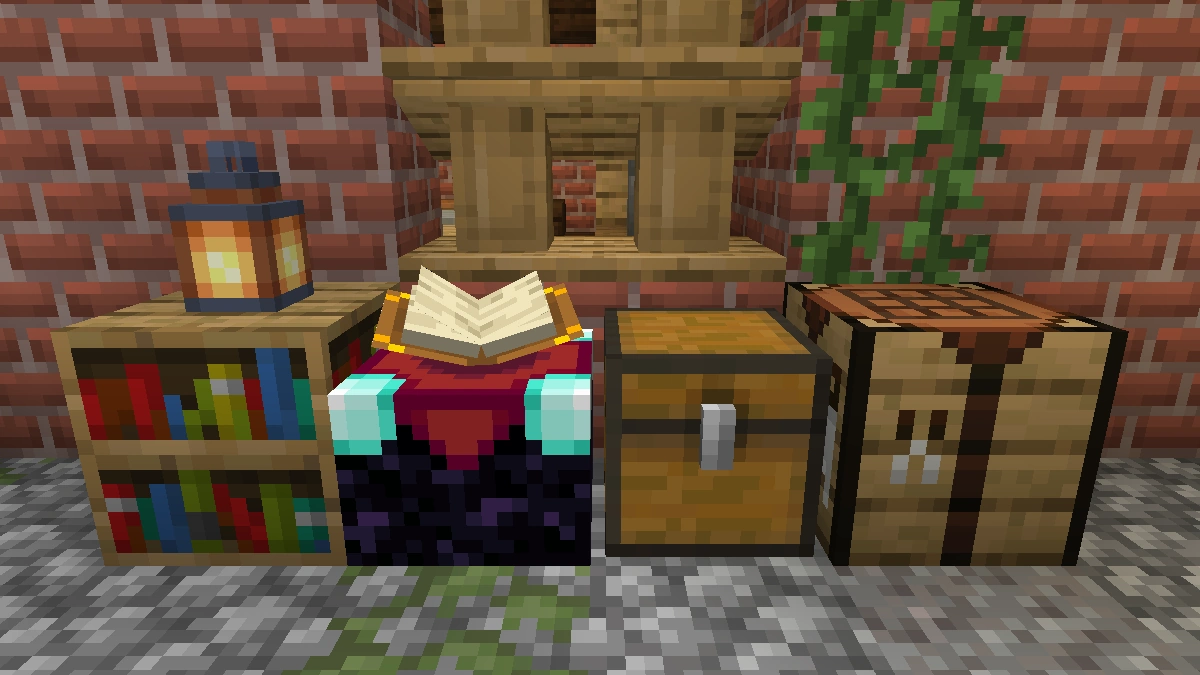
Comparison: Vanilla vs. John Smith Legacy
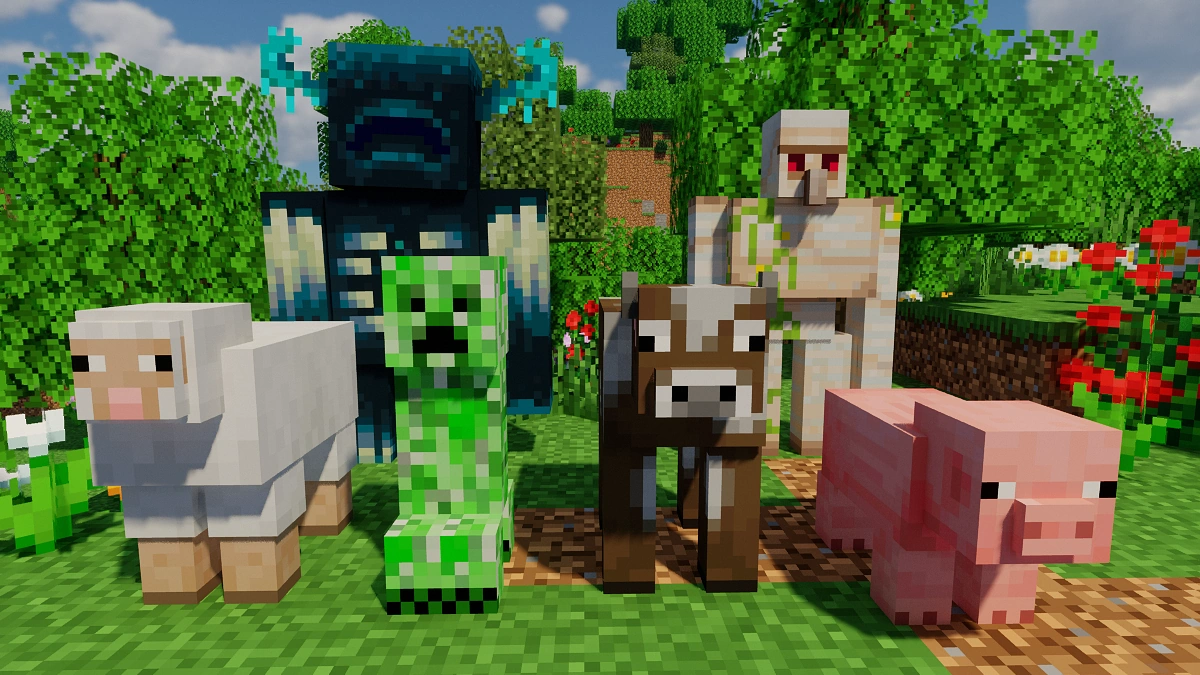
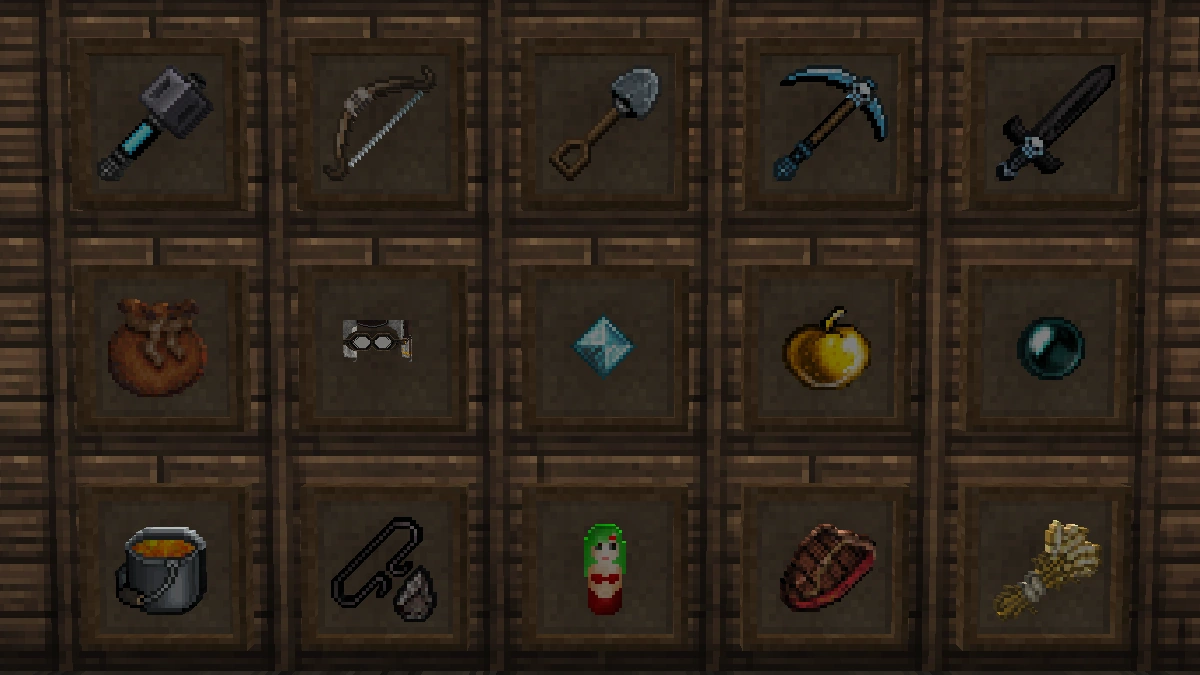
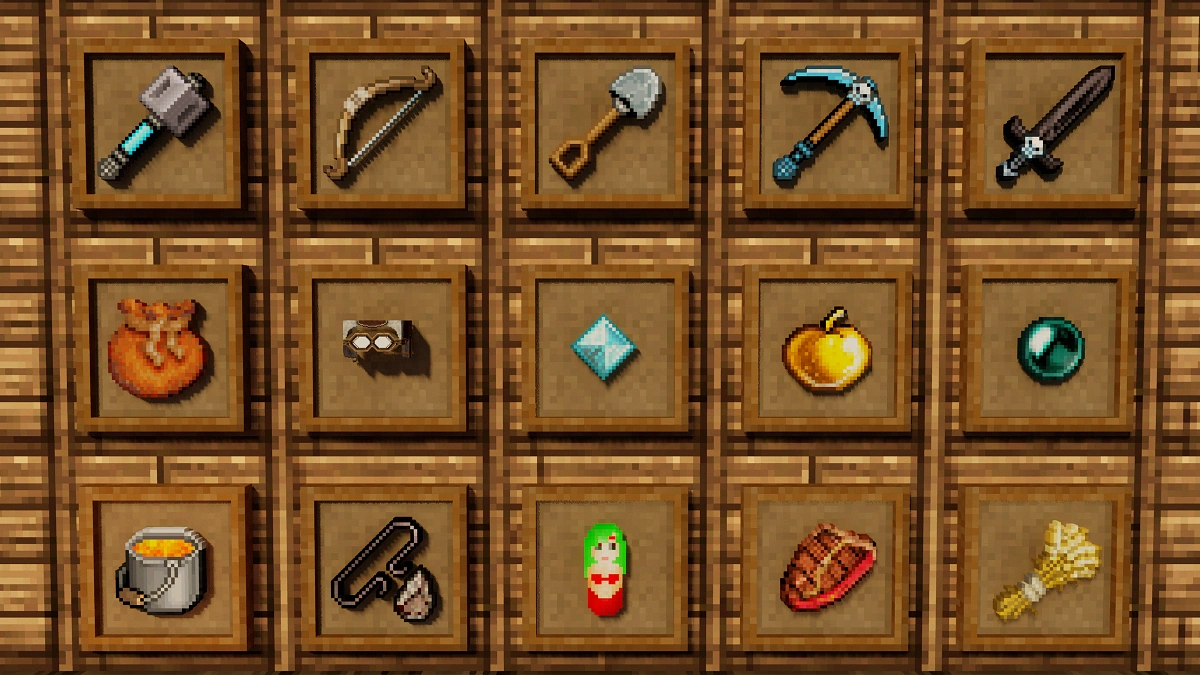
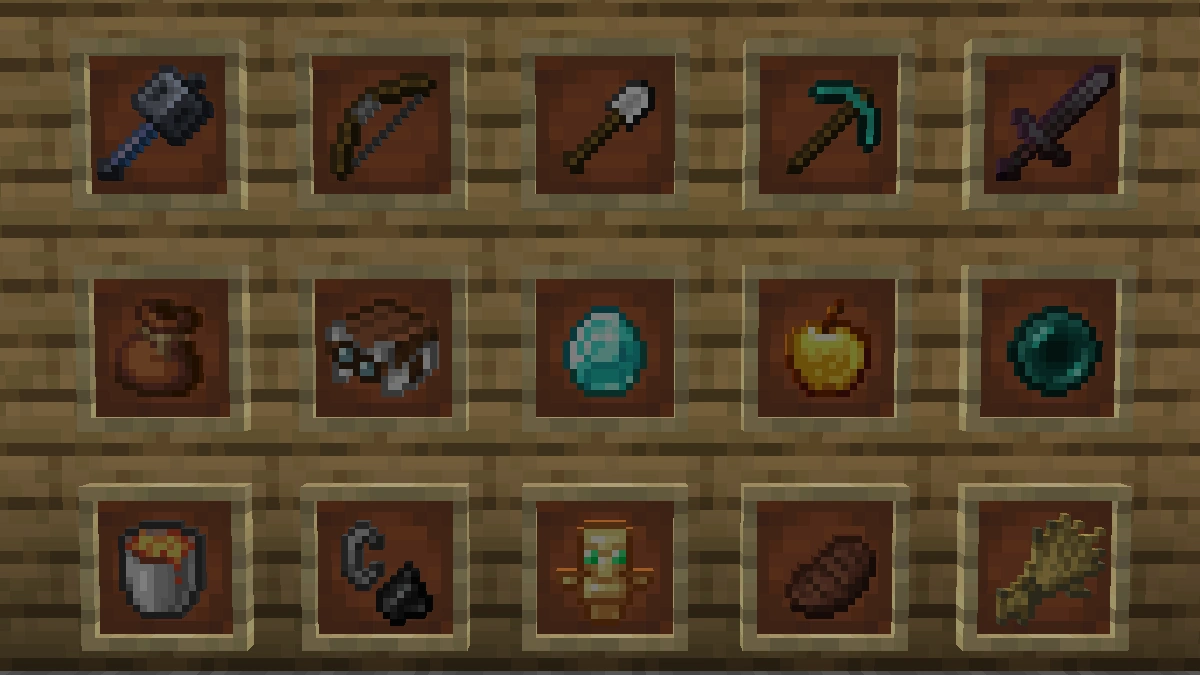
Use the before/after slider to see how John Smith Legacy changes Minecraft compared to vanilla. Use the buttons below to compare different biomes and situations.
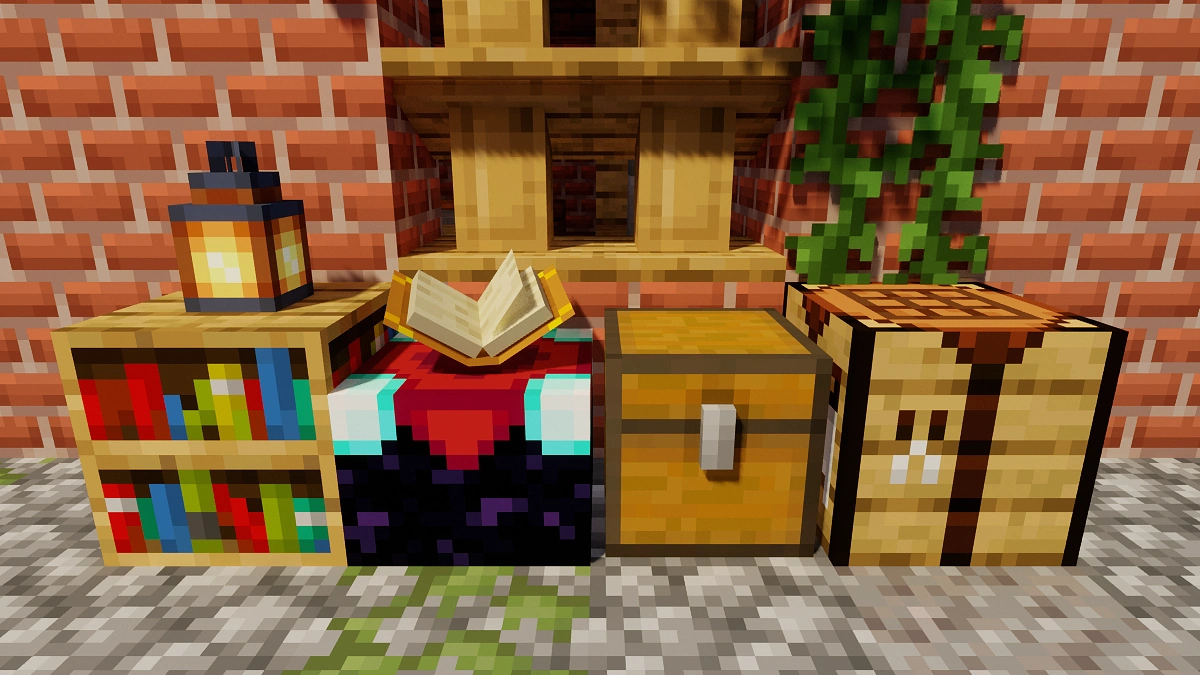
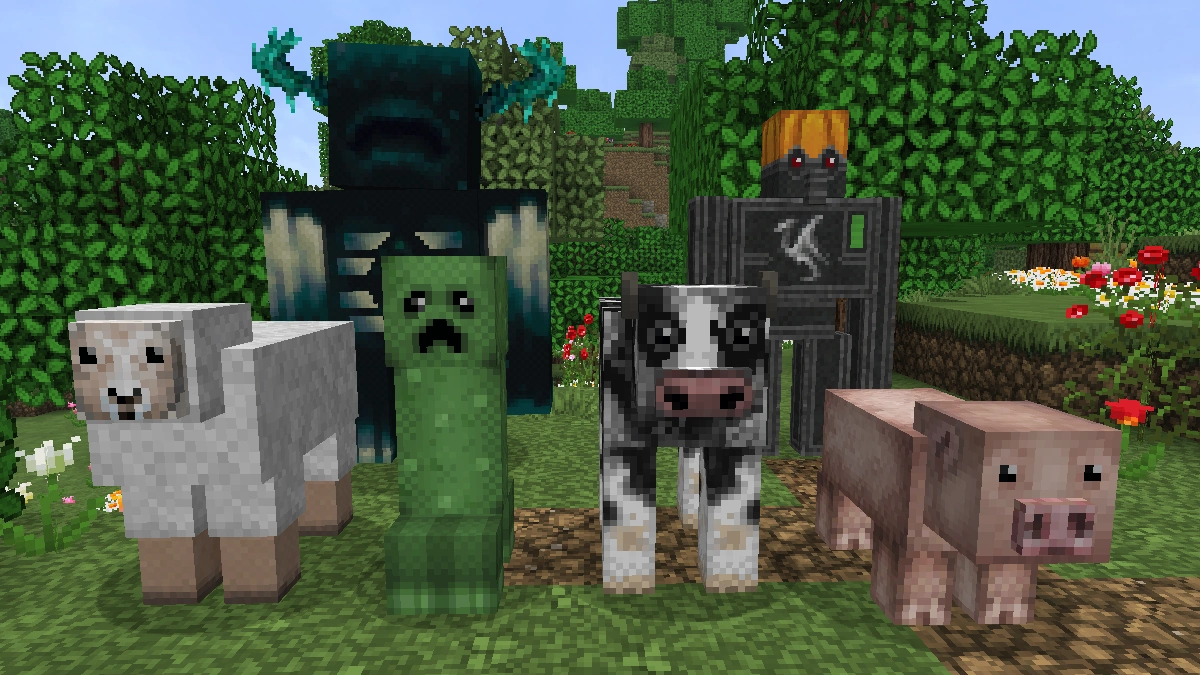
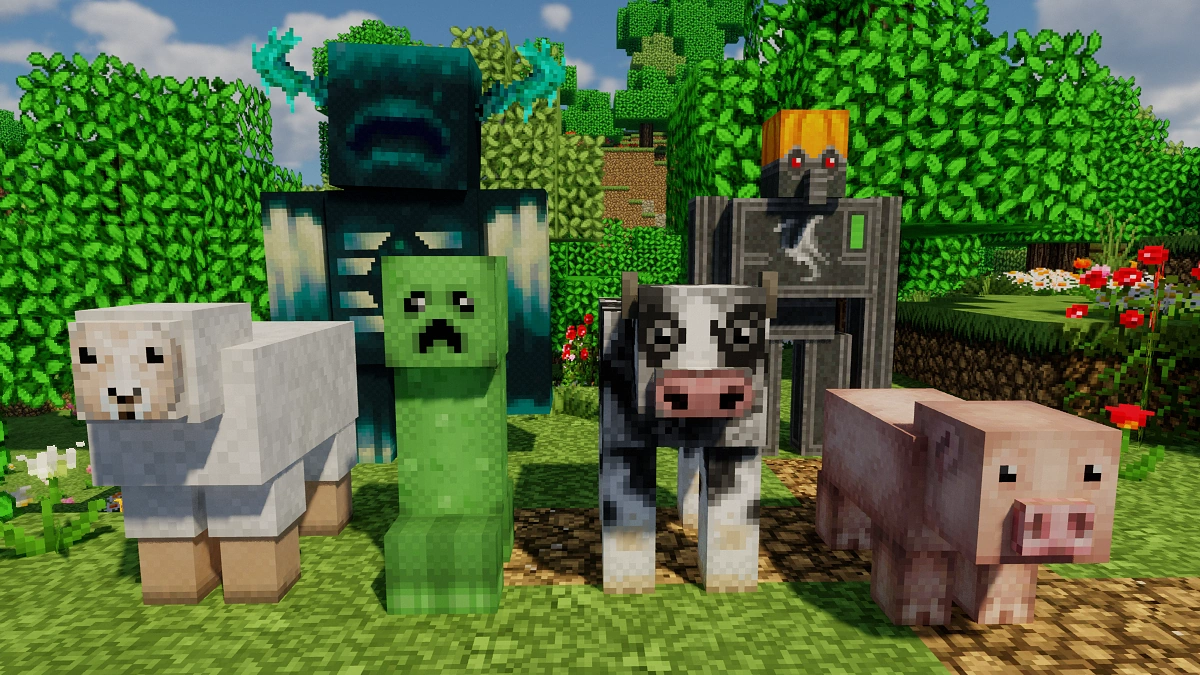
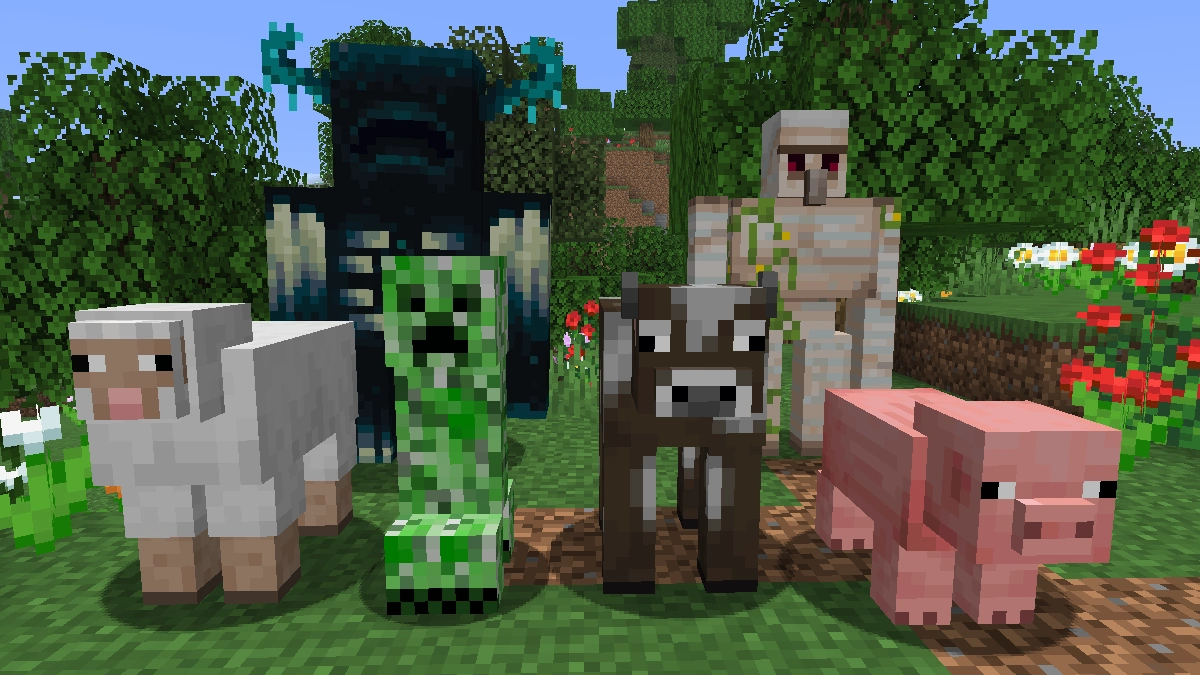
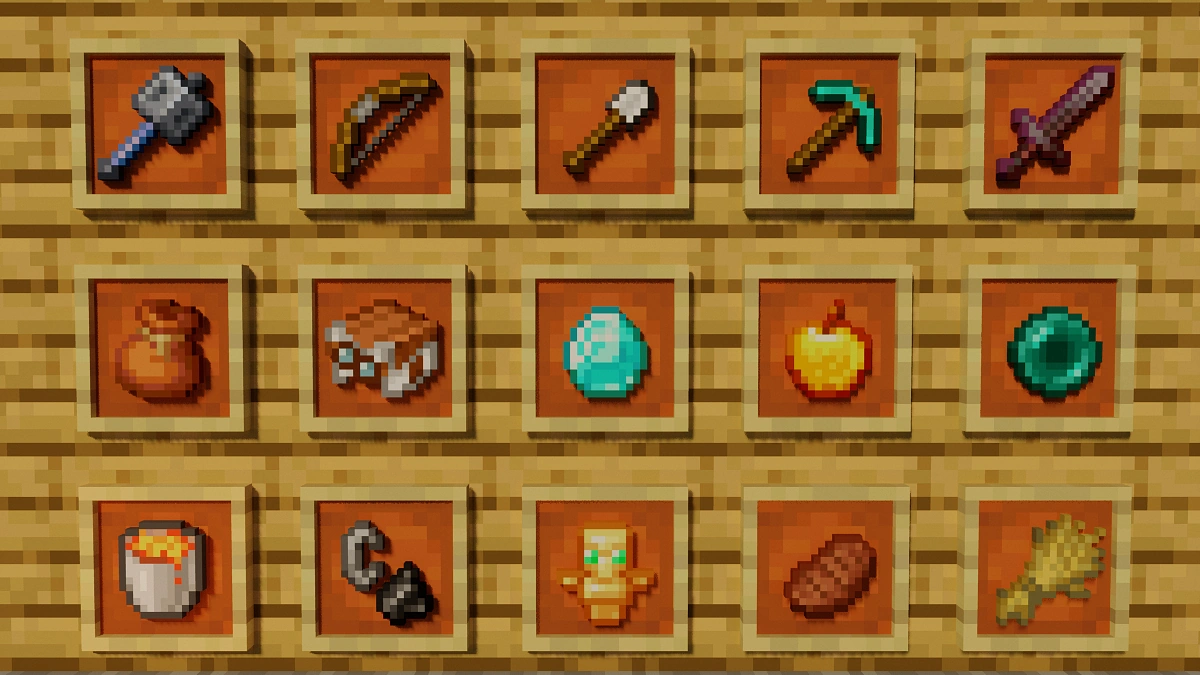
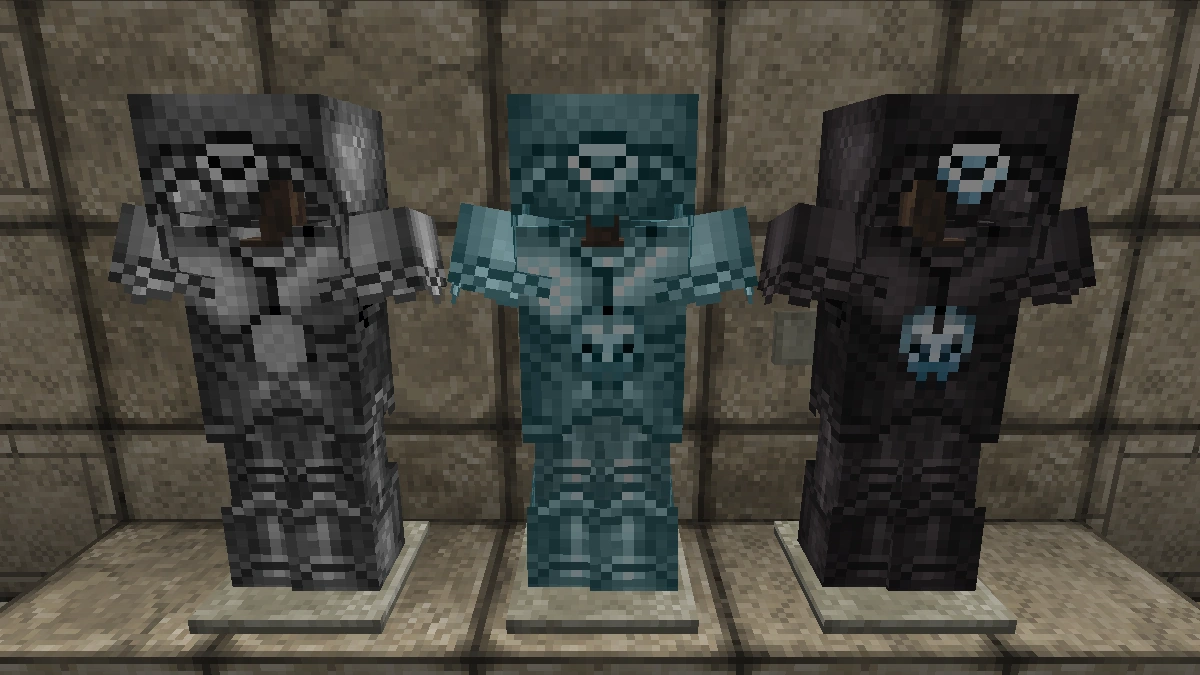
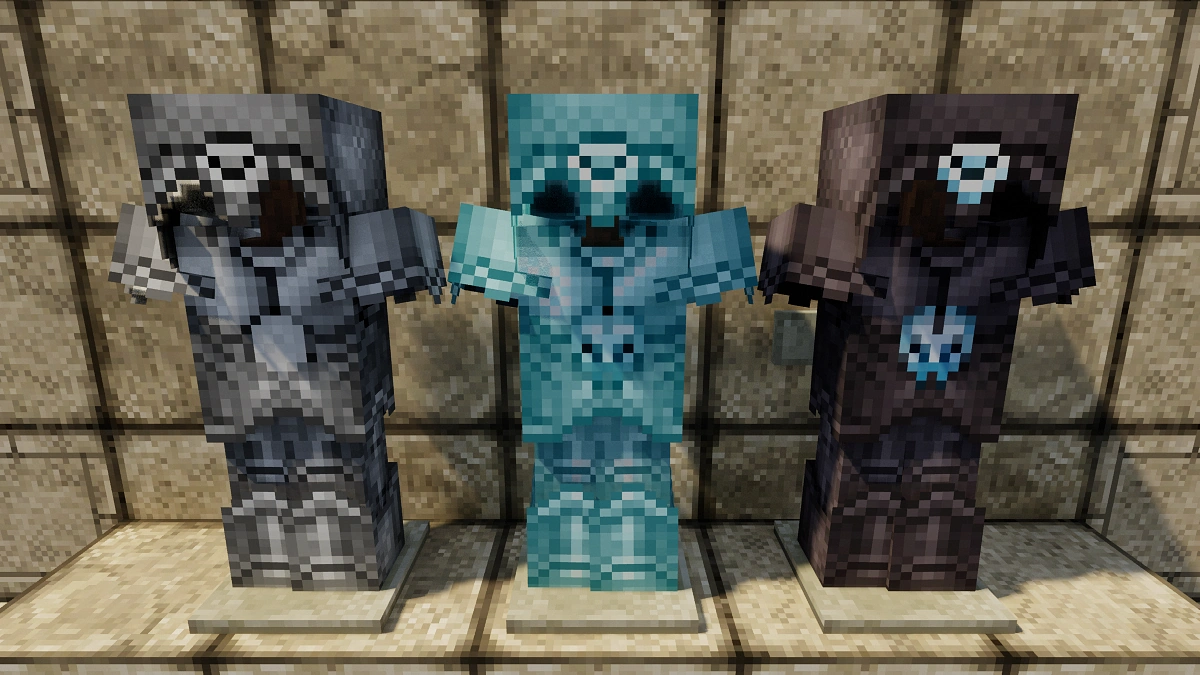
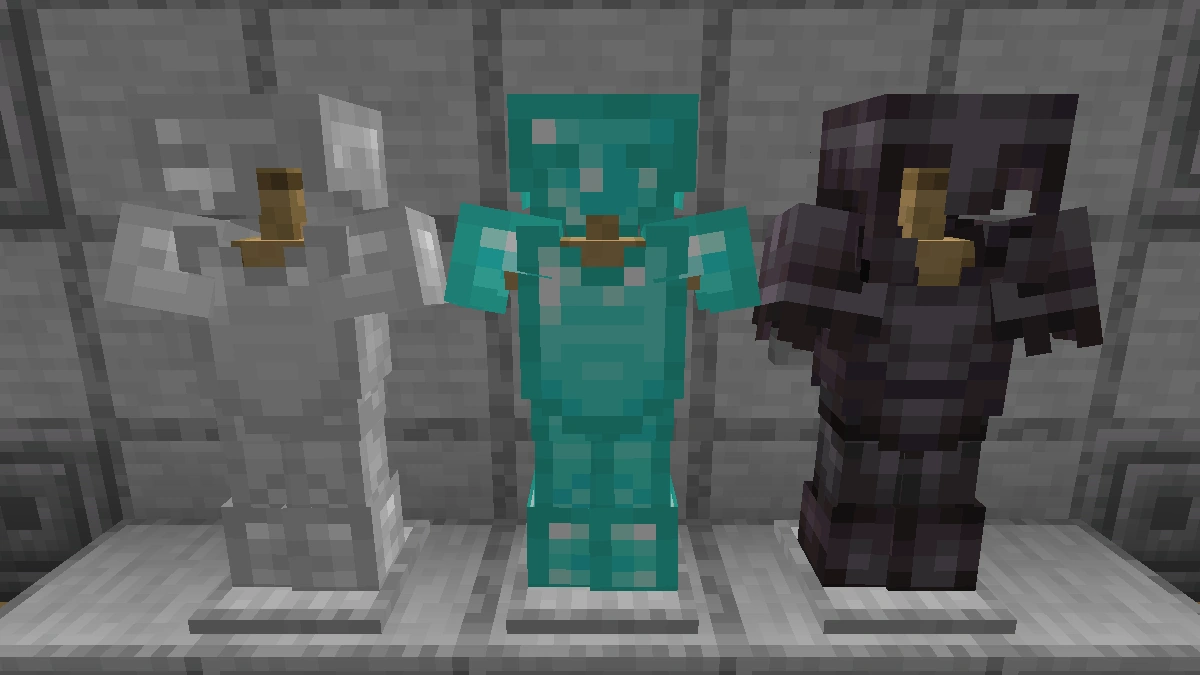
How To Install John Smith Legacy Texture Pack
Here’s a tutorial on installing John Smith Legacy in Minecraft Java Edition. If you’re using Minecraft Bedrock Edition and the pack is available for Bedrock/MCPE, you can simply click on the downloaded file to install it.
- Download and install OptiFine, as it is required by most texture packs.
- Download the John Smith Legacy texture pack for Minecraft from the file section below. Pick the file that matches your Minecraft edition and version.
- Launch Minecraft.
- Click "Options" on the main menu.
- In the options, go to the submenu “Resource Packs”.
- Click "Open Pack Folder" at the bottom left to see a folder titled "resourcepacks".
- Put the downloaded ZIP file into your "resourcepacks" folder. Or, just drag and drop it into the Minecraft window to add the pack.
- You will see the pack on the left side of the resource pack selection menu. Unzip the file if you can't see the pack.
- Hover over the pack thumbnail and click the arrow pointing right. If the game notifies you that the pack is made for a newer or older Minecraft version, simply click “Yes” to proceed. Most textures will still work.
- Click "Done" and all assets have been loaded.
John Smith Legacy Texture Pack Download
[32x] [MCPACK] John Smith Legacy Texture Pack
Java Edition:
[32x] [26.2.x – 1.4.x] Download John Smith Legacy Texture Pack
3D Models Add-on:
Put the 3D add-on above the John Smith Legacy pack.
[1.20.x – 1.19.x] Download John Smith Legacy 3D Add-on
[1.18.x] Download John Smith Legacy 3D Add-on
[1.17.x] Download John Smith Legacy 3D Add-on
[1.16.x] Download John Smith Legacy 3D Add-on
[1.15.x] Download John Smith Legacy 3D Add-on
[1.14.x] Download John Smith Legacy 3D Add-on
[1.9.x – 1.8.x] Download John Smith Legacy 3D Add-on
Modded Edition:
The modded edition is a variation of the original pack which is designed for use with modded Minecraft, such as the FTB modpacks, Tekkit and Tekkit Lite.
[1.18.x] Download John Smith Legacy Modded
[1.16.x] Download John Smith Legacy Modded
[1.12.x] Download John Smith Legacy Modded
[1.10.x] Download John Smith Legacy Modded
[1.9.x] Download John Smith Legacy Modded
[1.8.x] Download John Smith Legacy Modded
[1.7.x] Download John Smith Legacy Modded

alltime classic! Please release this masterpiece in the marketplace
I think that’s fine
On the mcpe version, when I spawn a wolf, it’s a plain gray object with a big box around it. Also, when it’s tamed, it turns red and some body parts disappear. This was also a problem with the Ozocraft texture pack. Please fix this.
Nice
It’s been so long since I heard about this pack. Thank God the bedrock version is not in the marketplace and stay free and the link leads to the official site of the pack which is updated to 1.17.
i have it in the recorce packs folder but its not opening up what do i do? i have optifine too
Wow