Every survival player eventually hits that point where they need to farm Netherite in the Nether. It’s just part of the game. The problem? Ancient Debris is already rare enough, but on top of that you constantly miss it when mining. The Blue Netherite Texture Pack solves exactly this issue, and with over 750,000 downloads on Modrinth it’s the most popular Ancient Debris Texture Pack out there.
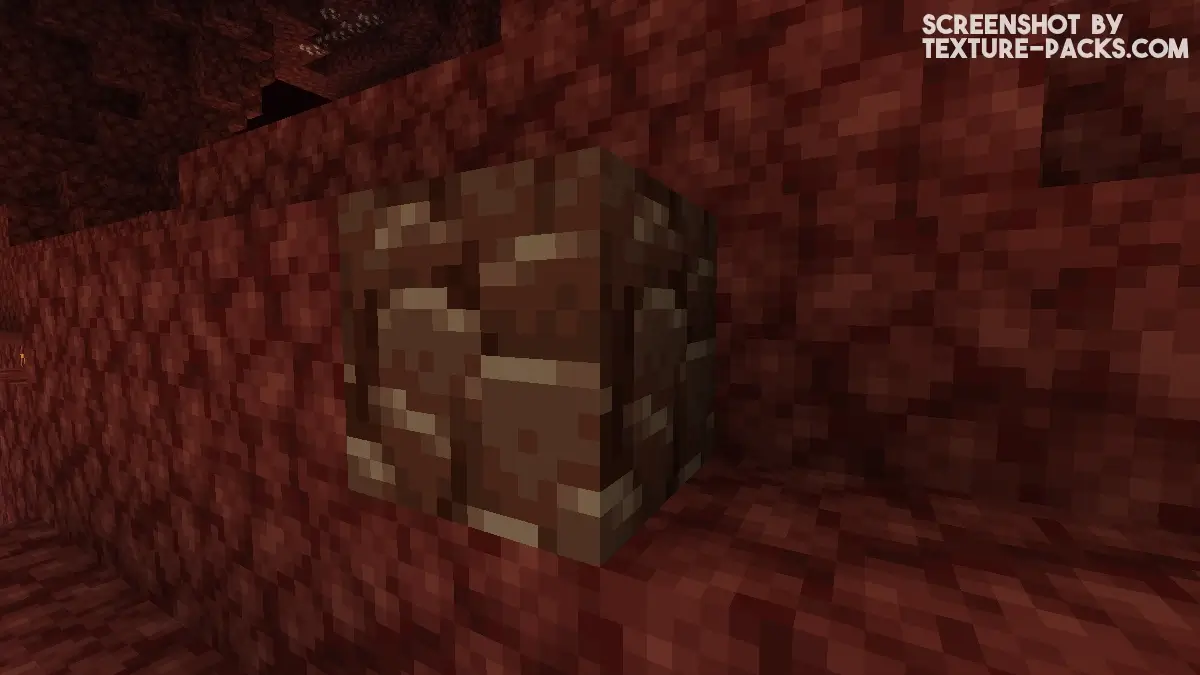
The Nether is dark, chaotic, and everything looks the same. Ancient Debris has this brown-gray color that blends right into the Netherrack, Basalt, and Blackstone around it. You can literally mine straight past Ancient Debris without noticing. When you’re bed mining or TNT mining and tons of blocks get blown up at once, spotting Ancient Debris in all that mess is nearly impossible. What makes it even worse is that Fortune doesn’t work on Ancient Debris, so every block you miss is actually gone.
The Blue Netherite Resource Pack fixes this the simplest way possible: it turns Ancient Debris bright blue. Nothing in the Nether is blue. Not Netherrack, not Basalt, not Blackstone, not even the lava. Ancient Debris just pops out instantly, even when you’re running through tunnels or just blew up a massive cave. A big update also made Ancient Debris emissive, so it actually glows in the dark now. Similar packs like Highlighted Netherite or Colored Ancient Debris do the same thing, but Blue Netherite is easily the most downloaded Netherite Texture Pack in this category.
Important thing to know: this isn’t a Netherite armor texture pack. It only changes the one block. Your Netherite armor, tools, and weapons stay completely vanilla. Just the Ancient Debris itself turns blue. For most players that’s perfect because the rest of the game feels exactly the same.
The pack works on both Java Edition and Bedrock Edition, no matter if you’re on PC, console, or mobile. Since it’s literally just one block texture, the file size is around 10 KB. That’s one of the smallest packs we’ve ever posted here. Resolution stays 16×16, same as vanilla. You won’t see any FPS difference, no loading difference, nothing. Also works fine on servers since it’s purely client-side, but check the server rules first.
If you want to go completely overboard, combine the Blue Netherite Texture Pack with the XRay pack. You’ll see Ancient Debris through walls and the blue color makes it instant to spot. Full Netherite gear in minutes, easy. But seriously only do this in singleplayer. On Realms or public servers this ruins everyone else’s experience, and most servers ban you for X-Ray anyway.
Ancient Debris is what you need for the most OP equipment in Minecraft, which is why this pack is actually useful. You smelt Ancient Debris into Netherite Scraps, craft those into Netherite Ingots, and upgrade your Diamond gear to max level. Netherite gear is fire-resistant, lasts way longer than Diamond, and has better stats across the board. If you’re really hardcore you can even build a Netherite Beacon, one of the rarest achievements in the entire game that needs insane amounts of Ancient Debris. With this Netherite Texture Pack that kind of project becomes way more realistic because you just won’t miss Ancient Debris anymore while mining. Download it for free if you want to dominate.
Blue Netherite was released on February 5, 2023 and is compatible with these Minecraft versions: 26.1.2 - 26.1.1 - 26.1 - 1.21.11 - 1.21.10 - 1.21.9 - 1.21.8 - 1.21.7 - 1.21.6 - 1.21.5 - 1.21.4 - 1.21.3 - 1.21.2 - 1.21.1 - 1.21 - 1.20.6 - 1.20.5 - 1.20.4 - 1.20.3 - 1.20.2 - 1.20.1 - 1.20 - 1.19.4 - 1.19.3 - 1.19.2 - 1.19.1 - 1.19 - 1.18.2 - 1.18.1 - 1.18 - 1.17.1 - 1.17 - 1.16.5 - 1.16.4 - 1.16.3 - 1.16
Video & Screenshots
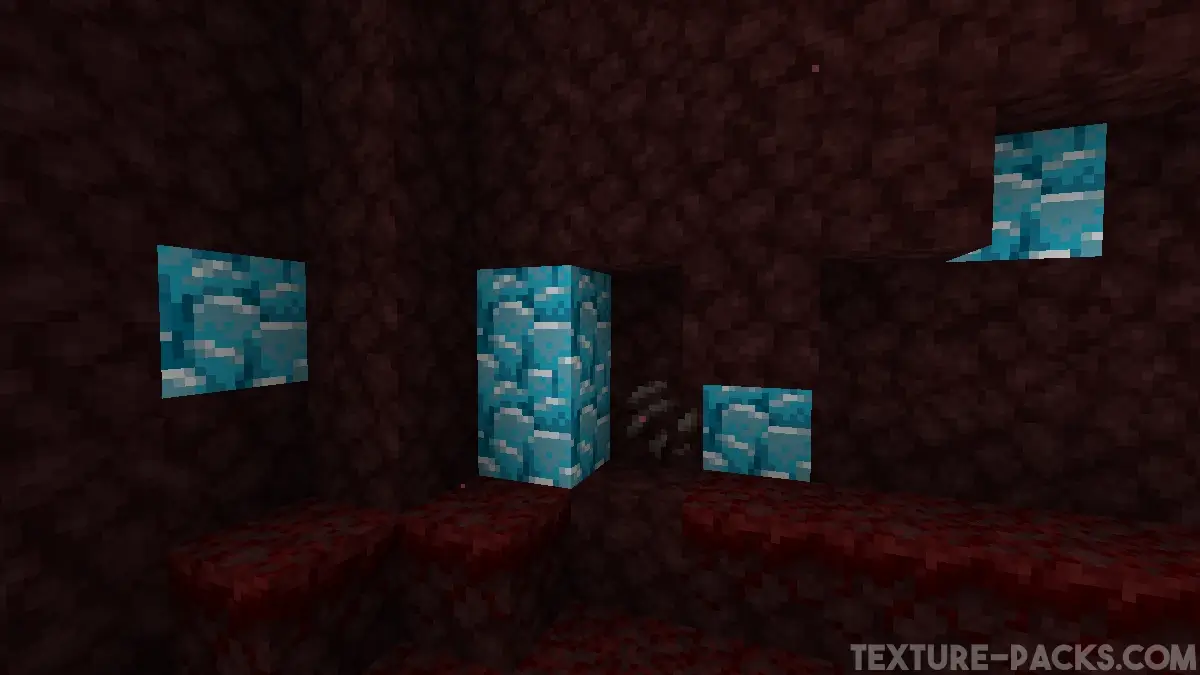
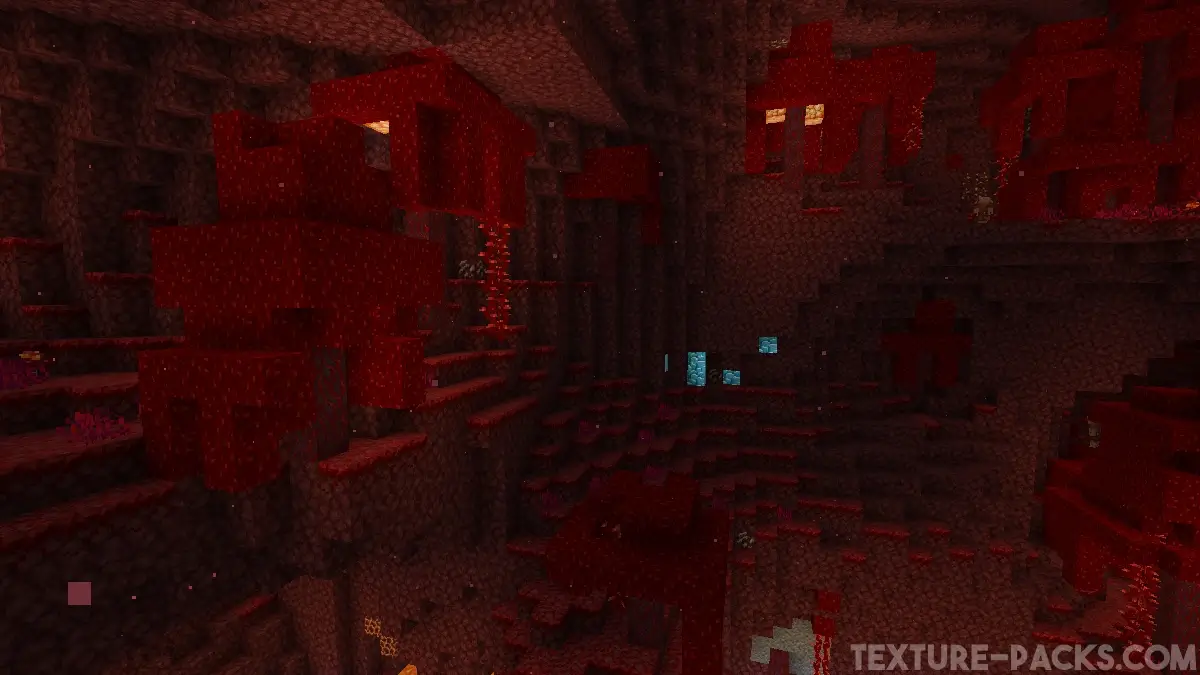
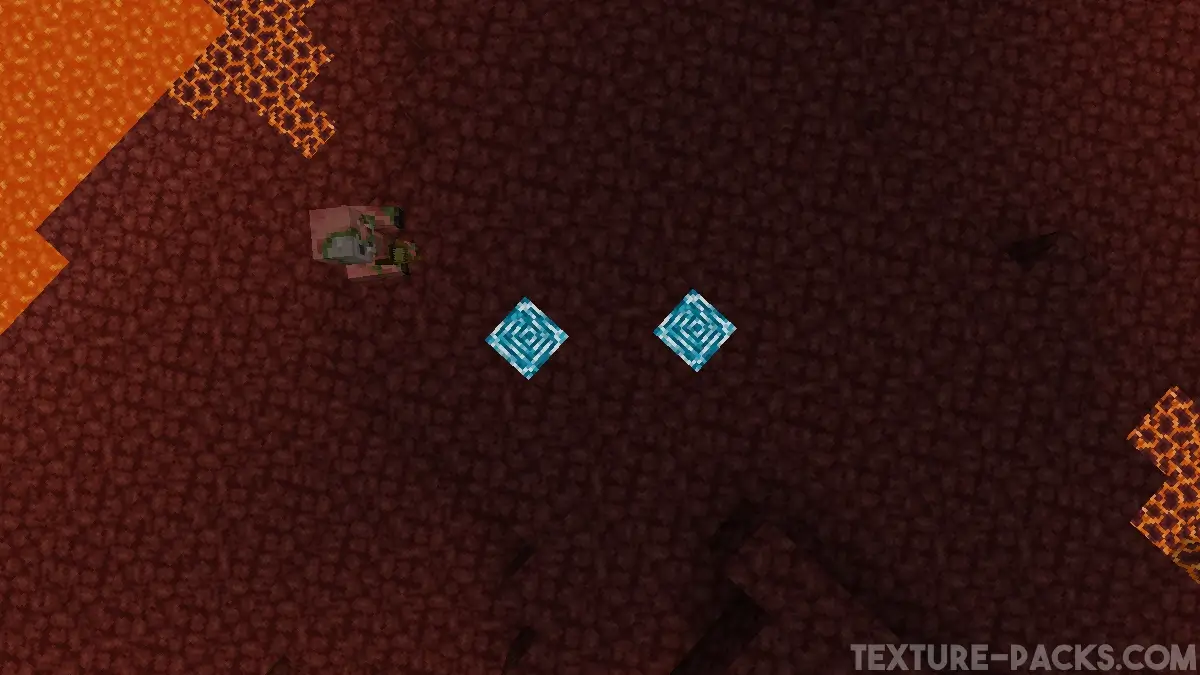
Comparison
Use our comparison tool to compare the Minecraft default pack with Blue Netherite.

How To Install Blue Netherite Texture Pack
Here’s a tutorial on installing Blue Netherite in Minecraft Java Edition. If you’re using Minecraft Bedrock Edition and the pack is available for Bedrock/MCPE, you can simply click on the downloaded file to install it.
- Download the Blue Netherite texture pack for Minecraft from the file section below. Pick the file that matches your Minecraft edition and version.
- Launch Minecraft.
- Click "Options" on the main menu.
- In the options, go to the submenu “Resource Packs”.
- Click "Open Pack Folder" at the bottom left to see a folder titled "resourcepacks".
- Put the downloaded ZIP file into your "resourcepacks" folder. Or, just drag and drop it into the Minecraft window to add the pack.
- You will see the pack on the left side of the resource pack selection menu. Unzip the file if you can't see the pack.
- Hover over the pack thumbnail and click the arrow pointing right.
If the game notifies you that the pack is made for a newer or older Minecraft version, simply click “Yes” to proceed. Most textures will still work.
- Click "Done" and all assets have been loaded.
Blue Netherite Texture Pack Download
[MCPACK] Download Blue Netherite Texture Pack
Java Edition:
Glowing blocks are only supported starting with Minecraft 1.21.2. In older versions, the blocks do not emit light.
[16x] [1.21.1 – 1.20.1] Download Blue Netherite Texture Pack
[16x] [1.20 – 1.16] Download Blue Netherite Texture Pack

We hope Mojang will make the Nether brighter. 😊
Thank you! My friends are wondering how I find so much debris haha